Plane jede KI-Bildrichtung in einem Workspace
Starte mit einem Prompt, vergleiche visuelle Routen und führe Referenzboards bis zu produktionsreifen Bildkonzepten, ohne zusätzliche Tools zusammenzustecken.
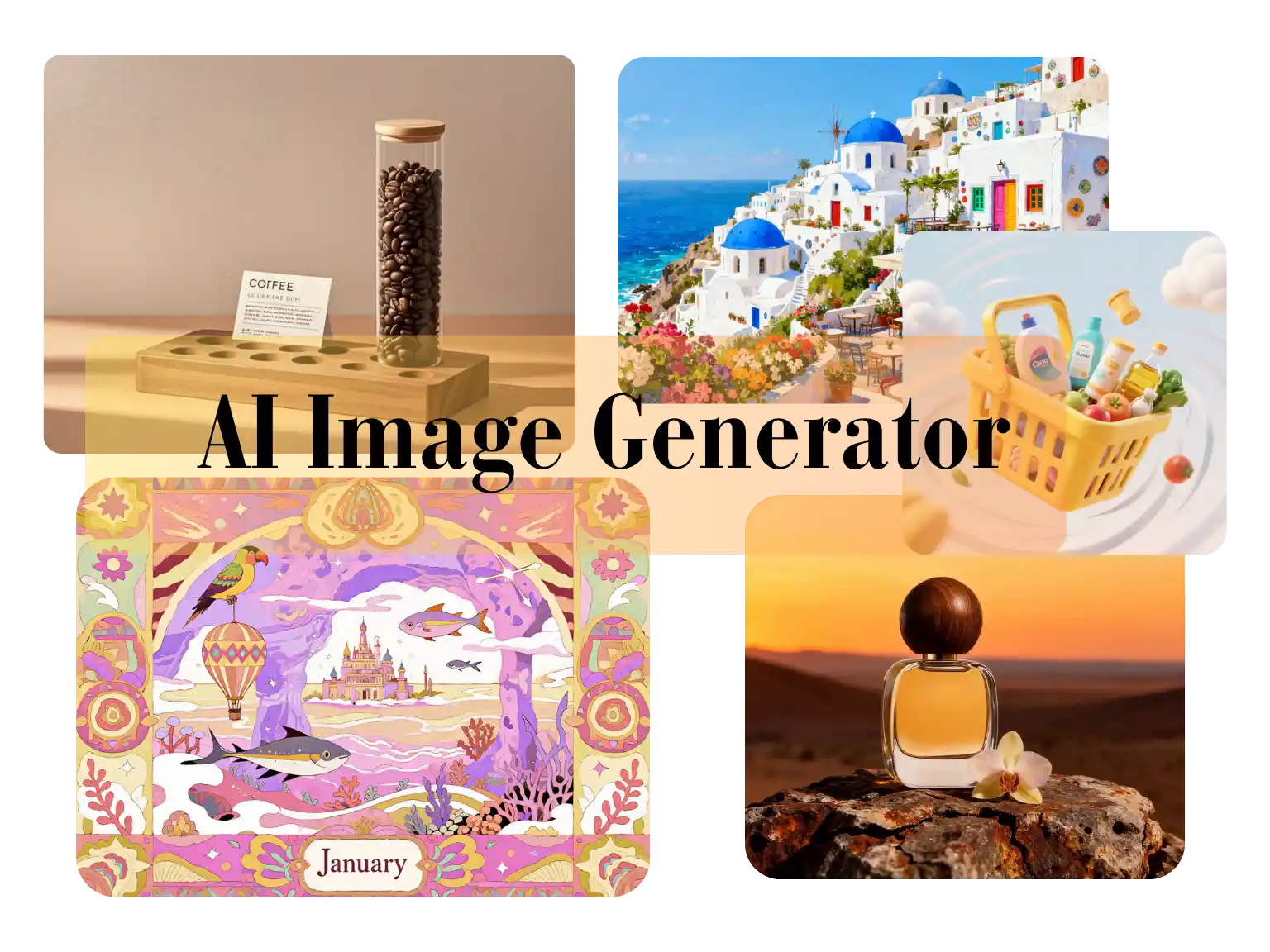
Use Nano Banana 2 Lite for image-to-image edits, text-to-image drafts, reference-based cleanup, product visuals, and lightweight creative iteration.
Generation Mode
Model
Quick Select
Source Image URL
Cost 1 credits
Try these examples
Resolution
Aspect Ratio
Output Format
Output Image Count
Allow the provider to call web search for current information when supported.
Starte mit einem Prompt, vergleiche visuelle Routen und führe Referenzboards bis zu produktionsreifen Bildkonzepten, ohne zusätzliche Tools zusammenzustecken.
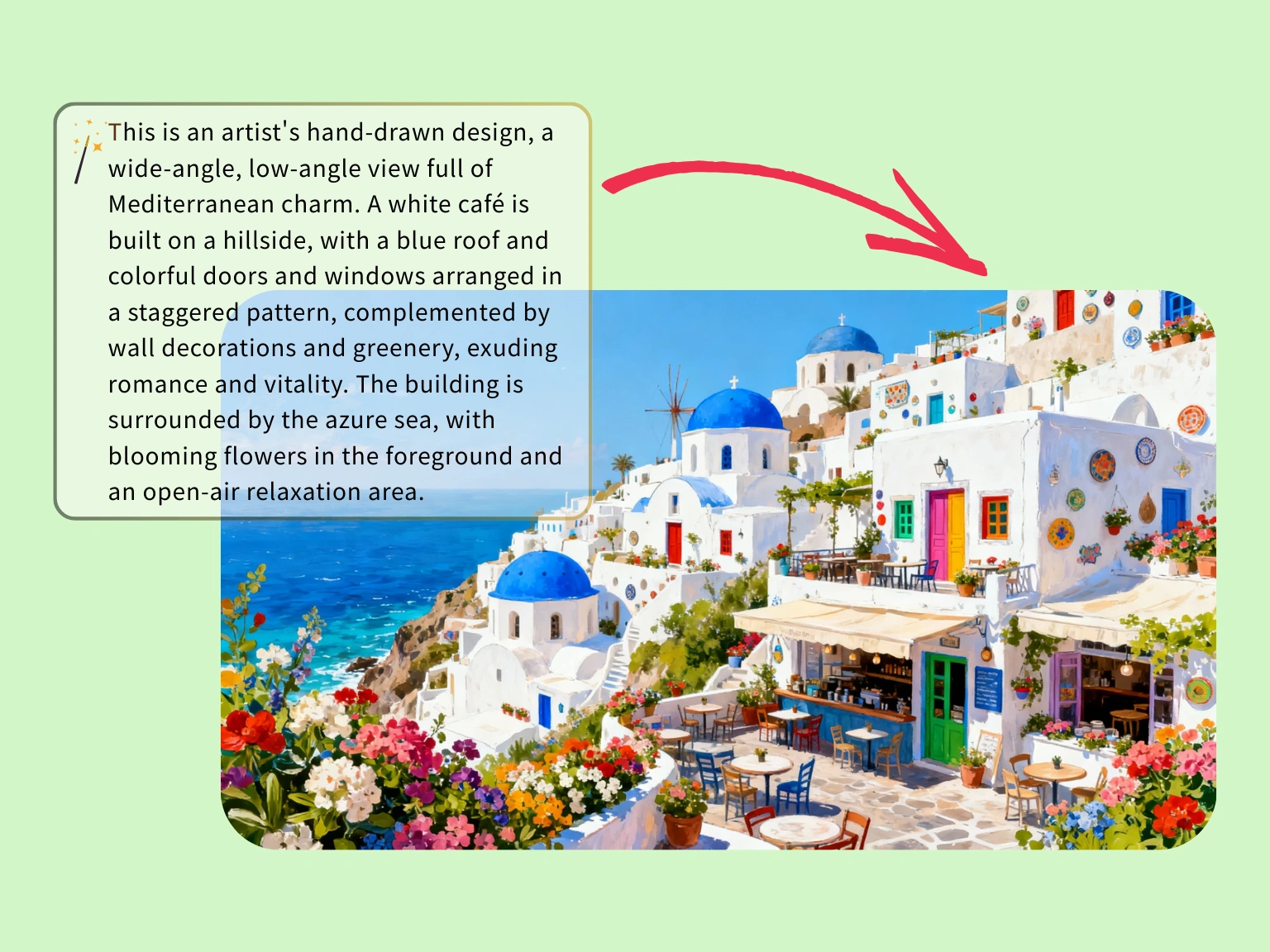
Lege Farben, Architektur und Stimmung per Prompt fest, bevor du in eine aufwendige Illustrationsproduktion gehst.
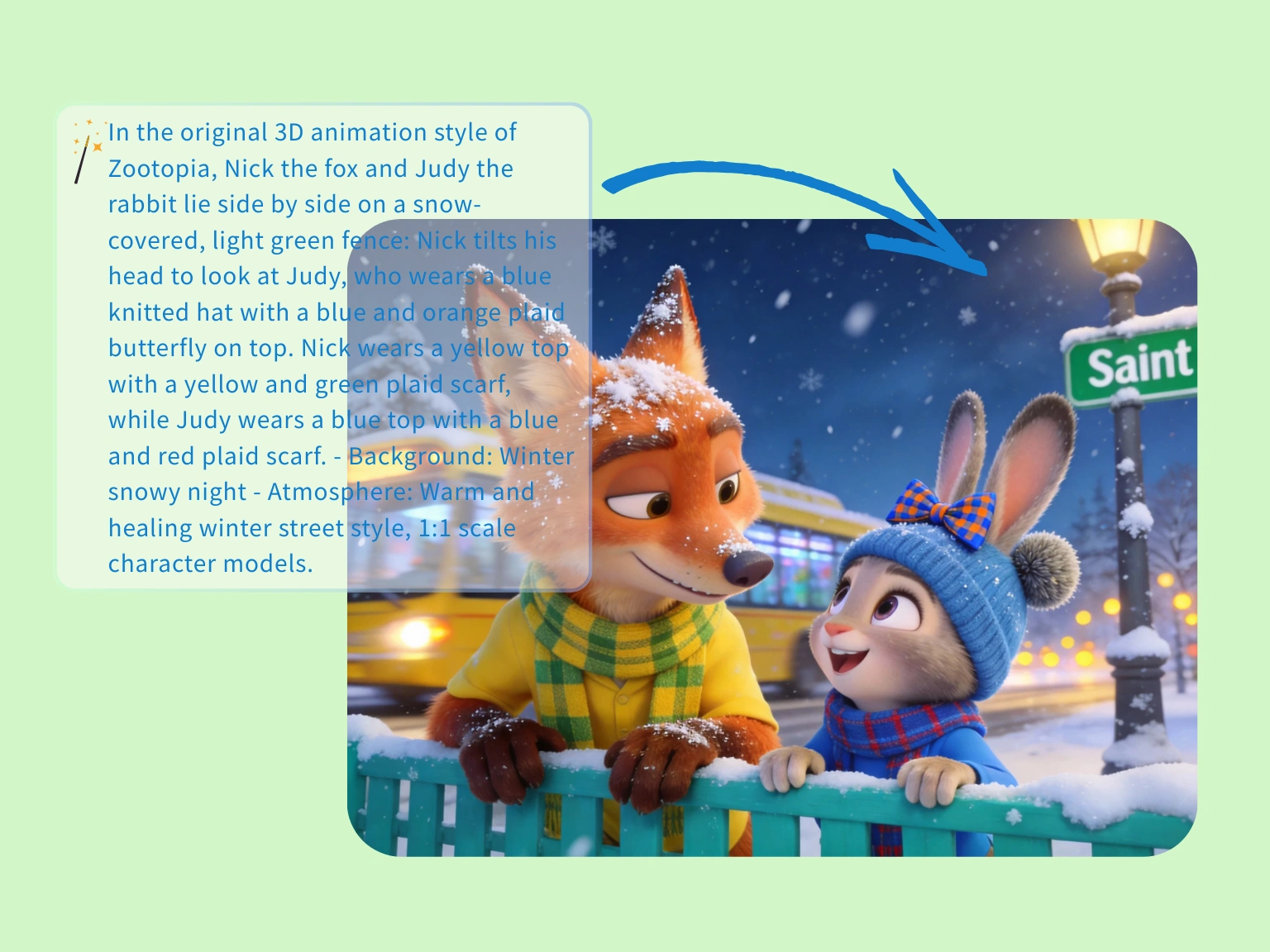
Wenn du schnell ein erzählerisches Motiv brauchst, hält der Generator Stimmung, Abstand und Chemie der Figuren konsistent.
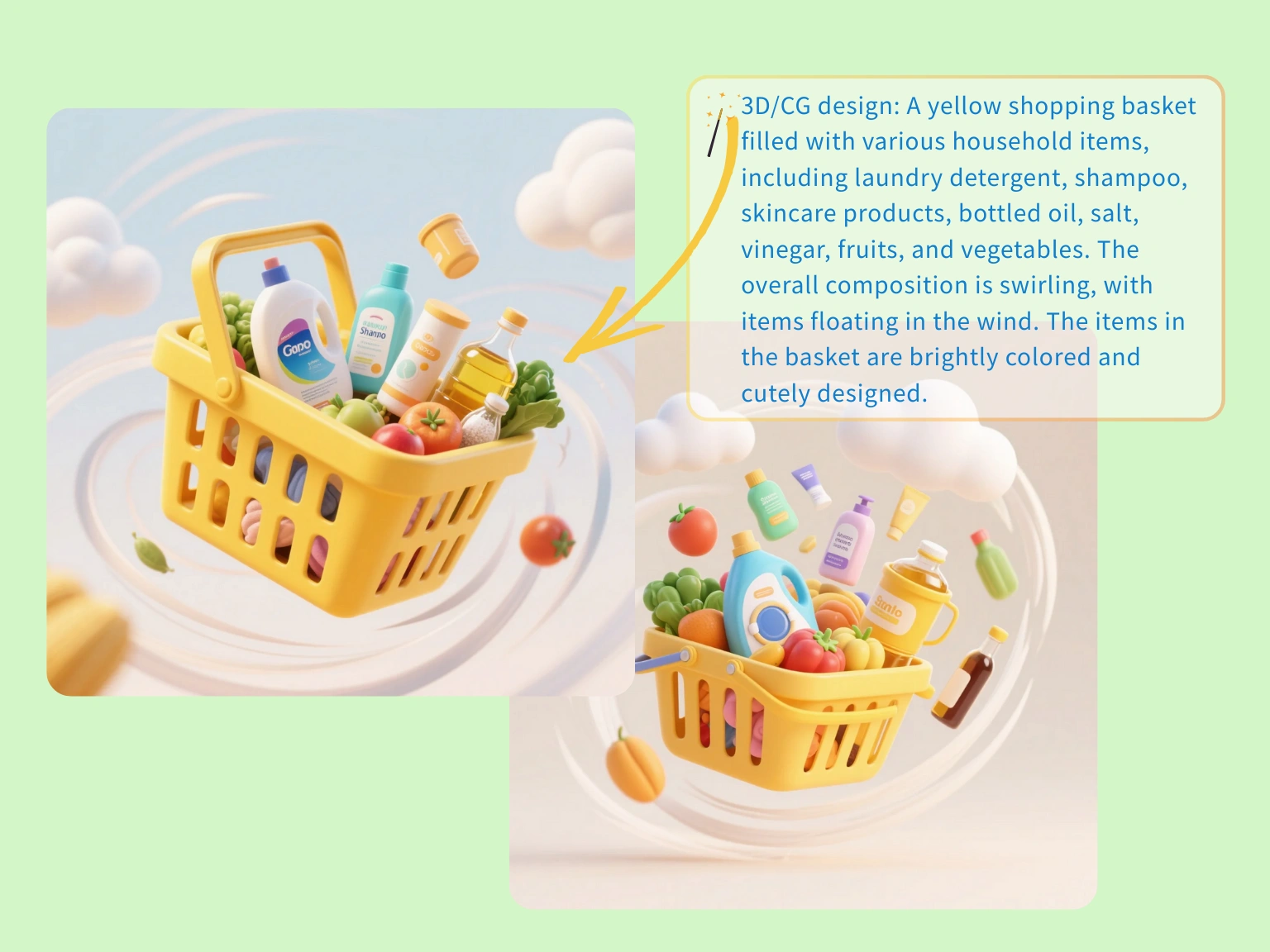
Erstelle Lifestyle-Konzepte mit Requisiten und Bewegungshinweisen, damit Shop, Ads und Landingpage früher auf einer Linie sind.
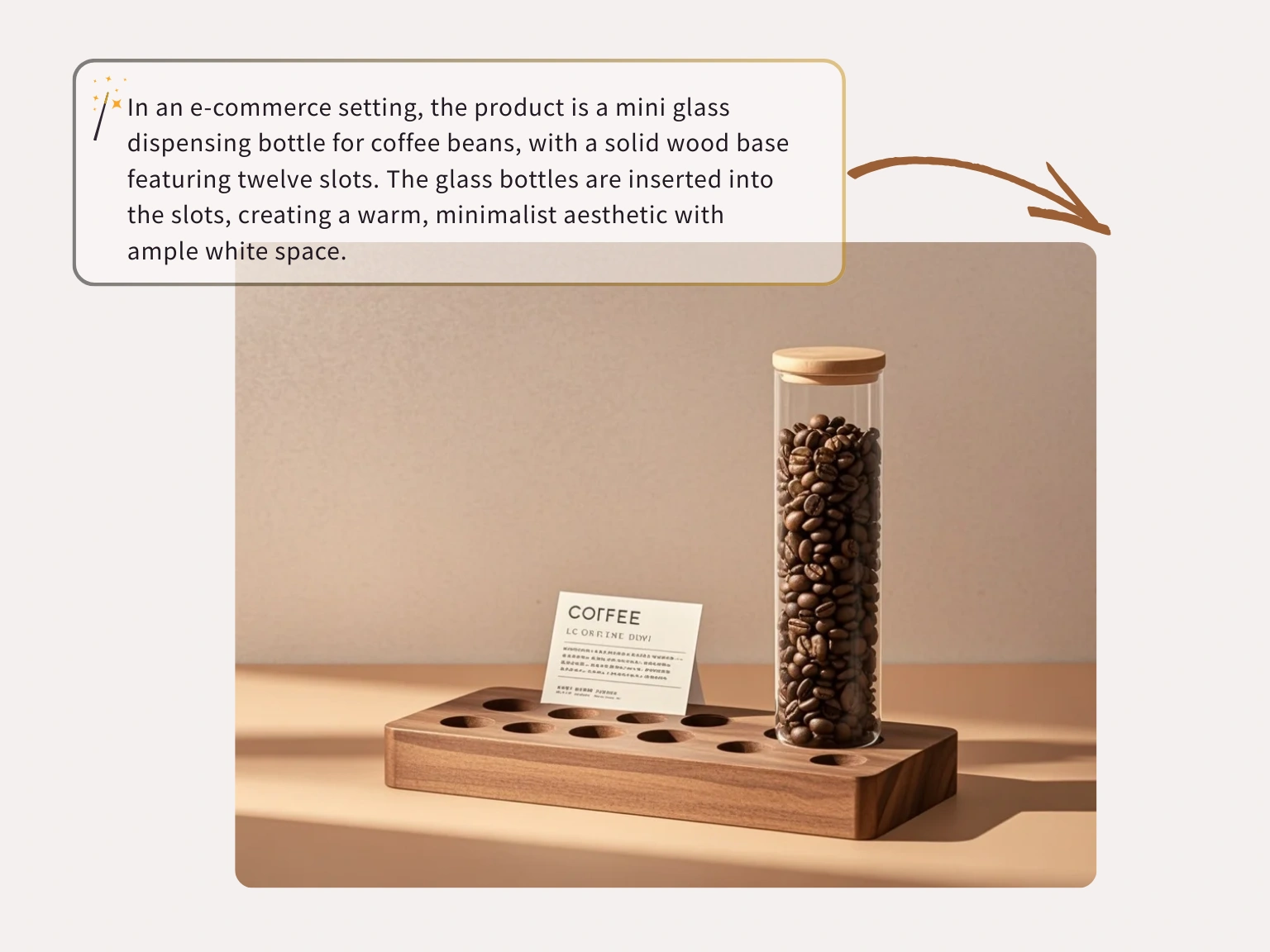
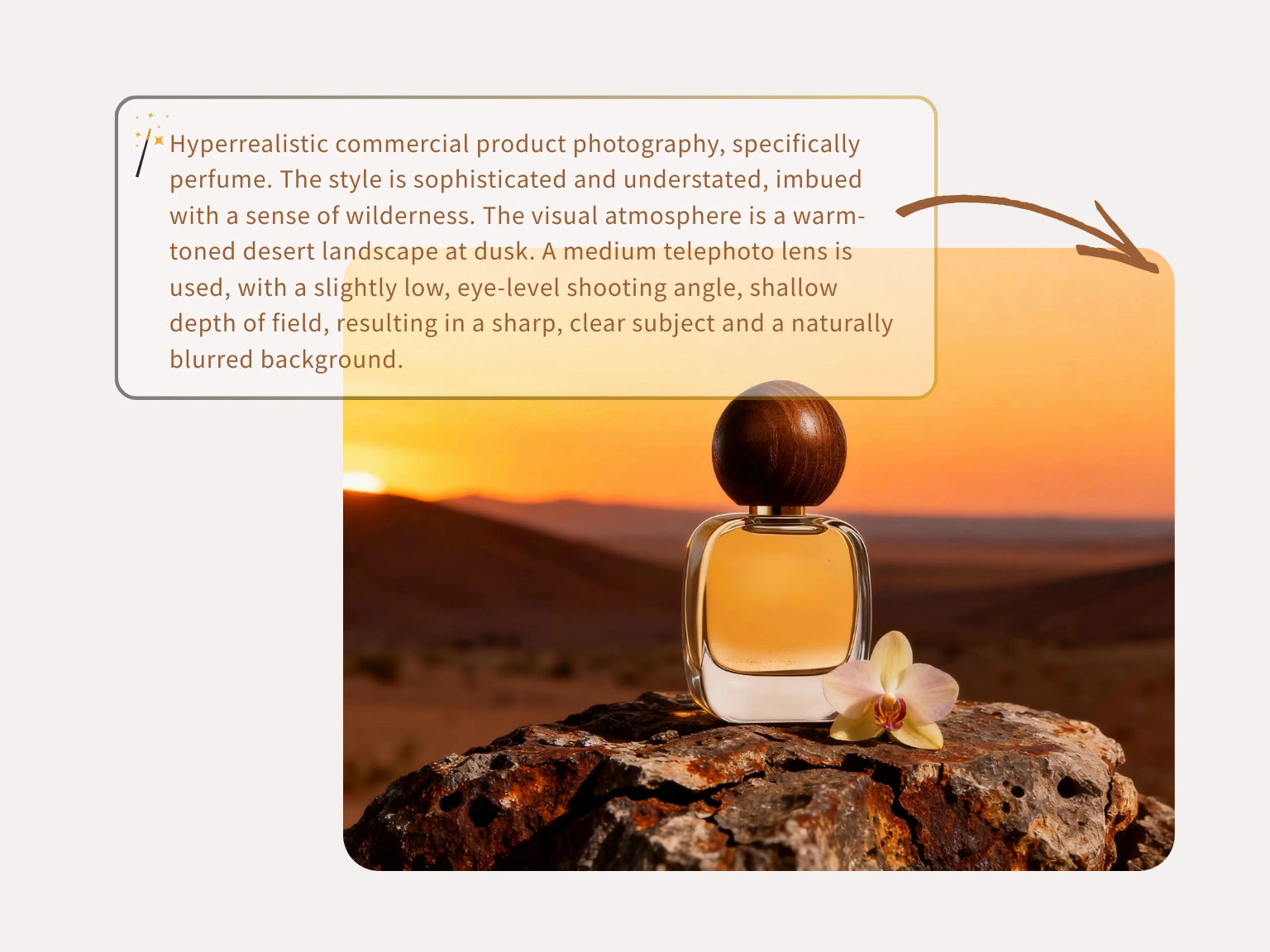
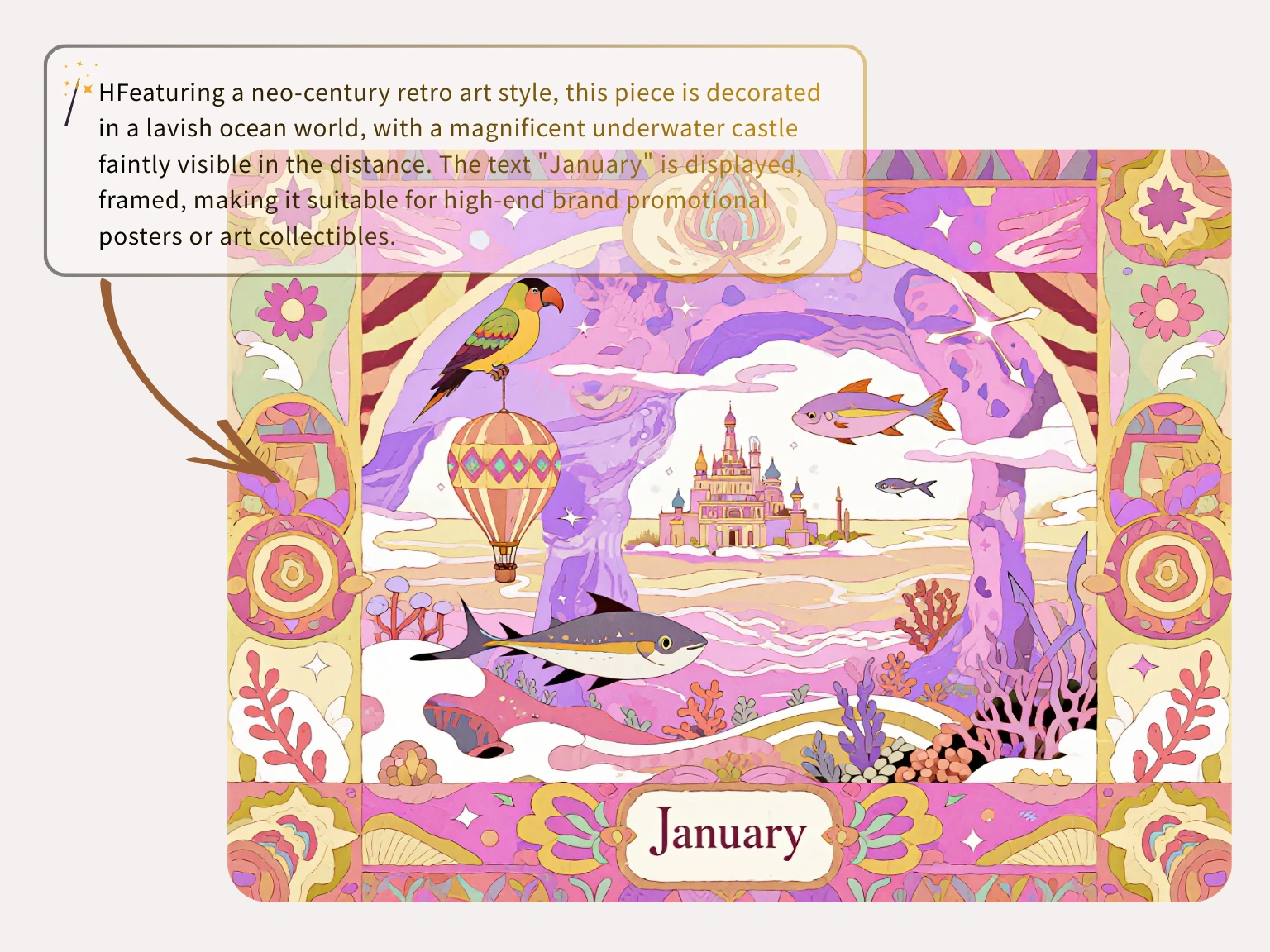
Image-to-image
Das Ausgangsbild bleibt der Anker, während KI Stil, Hintergrund, Produktstimmung oder Auflösung verändert.
Starte mit Foto oder Entwurf und erkläre, was stabil bleiben soll, bevor der Rest geändert wird.
Referenzbilder werden für die angeforderte Generierung genutzt, nicht als offenes Trainingsmaterial.
Teste Hintergründe, Stile und Produktvarianten, ohne zwischen mehreren Apps zu wechseln.
Drei Schritte
Lade ein Bild hoch, leite Nano Banana Lite mit einer direkten Anweisung und exportiere die passende Version.
Wähle das Bild, das Motiv, Bildausschnitt, Produktform oder visuelle Richtung vorgibt.
Schreibe, was sich ändern und was erhalten bleiben soll, damit der Edit kontrolliert bleibt.
Prüfe das Ergebnis und lade ein sauberes Bild für Kampagnen, Posts oder Produktseiten herunter.
Creator nutzen Nano Banana Lite als Nano Banana Lite AI image editor für schnelle Produktbilder, Objektentfernung und saubere Varianten ohne schwere Suite.
“Ich nutze Nano Banana Lite täglich als free Nano Banana Lite AI image editor für Produktbilder. Hintergründe werden sauberer, die Form bleibt stabil.”
Jason Miller
Store Owner

“Volle Hintergründe haben mich ausgebremst. Nano Banana Lite entfernt Störungen und liefert schnell ein sauberes Ergebnis.”
Chelsea Brooks
Travel Blogger

“Der Upscaler hilft bei groben Kundenassets. Ich kann Bereiche per Prompt ändern und das Layout lesbar halten.”
David Warren
Senior UI Designer

“Ein altes Marketingbanner ließ sich durch Markieren und Tippen schnell aktualisieren. Licht und Schrift passten gut genug.”
Maya Rivera
Operations Lead

“Handyfotos waren mühsam. Dieser Nano Banana Lite AI image editor bereinigt sie, bevor ich eine Listing-Seite veröffentliche.”
Alex Chen
Independent Seller

“Viele Tools filtern Gesichter zu stark. Nano Banana Lite liefert schneller professionelle Entwürfe.”
Thomas Reed
Concept Artist

FAQ
Answers about Nano Banana Lite, Nano Banana 2 Lite workflows, credits, privacy, model choice, and image-to-image editing.
Nano Banana 2 Lite is the hosted image workspace for fast prompt-to-image drafts and source-image edits. It is designed for lightweight iteration before final production.
Each visitor can use one Seedream image trial without signing in. Creating an account saves history; additional generations require purchased credits.
No. Plain English prompts work. More specific prompts help, but the workspace is built for users who want image results without professional design software.
One public workspace supports text-to-image for new concepts and image-to-image for guided edits from an uploaded or linked source image.
Open the text-to-image tab, write a clear prompt, choose a model and output settings, then generate. Add lighting, camera angle, subject details, and composition for tighter results.
Yes. Use image-to-image when you have a source image or direct public image URL and want the prompt to guide variations, cleanup, style changes, or refinements.
The Nano Banana Lite model family selector can expose Nano Banana, Nano Banana 2, GPT Image 2, Nano Banana 2 Lite, SeeDream 4.0, SeeDream 4.5, and SeeDream 5.0 Lite. Availability and credit cost can vary.
Most tasks are queued and refreshed automatically. Timing depends on model load, resolution, provider queue health, and whether you are generating from text or editing a source image.
You can prompt for realism, anime, 3D art, product renders, editorial concepts, social visuals, packaging directions, and other model-supported styles.
Current image routes expose 1K, 2K, and 4K output choices when the selected upstream model supports them.
Commercial use depends on your plan, the selected model terms, your prompt and reference rights, and local law. Review the terms before publishing or selling outputs.
Prompts and reference images are processed for the requested task and sent only to services needed to produce the result. Private work does not become a public gallery by default.
Erzeuge einen schnellen Draft aus Prompt oder Referenzbild, vergleiche Versionen und führe die stärkste Richtung in einen Nano Banana 2 Lite Workflow.