AI 画像の方向性を 1 つのワークスペースで設計
プロンプトから始め、複数のビジュアル案を比較し、参考ボードから制作に使える画像コンセプトまで、別ツールをつながずに進められます。
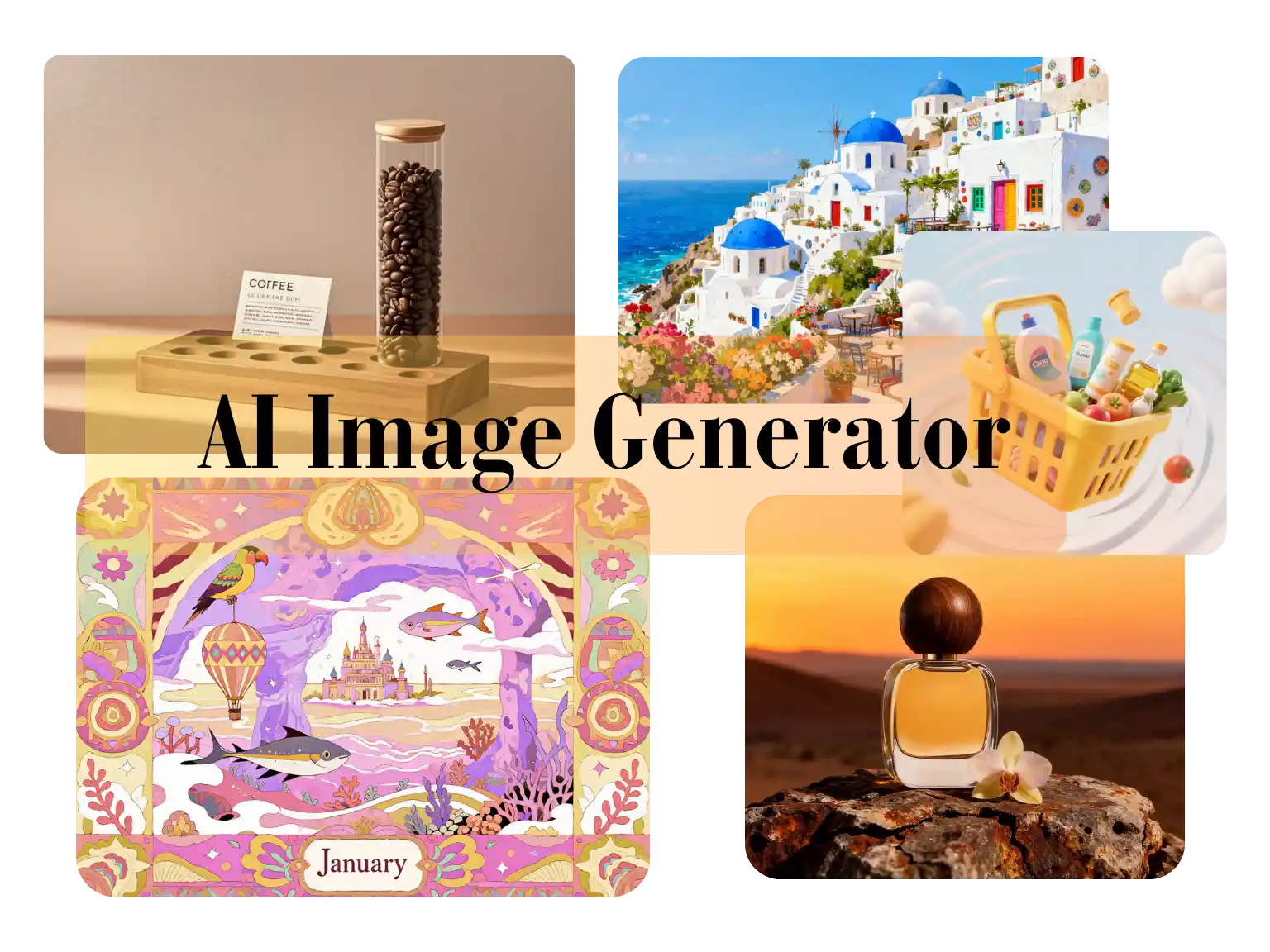
Use Nano Banana 2 Lite for image-to-image edits, text-to-image drafts, reference-based cleanup, product visuals, and lightweight creative iteration.
Generation Mode
Model
Quick Select
Source Image URL
Cost 1 credits
Try these examples
Resolution
Aspect Ratio
Output Format
Output Image Count
Allow the provider to call web search for current information when supported.
プロンプトから始め、複数のビジュアル案を比較し、参考ボードから制作に使える画像コンセプトまで、別ツールをつながずに進められます。
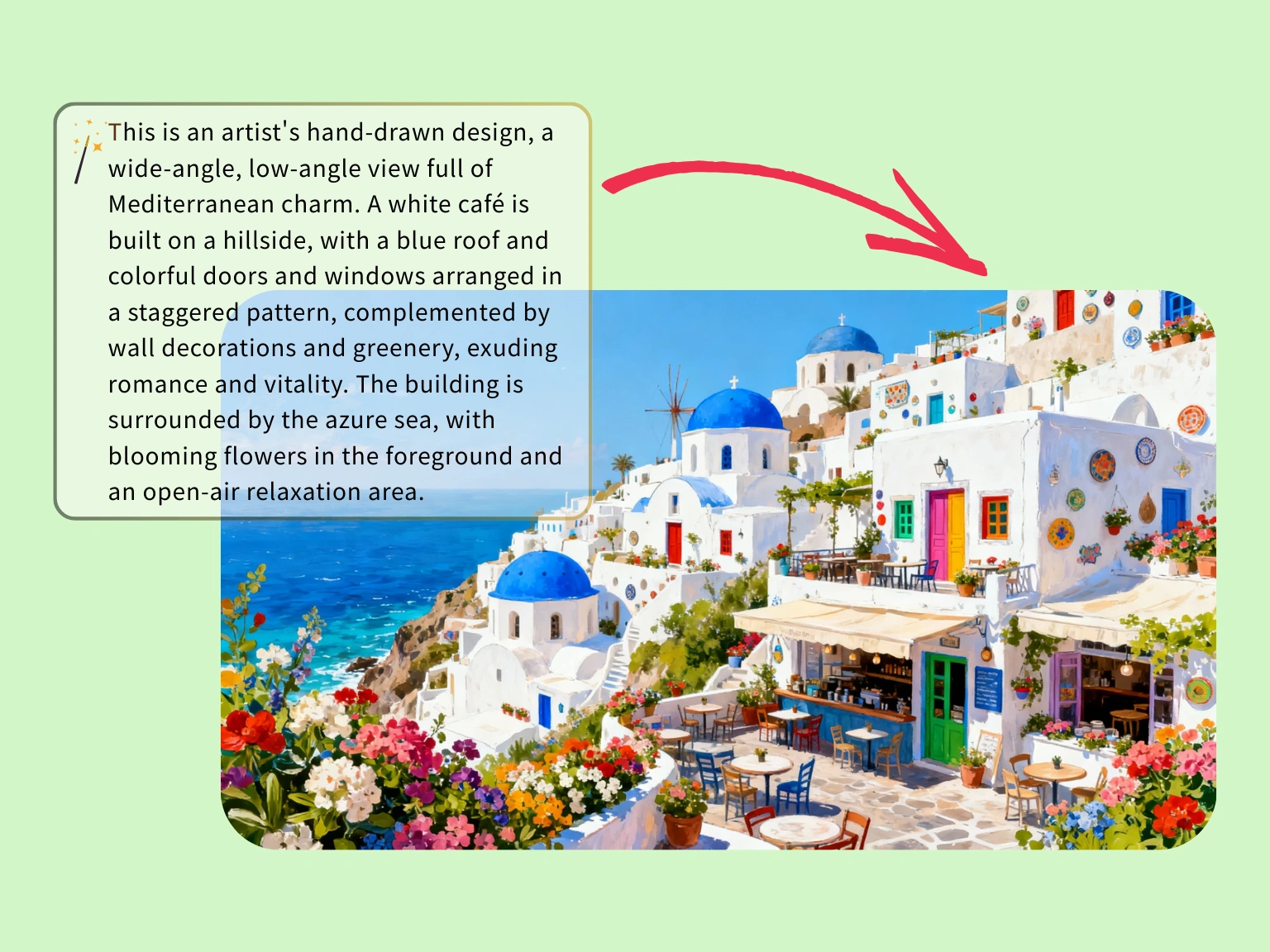
色、建築、空気感をまずプロンプトで固めてから、本格的なオーダー制作に進むか判断できます。
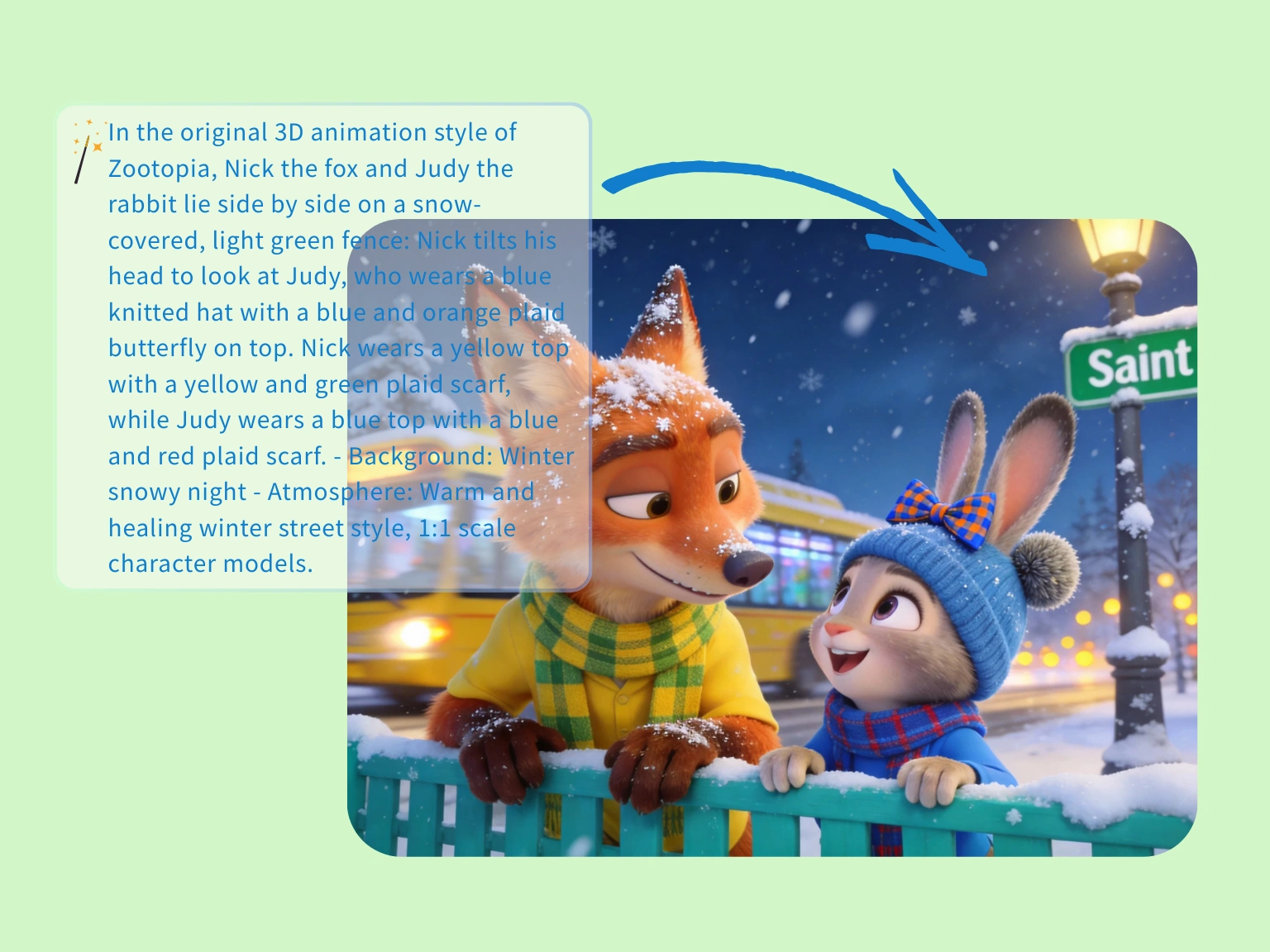
物語性のある 1 枚を急いで作りたいときも、ムード、距離感、キャラクター同士の空気をまとめて維持できます。
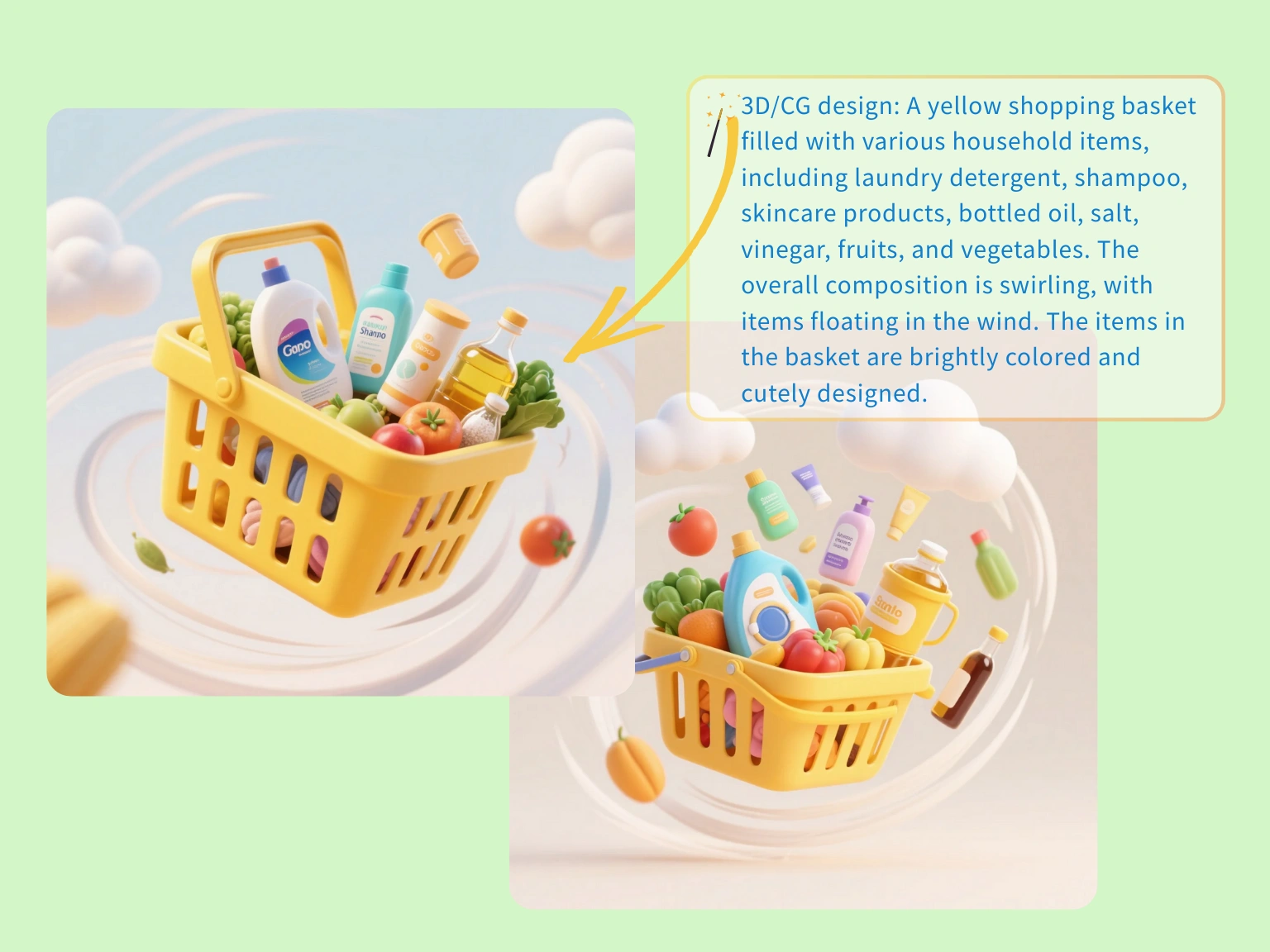
小物や動きのヒントまで含めたライフスタイル案を先に出し、商品ページ、広告、LP の方向を早めに揃えます。
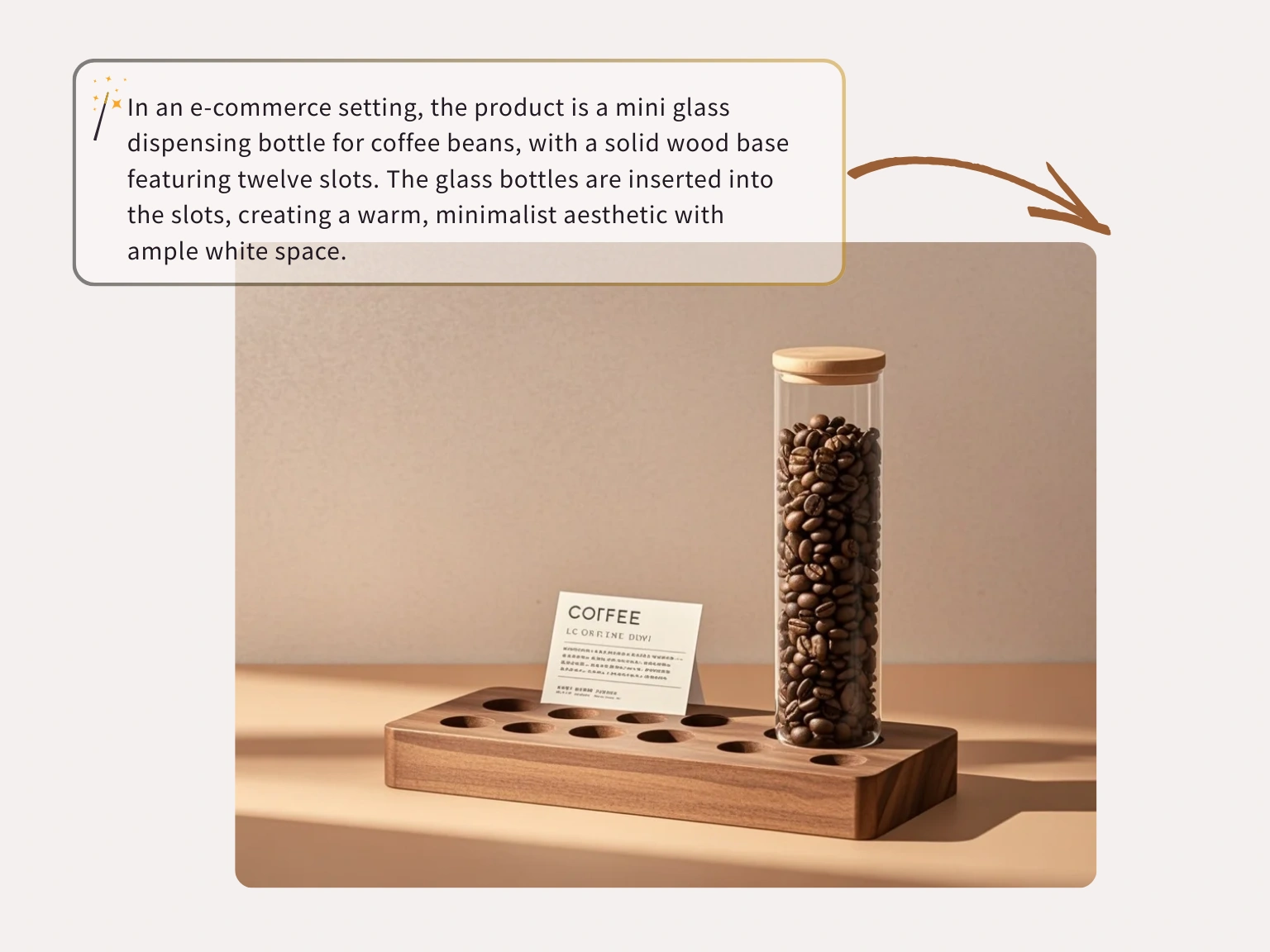
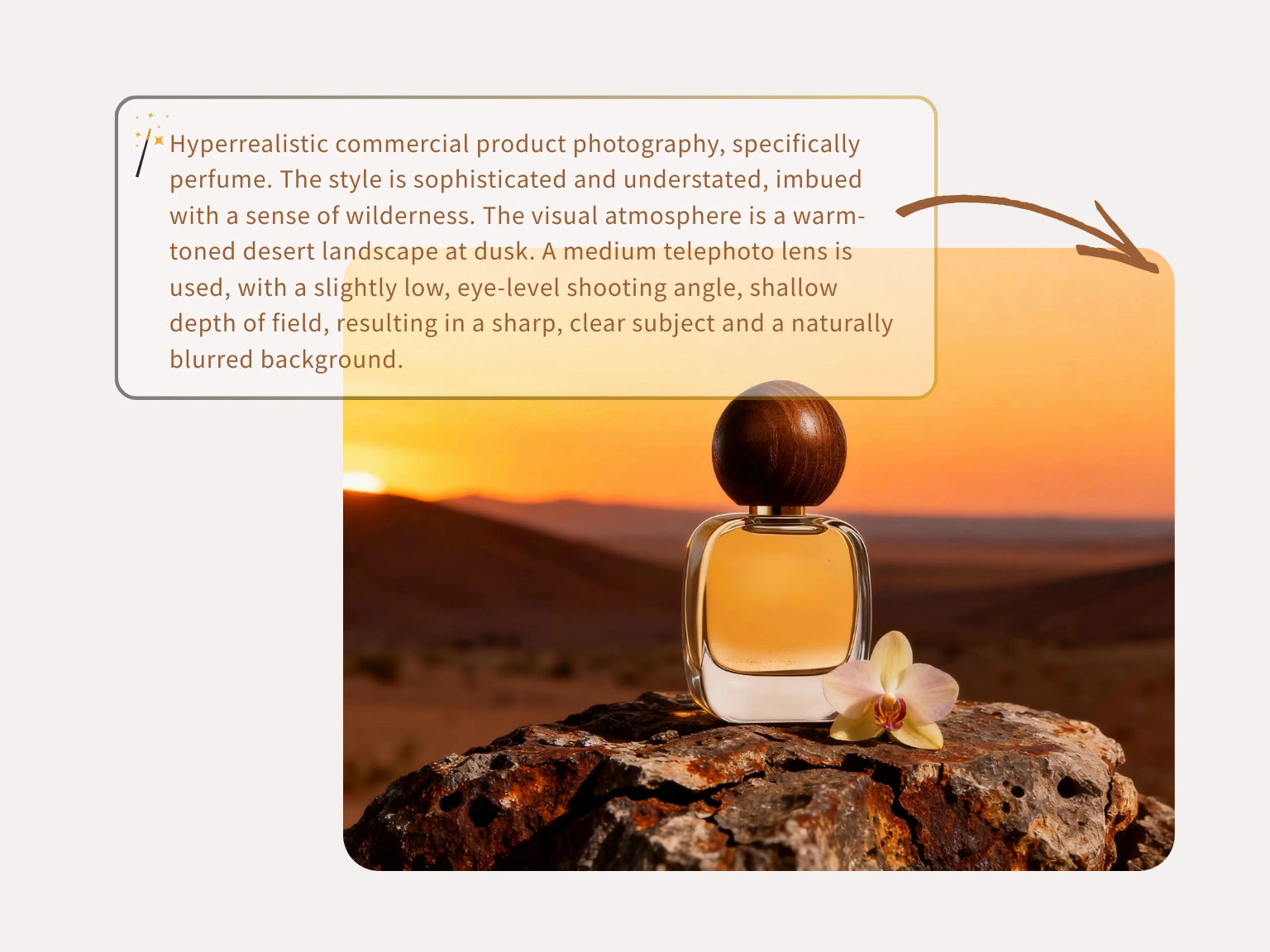
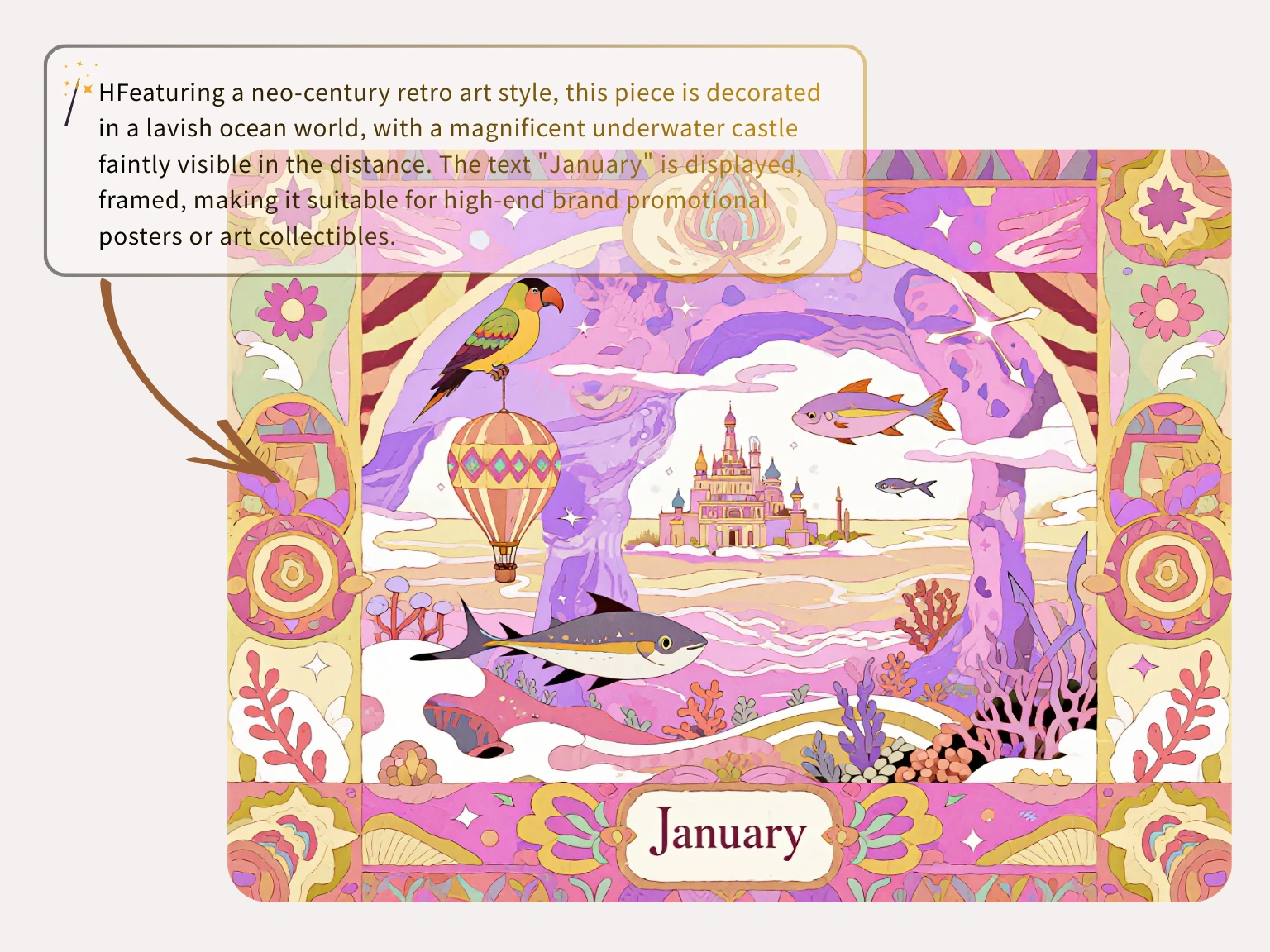
image-to-image
元画像を基準にしたまま、AI がスタイル、背景、商品イメージ、解像度を変更します。
実写やラフを起点にし、何を保つべきかを伝えてから他の部分を編集できます。
参照画像は依頼された生成タスクに使われ、無制限の学習コンテンツとして再利用されません。
背景テスト、スタイル案、商品画像のバリエーションを複数アプリなしで進められます。
3 ステップ
元画像をアップロードし、Nano Banana Lite に直接指示して、目的に合うバージョンを書き出します。
被写体、構図、商品の形、または視覚方向を決める画像を選びます。
何を変え、何を保つかを書いて、編集結果をコントロールしやすくします。
生成結果を確認し、キャンペーン、投稿、商品ページ向けの画像をダウンロードします。
クリエイターは Nano Banana Lite を Nano Banana Lite AI image editor として使い、商品写真の更新、不要物除去、素早いバリエーション作成を行っています。
“Nano Banana Lite を free Nano Banana Lite AI image editor として毎日使っています。商品写真の背景が整い、形も崩れません。”
Jason Miller
ストアオーナー

“混雑した背景の処理に時間がかかっていました。Nano Banana Lite なら不要なものを消してすぐ clean な画像にできます。”
Chelsea Brooks
旅行ブロガー

“粗いクライアント素材の拡大に便利です。プロンプトで一部を直してもレイアウトが読みやすいままです。”
David Warren
シニア UI デザイナー

“古いマーケティングバナーの文字を選択して更新しました。フォントと光のなじみが当日利用に十分でした。”
Maya Rivera
運用責任者

“スマホの商品写真は大変でした。この Nano Banana Lite AI image editor で公開前にきれいに整えられます。”
Alex Chen
独立セラー

“多くのツールは顔を加工しすぎます。Nano Banana Lite は短時間でプロらしい下書きを出せます。”
Thomas Reed
コンセプトアーティスト

FAQ
Answers about Nano Banana Lite, Nano Banana 2 Lite workflows, credits, privacy, model choice, and image-to-image editing.
Nano Banana 2 Lite is the hosted image workspace for fast prompt-to-image drafts and source-image edits. It is designed for lightweight iteration before final production.
Each visitor can use one Seedream image trial without signing in. Creating an account saves history; additional generations require purchased credits.
No. Plain English prompts work. More specific prompts help, but the workspace is built for users who want image results without professional design software.
One public workspace supports text-to-image for new concepts and image-to-image for guided edits from an uploaded or linked source image.
Open the text-to-image tab, write a clear prompt, choose a model and output settings, then generate. Add lighting, camera angle, subject details, and composition for tighter results.
Yes. Use image-to-image when you have a source image or direct public image URL and want the prompt to guide variations, cleanup, style changes, or refinements.
The Nano Banana Lite model family selector can expose Nano Banana, Nano Banana 2, GPT Image 2, Nano Banana 2 Lite, SeeDream 4.0, SeeDream 4.5, and SeeDream 5.0 Lite. Availability and credit cost can vary.
Most tasks are queued and refreshed automatically. Timing depends on model load, resolution, provider queue health, and whether you are generating from text or editing a source image.
You can prompt for realism, anime, 3D art, product renders, editorial concepts, social visuals, packaging directions, and other model-supported styles.
Current image routes expose 1K, 2K, and 4K output choices when the selected upstream model supports them.
Commercial use depends on your plan, the selected model terms, your prompt and reference rights, and local law. Review the terms before publishing or selling outputs.
Prompts and reference images are processed for the requested task and sent only to services needed to produce the result. Private work does not become a public gallery by default.
プロンプトまたは参照画像から素早い下書きを作り、複数案を比較して、良い方向を Nano Banana 2 Lite ワークフローへ進めます。