ソースに忠実なディレクション
カメラと背景が動いても、アップロードされた製品の形状とエッジを視覚的なアンカーとして維持します。
画像をアップロードしてプロンプトを入力し、「動画を生成」をクリックすると、最初のAI動画が作成されます。
きれいな製品画像をアップロードし、カメラの動きと雰囲気を記述して、キャンペーンやリスティングテスト用の短いクリップを生成します。
きれいな製品画像をアップロードし、カメラの動きと雰囲気を記述して、キャンペーンやリスティングテスト用の短いクリップを生成します。
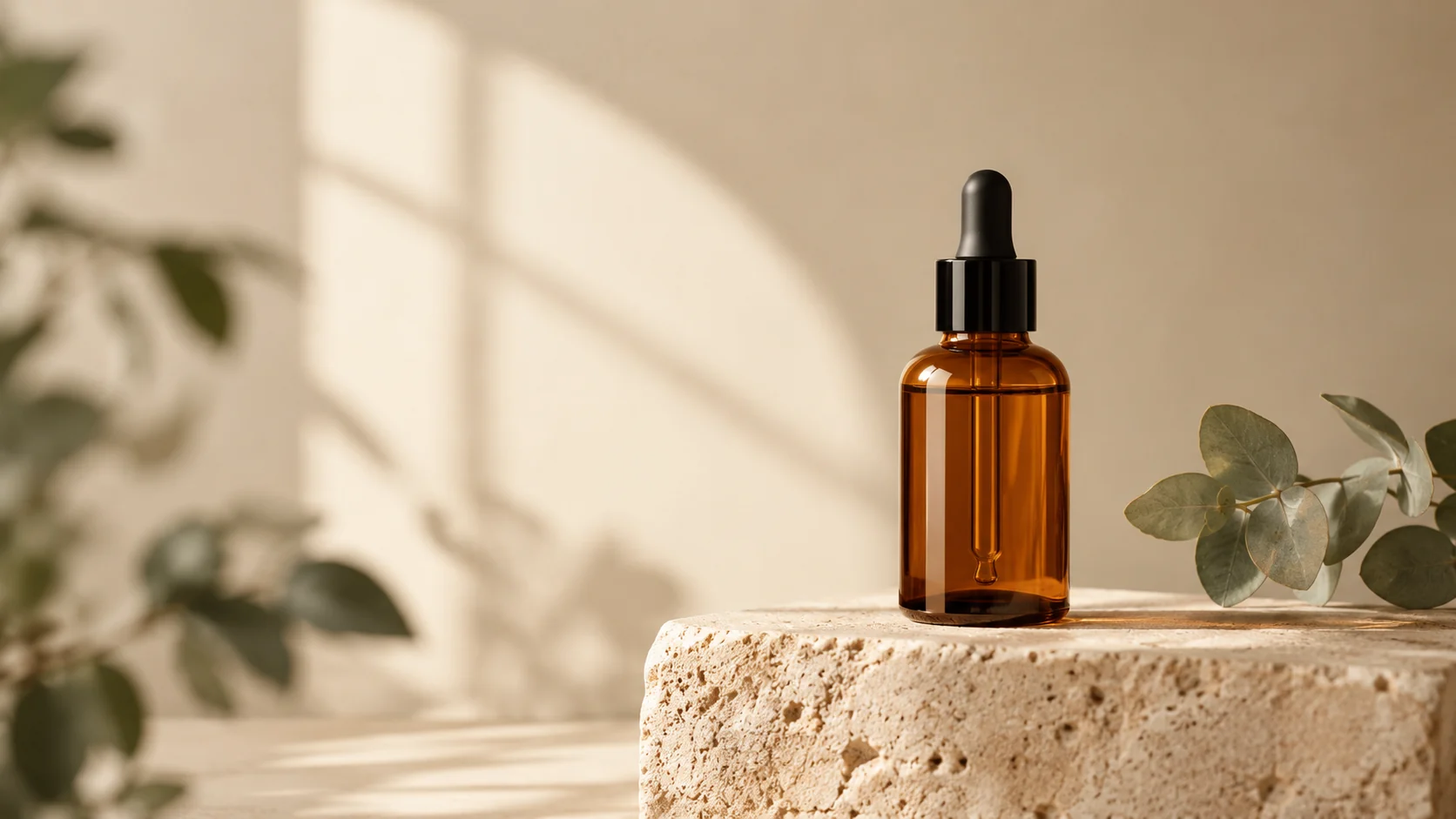
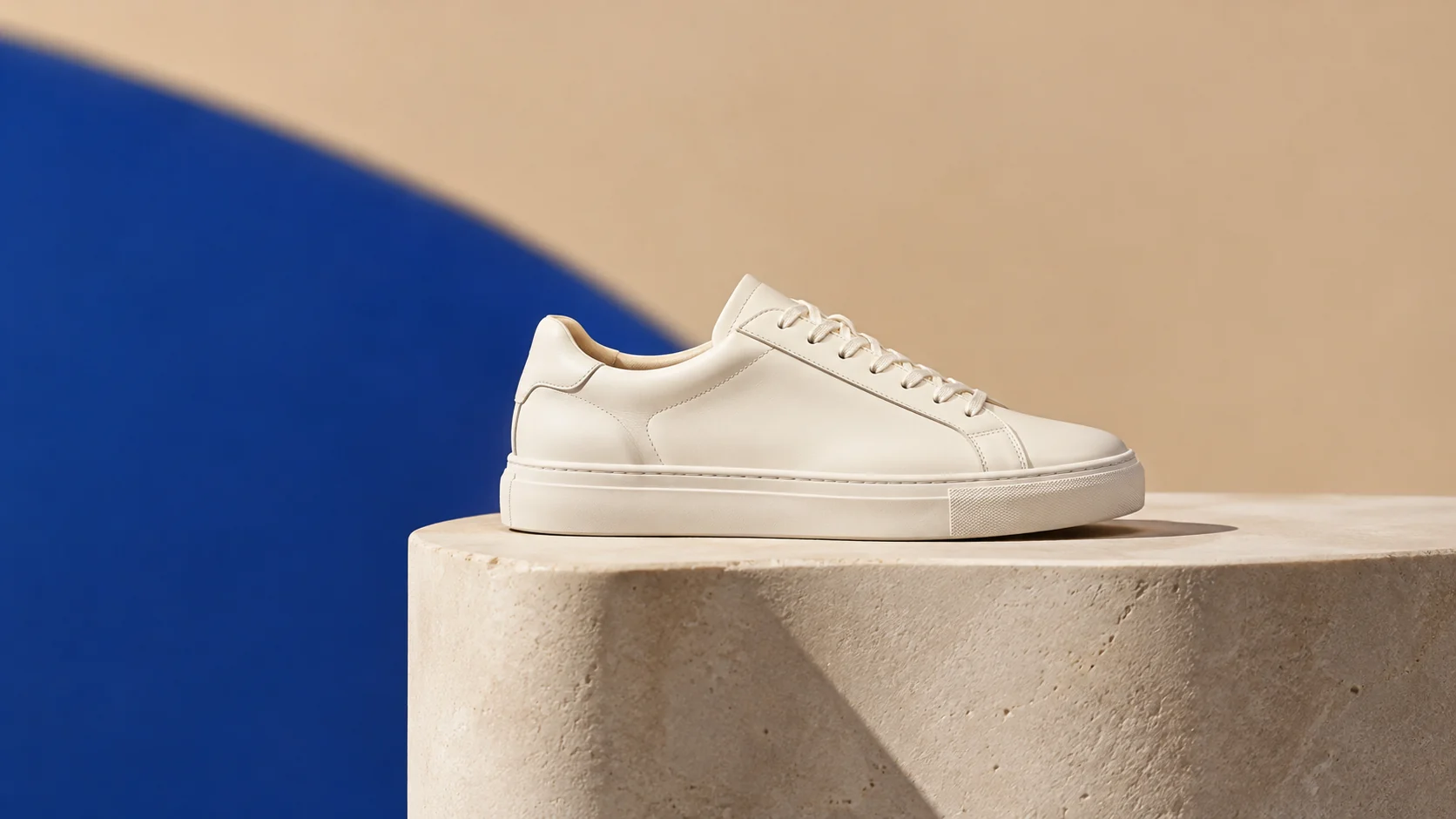
ソース画像. 明確なシルエットと十分なエッジの詳細を持つきれいな製品写真を使用してください。
モーションプロンプト. カメラの動き、製品の動き、光、背景の雰囲気を記述します。
出力設定. クレジットを消費する前に、実用的な期間、解像度、比率を選択してください。
カメラと背景が動いても、アップロードされた製品の形状とエッジを視覚的なアンカーとして維持します。
複雑なシーケンスを試す前に、シンプルなプッシュ、ターン、ライトスイープ、または雰囲気の動きを選択してください。
期間、解像度、比率をまとめて確認し、テストが意図する配置と一致するようにします。
最初のフレームや最後のフレームだけでなく、クリップ全体で小さなラベルやエッジを確認してください。
本格的な制作が承認される前に、動き、光、ペースを探ります。
既存の製品画像から、リスティングやソーシャル投稿用の短い視覚的なティーザーを作成します。
最終撮影の前に、静止した製品シーンがどのように動くかをチームに示します。
Use the uploaded product image as the exact first frame. Preserve the product shape, label placement, material, and color. Create a slow five-second camera orbit with a subtle studio light sweep, stable product geometry, a seamless cream background, and no scene cuts. Keep the product centered and avoid warping.
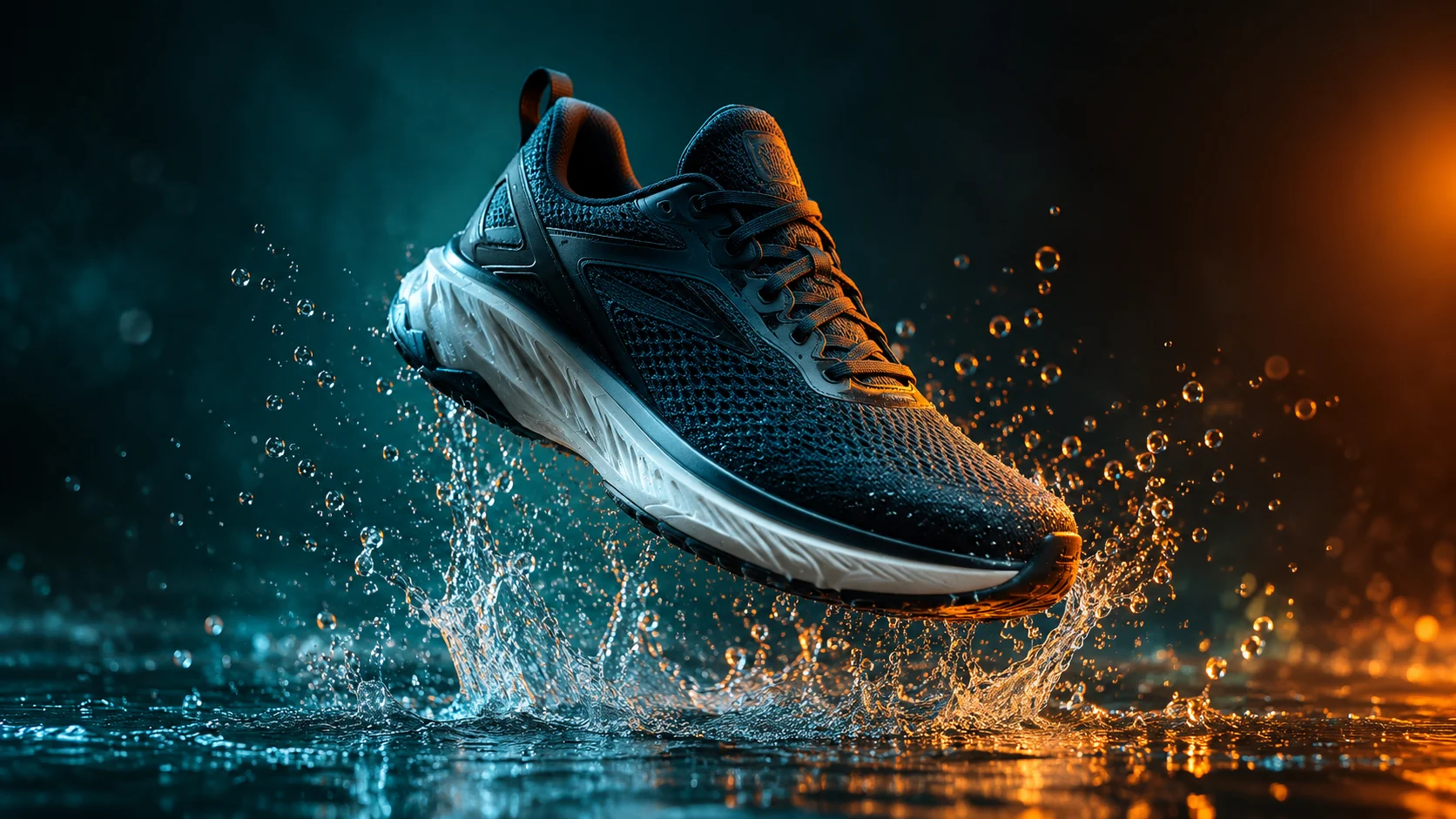
Keep the product identical to the uploaded image and create a short cinematic product clip with a controlled water splash behind it, dark teal background, warm rim light, and a slow push-in camera. Preserve product edges and label details. Use realistic motion, no text, no logos, and no sudden transformations.
Use the uploaded image as the visual reference. Create a clean three-second product preview with a gentle turn, soft commercial lighting, and a neutral studio background. Keep the product the same color and shape. Use simple motion, stable anatomy, no people, no text, and no camera cuts.