하나의 워크스페이스에서 모든 AI 이미지 방향 잡기
프롬프트에서 시작해 여러 시각 방향을 비교하고, 레퍼런스 보드부터 제작 가능한 이미지 콘셉트까지 추가 도구 없이 이어서 정리할 수 있습니다.
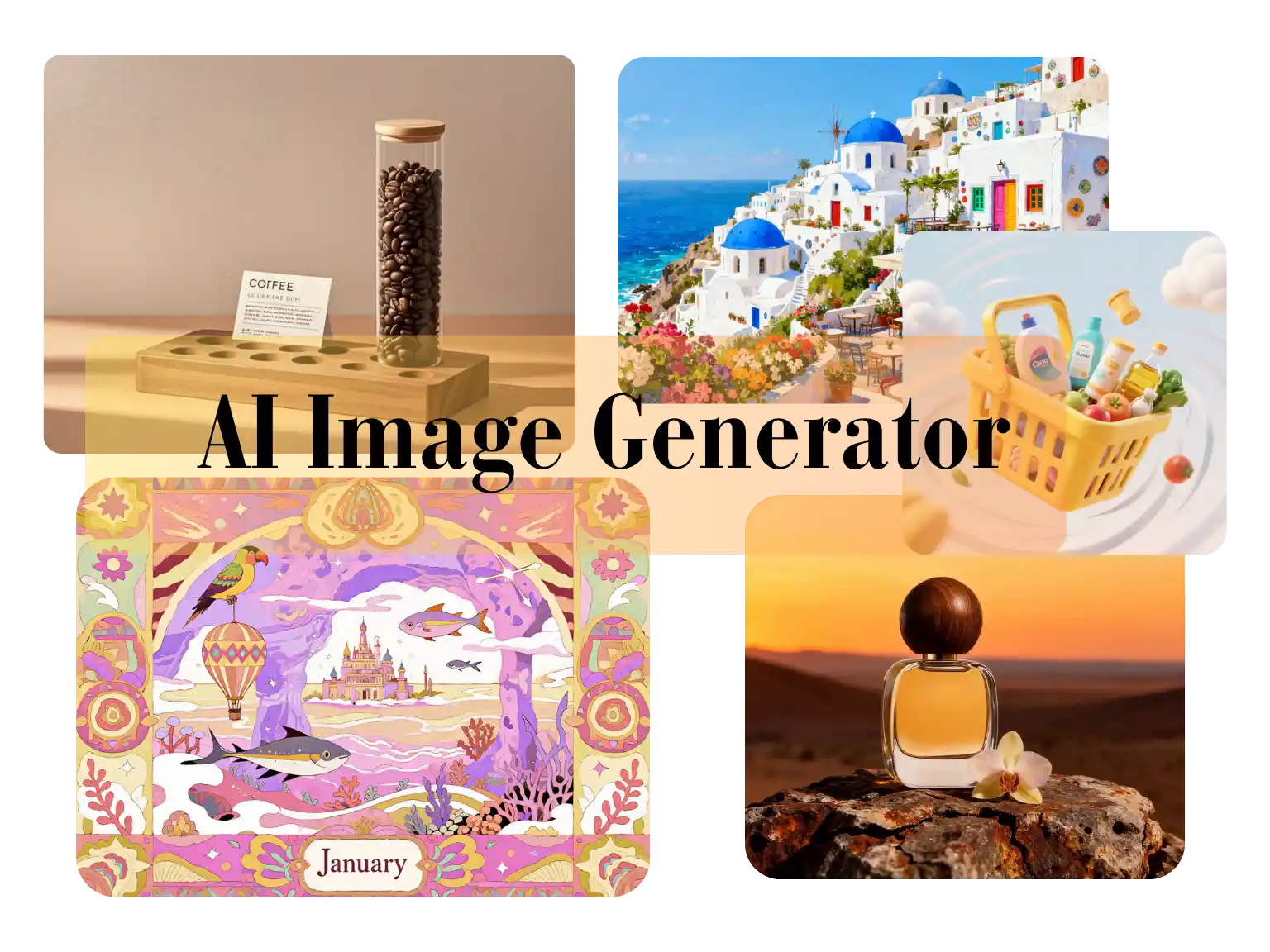
Use Nano Banana 2 Lite for image-to-image edits, text-to-image drafts, reference-based cleanup, product visuals, and lightweight creative iteration.
Generation Mode
Model
Quick Select
Source Image URL
Cost 1 credits
Try these examples
Resolution
Aspect Ratio
Output Format
Output Image Count
Allow the provider to call web search for current information when supported.
프롬프트에서 시작해 여러 시각 방향을 비교하고, 레퍼런스 보드부터 제작 가능한 이미지 콘셉트까지 추가 도구 없이 이어서 정리할 수 있습니다.
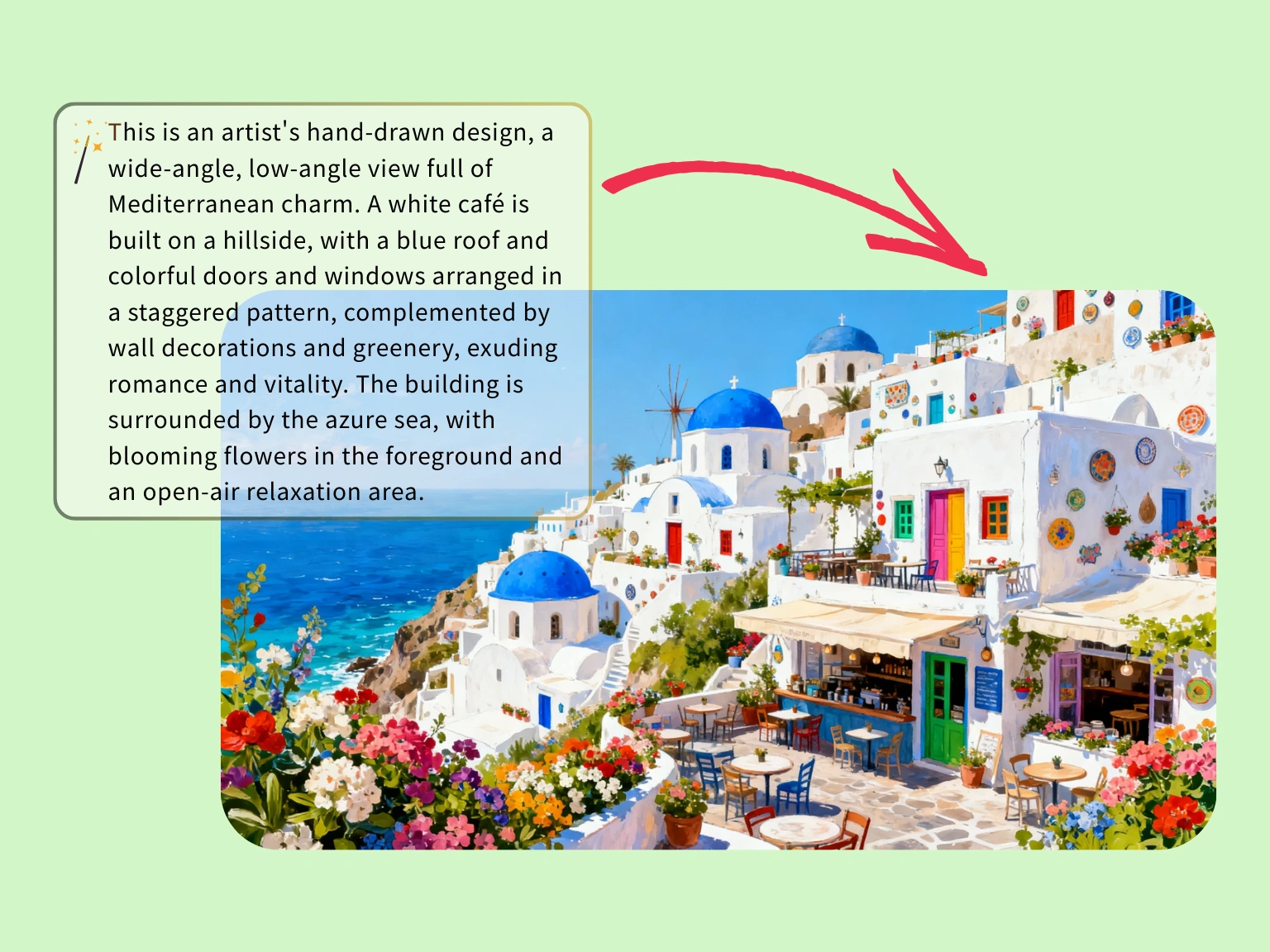
색감, 건축 요소, 공기감을 프롬프트로 먼저 맞춘 뒤 본격적인 커스텀 일러스트 제작 여부를 결정할 수 있습니다.
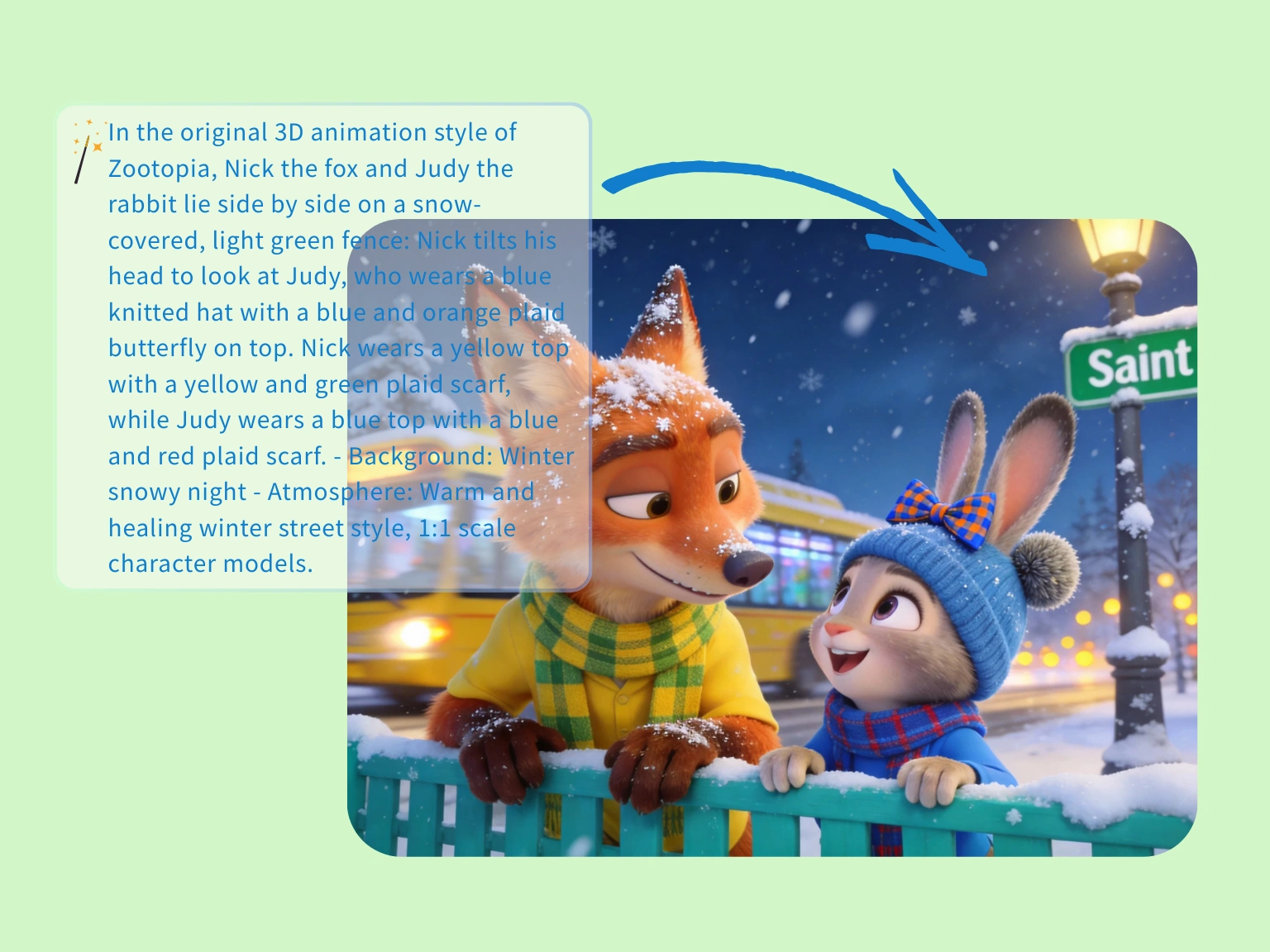
빠르게 서사형 이미지를 만들어야 할 때도 무드, 거리감, 캐릭터 케미를 한 장 안에서 안정적으로 잡아줍니다.
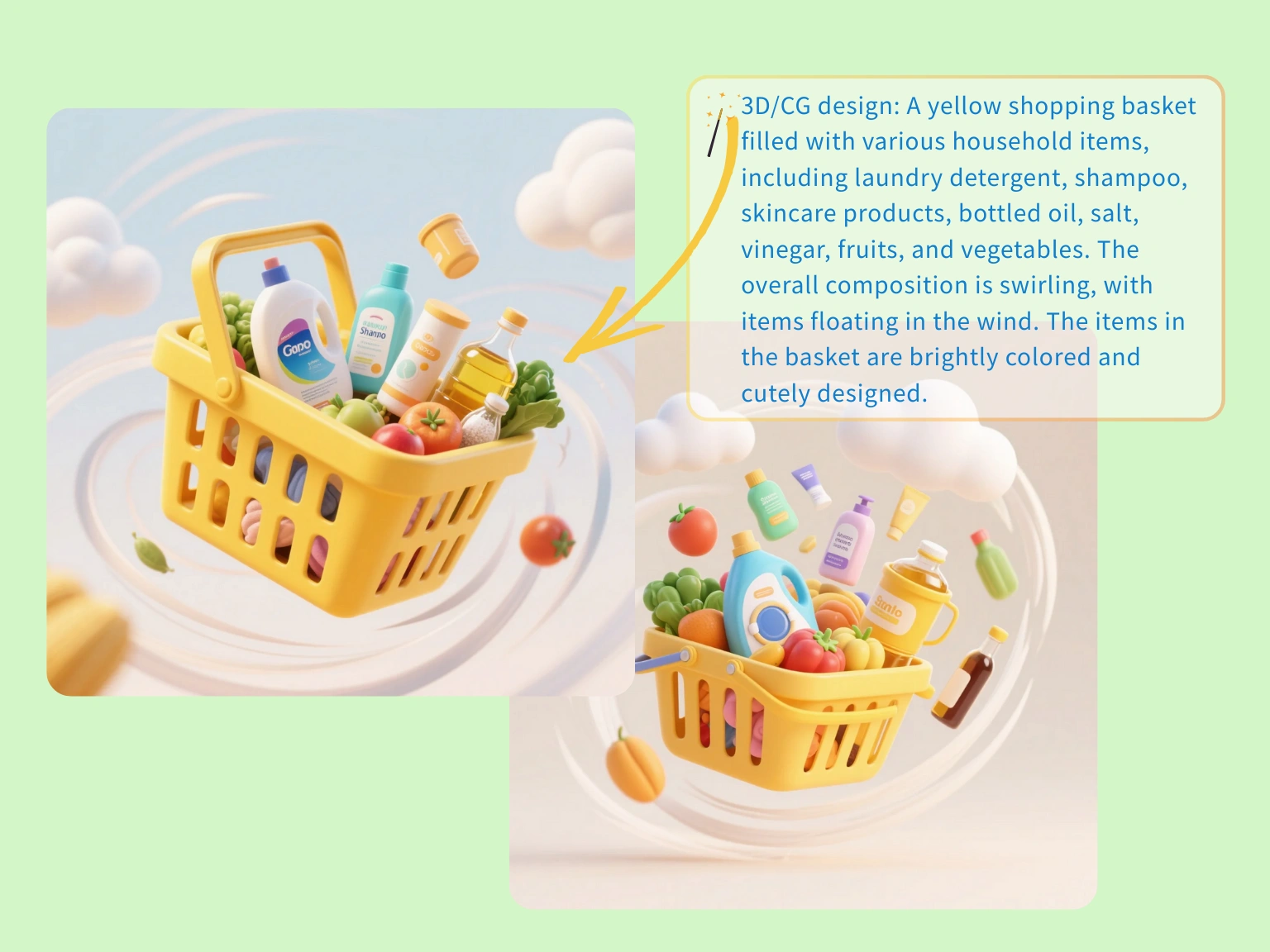
소품과 움직임 힌트가 들어간 라이프스타일 콘셉트를 먼저 만들어 상품 페이지, 광고, 랜딩 방향을 일찍 맞춥니다.
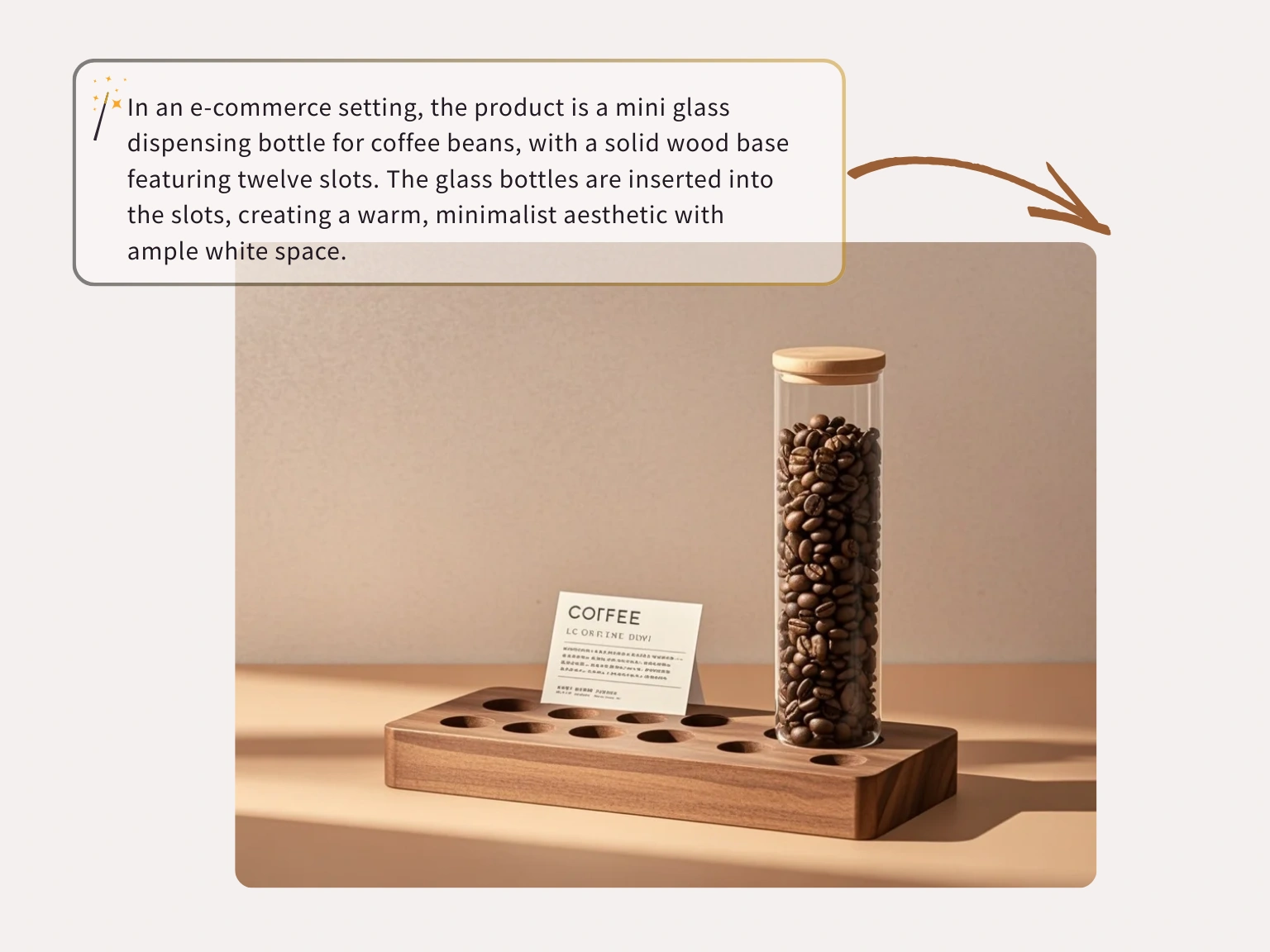
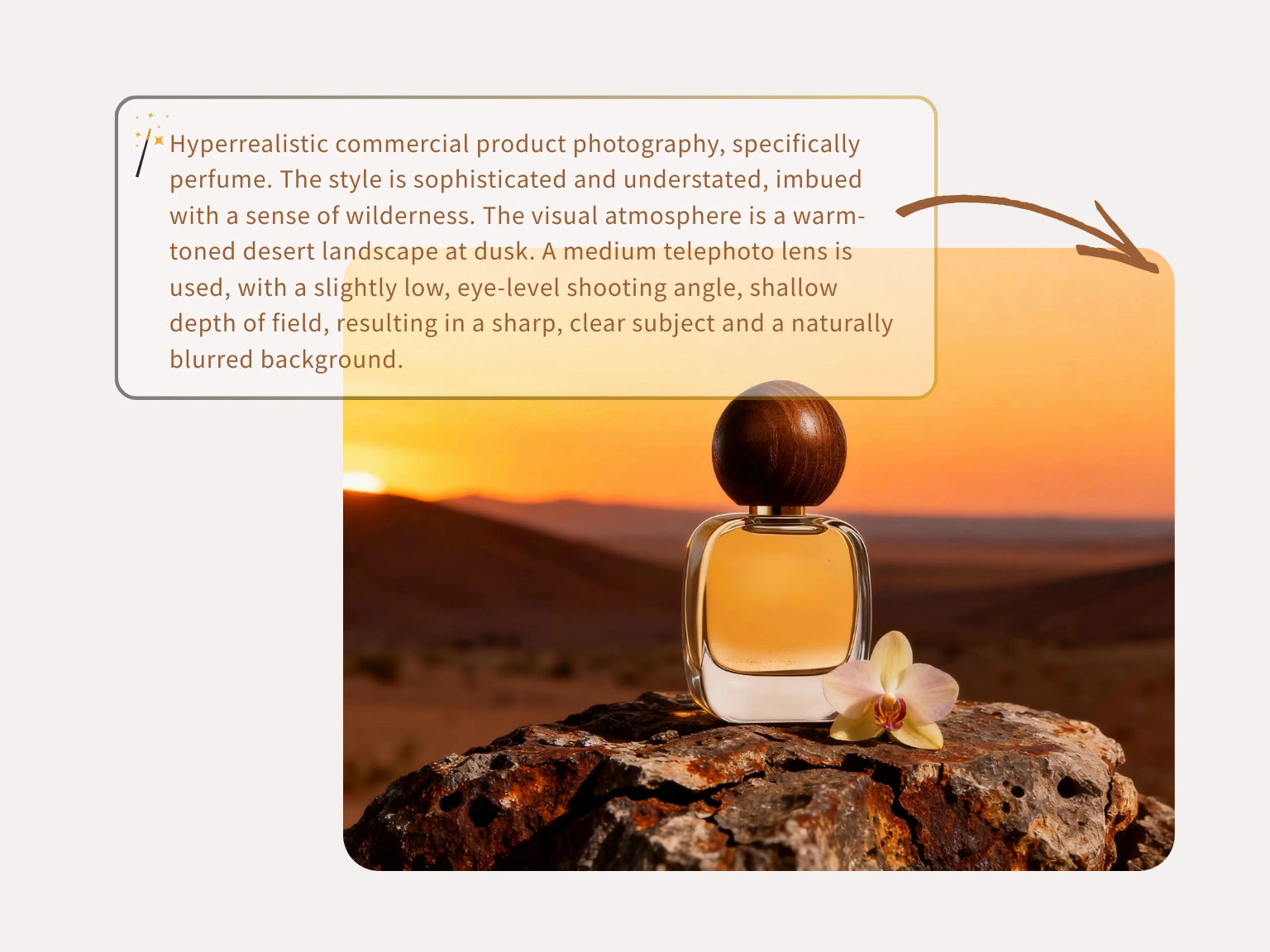
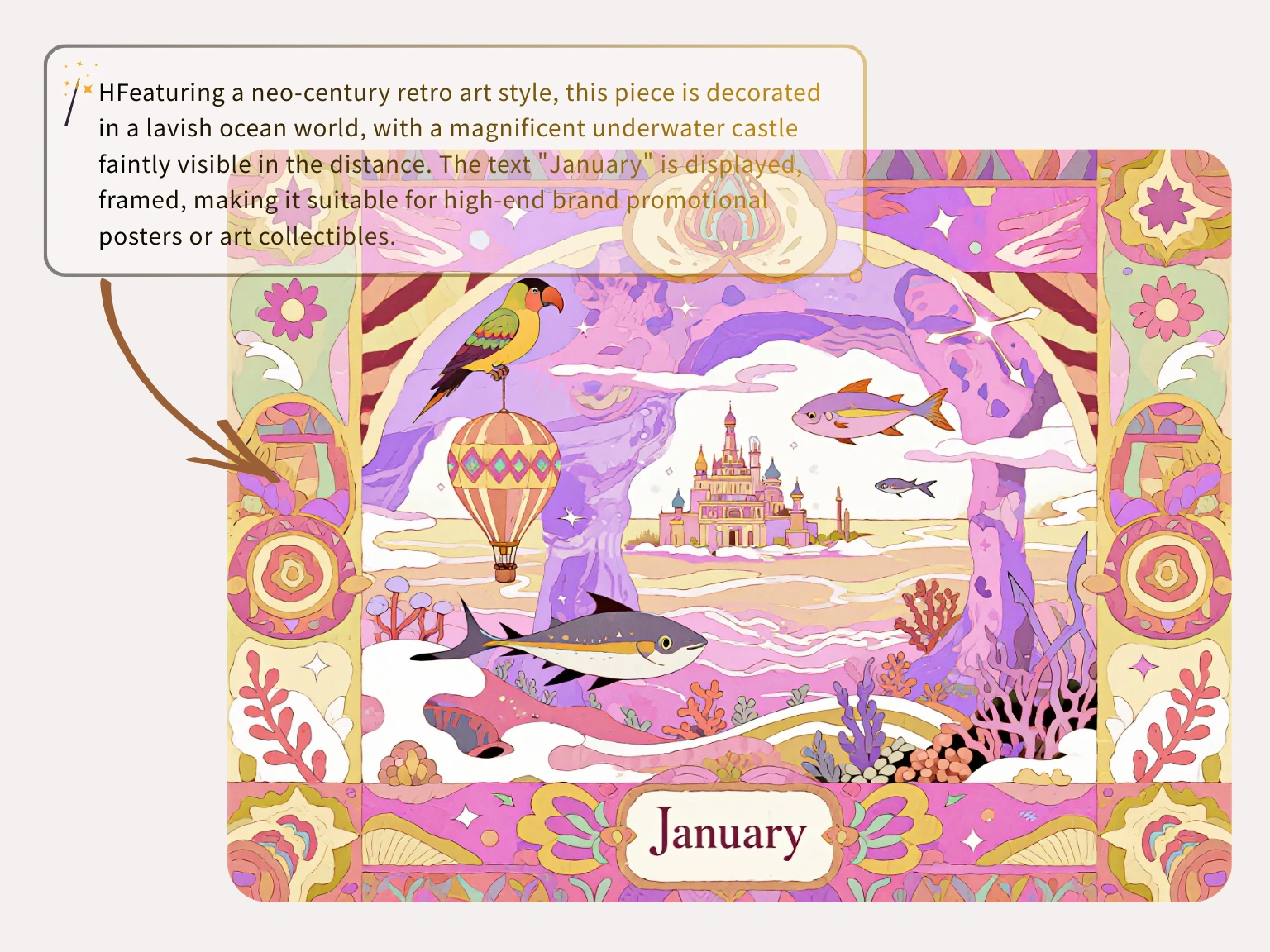
image-to-image
원본 이미지를 기준점으로 유지하면서 AI가 스타일, 배경, 제품 분위기, 해상도를 바꿉니다.
실제 사진이나 초안에서 시작해 무엇을 유지할지 먼저 알려 주고 나머지를 편집합니다.
참조 이미지는 요청한 생성 작업에 사용되며 공개 학습 콘텐츠로 재사용되지 않습니다.
배경 테스트, 스타일 변경, 제품 이미지 변형을 여러 편집 앱 없이 진행할 수 있습니다.
세 단계
원본 이미지를 올리고 Nano Banana Lite에 직접 지시한 뒤, 브리프에 맞는 버전을 내보냅니다.
주제, 구도, 제품 형태, 시각 방향을 정의할 이미지를 선택합니다.
무엇을 바꾸고 무엇을 유지할지 적어 편집 결과를 통제합니다.
생성 결과를 확인하고 캠페인, 게시물, 제품 페이지에 쓸 이미지를 다운로드합니다.
크리에이터는 Nano Banana Lite를 Nano Banana Lite AI image editor로 사용해 상품 사진 보정, 배경 정리, 빠른 시안 제작을 처리합니다.
“Nano Banana Lite를 free Nano Banana Lite AI image editor로 매일 씁니다. 상품 사진 배경을 정리하면서 제품 형태를 안정적으로 유지합니다.”
Jason Miller
스토어 운영자

“복잡한 배경 때문에 시간이 오래 걸렸습니다. Nano Banana Lite는 방해 요소를 빠르게 지우고 깔끔한 결과를 줍니다.”
Chelsea Brooks
여행 블로거

“거친 클라이언트 자료를 업스케일할 때 유용합니다. 프롬프트로 일부를 수정해도 레이아웃이 읽힙니다.”
David Warren
시니어 UI 디자이너

“오래된 마케팅 배너의 텍스트 영역을 선택해 수정했습니다. 글꼴과 조명이 당일 사용하기에 충분했습니다.”
Maya Rivera
운영 리드

“휴대폰 상품 사진은 손이 많이 갔습니다. 이 Nano Banana Lite AI image editor로 게시 전에 깨끗하게 정리합니다.”
Alex Chen
독립 판매자

“많은 도구가 얼굴을 과하게 필터링합니다. Nano Banana Lite는 준비 없이도 전문적인 초안을 줍니다.”
Thomas Reed
콘셉트 아티스트

FAQ
Answers about Nano Banana Lite, Nano Banana 2 Lite workflows, credits, privacy, model choice, and image-to-image editing.
Nano Banana 2 Lite is the hosted image workspace for fast prompt-to-image drafts and source-image edits. It is designed for lightweight iteration before final production.
Each visitor can use one Seedream image trial without signing in. Creating an account saves history; additional generations require purchased credits.
No. Plain English prompts work. More specific prompts help, but the workspace is built for users who want image results without professional design software.
One public workspace supports text-to-image for new concepts and image-to-image for guided edits from an uploaded or linked source image.
Open the text-to-image tab, write a clear prompt, choose a model and output settings, then generate. Add lighting, camera angle, subject details, and composition for tighter results.
Yes. Use image-to-image when you have a source image or direct public image URL and want the prompt to guide variations, cleanup, style changes, or refinements.
The Nano Banana Lite model family selector can expose Nano Banana, Nano Banana 2, GPT Image 2, Nano Banana 2 Lite, SeeDream 4.0, SeeDream 4.5, and SeeDream 5.0 Lite. Availability and credit cost can vary.
Most tasks are queued and refreshed automatically. Timing depends on model load, resolution, provider queue health, and whether you are generating from text or editing a source image.
You can prompt for realism, anime, 3D art, product renders, editorial concepts, social visuals, packaging directions, and other model-supported styles.
Current image routes expose 1K, 2K, and 4K output choices when the selected upstream model supports them.
Commercial use depends on your plan, the selected model terms, your prompt and reference rights, and local law. Review the terms before publishing or selling outputs.
Prompts and reference images are processed for the requested task and sent only to services needed to produce the result. Private work does not become a public gallery by default.
프롬프트나 참조 이미지로 빠른 초안을 만들고 여러 버전을 비교한 뒤 가장 좋은 방향을 Nano Banana 2 Lite 워크플로로 이어가세요.