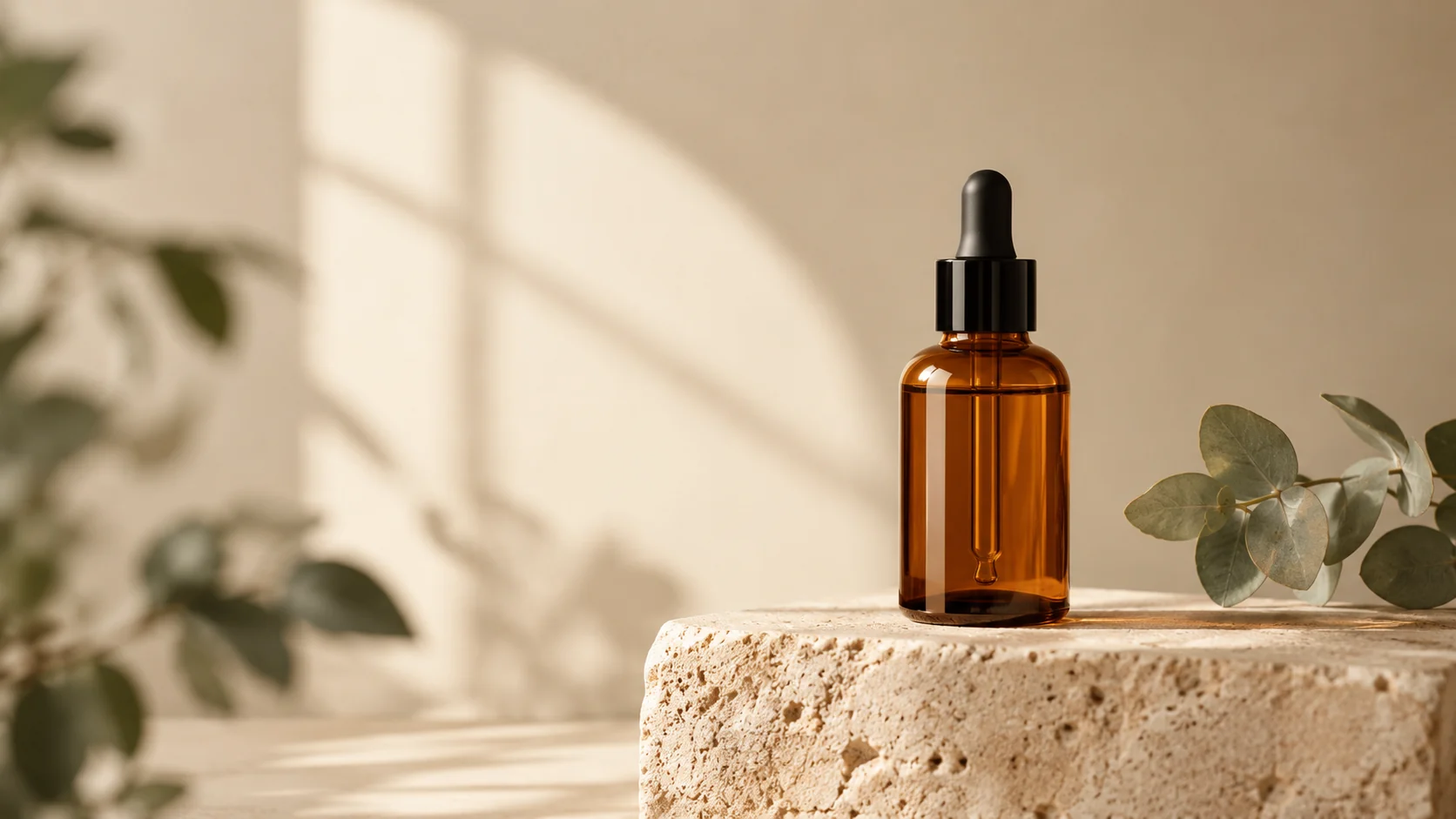
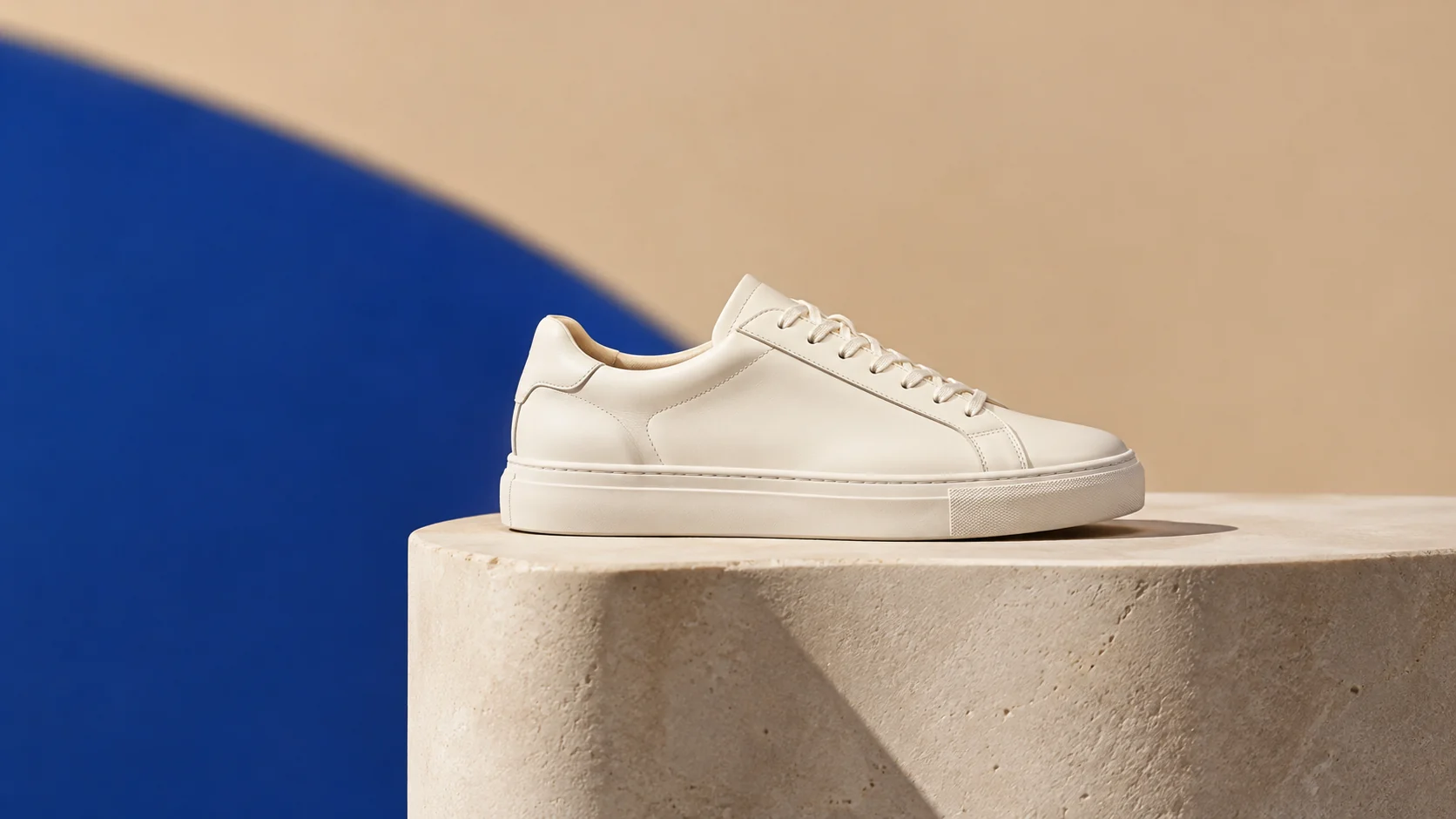
원본에 충실한 연출
카메라와 배경이 움직이는 동안 업로드된 제품의 형태와 가장자리를 시각적 기준으로 유지합니다.
이미지를 업로드하고 프롬프트를 입력한 뒤 '영상 생성'을 클릭하면 첫 AI 영상을 만들 수 있어요.
깔끔한 제품 이미지를 업로드하고, 카메라 움직임과 분위기를 설명한 다음, 캠페인 또는 목록 테스트를 위한 짧은 클립을 생성하세요.
깔끔한 제품 이미지를 업로드하고, 카메라 움직임과 분위기를 설명한 다음, 캠페인 또는 목록 테스트를 위한 짧은 클립을 생성하세요.
원본 이미지. 선명한 실루엣과 충분한 가장자리 디테일이 있는 깔끔한 제품 사진을 사용하세요.
모션 프롬프트. 카메라 움직임, 제품 움직임, 조명, 배경 분위기를 설명하세요.
출력 설정. 크레딧을 사용하기 전에 실용적인 길이, 해상도, 비율을 선택하세요.
카메라와 배경이 움직이는 동안 업로드된 제품의 형태와 가장자리를 시각적 기준으로 유지합니다.
복잡한 시퀀스를 시도하기 전에 간단한 푸시, 턴, 라이트 스윕 또는 분위기 전환을 선택하세요.
길이, 해상도, 비율을 함께 검토하여 테스트가 염두에 둔 배치와 일치하는지 확인하세요.
클립의 첫 프레임이나 마지막 프레임뿐만 아니라 전체 클립에서 작은 라벨과 가장자리를 확인하세요.
전체 제작이 승인되기 전에 모션, 조명, 속도를 탐색하세요.
기존 제품 이미지에서 짧은 시각적 티저를 만들어 목록이나 소셜 게시물에 사용하세요.
최종 촬영 전에 정적인 제품 장면이 어떻게 움직일 수 있는지 팀에게 보여주세요.
Use the uploaded product image as the exact first frame. Preserve the product shape, label placement, material, and color. Create a slow five-second camera orbit with a subtle studio light sweep, stable product geometry, a seamless cream background, and no scene cuts. Keep the product centered and avoid warping.
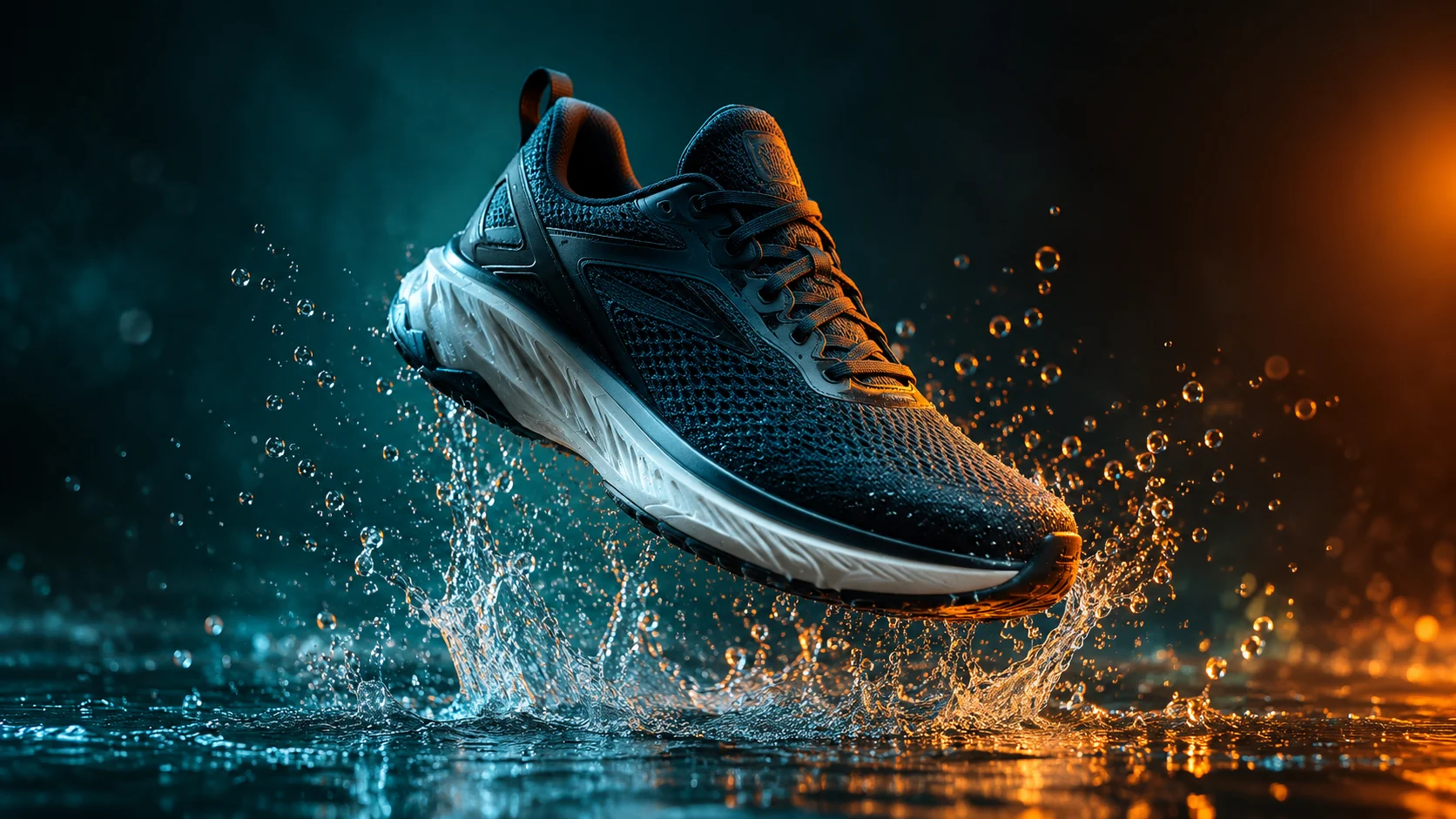
Keep the product identical to the uploaded image and create a short cinematic product clip with a controlled water splash behind it, dark teal background, warm rim light, and a slow push-in camera. Preserve product edges and label details. Use realistic motion, no text, no logos, and no sudden transformations.
Use the uploaded image as the visual reference. Create a clean three-second product preview with a gentle turn, soft commercial lighting, and a neutral studio background. Keep the product the same color and shape. Use simple motion, stable anatomy, no people, no text, and no camera cuts.