Plan every AI image direction in one workspace
Start with a prompt, compare visual routes, and move from reference boards to production-ready image concepts without stitching together extra tools.
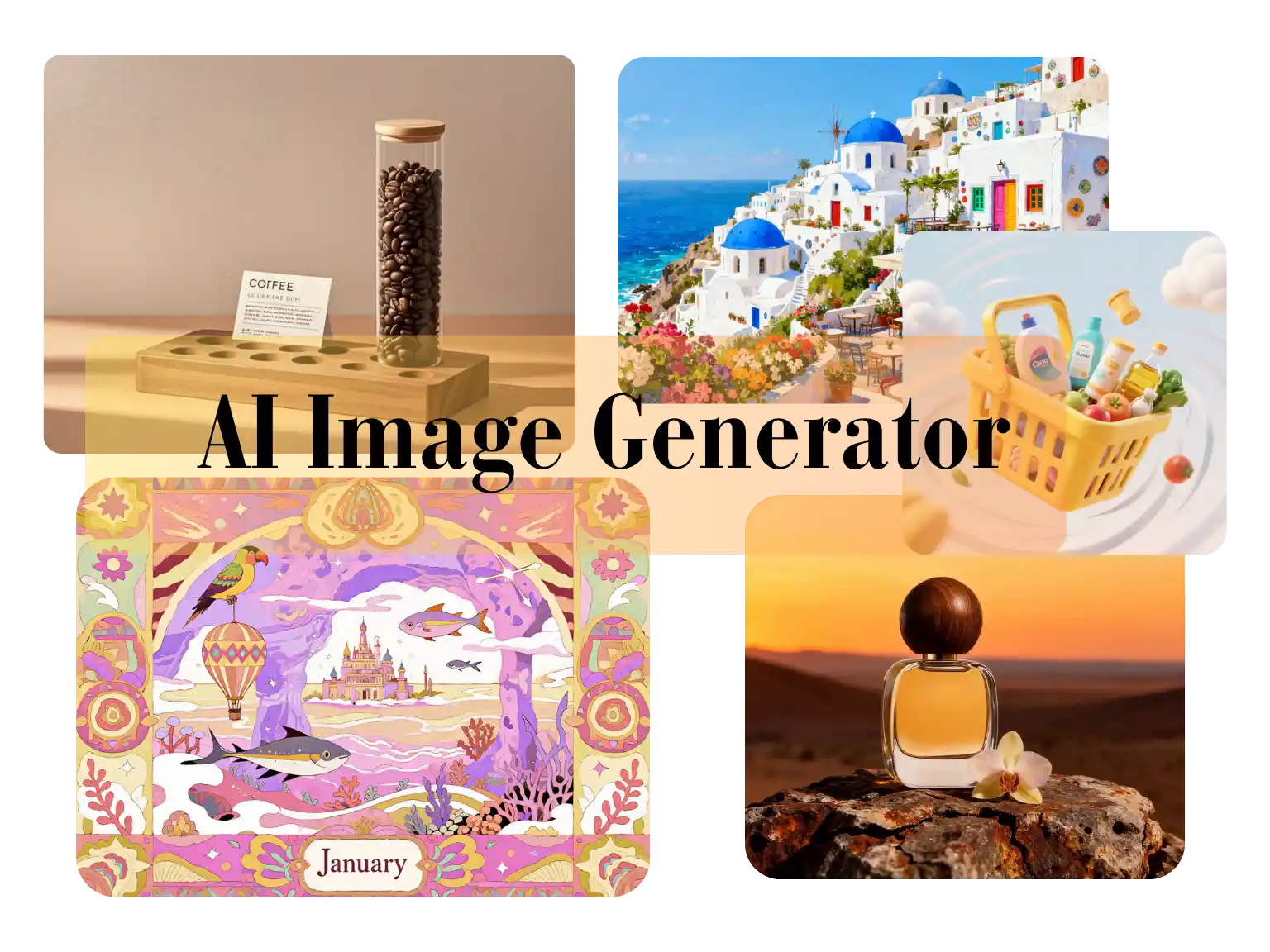
Use Nano Banana 2 Lite for image-to-image edits, text-to-image drafts, reference-based cleanup, product visuals, and lightweight creative iteration.
Generation Mode
Model
Quick Select
Source Image URL
Cost 1 credits
Try these examples
Resolution
Aspect Ratio
Output Format
Output Image Count
Allow the provider to call web search for current information when supported.
Start with a prompt, compare visual routes, and move from reference boards to production-ready image concepts without stitching together extra tools.
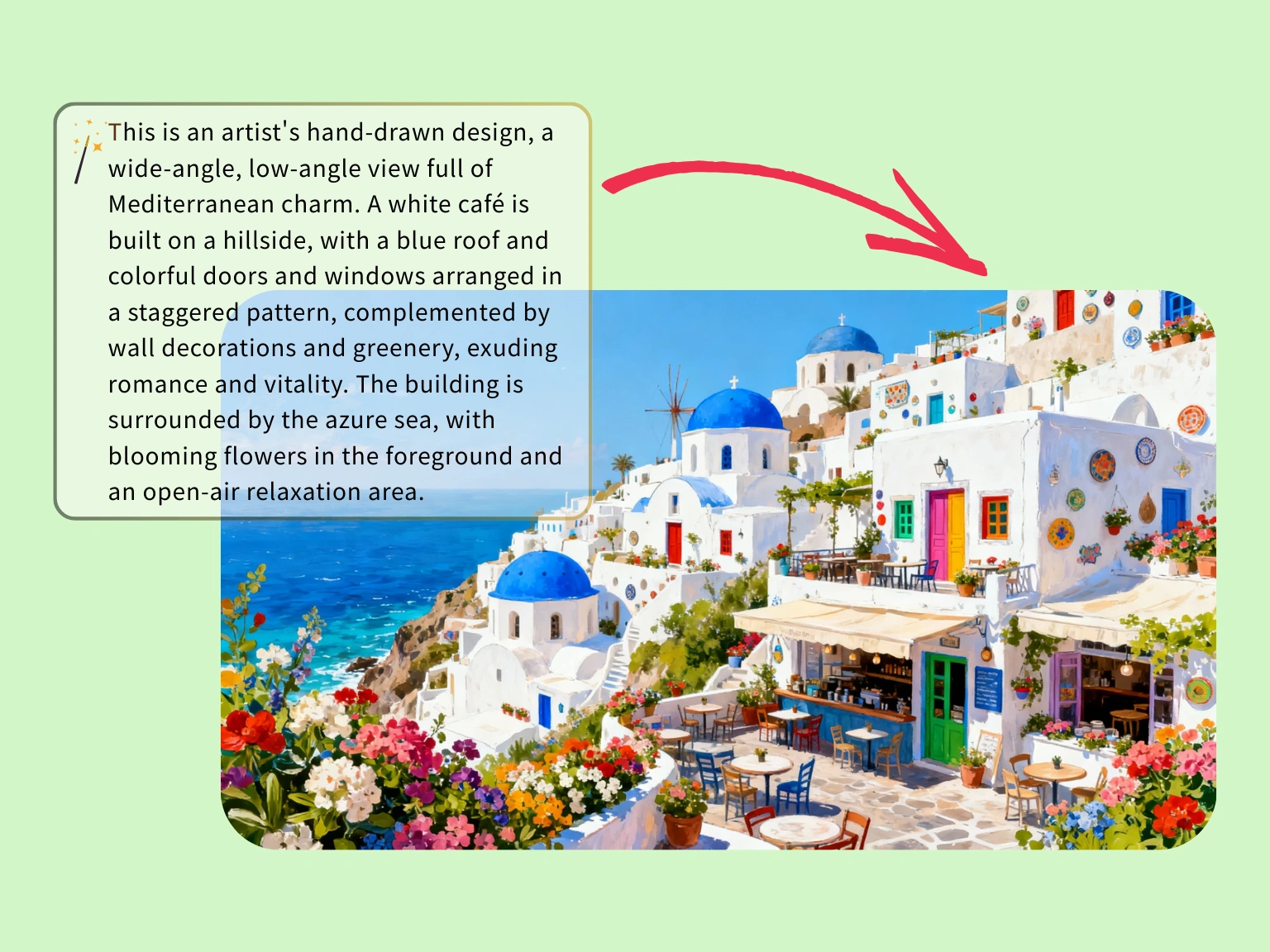
Use a tight prompt to map color, architecture, and atmosphere before you invest in custom illustration work.
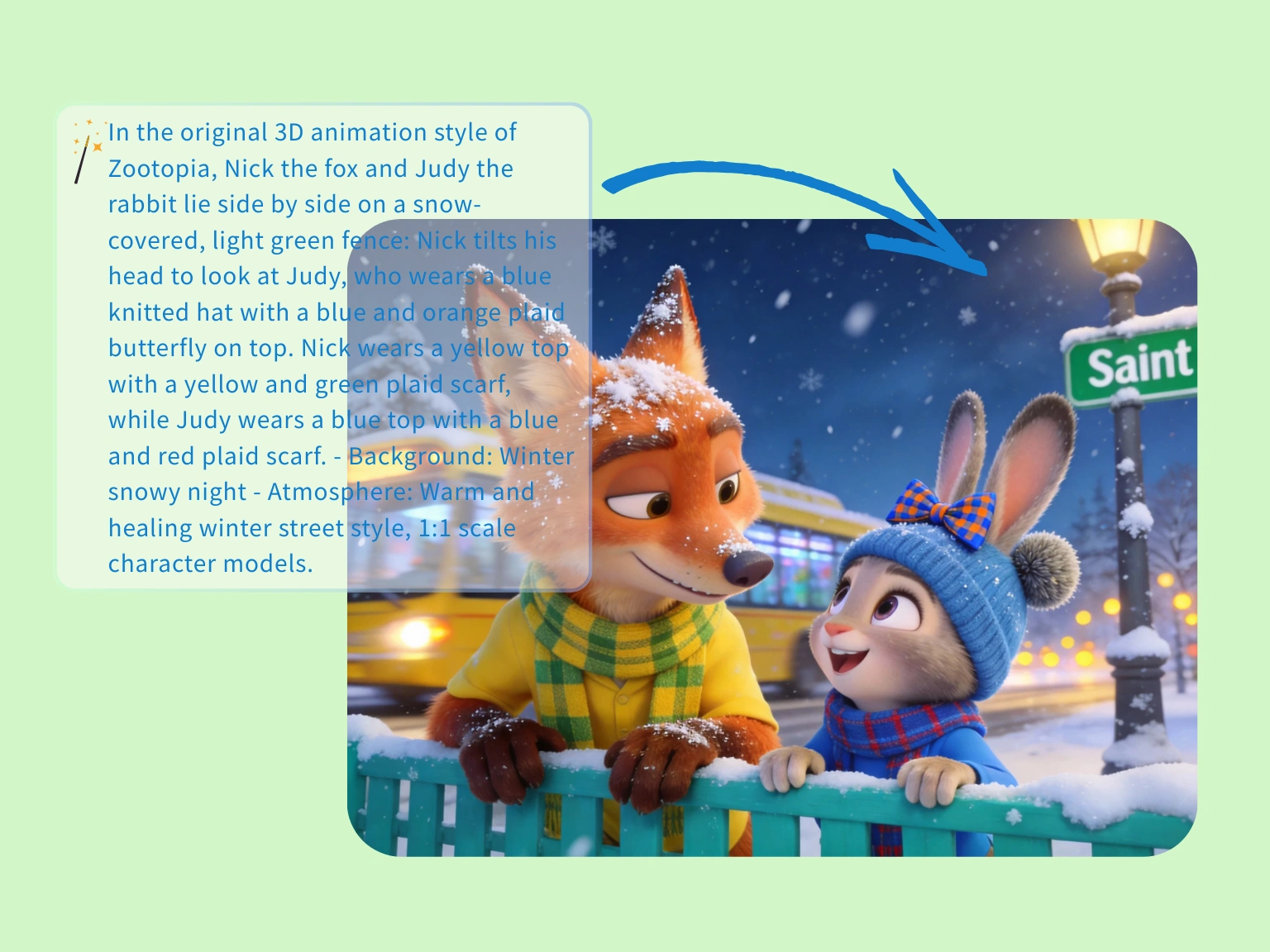
Use the generator to hold mood, spacing, and character chemistry when you need a playful narrative image fast.
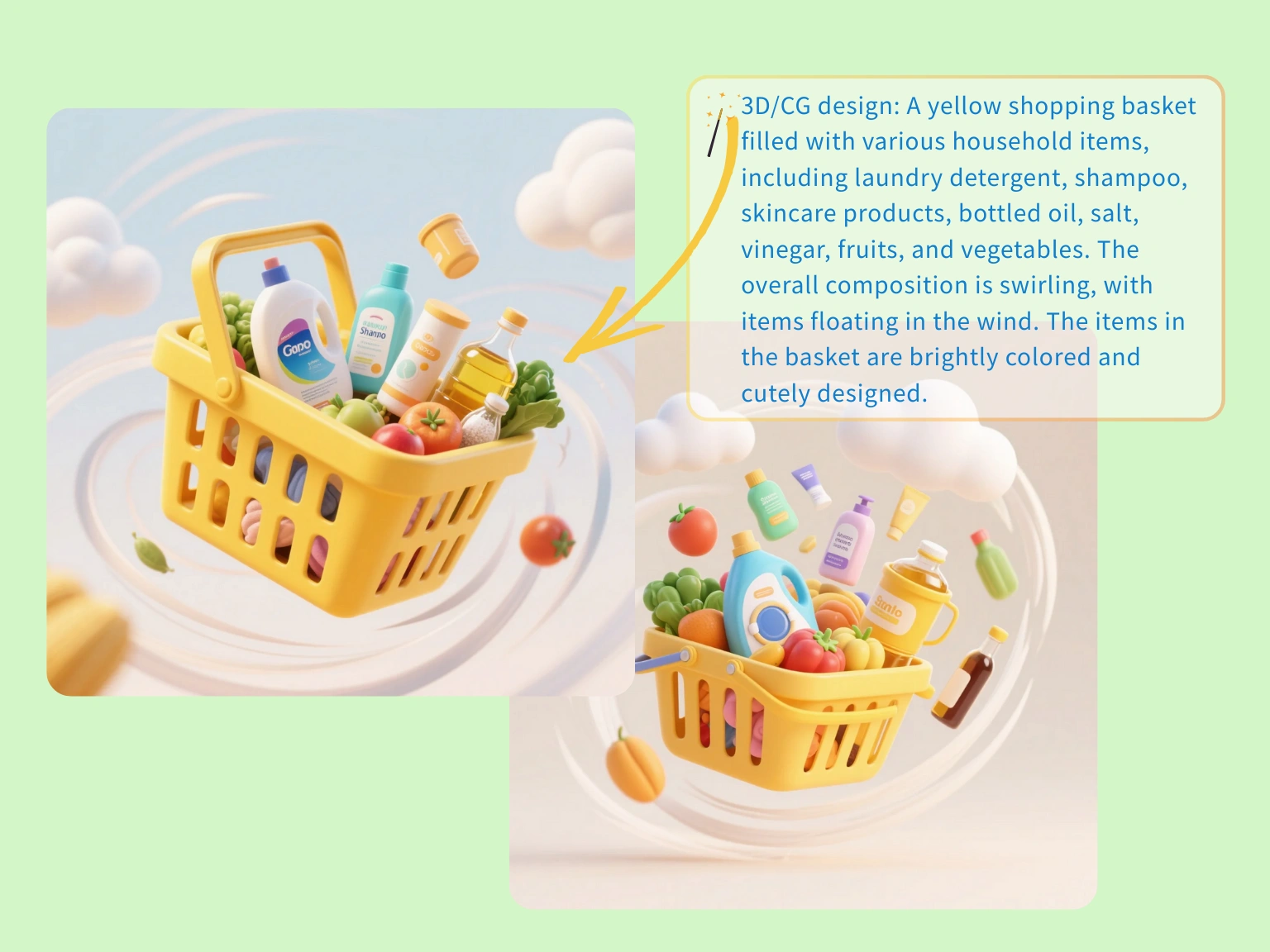
Build packaged lifestyle concepts with props and motion cues so merchandising, ads, and landing pages align earlier.
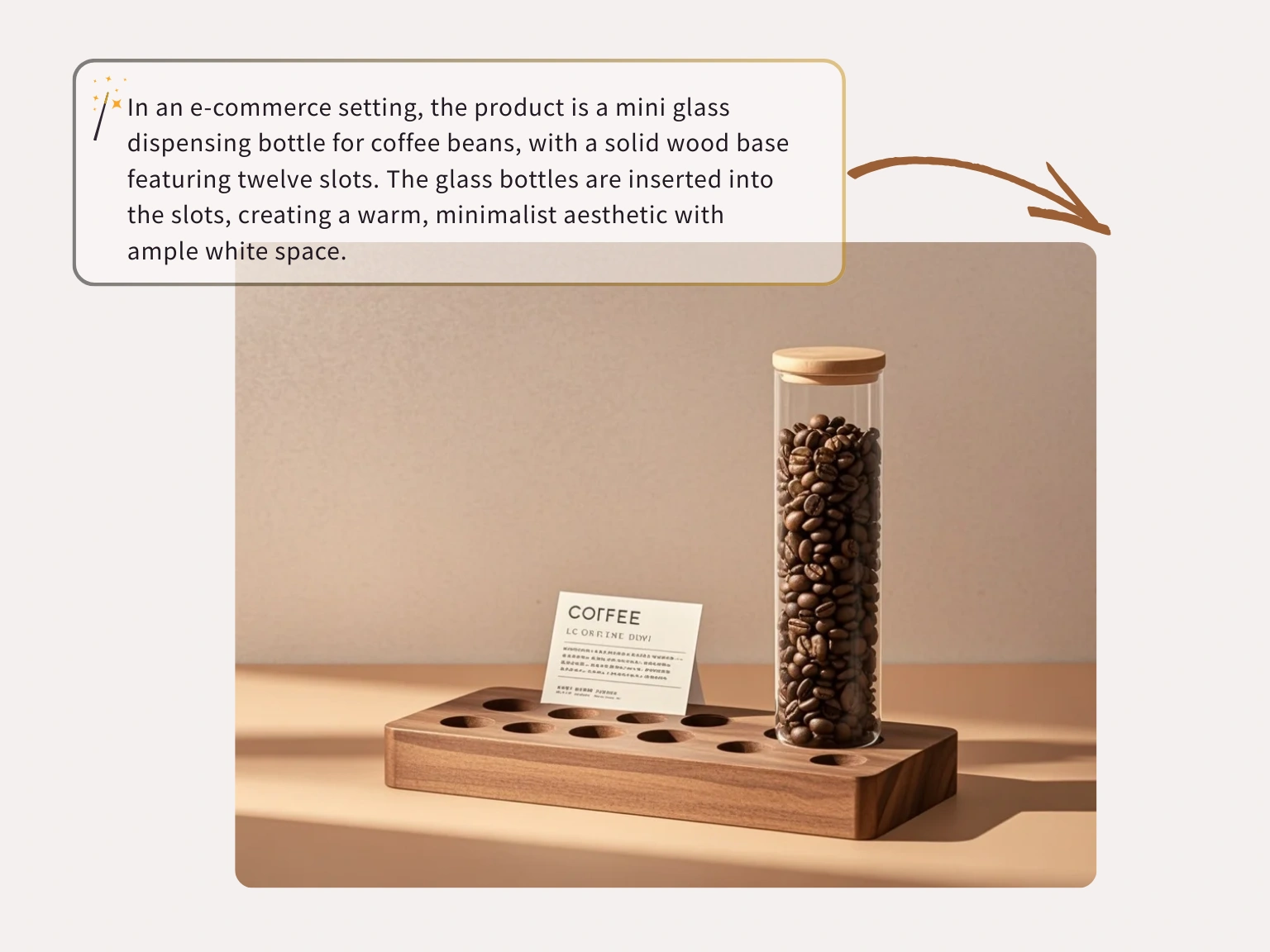
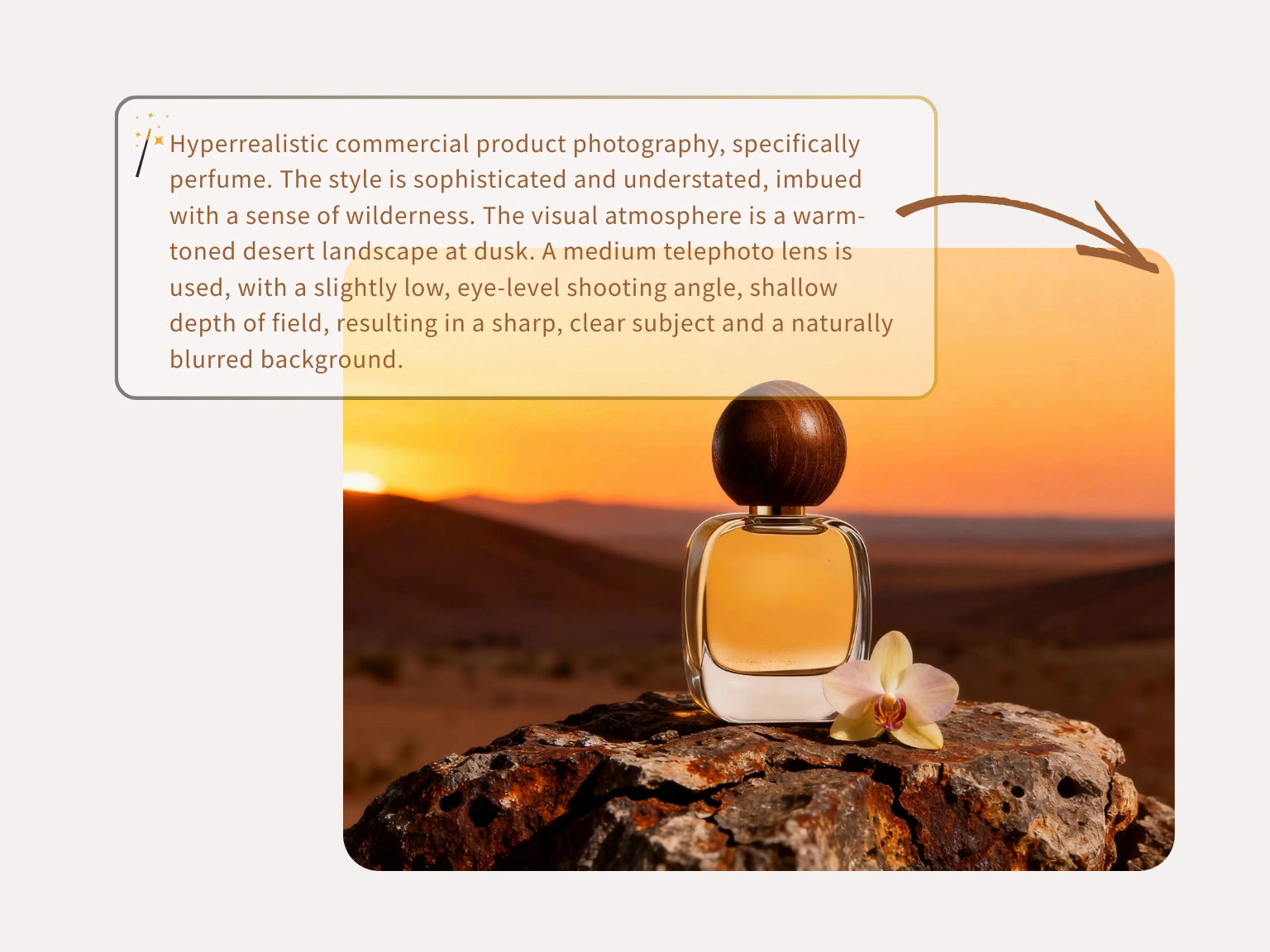
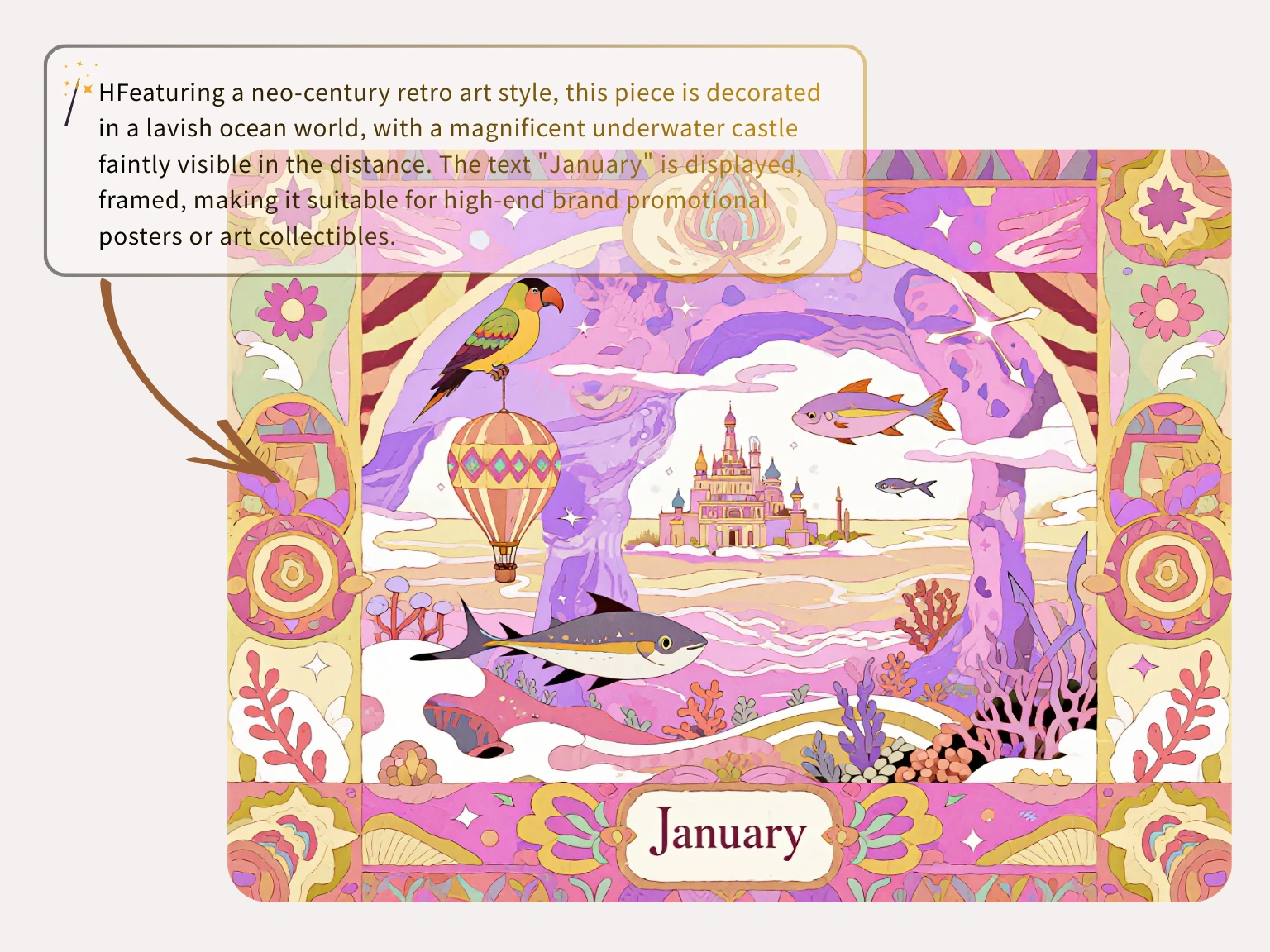
Image to image
Keep the source image as the anchor while AI changes style, background, product mood, or resolution.
Start from a real photo or draft and tell the model what should stay stable before it edits the rest.
Reference images are handled for the requested generation task rather than reused as open-ended training content.
Replace background tests, style passes, and product image variants without juggling multiple editing apps.
Three steps
Upload a source image, guide Nano Banana Lite with a direct instruction, then export the version that matches your brief.
Choose the image that should define the subject, framing, product shape, or visual direction.
Write what should change and what should remain intact so the edit stays controlled.
Review the generated result and download a clean image for campaigns, posts, or product pages.
From object cleanup to fast product refreshes, creators use Nano Banana Lite as a free AI image editor when they need publishable edits without a heavy suite.
“I use Nano Banana Lite as a free AI image editor daily to batch-process product shots. It cleans backgrounds and keeps the product shape consistent.”
Jason Miller
Store Owner

“Crowded backgrounds used to eat my editing time. Nano Banana Lite removes distractions and gives me a clean AI image editor result quickly.”
Chelsea Brooks
Travel Blogger

“The upscaler is solid for rough client assets. I can tweak sections by prompt and still keep the original layout readable.”
David Warren
Senior UI Designer

“I fixed an old marketing banner by selecting the text area and typing the update. The lighting and font match were close enough for same-day use.”
Maya Rivera
Operations Lead

“Phone product shots used to be painful. This Nano Banana Lite AI image editor cleans them up before I publish a listing.”
Alex Chen
Independent Seller

“Most tools over-filter faces and concepts. Nano Banana Lite gives pro-looking drafts without a long setup.”
Thomas Reed
Concept Artist

FAQ
Answers about Nano Banana Lite, Nano Banana 2 Lite workflows, credits, privacy, model choice, and image-to-image editing.
Nano Banana 2 Lite is the hosted image workspace for fast prompt-to-image drafts and source-image edits. It is designed for lightweight iteration before final production.
Each visitor can use one Seedream image trial without signing in. Creating an account saves history; additional generations require purchased credits.
No. Plain English prompts work. More specific prompts help, but the workspace is built for users who want image results without professional design software.
One public workspace supports text-to-image for new concepts and image-to-image for guided edits from an uploaded or linked source image.
Open the text-to-image tab, write a clear prompt, choose a model and output settings, then generate. Add lighting, camera angle, subject details, and composition for tighter results.
Yes. Use image-to-image when you have a source image or direct public image URL and want the prompt to guide variations, cleanup, style changes, or refinements.
The Nano Banana Lite model family selector can expose Nano Banana, Nano Banana 2, GPT Image 2, Nano Banana 2 Lite, SeeDream 4.0, SeeDream 4.5, and SeeDream 5.0 Lite. Availability and credit cost can vary.
Most tasks are queued and refreshed automatically. Timing depends on model load, resolution, provider queue health, and whether you are generating from text or editing a source image.
You can prompt for realism, anime, 3D art, product renders, editorial concepts, social visuals, packaging directions, and other model-supported styles.
Current image routes expose 1K, 2K, and 4K output choices when the selected upstream model supports them.
Commercial use depends on your plan, the selected model terms, your prompt and reference rights, and local law. Review the terms before publishing or selling outputs.
Prompts and reference images are processed for the requested task and sent only to services needed to produce the result. Private work does not become a public gallery by default.
Tham gia cùng hàng nghìn người sáng tạo tin tưởng Nano Banana hàng ngày. Trải nghiệm cách tính nhất quán nhân vật của Nano Banana cách mạng hóa quy trình làm việc sáng tạo.