在一个工作台里先定好所有生图方向
从提示词出发,先把参考图、风格方向和可交付视觉并排看清楚,再进入正式生成,不用在一堆工具之间来回搬。
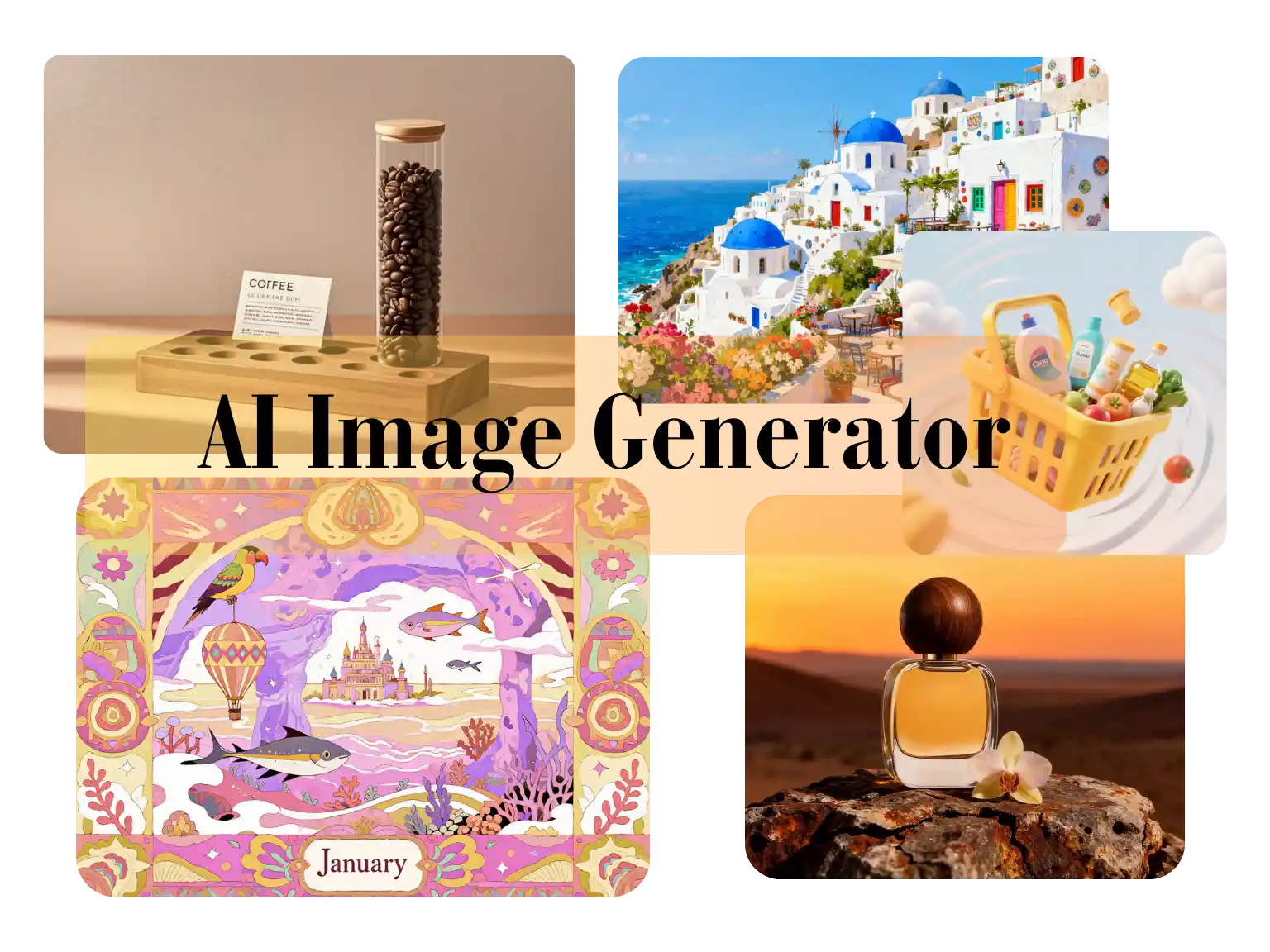
Use Nano Banana 2 Lite for image-to-image edits, text-to-image drafts, reference-based cleanup, product visuals, and lightweight creative iteration.
Generation Mode
Model
Quick Select
Source Image URL
消耗 1 积分
Try these examples
Resolution
Aspect Ratio
Output Format
Output Image Count
Allow the provider to call web search for current information when supported.
从提示词出发,先把参考图、风格方向和可交付视觉并排看清楚,再进入正式生成,不用在一堆工具之间来回搬。
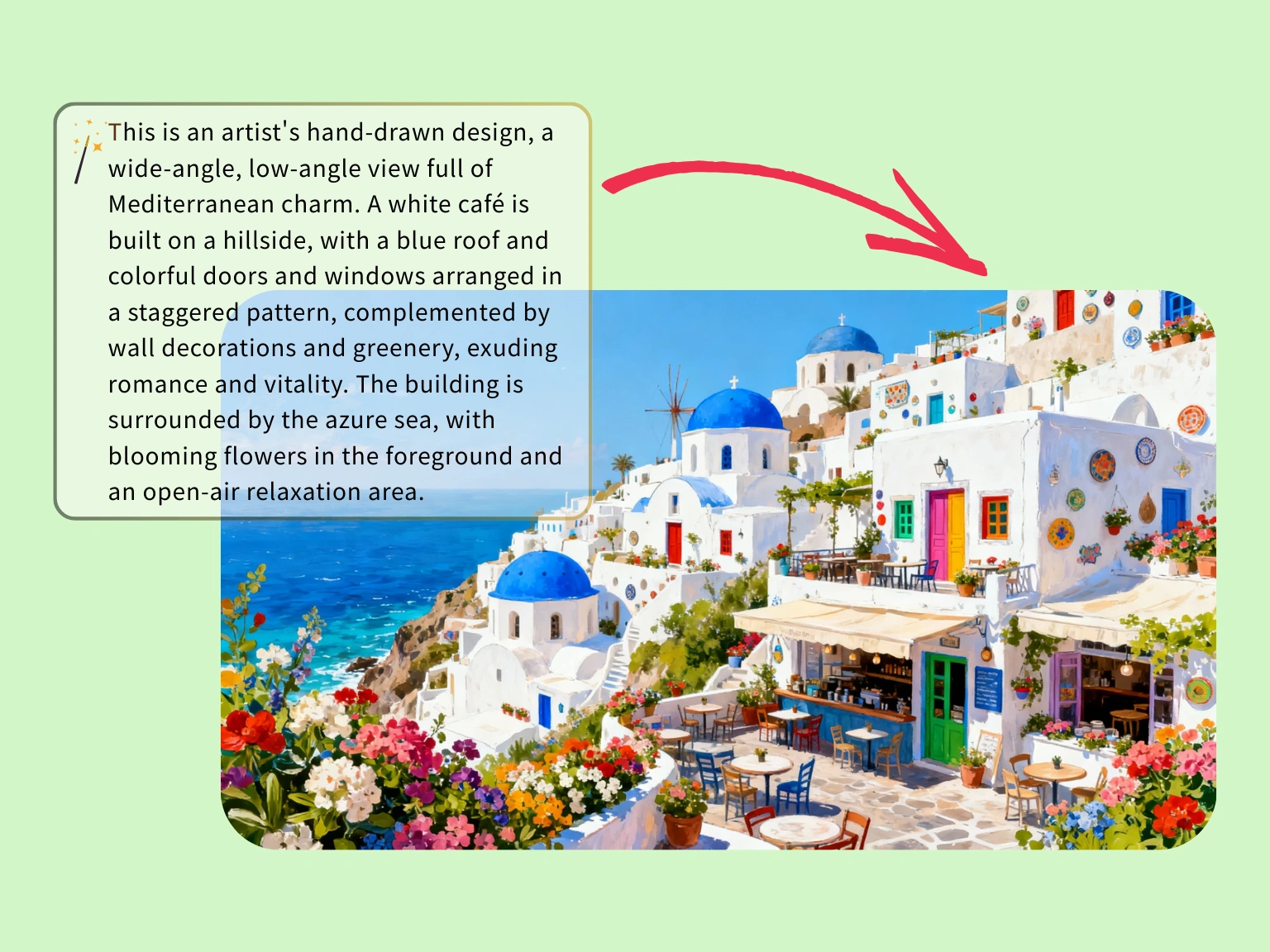
先用精确提示词把配色、建筑关系和整体气氛跑通,再决定要不要进入定制插画制作。
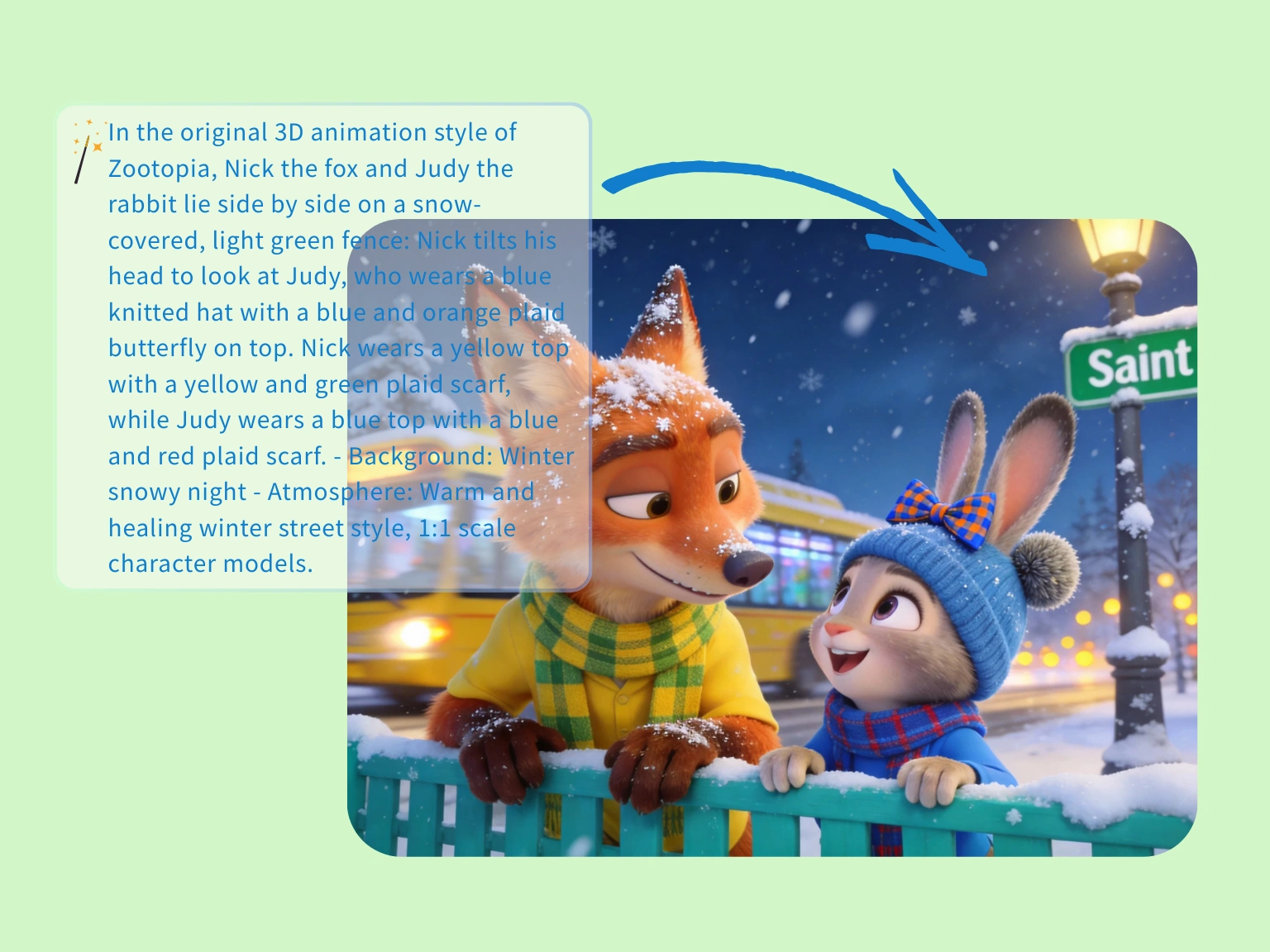
当你需要更轻快的叙事画面时,可以先用生图把角色距离、情绪和冬日氛围一起定住。
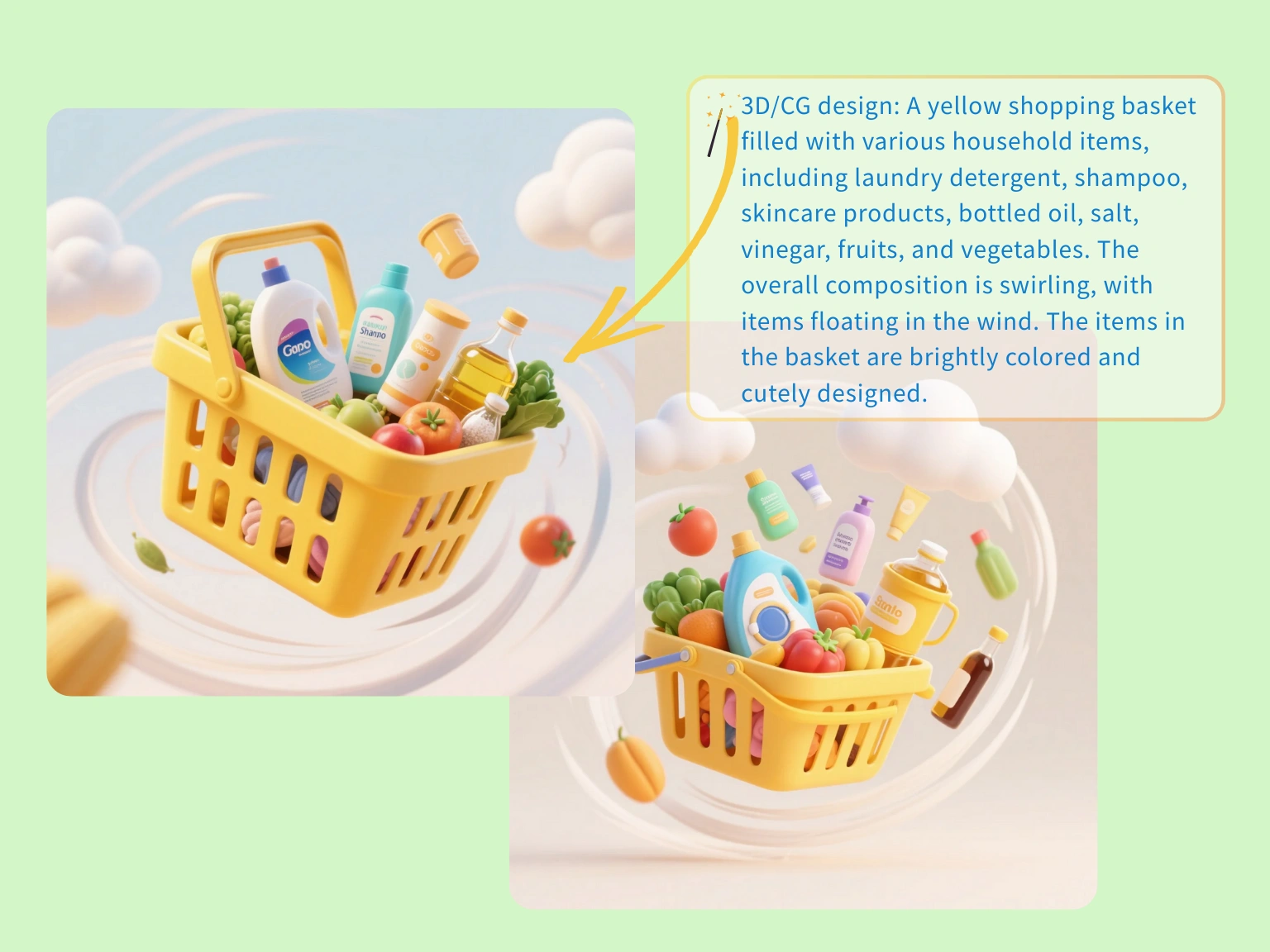
先把道具、构图和动势方案做成零售概念图,让商品页、广告图和落地页更早统一方向。
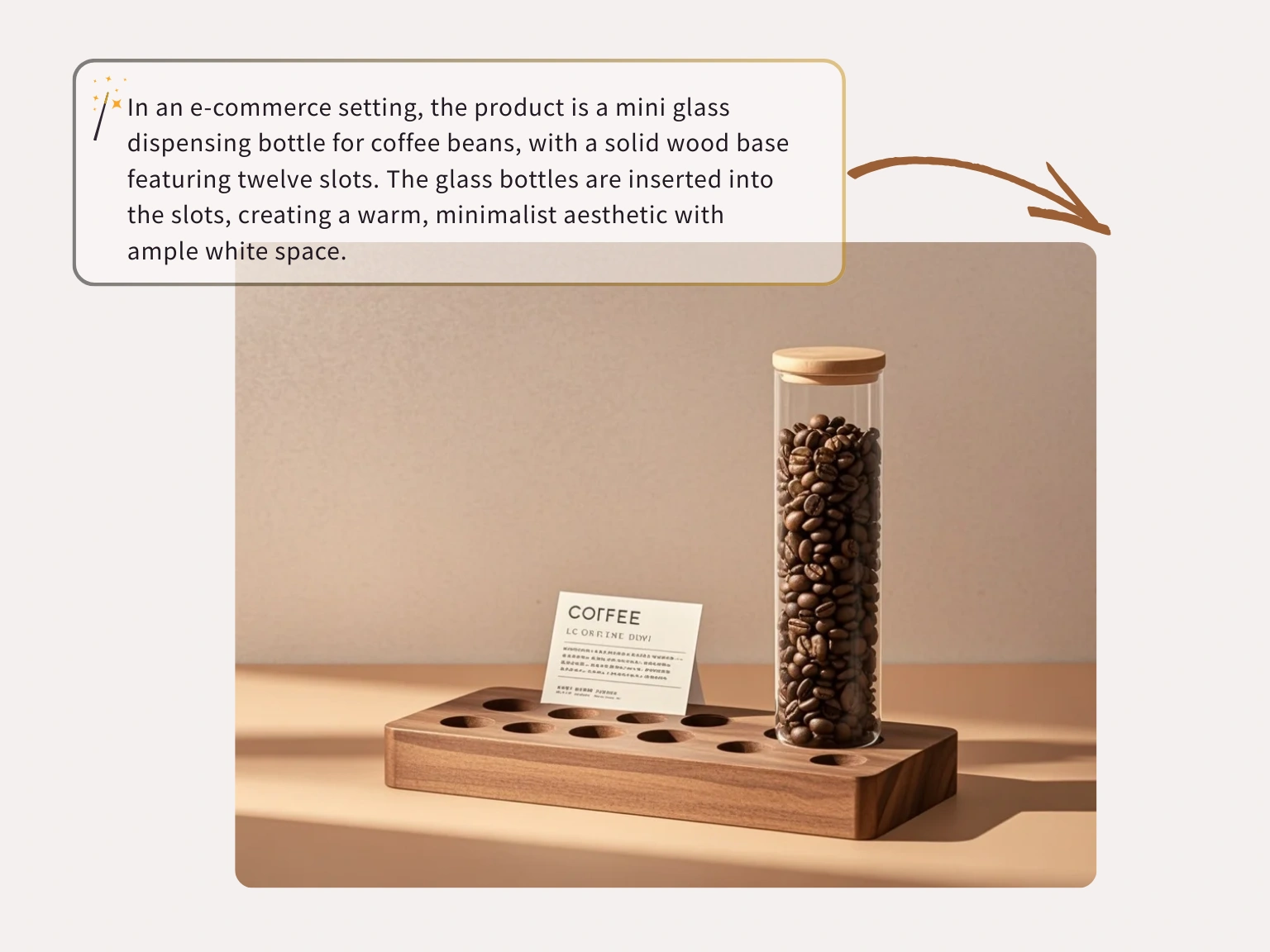
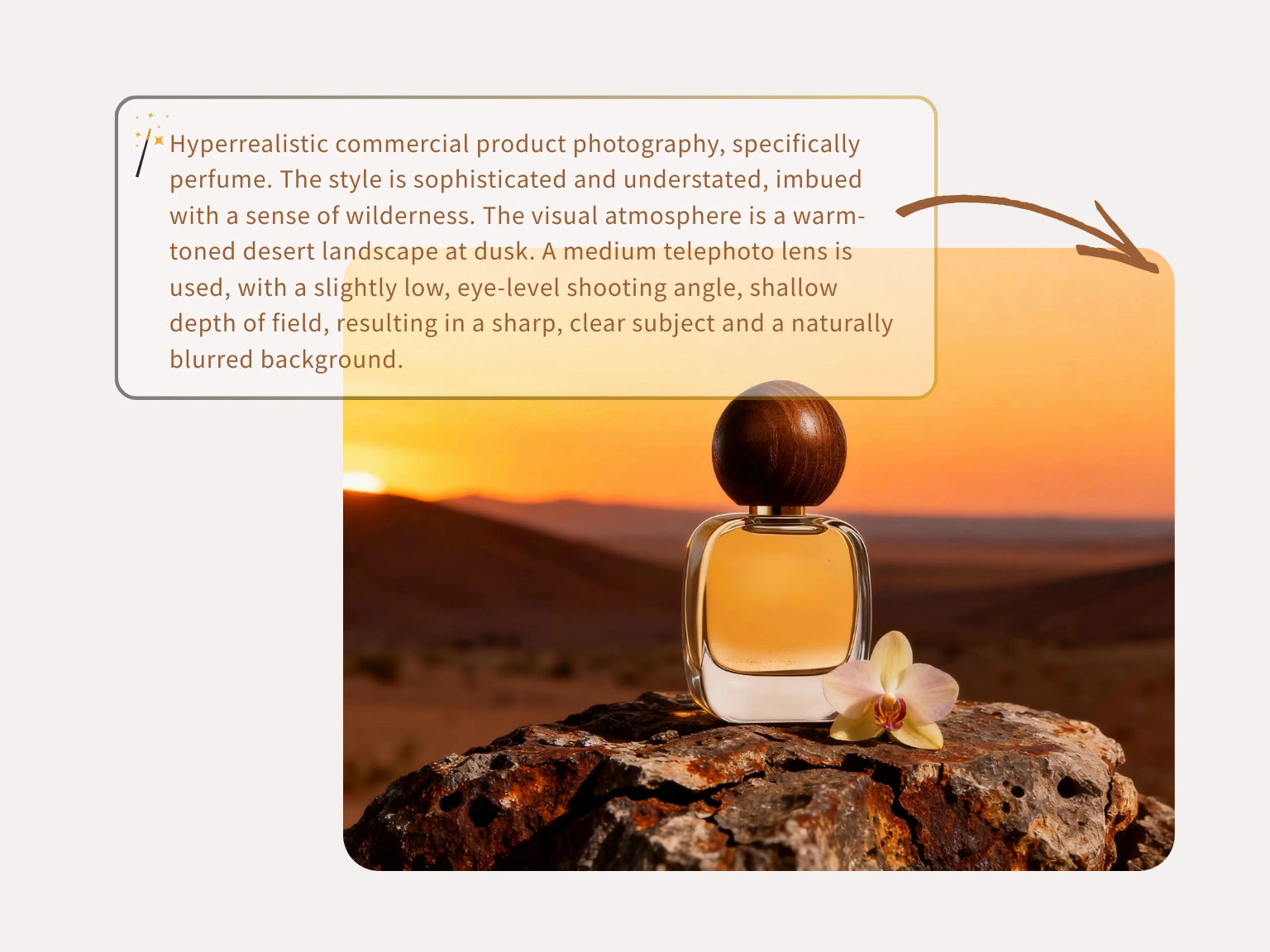
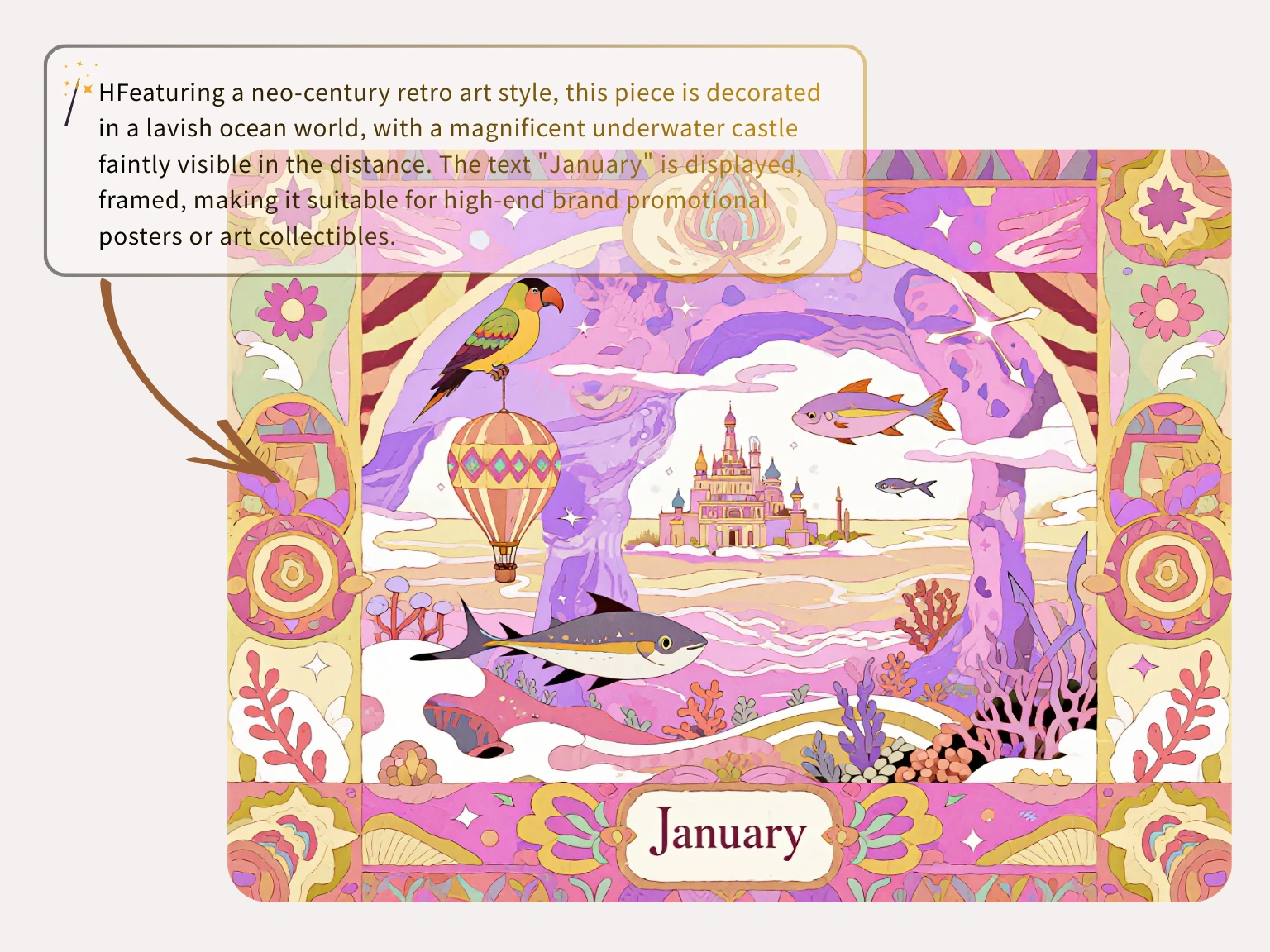
图生图
用源图作为锚点,同时让 AI 改风格、背景、商品氛围或清晰度,结果更容易控制。
从真实照片或草图开始,先说明哪些要稳定保留,再让模型处理其他变化。
参考图用于当前生成任务,不会作为开放式训练内容反复利用。
换背景、试风格、做商品图变化,都可以在同一个编辑流程里完成。
三步完成
上传源图,用清楚指令告诉 Nano Banana Lite 怎么改,再导出符合需求的版本。
选择能定义主体、构图、商品形状或视觉方向的图片作为起点。
写清哪些要改变、哪些要保持,编辑结果才会更可控。
检查生成结果,下载可用于活动、帖子或商品页的干净图片。
从清理杂物到刷新商品图,创作者把 Nano Banana Lite Nano Banana Lite AI image editor 用在快速出片场景,不用先打开复杂修图软件。
“我每天用 Nano Banana Lite 这个 free Nano Banana Lite AI image editor 批量处理商品图。背景更干净,产品轮廓也不会被改乱。”
Jason Miller
店铺老板
“人群和杂乱背景以前很耗时间。现在用 Nano Banana Lite 清理干扰物,几分钟就能拿到干净版本。”
Chelsea Brooks
旅行博主

“放大和局部修改对粗糙客户素材很实用,输入提示词后还能尽量保留原来的版式。”
David Warren
资深 UI 设计师

“旧营销横幅要临时改字,我框选文字区域输入新内容,字体和光线匹配度足够当天上线。”
Maya Rivera
运营负责人

“手机拍商品图以前很痛苦。这个 Nano Banana Lite AI image editor 能先把图片整理干净,再发到商品页。”
Alex Chen
独立卖家

“很多工具会把脸和概念滤镜化,Nano Banana Lite 更像能快速给出专业草稿的 AI 图片编辑器。”
Thomas Reed
概念艺术师

FAQ
Answers about Nano Banana Lite, Nano Banana 2 Lite workflows, credits, privacy, model choice, and image-to-image editing.
Nano Banana 2 Lite is the hosted image workspace for fast prompt-to-image drafts and source-image edits. It is designed for lightweight iteration before final production.
Each visitor can use one Seedream image trial without signing in. Creating an account saves history; additional generations require purchased credits.
No. Plain English prompts work. More specific prompts help, but the workspace is built for users who want image results without professional design software.
One public workspace supports text-to-image for new concepts and image-to-image for guided edits from an uploaded or linked source image.
Open the text-to-image tab, write a clear prompt, choose a model and output settings, then generate. Add lighting, camera angle, subject details, and composition for tighter results.
Yes. Use image-to-image when you have a source image or direct public image URL and want the prompt to guide variations, cleanup, style changes, or refinements.
The Nano Banana Lite model family selector can expose Nano Banana, Nano Banana 2, GPT Image 2, Nano Banana 2 Lite, SeeDream 4.0, SeeDream 4.5, and SeeDream 5.0 Lite. Availability and credit cost can vary.
Most tasks are queued and refreshed automatically. Timing depends on model load, resolution, provider queue health, and whether you are generating from text or editing a source image.
You can prompt for realism, anime, 3D art, product renders, editorial concepts, social visuals, packaging directions, and other model-supported styles.
Current image routes expose 1K, 2K, and 4K output choices when the selected upstream model supports them.
Commercial use depends on your plan, the selected model terms, your prompt and reference rights, and local law. Review the terms before publishing or selling outputs.
Prompts and reference images are processed for the requested task and sent only to services needed to produce the result. Private work does not become a public gallery by default.