身份优先
在改变风格之前,保护面部比例、皮肤特征、头发和表情。
已上传的图片
No images yet
Get started with these simple steps
证件照编辑器
一张有用的证件照应该让人感觉是同一个人在状态更好的一天,而不是库存照片中的另一个人。面部、表情、皮肤特征和大致年龄都应保持熟悉。
此工作流程最适用于源图像已具有清晰面部和合理姿势的情况。一次只进行一项适度的更改,从灯光和背景开始,然后是服装或修饰。
身份、头发、眼镜和皮肤细节可能会有所偏差。将结果与源图像进行比较,并优先选择自然效果,而不是过度平滑或通用化的公司表情。
专业肖像工作流程
从清晰的肖像开始,保持表情和身份稳定,并使用适度的灯光和服装变化,以获得专业效果。
在改变风格之前,保护面部比例、皮肤特征、头发和表情。
改善光线和呈现效果,而不是将面部变成光滑的人造面具。
使用可重复的背景和灯光提示词,以实现团队页面的一致性。
在预订摄影工作室之前,比较专业的方向。
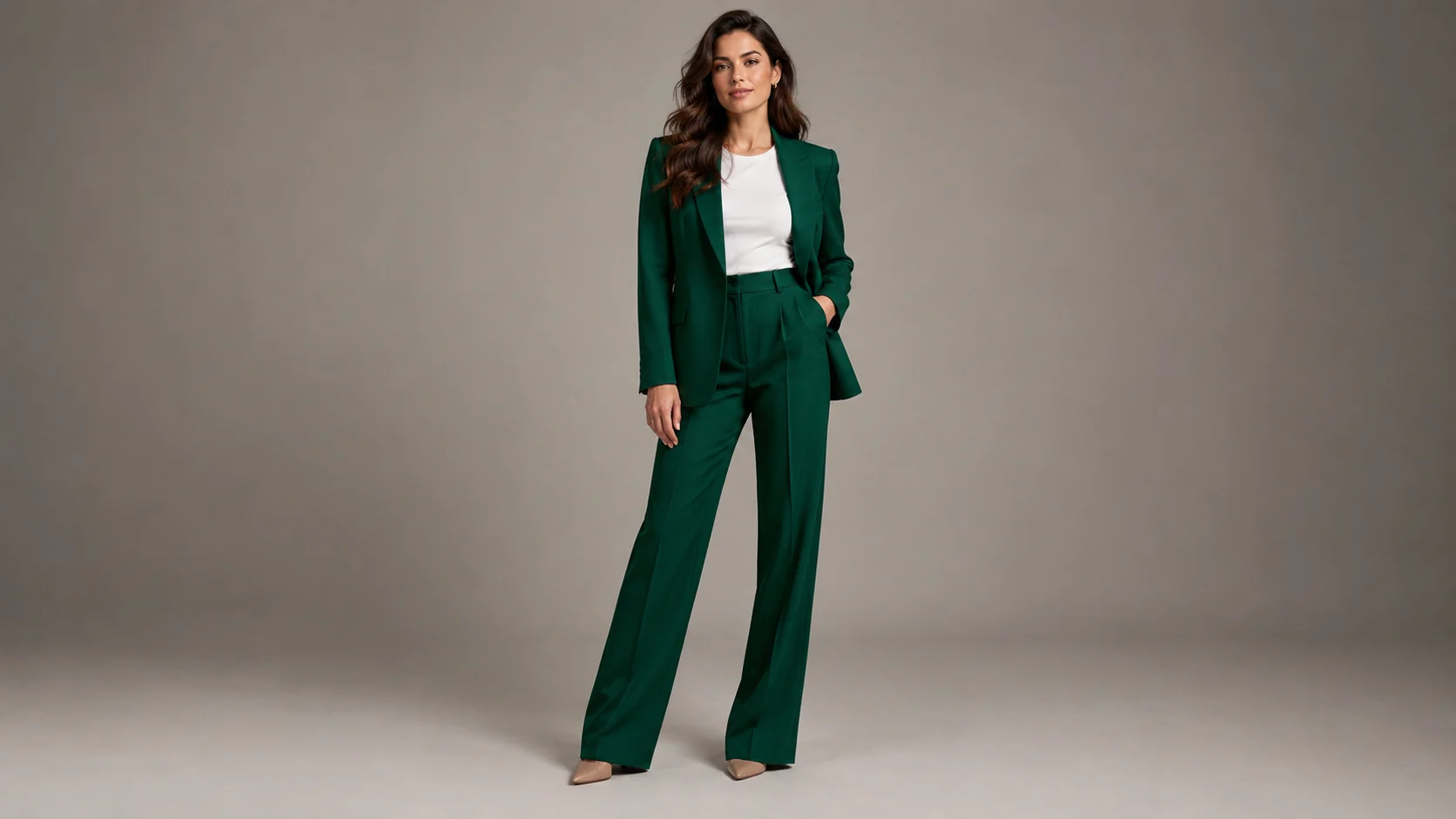
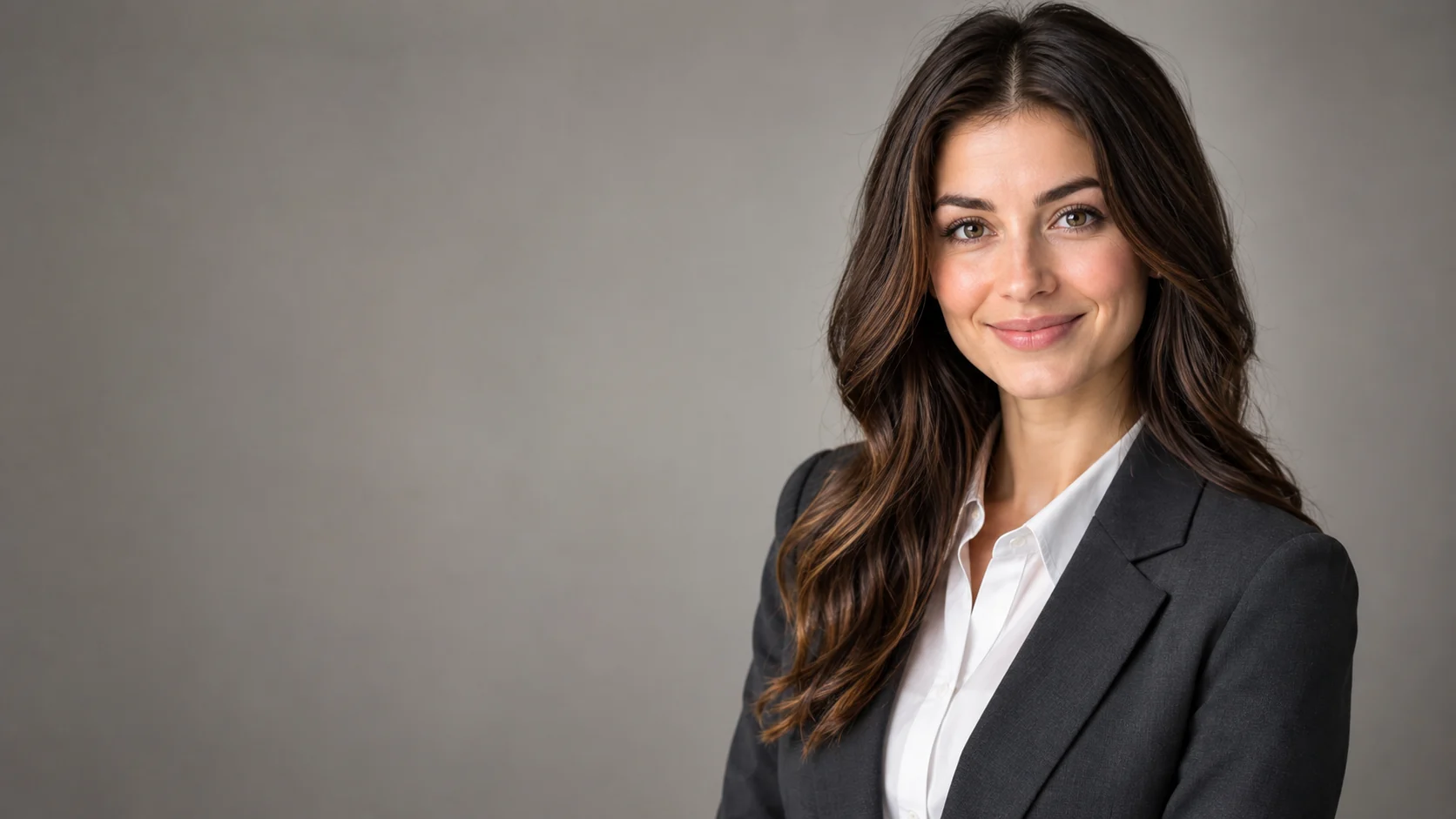
Use the uploaded portrait as the identity reference. Preserve the person's face, skin texture, facial proportions, hairstyle, and natural expression. Create a professional LinkedIn headshot with a charcoal blazer, clean warm-gray studio backdrop, soft key light, subtle rim light, and realistic lens compression. Keep the person recognizable and avoid over-smoothing.
Keep the subject recognizable and create a modern editorial studio portrait with a deep blue backdrop, directional light, and a simple black outfit. Preserve the original pose and natural expression. Use realistic fabric texture, gentle shadows, and a clean composition. Do not change facial identity or add props.
Preserve the subject's identity and create a consistent corporate headshot with a soft ivory background, even studio light, and a neutral business outfit. Use a head-and-shoulders crop with a natural smile and realistic skin detail. Do not add a suit that looks unlike the source person or change their apparent age.
示例用途
从一张好的抓拍照片中制作出更清晰的专业肖像。
探索小型团队中一致的肖像方向。
为具有编辑限制的活动页面创建精美的肖像草稿。
为海报、社交媒体、缩略图和演示文稿准备创意方案,兼顾文案位置与整体构图。
将同一创意快速适配为多种语言、多种比例以及各渠道可用的版本。
工作流程
使用光线均匀、表情自然的清晰肖像。
在要求详细修饰之前,设置背景、服装和灯光。
将眼睛、发际线、皮肤纹理、眼镜和表情与源图像进行比较。