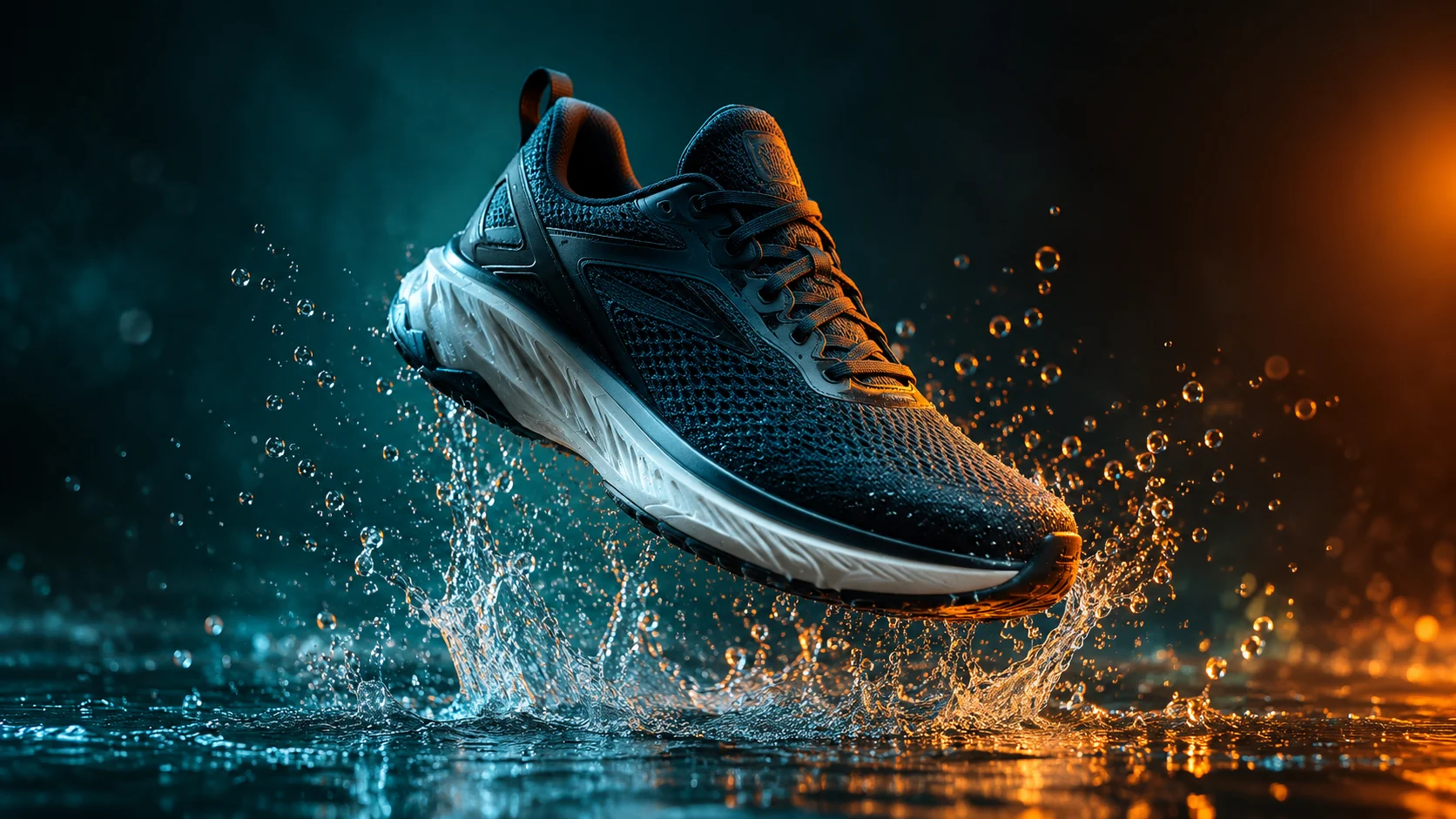
明確な焦点
無関係な詳細を詰め込むのではなく、小さなサイズでも読み取れる構図を作成します。
アップロード済みの画像
No images yet
Get started with these simple steps
YouTubeサムネイルジェネレーター
サムネイルは、トピックを伝えるのに数ミリ秒しかありません。画像には、明確な焦点、認識可能な感情や行動、そして混雑したフィードでも目立つ十分なコントラストが必要です。
まず背景と被写体を生成します。その後、デザインツールで見出しテキストを追加し、スペル、フォント、安全な余白を自分で管理できるようにします。
結果は動画の内容を誤解させるものであってはなりません。視覚要素を使って約束を明確にし、誤解を招く主張や無関係な劇的な表情を作成しないようにしてください。
サムネイルワークフロー
鮮明なポートレートまたはシーンを使用し、1つの焦点となるアイデアを選択し、見出しとチャンネルの処理のために意図的にネガティブスペースを残します。
無関係な詳細を詰め込むのではなく、小さなサイズでも読み取れる構図を作成します。
後で追加するタイトルやチャンネルの処理のために、きれいな領域を確保します。
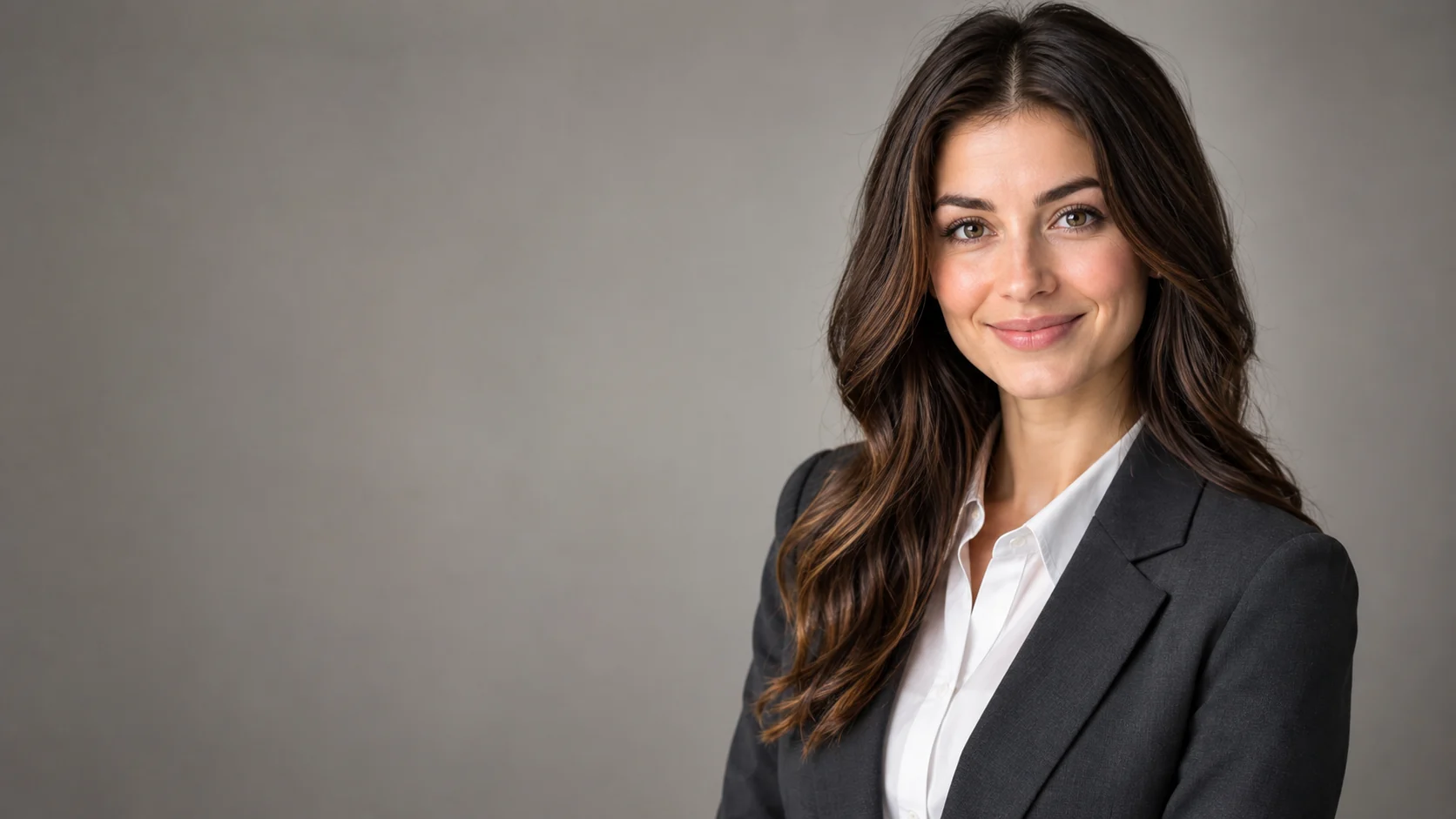
プレゼンターがコンセプト全体で認識できるように、ポートレート参照を使用します。
完全なサムネイルデザインに投資する前に、いくつかの視覚的なフックを比較します。
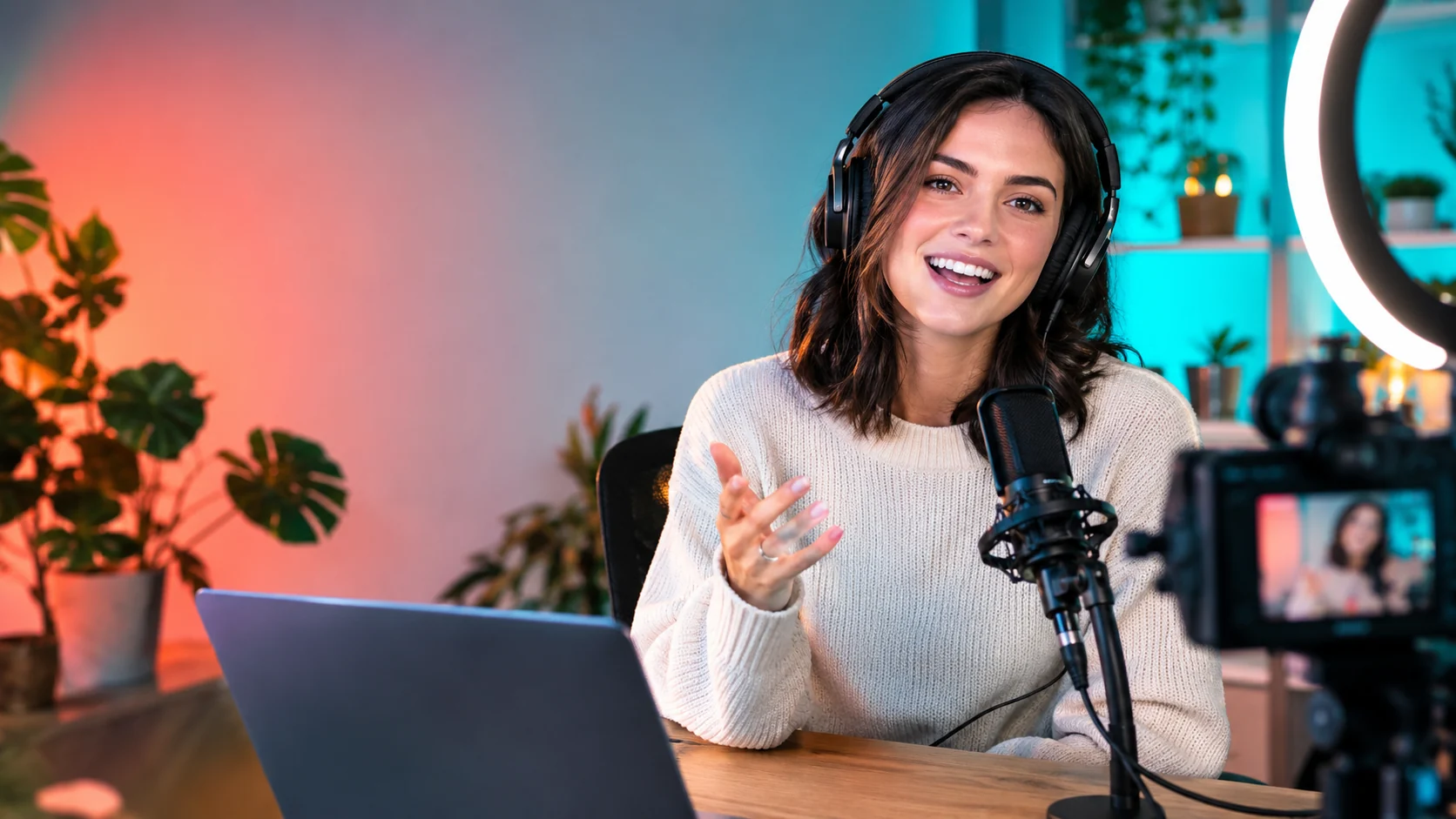
Use the uploaded portrait as the identity reference. Create a bold YouTube thumbnail composition with the creator on the right, an expressive but natural reaction, headphones, and a clean home-studio background. Use coral and teal lighting accents, a strong focal point, and clear negative space on the left for a future headline. No text, logos, or extra people.
Keep the person recognizable and compose a tutorial thumbnail with the subject on the left, a laptop, notebook, and one relevant object on the right. Use bright practical lighting, a simple background, and strong separation between foreground and background. Leave clean space for a title and keep the scene truthful to the topic.
Transform the uploaded portrait into a high-energy gaming thumbnail with a dark studio, controlled blue and amber rim light, a game controller, and a dynamic but readable pose. Preserve the face and keep exactly one person. Do not add fake game titles, logos, text, or unreadable details.
活用例
人物、問題、そして1つの補助的なオブジェクトをすっきりとした構図で表示します。
トピックの見出しのための意図的なスペースを設けて、読みやすい表情を作成します。
偽のタイトルやブランドマークを追加せずに、ライティングとポーズの方向性を探ります。
コピーの配置と構図の両方が重要なポスター、SNS、サムネイル、プレゼン資料のコンセプトを手早く作成できます。
ひとつのクリエイティブを、複数の言語、比率、チャネル向けのバリエーションに展開できます。
ワークフロー
プロンプトを作成する前に、サムネイルが伝えるべき単一のアイデアを決定します。
明確なポートレートを使用し、ポーズ、小道具、ライティング、ネガティブスペースを記述します。
スペル、コントラスト、モバイルでの読みやすさを管理するために、見出しを手動で配置します。