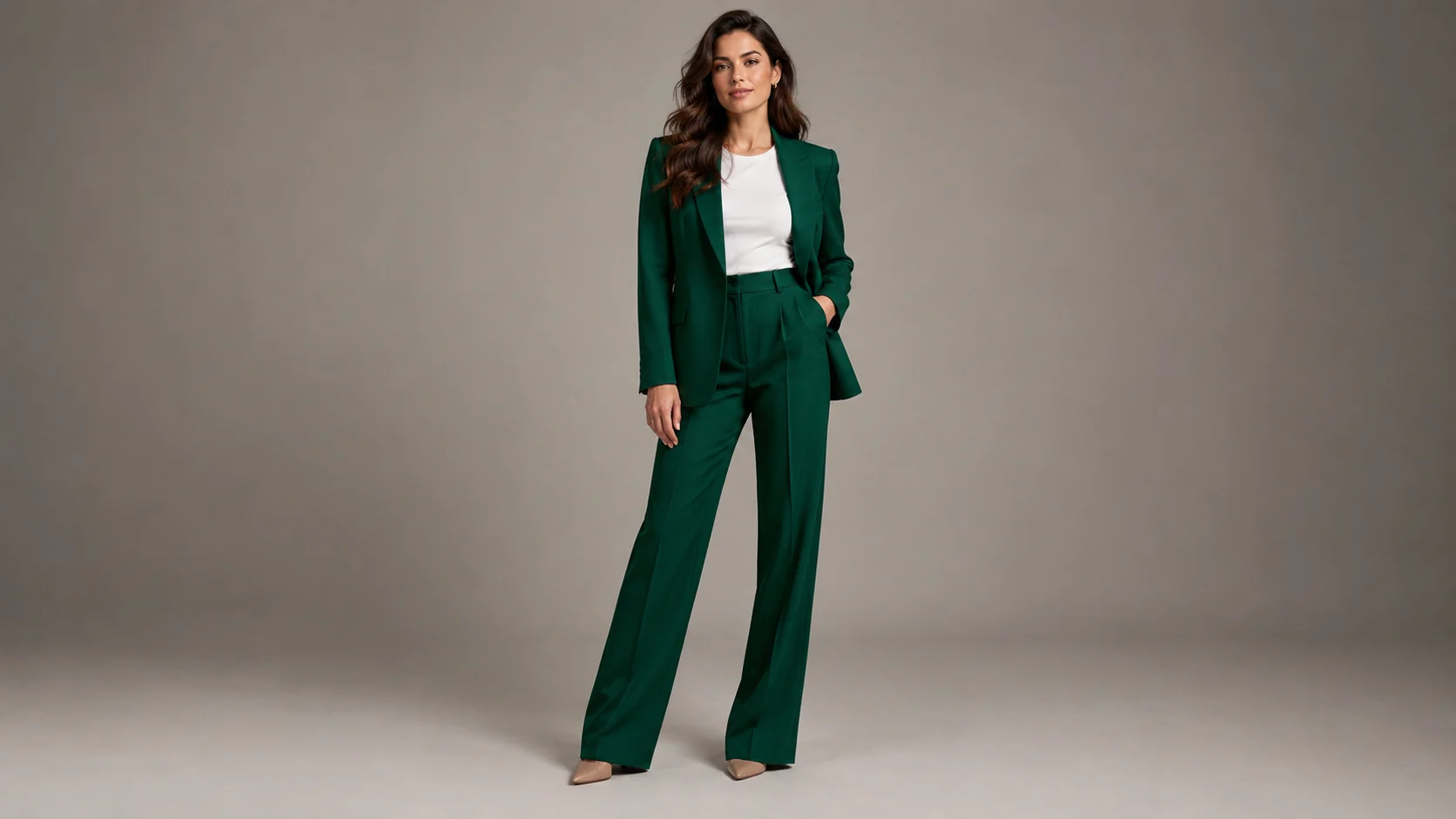
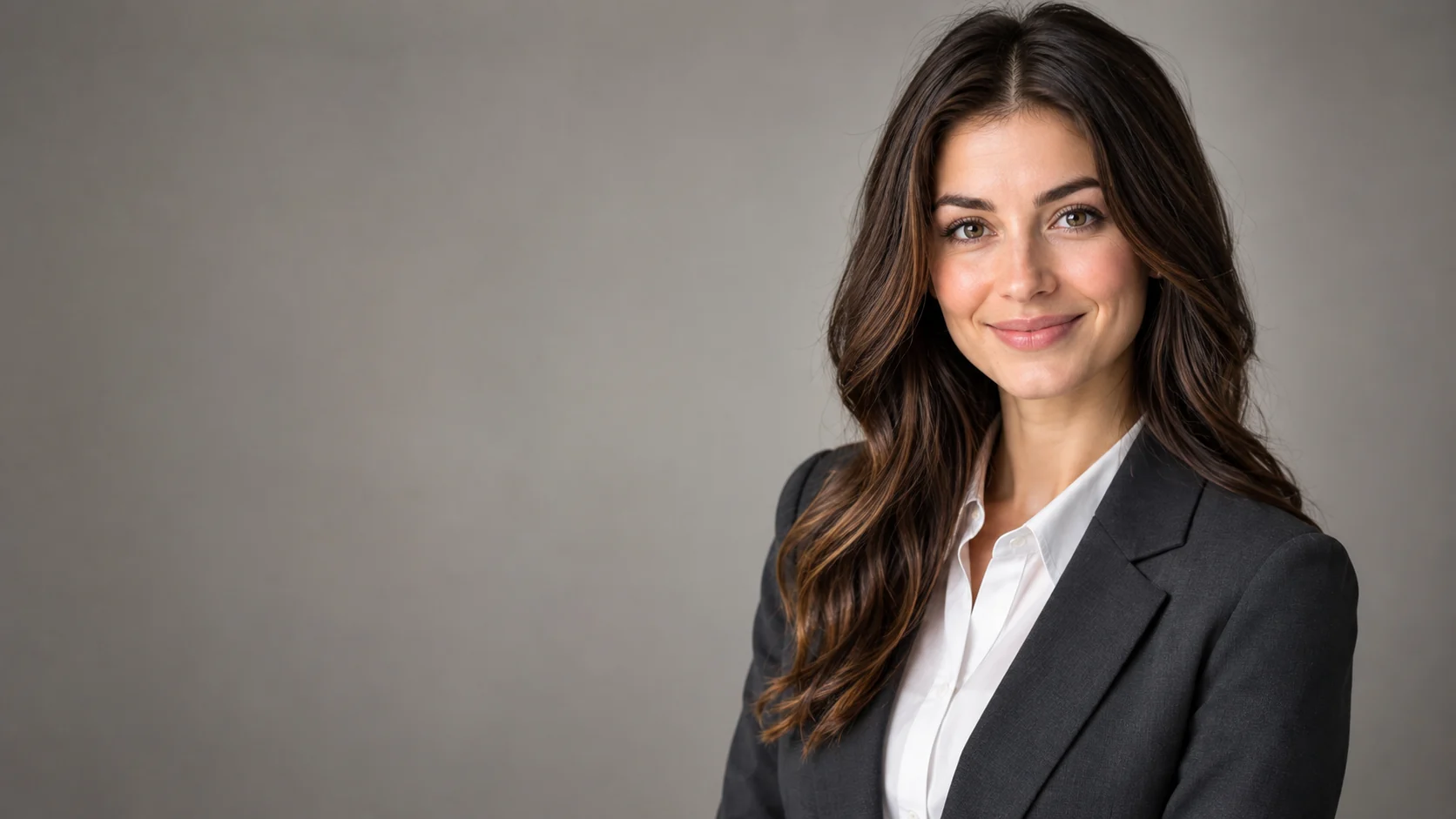
兩人構圖
描述畫面,讓兩個人都有明確的位置、姿勢和比例。
已上傳的圖片
No images yet
Get started with these simple steps
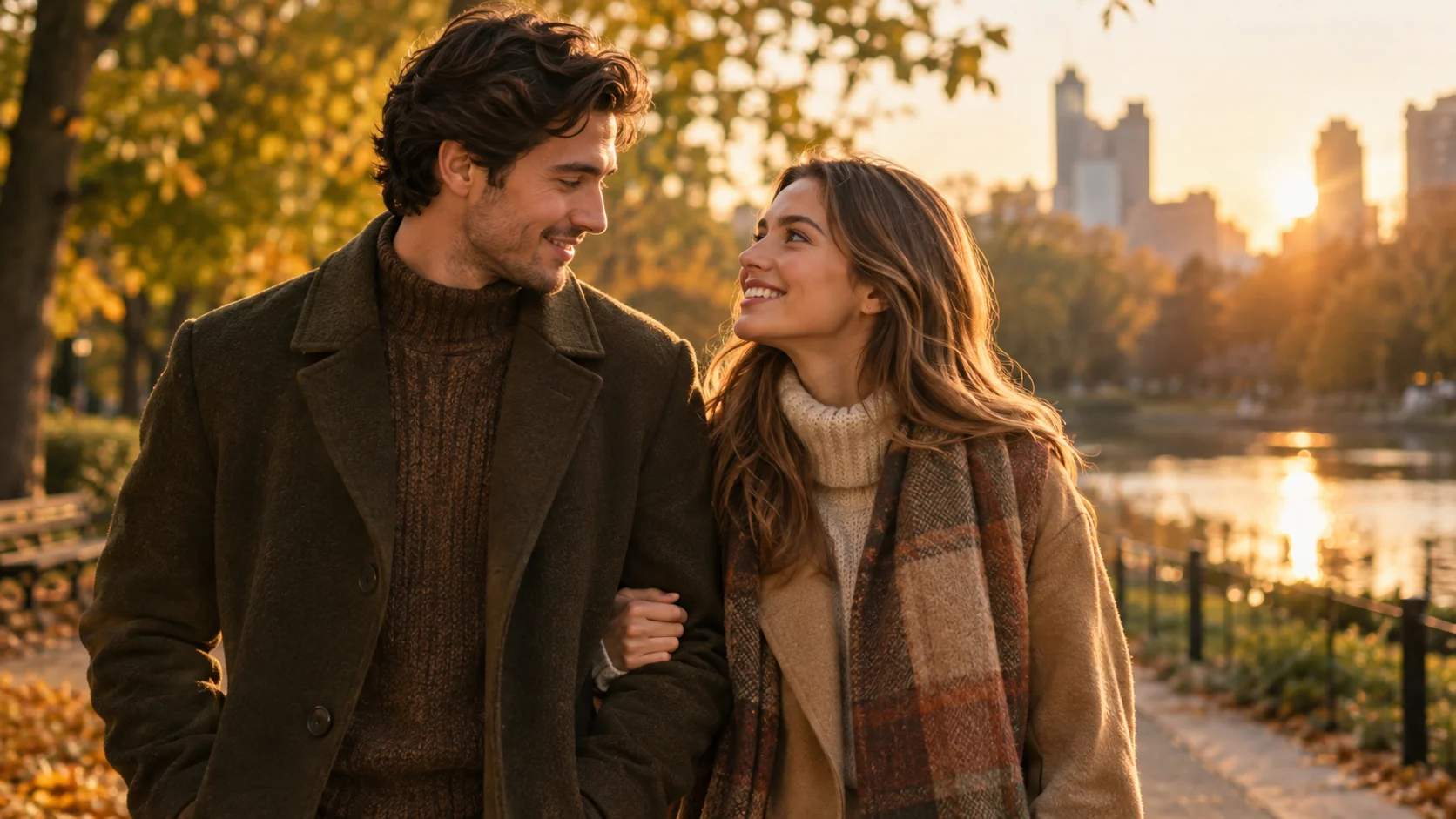
情侶照片生成器
情侶肖像既是風格問題,也是構圖問題。每個人都需要在畫面中扮演明確的角色,並且光線、服裝和相機方向需要協調一致。
工作區可以使用多個參考圖像,只要所選模式支援。保持每個參考簡單,說明哪個人在左邊或右邊,並要求模型保持相同的人數。
生成的肖像不是身份驗證。在使用圖片之前,請檢查臉部、手部、珠寶和身體比例,並且只編輯已獲得許可的人的照片。
情侶肖像工作流程
使用兩人的清晰照片,描述關係和構圖,並在分享前檢查身份、手部和背景細節。
描述畫面,讓兩個人都有明確的位置、姿勢和比例。
在改變背景的同時,保護臉部、膚色、頭髮和身體比例。
要求服裝適合同一場景,但不要讓人物看起來一模一樣。
在發布前檢查手部、珠寶、換臉和總人數。
Use the two uploaded photos as identity references. Preserve each person's recognizable face, skin tone, hairstyle, and body proportions. Create a coordinated golden-hour park portrait with both people standing close together, warm autumn clothing, natural smiles, shallow depth of field, and realistic fabric texture. Keep exactly two people and do not swap faces.
Keep both people recognizable and create a clean editorial studio portrait with a warm gray backdrop, soft side lighting, and coordinated neutral outfits. Preserve the original faces, expressions, and approximate ages. Use a horizontal composition, natural hands, and realistic contact shadows. No extra people, text, or logos.
Use the two references to create a believable travel portrait on a quiet stone street at blue hour. Keep both faces recognizable, preserve their pose relationship, and choose clothing that fits the scene without changing identity. Use cinematic ambient light, realistic perspective, and a relaxed natural mood.
應用範例
當兩人都同意編輯時,從兩張最喜歡的肖像中創建一個有意義的視覺作品。
為婚禮請柬或個人邀請函測試協調的肖像方向。
為情侶帳號或家庭公告製作共享肖像概念。
製作海報、社群貼文、縮圖與簡報的視覺構想,兼顧文案配置與整體構圖。
將同一個創意延伸為多種語言、比例,以及適合各平台的版本。
工作流程
選擇臉部清晰可見且光線相似的參考圖片。
說明背景、姿勢、服裝方向、相機構圖和人數。
將兩張臉與參考圖片進行比較,並檢查手指、珠寶和身體比例。