身份優先
在改變風格之前,保護臉部比例、皮膚特徵、頭髮和表情。
已上傳的圖片
No images yet
Get started with these simple steps
大頭照編輯器
一張有用的大頭照應該讓人感覺是同一個人狀態更好的一天,而不是庫存照片中的另一個人。臉部、表情、皮膚特徵和大概年齡都應該保持熟悉。
此工作流程最適用於來源照片已經有清晰的臉部和合理姿勢的情況。一次只要求一個適度的更改,從燈光和背景開始,然後再進行服裝或修飾。
個人特徵、頭髮、眼鏡和皮膚細節可能會有所偏差。將結果與來源照片進行比較,並偏好自然的效果,而不是過度平滑或通用的企業表情。
專業肖像工作流程
從清晰的肖像照開始,保持表情和個人特徵穩定,並使用適度的燈光和服裝變化,以獲得專業效果。
在改變風格之前,保護臉部比例、皮膚特徵、頭髮和表情。
改善光線和呈現效果,而不是將臉部變成光滑的人造面具。
使用可重複的背景和燈光提示,以獲得連貫的團隊頁面。
在預訂攝影棚攝影師之前,比較專業的方向。
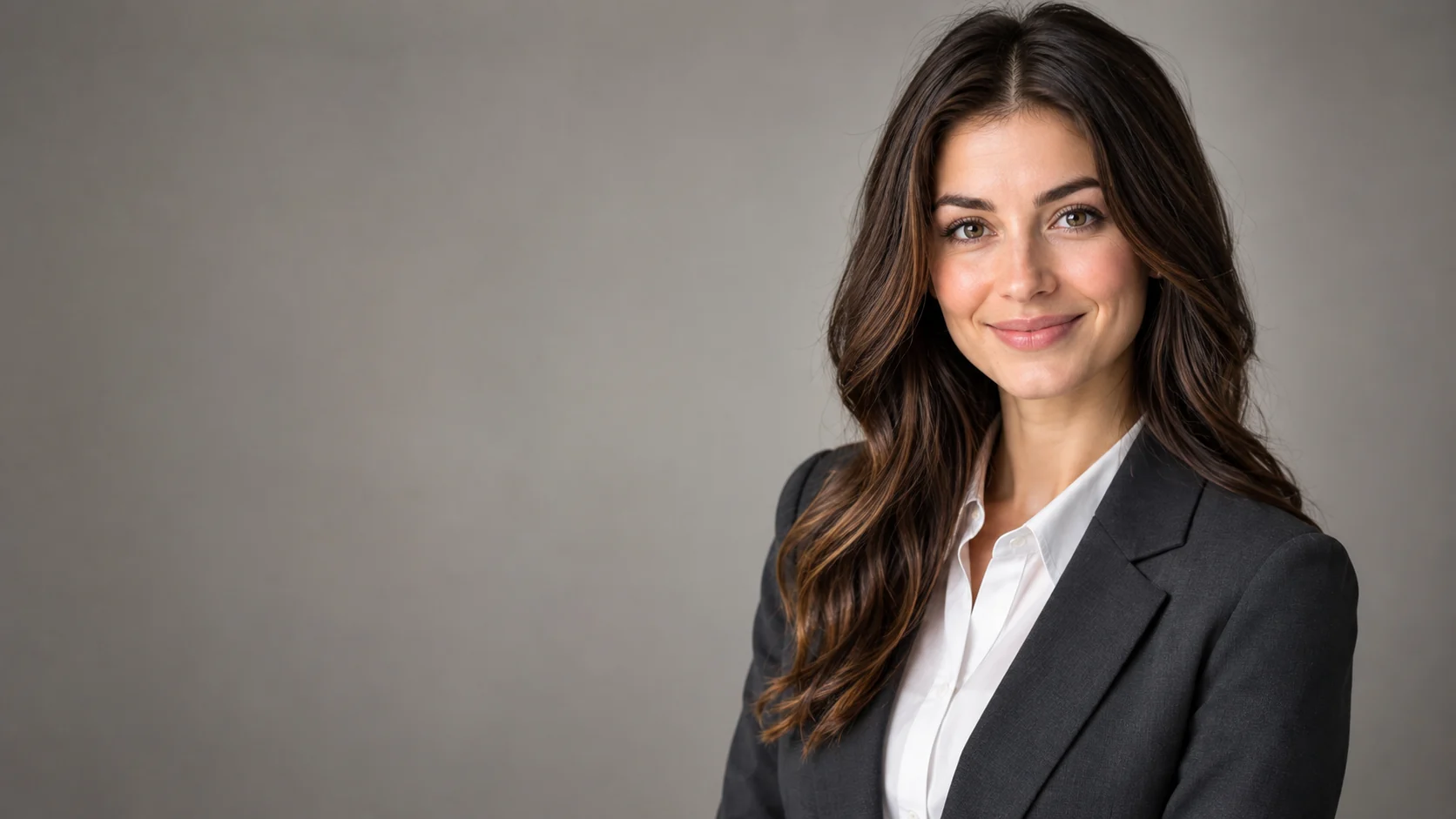
Use the uploaded portrait as the identity reference. Preserve the person's face, skin texture, facial proportions, hairstyle, and natural expression. Create a professional LinkedIn headshot with a charcoal blazer, clean warm-gray studio backdrop, soft key light, subtle rim light, and realistic lens compression. Keep the person recognizable and avoid over-smoothing.
Keep the subject recognizable and create a modern editorial studio portrait with a deep blue backdrop, directional light, and a simple black outfit. Preserve the original pose and natural expression. Use realistic fabric texture, gentle shadows, and a clean composition. Do not change facial identity or add props.
Preserve the subject's identity and create a consistent corporate headshot with a soft ivory background, even studio light, and a neutral business outfit. Use a head-and-shoulders crop with a natural smile and realistic skin detail. Do not add a suit that looks unlike the source person or change their apparent age.
應用範例
從一張好的隨拍照片製作出更清晰的專業肖像。
探索小型團隊中一致的肖像方向。
為活動頁面創建一份精美的肖像草稿,並設定編輯界線。
製作海報、社群貼文、縮圖與簡報的視覺構想,兼顧文案配置與整體構圖。
將同一個創意延伸為多種語言、比例,以及適合各平台的版本。
工作流程
使用光線均勻、表情自然的清晰肖像照。
在要求詳細修飾之前,設定背景、服裝和光線。
將眼睛、髮際線、皮膚紋理、眼鏡和表情與來源照片進行比較。