服裝方向
在模型渲染造型之前,描述輪廓、布料、顏色和造型。
已上傳的圖片
No images yet
Get started with these simple steps
服裝試穿
服裝預覽對於情緒板、造型測試、角色概念和早期產品視覺化很有用。它們不能替代尺寸表或實際試穿。
從全身或四分之三身照片開始,描述服裝的輪廓、顏色、布料和造型。盡可能保持臉部和身體比例與模型穩定。
布料褶皺、鈕扣、腰帶和印花圖案是常見的漂移點。仔細檢查結果,特別是手部、肩部、腰部和下擺線。
服裝預覽工作流程
上傳清晰的人像照,並描述服裝、布料和造型方向。將結果作為視覺參考,而非合身保證。
在模型渲染造型之前,描述輪廓、布料、顏色和造型。
保持臉部、頭髮和整體身體比例可見,並檢查是否有漂移。
無需試衣間或製作拍攝即可比較多種造型方向。
在製作真實資產之前,使用預覽來協調模特兒、攝影師和商品團隊。
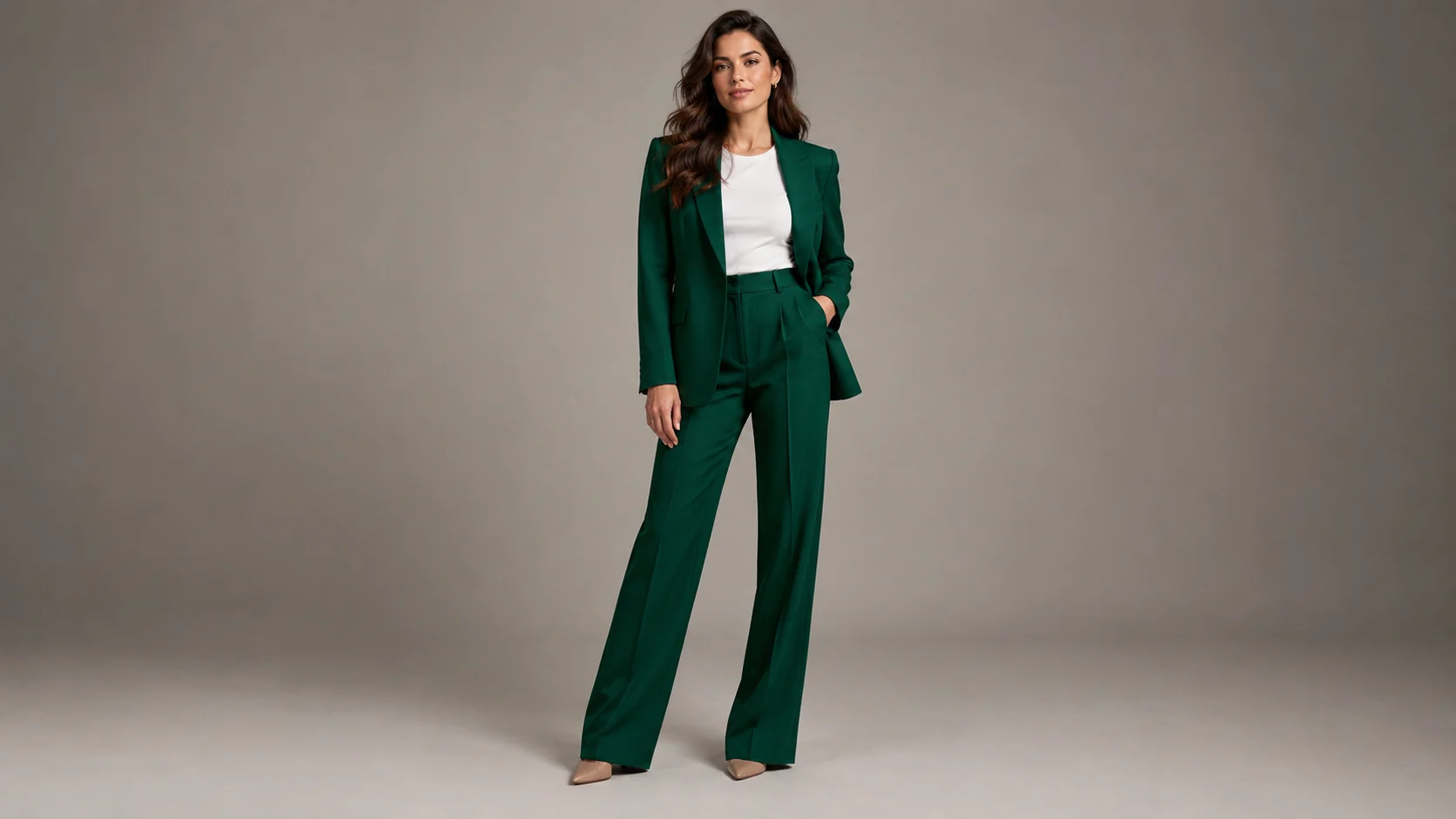
Use the uploaded portrait as the identity and body reference. Preserve the person's face, skin tone, hairstyle, and natural proportions. Replace the outfit with a well-tailored deep emerald suit, a simple white shirt, and minimal silver jewelry. Use realistic fabric drape, clean studio lighting, and a full-body fashion editorial composition. Keep the pose natural and avoid extra people.
Preserve the person and create a streetwear outfit preview with an oversized charcoal jacket, cream knit top, wide-leg dark trousers, and clean sneakers. Keep the clothing fit believable, use natural daylight, and place the subject against a quiet concrete wall. Keep one person, no logos, no text, and realistic hands.
Keep the model recognizable and create an ecommerce clothing preview with the uploaded garment silhouette, accurate color, visible stitching, and a clean warm-gray studio background. Use catalog lighting, a straight-on full-body pose, and natural fabric folds. Do not change the garment into a different product.
應用範例
在預訂模特兒或購買樣品服裝之前,探索系列概念。
在熟悉的人像上測試角色或活動服裝方向。
在最終電子商務拍攝之前,確定目錄造型方向。
製作海報、社群貼文、縮圖與簡報的視覺構想,兼顧文案配置與整體構圖。
將同一個創意延伸為多種語言、比例,以及適合各平台的版本。
工作流程
使用臉部、肩膀、軀幹和完整服裝清晰可見的圖像。
包括顏色、材質、合身度、閉合方式和重要的造型細節。
在使用預覽之前,檢查接縫、鈕扣、圖案對齊和手部。