保留商品
將產品形狀、標籤、顏色和材質寫為受保護的細節,以便編輯從您實際銷售的商品開始。
已上傳的圖片
No images yet
Get started with these simple steps
產品照片編輯器
此產品照片編輯器適用於已有可用照片但需要更簡潔商業效果的賣家。它可以重建背景、改善光線,並將商品置於精心設計的場景中,同時要求模型保留產品形狀和可見細節。
可用於市場列表、品牌頁面、付費社群媒體、電子郵件和行銷活動測試。最快的工作流程是一次解決一個問題:首先確保產品準確,然後改善場景,最後再進一步推動藝術指導。
生成的產品圖片仍是視覺草稿。發布前請檢查標籤、文字、反光、邊緣和配件細節,特別是當圖片將用於受管制產品或有嚴格圖片規定的市場時。
產品照片工作流程
上傳清晰的產品照片,描述設定和必須保留的細節,為商品列表、廣告或店面建立更簡潔的圖片。
將產品形狀、標籤、顏色和材質寫為受保護的細節,以便編輯從您實際銷售的商品開始。
要求更柔和的陰影、更清晰的高光或特定的攝影棚氛圍,而無需重建整張照片。
從雜亂的桌面轉換為無縫的列表背景、季節性佈景或設計好的生活風格場景。
保留提示和原始圖片,以便一次只更改一個變數。
Use the uploaded product photo as the exact reference. Preserve the product shape, label placement, color, material, and visible details. Replace the background with a warm off-white seamless studio, add a soft grounded shadow, and use natural commercial product lighting. Keep the same camera angle and crop.
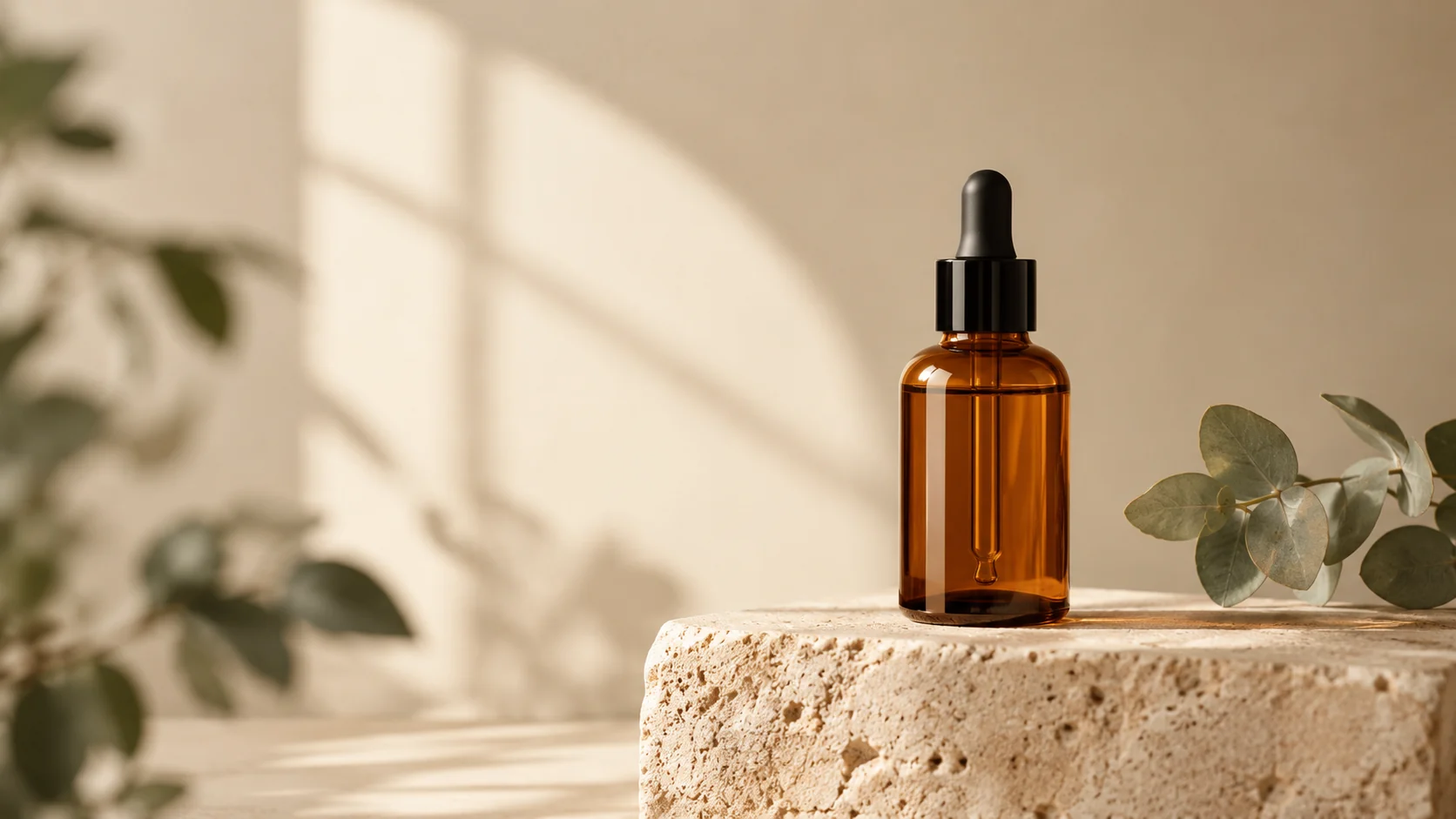
Keep the uploaded product unchanged and place it in a believable morning kitchen scene with pale stone, linen, and a small green plant out of focus. Preserve every label and product edge. Use soft window light, realistic reflections, a shallow depth of field, and a premium editorial composition.
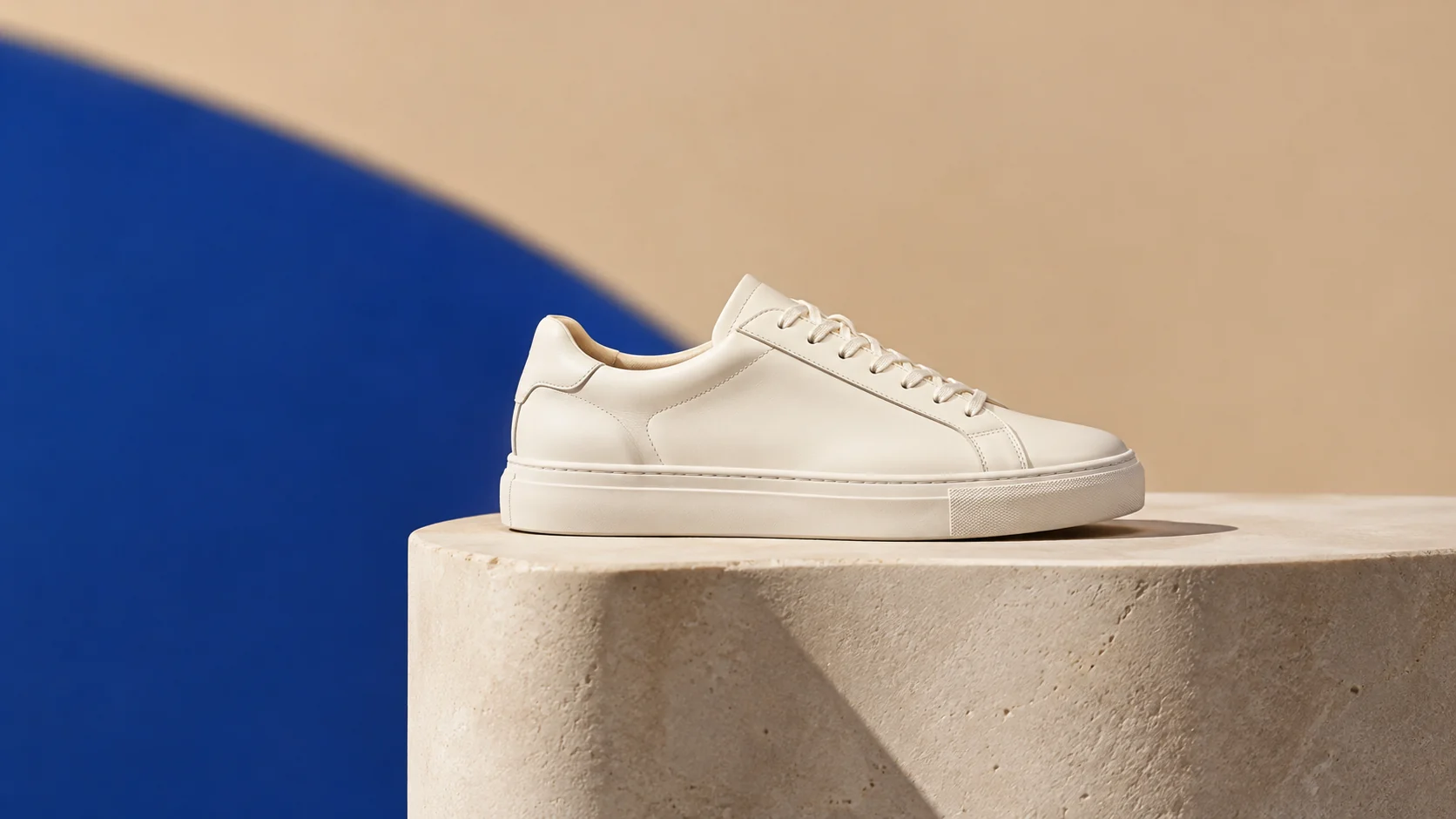
Preserve the product exactly while creating a bold campaign set with a deep blue backdrop, a sculptural plinth, and one clean geometric shadow. Use controlled studio lighting, crisp material detail, and a wide composition with room for headline copy. Do not add text, logos, people, or extra products.
應用範例
為產品目錄建立更簡潔的主圖和一致的輔助場景。
在投入完整的行銷活動拍攝之前,比較攝影棚、生活風格和鮮明色彩方向。
當有照片可供開始但沒有攝影棚時間時,準備有用的初稿素材。
製作海報、社群貼文、縮圖與簡報的視覺構想,兼顧文案配置與整體構圖。
將同一個創意延伸為多種語言、比例,以及適合各平台的版本。
工作流程
使用清晰的圖片,產品完整可見,邊緣周圍有足夠的空間。
在引入新背景、光線或氛圍之前,描述必須保持精確的內容。
檢查標籤、輪廓、陰影和反光,然後一次更改一個提示細節。