一致的場景規則
在產品系列中重複使用相同的光線、顏色和陰影語言。
已上傳的圖片
No images yet
Get started with these simple steps
電商背景生成器
背景一致性是商品陳列的一部分。目錄需要產品保持可辨識,同時周圍的顏色、陰影和道具語言在整個系列中保持連貫。
從一張乾淨的原始照片和一個視覺規則開始,例如暖色調的石頭、單一的幾何陰影或簡潔的季節性佈景。然後改變背景而不改變產品輪廓。
結果是一種視覺資產,不能保證市場會接受它。在上傳到店面之前,請檢查圖像尺寸、裁剪、背景政策、產品準確性以及任何所需的披露。
電商圖片工作流程
將現有的產品照片轉換為一系列用於商品列表、類別頁面或活動的背景方向,而不會丟失使圖像屬於您的商品。
在產品系列中重複使用相同的光線、顏色和陰影語言。
在背景變化的同時,保持商品輪廓和材質細節可見。
生成方形、直向或橫向的圖片,以適用於不同的版位,無需重新拍攝。
在設計師開始製作完整範本或行銷活動之前,比較不同的背景。
Preserve the uploaded product exactly, including shape, color, label area, and visible material details. Replace only the background with a clean white-to-light-gray studio sweep, add a soft contact shadow, and use neutral commercial lighting. Keep the product centered with clear margins and no added objects.
Keep the product unchanged and place it on a simple stone shelf with dried branches, warm amber light, and a deep forest-green background. Use realistic scale and shadows. Do not cover the product, add text, or change the product color.
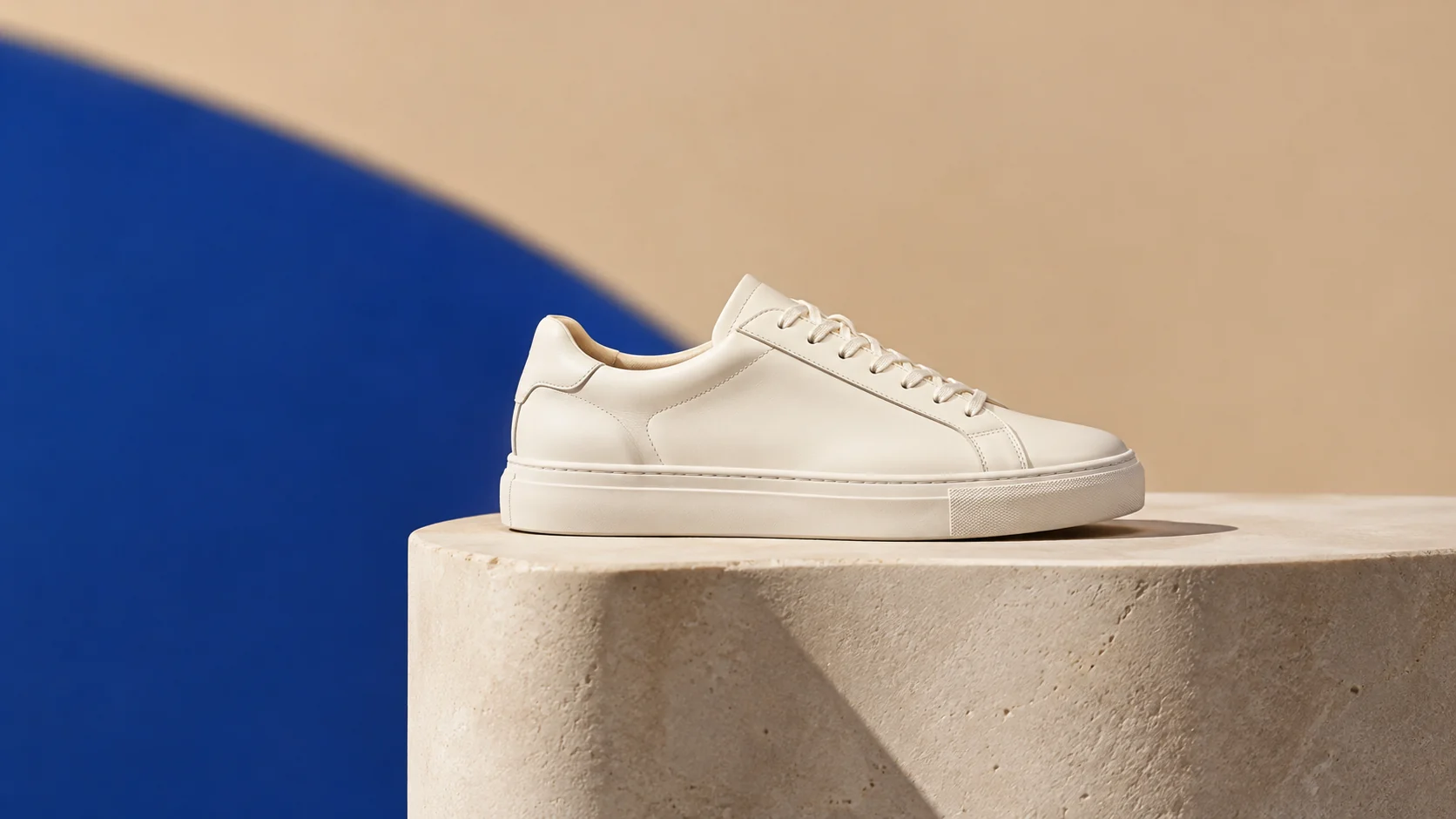
Preserve the item and create a consistent category background with a warm sand surface, a cobalt blue geometric plane, and one crisp shadow. Use a wide catalog composition, small product footprint, and negative space for future layout. No logo, text, people, or extra products.
應用範例
為小型系列提供一致的背景系統,減少修圖次數。
測試節慶、開學季或新品上市系列,無需安排額外的攝影棚時間。
建立清晰的初稿圖片,然後根據目標市場規則進行檢查。
製作海報、社群貼文、縮圖與簡報的視覺構想,兼顧文案配置與整體構圖。
將同一個創意延伸為多種語言、比例,以及適合各平台的版本。
工作流程
使用清晰、輪廓分明且邊緣細節足夠保留的圖片。
在添加道具之前,選擇表面、背景顏色、光線方向和陰影樣式。
根據目標平台審查裁切、背景和產品的準確性。