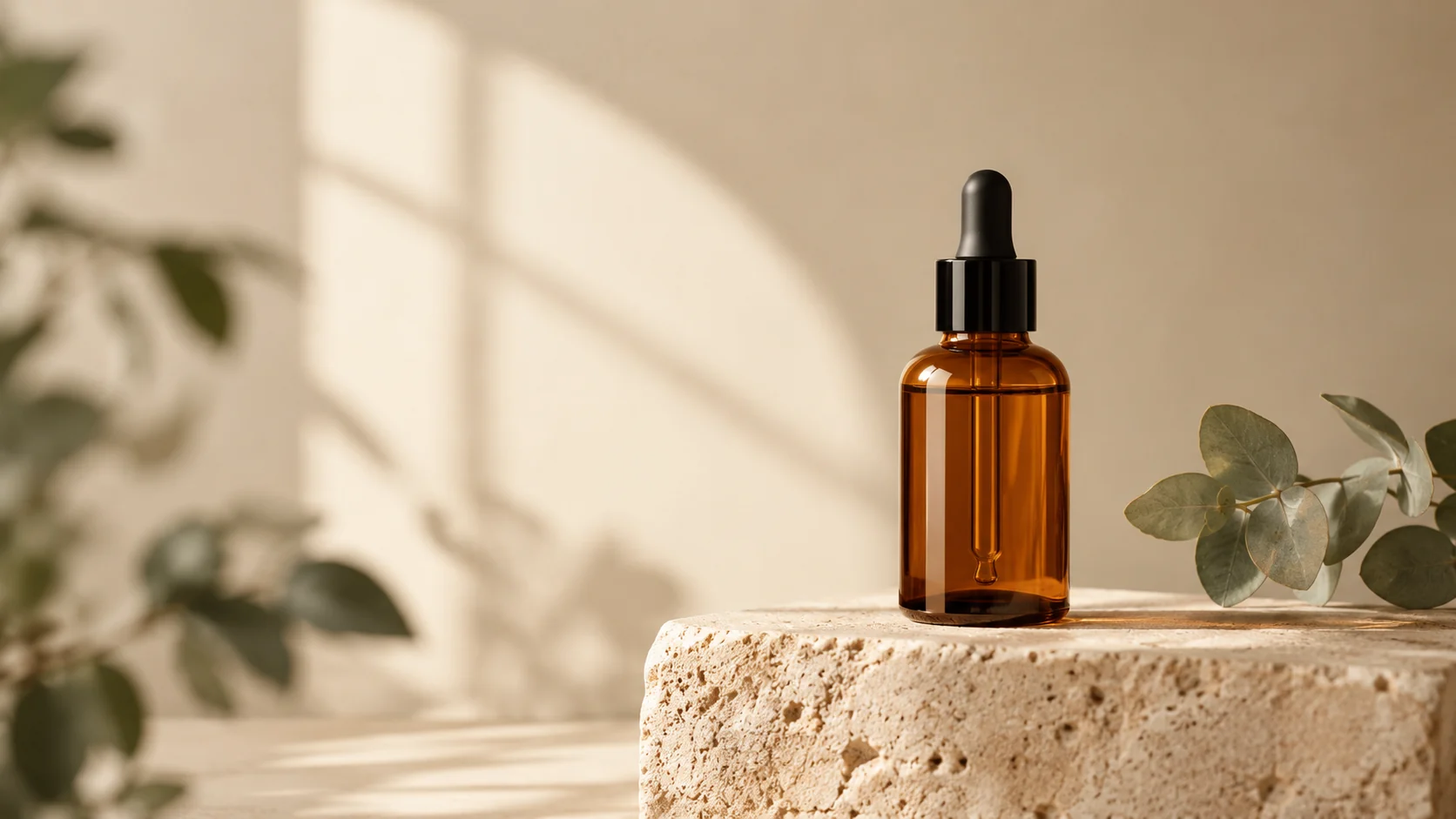
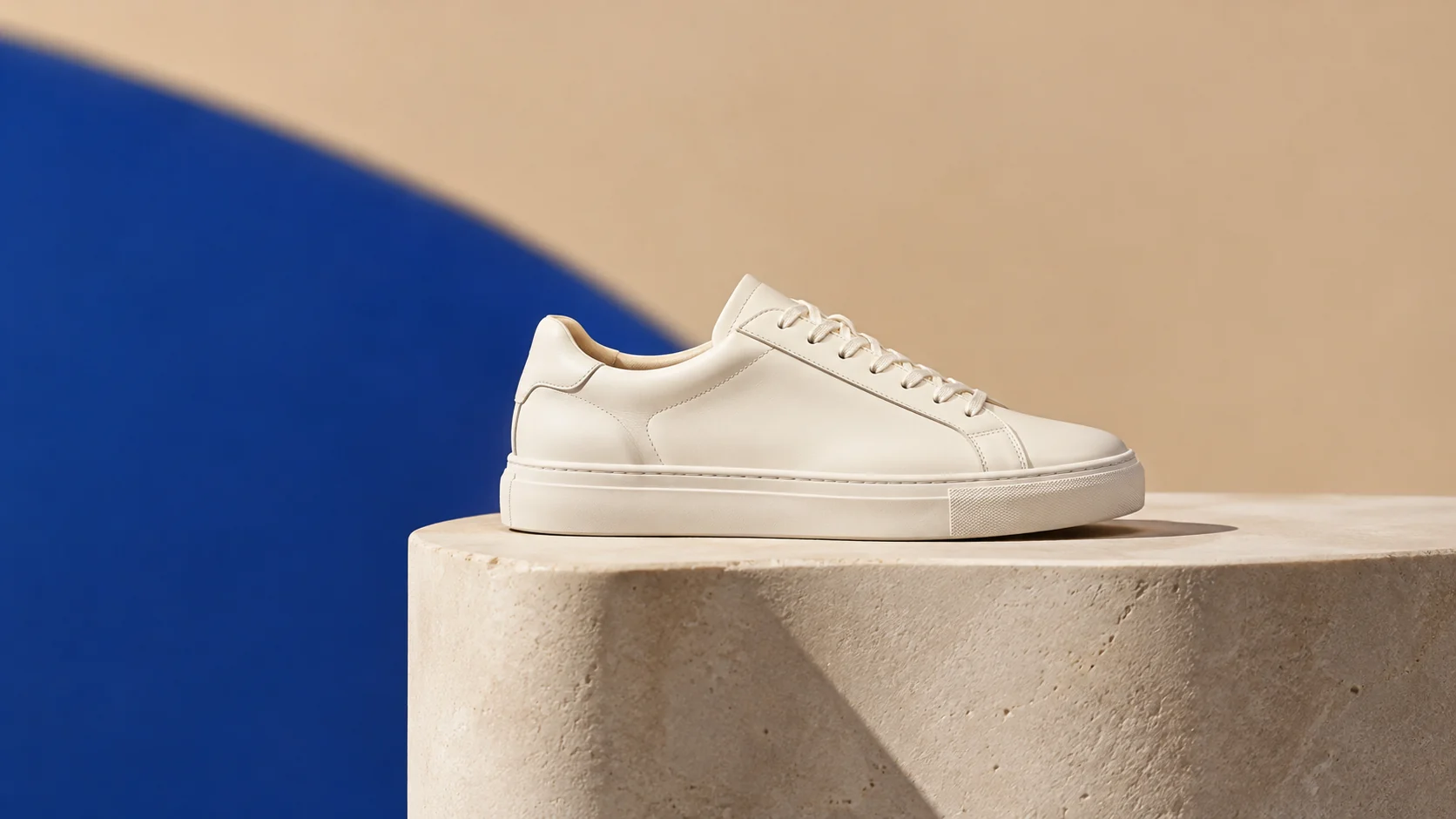
忠於來源的導向
在攝影機和背景移動時,保持上傳產品的形狀和邊緣作為視覺錨點。
上傳圖片、輸入提示詞,然後點擊「生成影片」,即可製作你的第一支 AI 影片。
上傳一張清晰的產品圖片,描述攝影機移動和氛圍,然後生成一個短片用於宣傳活動或列表測試。
上傳一張清晰的產品圖片,描述攝影機移動和氛圍,然後生成一個短片用於宣傳活動或列表測試。
來源圖像. 使用輪廓清晰、邊緣細節足夠的乾淨產品照片。
動態提示. 描述攝影機運鏡、產品動作、光線和背景氛圍。
輸出設定. 在花費點數之前,請選擇實用的持續時間、解析度和比例。
在攝影機和背景移動時,保持上傳產品的形狀和邊緣作為視覺錨點。
在嘗試複雜的序列之前,請選擇簡單的推、轉、光線掃描或氛圍移動。
同時檢視持續時間、解析度和比例,以便測試結果符合您預期的放置位置。
檢查影片中所有的小標籤和邊緣,而不僅僅是第一幀或最後一幀。
在完整製作核准之前,探索動作、光線和節奏。
從現有產品圖片為商品列表或社群貼文建立簡短的視覺預告片。
在最終拍攝之前,向團隊展示靜態產品場景如何移動。
Use the uploaded product image as the exact first frame. Preserve the product shape, label placement, material, and color. Create a slow five-second camera orbit with a subtle studio light sweep, stable product geometry, a seamless cream background, and no scene cuts. Keep the product centered and avoid warping.
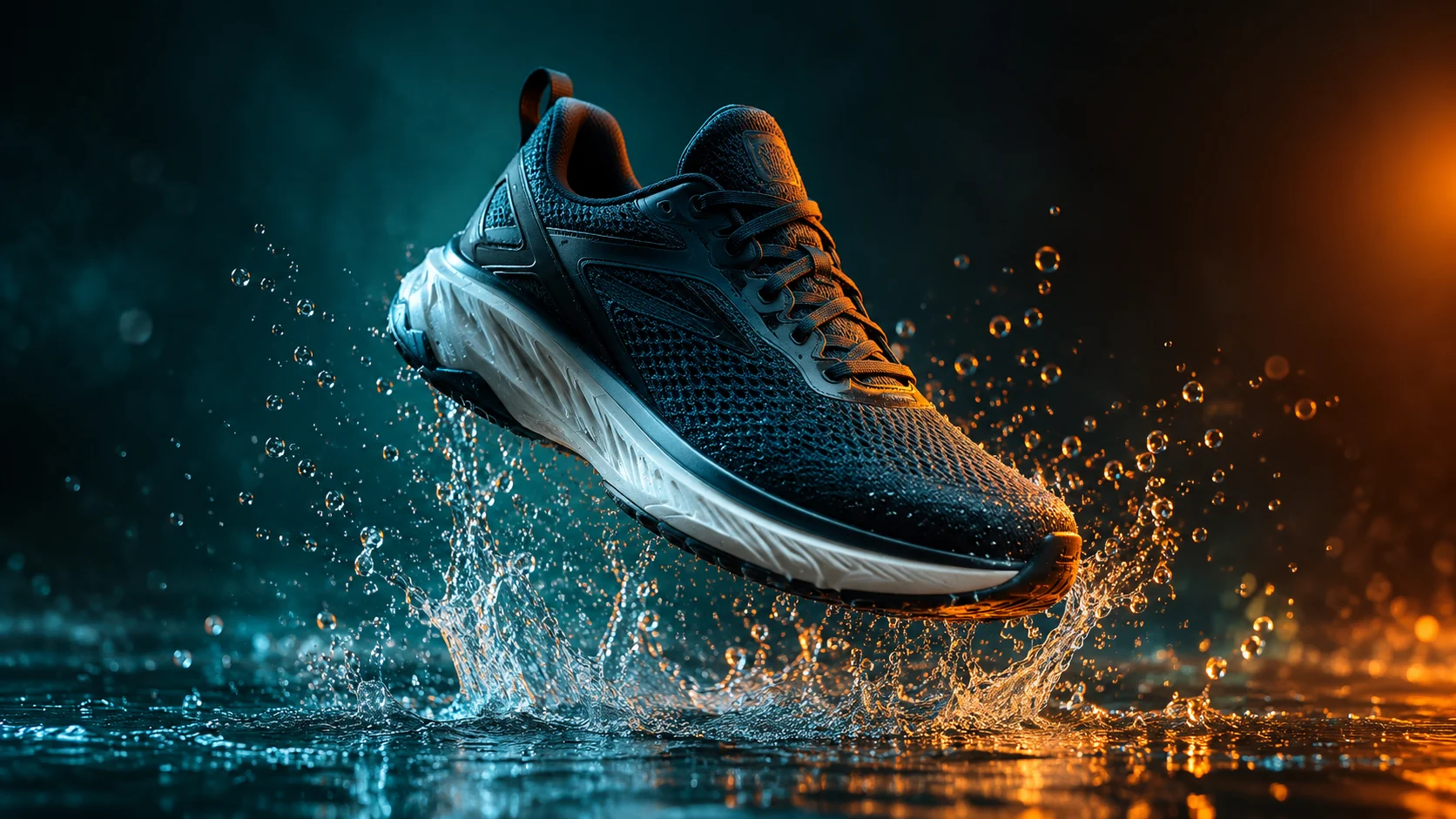
Keep the product identical to the uploaded image and create a short cinematic product clip with a controlled water splash behind it, dark teal background, warm rim light, and a slow push-in camera. Preserve product edges and label details. Use realistic motion, no text, no logos, and no sudden transformations.
Use the uploaded image as the visual reference. Create a clean three-second product preview with a gentle turn, soft commercial lighting, and a neutral studio background. Keep the product the same color and shape. Use simple motion, stable anatomy, no people, no text, and no camera cuts.