開頭優先的提示
在描述鏡頭的其餘部分之前,先撰寫開場動作,這樣第一秒就有明確的任務。
輸入提示詞並點擊「生成影片」,即可製作你的第一支 AI 影片。
描述開場畫面、動作、產品角色和氛圍,然後生成一個簡短的垂直概念進行測試。

描述開場畫面、動作、產品角色和氛圍,然後生成一個簡短的垂直概念進行測試。
提示. 撰寫開場鏡頭、主題、產品角色、攝影機運鏡和氛圍。
格式. 選擇符合預期動態消息放置的垂直或方形方向。
迭代. 保持成功的概念簡短,並為下一個測試更改一個變數。
在描述鏡頭的其餘部分之前,先撰寫開場動作,這樣第一秒就有明確的任務。
保持主題居中,並保護頂部和底部區域免受重要視覺細節的影響。
一次改變一個設定、動作或燈光,以比較不同的廣告方向。
將影片片段視為原始視覺素材,用於字幕、聲音、法律文字和最終行動呼籲。
在投入產品攝影和付費媒體之前,測試視覺吸引力。
探索可以支援螢幕錄影或真人編輯的情緒或情境。
為一系列短篇社群貼文草擬可重複使用的開場視覺效果。
Create a short vertical social ad opening: hands holding an unbranded ceramic coffee cup above a cream cafe table, warm golden morning light, linen napkin and croissant softly out of focus. Use a slow push-in, natural motion, a calm premium mood, and one clear product focal point. No text, logos, cutaways, or extra people.
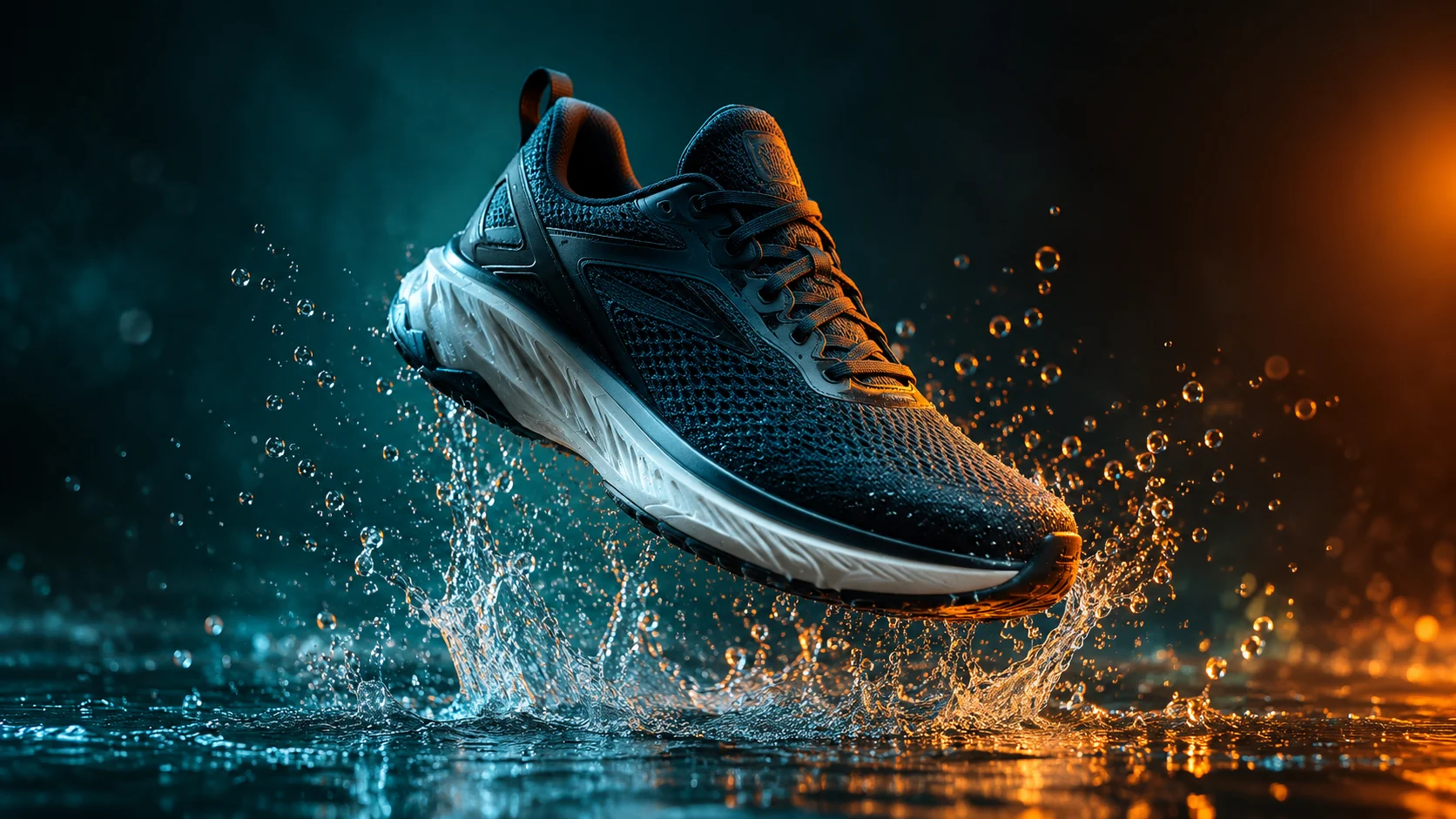
Create a short vertical video concept for an unbranded fitness accessory on a dark charcoal studio floor. Use a low camera angle, a crisp light sweep, a small product turn, and an energetic but controlled motion beat. Keep one product, realistic reflections, no person, no text, and no scene change.
Create a close-up vertical social ad frame with a glass skincare bottle on a pale stone ledge, soft morning light, water droplets, and a clean blush background. Use a gentle camera drift, shallow depth of field, and realistic glass reflections. Keep one product, no hands, no text, no logos, and no rapid cuts.