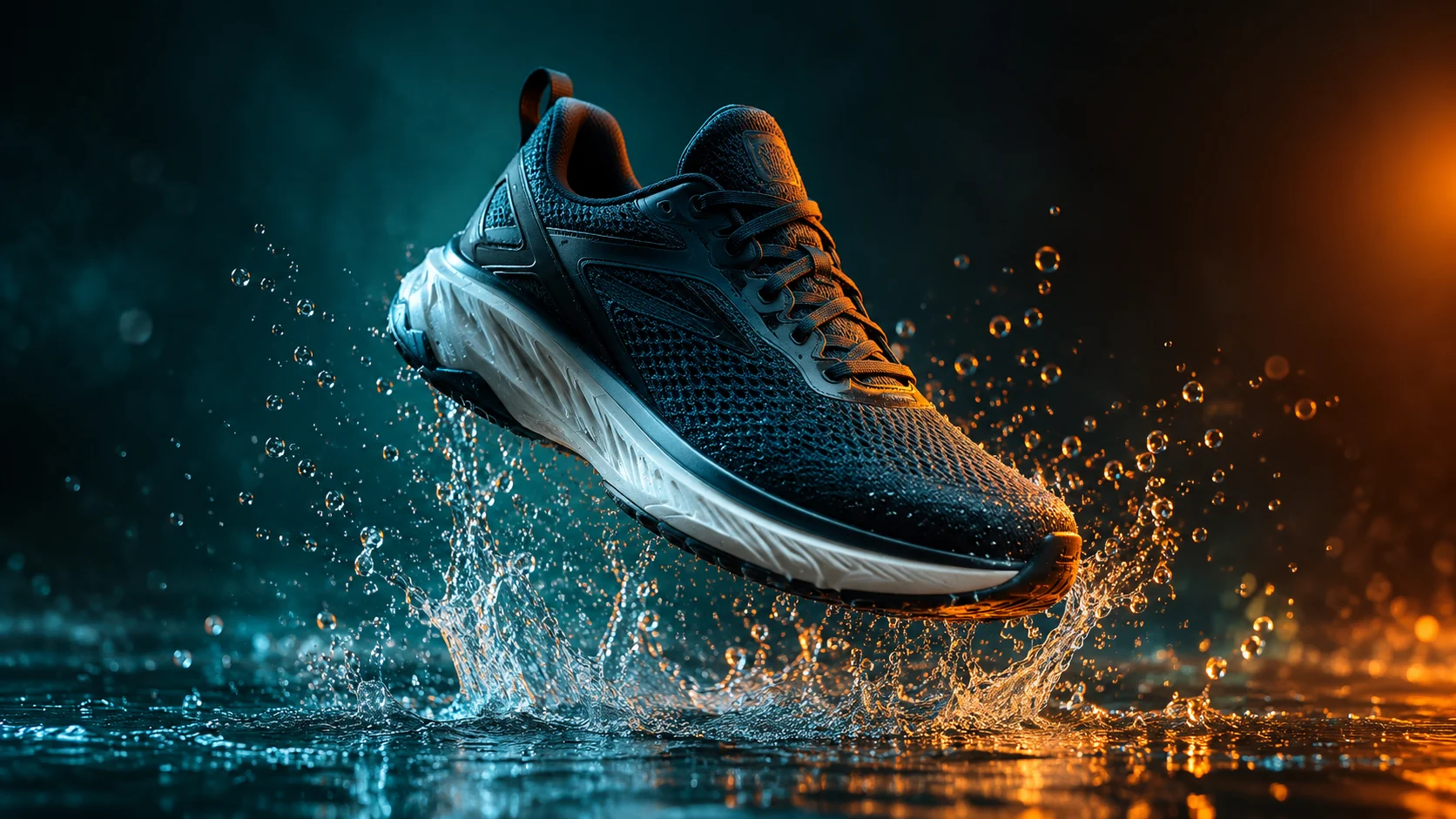
一個清晰的焦點
建立一個在小尺寸下也能清晰可辨的構圖,而不是塞滿不相關的細節。
已上傳的圖片
No images yet
Get started with these simple steps
YouTube 縮圖產生器
縮圖必須在幾毫秒內傳達主題。圖片需要一個清晰的焦點、可辨識的情緒或動作,以及足夠的對比度才能在擁擠的資訊流中脫穎而出。
先生成背景和主體。之後再使用設計工具添加標題文字,這樣拼寫、字體和安全邊距都能在您的掌控之中。
結果不應誤導影片內容。使用視覺效果來闡明承諾,而不是製造誤導性聲明或不相關的戲劇性表情。
縮圖工作流程
使用清晰的肖像或場景,選擇一個焦點想法,並為標題和頻道處理預留刻意的留白。
建立一個在小尺寸下也能清晰可辨的構圖,而不是塞滿不相關的細節。
為您稍後將添加的標題和頻道處理預留乾淨的區域。
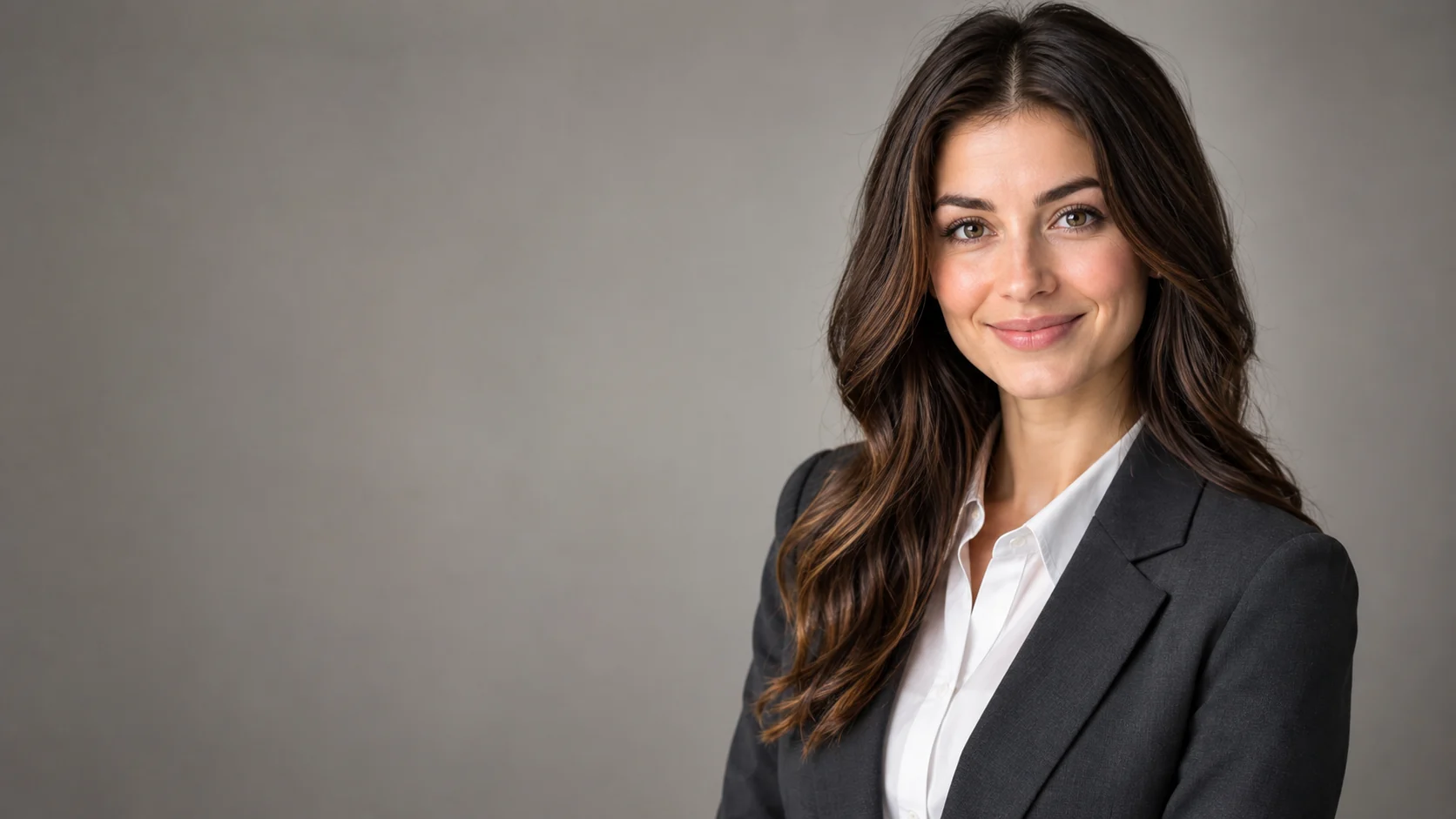
使用肖像參考圖,讓演示者在不同概念中保持可辨識性。
在投入完整的縮圖設計之前,比較幾個視覺吸引點。
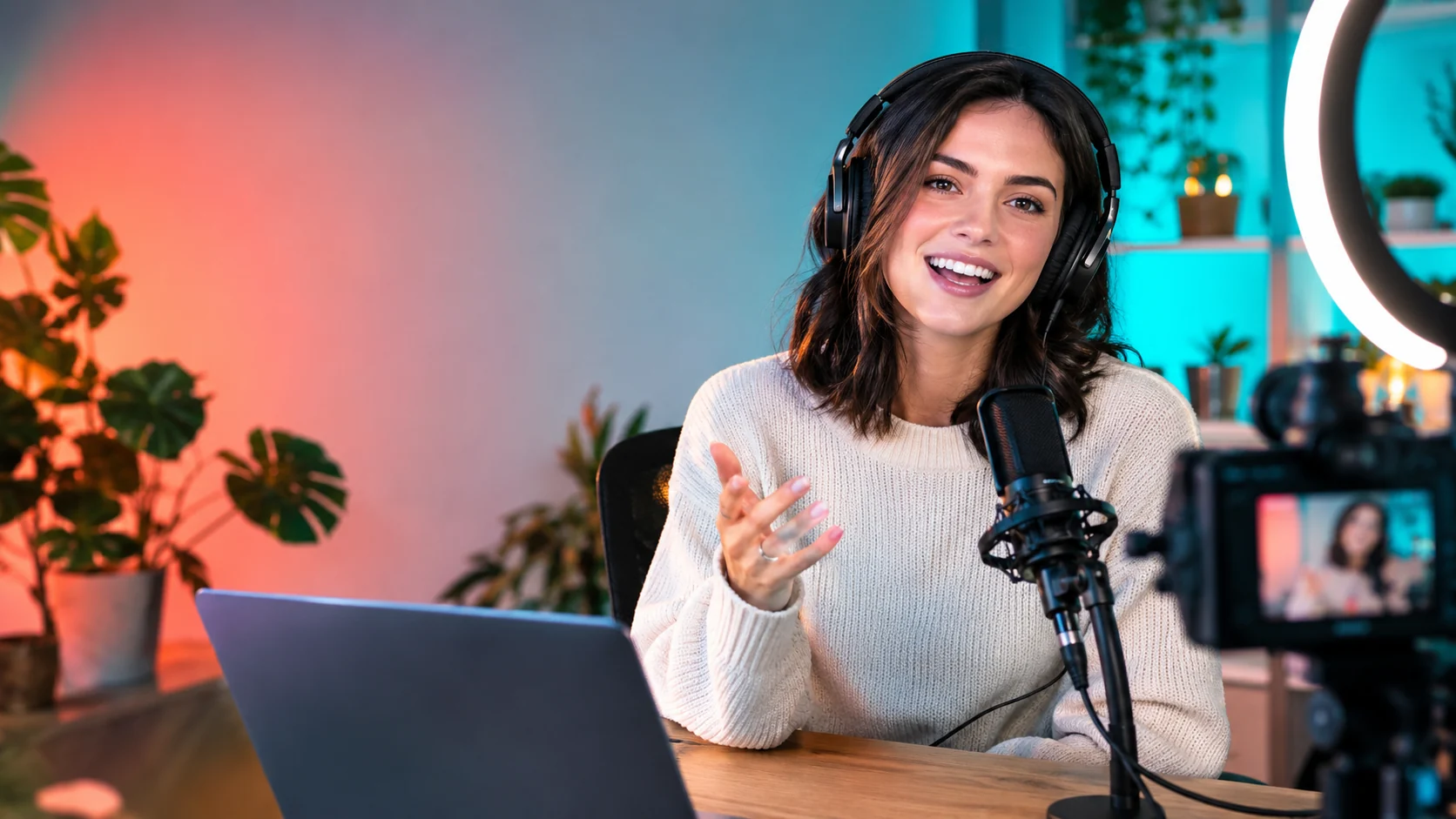
Use the uploaded portrait as the identity reference. Create a bold YouTube thumbnail composition with the creator on the right, an expressive but natural reaction, headphones, and a clean home-studio background. Use coral and teal lighting accents, a strong focal point, and clear negative space on the left for a future headline. No text, logos, or extra people.
Keep the person recognizable and compose a tutorial thumbnail with the subject on the left, a laptop, notebook, and one relevant object on the right. Use bright practical lighting, a simple background, and strong separation between foreground and background. Leave clean space for a title and keep the scene truthful to the topic.
Transform the uploaded portrait into a high-energy gaming thumbnail with a dark studio, controlled blue and amber rim light, a game controller, and a dynamic but readable pose. Preserve the face and keep exactly one person. Do not add fake game titles, logos, text, or unreadable details.
應用範例
在清晰的構圖中展示人物、問題和一個輔助物品。
創造一個清晰可讀的表情,並為主題標題預留足夠的空間。
探索燈光和姿勢方向,而無需添加虛假標題或品牌標誌。
製作海報、社群貼文、縮圖與簡報的視覺構想,兼顧文案配置與整體構圖。
將同一個創意延伸為多種語言、比例,以及適合各平台的版本。
工作流程
在撰寫提示之前,決定縮圖應該傳達的單一想法。
使用清晰的肖像,並描述姿勢、道具、燈光和負空間。
手動放置標題,以確保拼寫、對比度和行動裝置可讀性得到控制。