仔細修復
提示減少刮痕、摺痕和褪色,而無需從頭重建人物。
已上傳的圖片
No images yet
Get started with these simple steps
舊照片修復
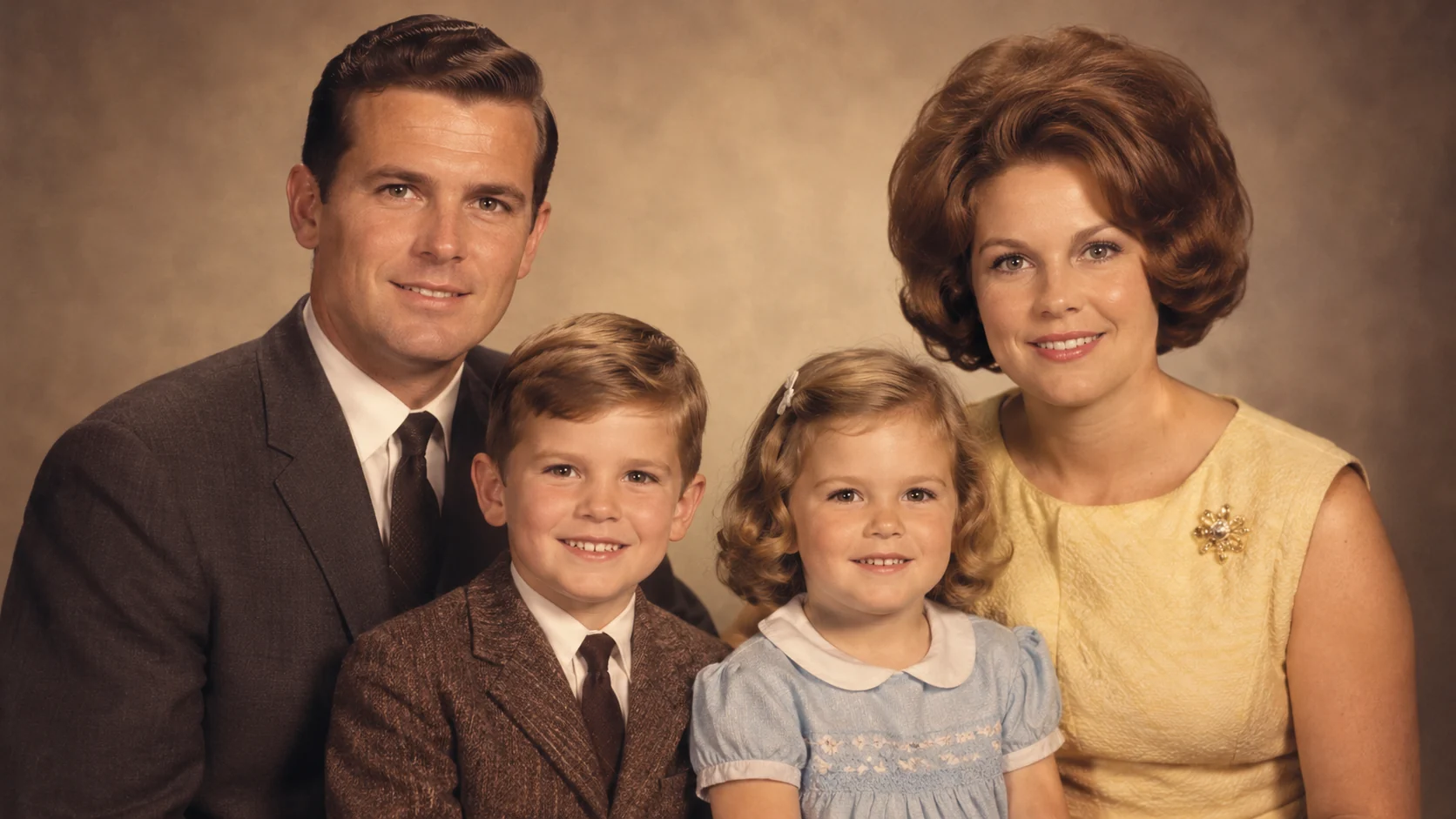
舊照片包含資訊和歷史。最好的修復是要求模型修復損壞,同時保持原始身份、姿勢、服裝和攝影特色完好無損。
從您能找到的最高解析度掃描開始。清晰的來源能讓模型保留更多細節,而溫和的初次處理通常比戲劇性的處理看起來更真實。
沒有任何修復工具可以恢復來源中缺失的細節。將生成的結果視為仔細的視覺詮釋,保留原始檔案,並在對家庭檔案很重要時標記彩色化或重建版本。
照片修復工作流程
使用精準的提示來減少損壞、恢復可讀的細節,並保持表情、服裝和時代感可辨識。
提示減少刮痕、摺痕和褪色,而無需從頭重建人物。
命名應保持可辨識的面孔、表情、服裝和姿勢。
要求使用符合照片的內斂調色板,而不是現代的社群濾鏡。
下載結果,與來源比較,並保持原始檔案未經修改。
Use the uploaded scan as the exact reference. Preserve the people, facial features, pose, clothing, and original composition. Reduce visible scratches, dust, creases, and fading, recover readable detail, and keep a natural film photograph texture. Do not add new family members, change expressions, or invent jewelry.
Restore the uploaded black-and-white family photograph with a restrained, period-appropriate color palette. Keep the original faces, hairstyles, clothing shapes, and camera framing unchanged. Use soft archival color, realistic skin tones, and subtle fabric detail. Avoid modern filters and do not add objects that are not in the source.
Preserve the identity and composition of the uploaded portrait while improving clarity in the eyes, hair, clothing, and background. Reduce blur and compression artifacts without making skin look plastic. Keep natural grain, realistic shadows, and the original vintage mood.
應用範例
為親戚製作一份更清晰的觀看副本,同時保留原始掃描件。
為家庭或社區檔案準備更清晰的肖像,以示尊重。
在請檔案管理員進行專業修復之前,測試受損圖像的可讀性版本。
製作海報、社群貼文、縮圖與簡報的視覺構想,兼顧文案配置與整體構圖。
將同一個創意延伸為多種語言、比例,以及適合各平台的版本。
工作流程
使用高解析度掃描或可用的最大原始檔案。避免以傾斜角度拍攝照片。
列出必須保持不變的內容以及應減少的損壞。
分享時保留原始版本,並標記彩色化或重建版本。