保留商品
将商品的形状、标签、颜色和材质描述为受保护的细节,以便编辑从您实际销售的商品开始。
已上传的图片
No images yet
Get started with these simple steps
商品照片编辑器
此商品照片编辑器适用于已有可用照片但需要更清晰商业效果的卖家。它可以重建背景、改善光线,并将商品置于特定场景中,同时要求模型保留商品的形状和可见细节。
将其用于市场列表、品牌页面、付费社交媒体、电子邮件和营销活动测试。最快的工作流程是一次解决一个问题:首先确保商品准确,然后改善场景,最后再进一步推动艺术方向。
生成的商品图片仍是视觉草稿。在发布前检查标签、文字、反光、边缘和附件细节,尤其当图片用于受监管商品或有严格图片规则的市场时。
商品照片工作流程
上传一张清晰的商品照片,描述场景和必须保持不变的细节,然后为商品列表、广告或店面创建更清晰的图片。
将商品的形状、标签、颜色和材质描述为受保护的细节,以便编辑从您实际销售的商品开始。
要求更柔和的阴影、更清晰的高光或特定的摄影棚氛围,而无需重建整个照片。
从杂乱的桌面移至无缝的列表背景、季节性布景或设计过的生活方式场景。
保持提示和源图片可用,以便一次只更改一个变量。
Use the uploaded product photo as the exact reference. Preserve the product shape, label placement, color, material, and visible details. Replace the background with a warm off-white seamless studio, add a soft grounded shadow, and use natural commercial product lighting. Keep the same camera angle and crop.
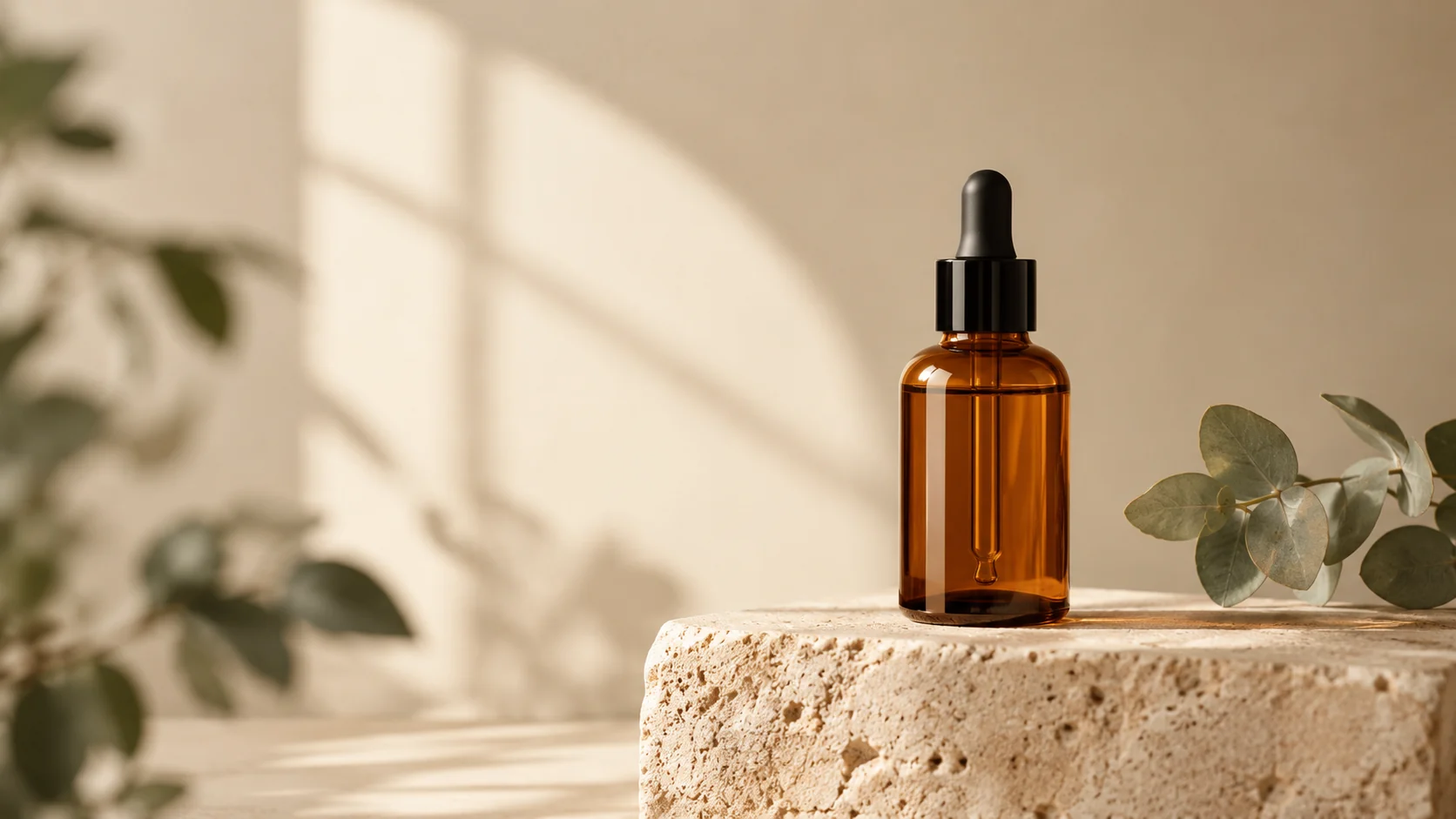
Keep the uploaded product unchanged and place it in a believable morning kitchen scene with pale stone, linen, and a small green plant out of focus. Preserve every label and product edge. Use soft window light, realistic reflections, a shallow depth of field, and a premium editorial composition.
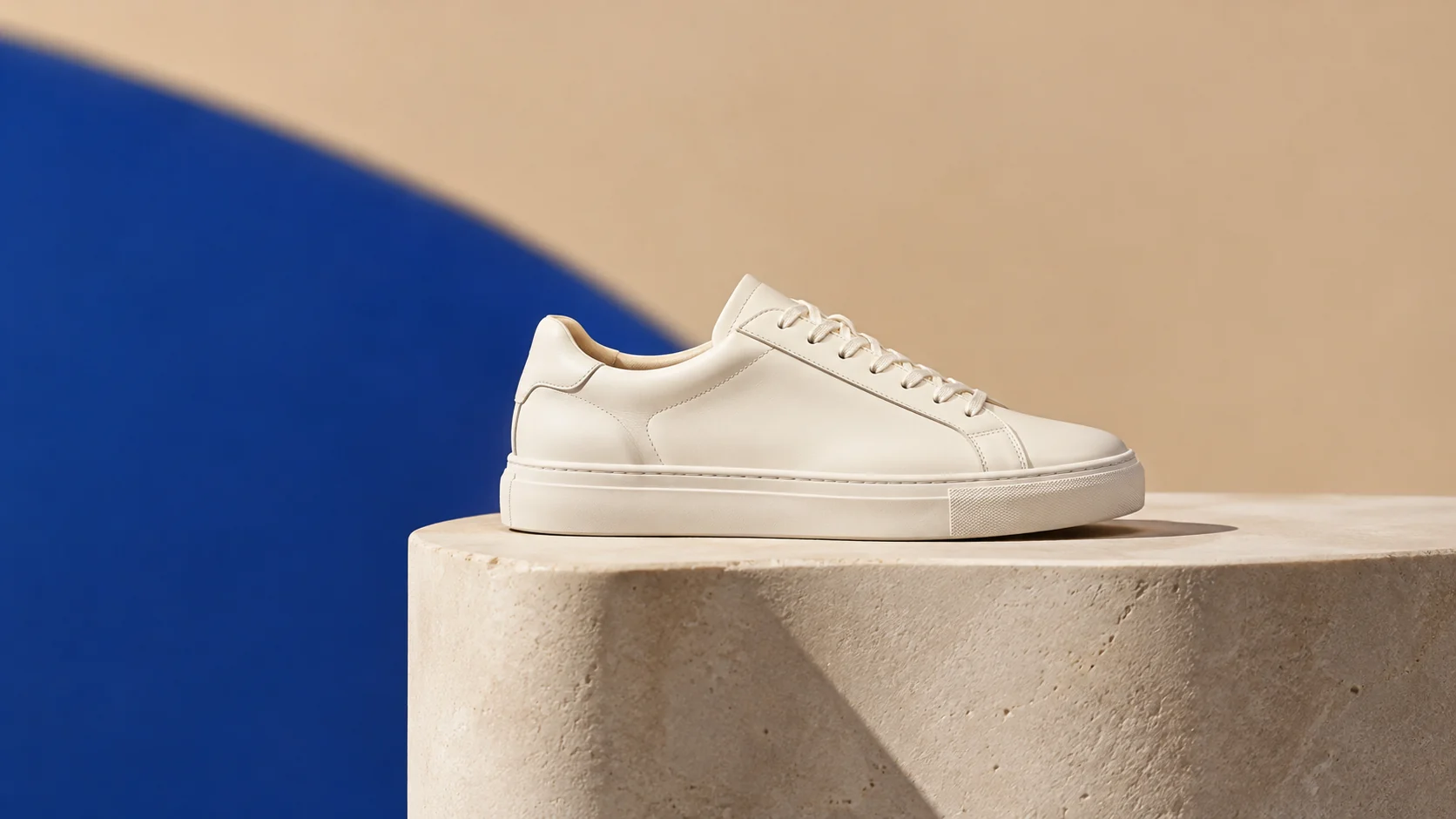
Preserve the product exactly while creating a bold campaign set with a deep blue backdrop, a sculptural plinth, and one clean geometric shadow. Use controlled studio lighting, crisp material detail, and a wide composition with room for headline copy. Do not add text, logos, people, or extra products.
示例用途
为商品目录创建更清晰的主图和一致的辅助场景。
在投入完整的营销活动拍摄之前,比较摄影棚、生活方式和大胆色彩方向。
当有照片可供开始但没有摄影棚可用时,准备有用的初稿资产。
为海报、社交媒体、缩略图和演示文稿准备创意方案,兼顾文案位置与整体构图。
将同一创意快速适配为多种语言、多种比例以及各渠道可用的版本。
工作流程
使用清晰的图片,商品完整可见,边缘周围有足够的空间。
在引入新的背景、光线或氛围之前,描述必须保持精确的内容。
检查标签、轮廓、阴影和反光,然后一次更改一个提示细节。