场景规则一致
在整个产品系列中,重复使用相同的光线、颜色和阴影语言。
已上传的图片
No images yet
Get started with these simple steps
电商背景生成器
背景一致性是商品销售的一部分。目录需要产品保持可识别性,同时周围的颜色、阴影和道具语言在整个系列中保持连贯。
从一张干净的源照片和一个视觉规则开始,例如暖色调的石头、单一的几何阴影或内敛的季节性布景。然后改变背景,而不改变产品的轮廓。
结果是视觉资产,而不是市场会接受的保证。在上传到店面之前,请检查图像尺寸、裁剪、背景政策、产品准确性和任何必要的披露。
电商图片工作流程
将现有产品照片转换为列表、分类页面或营销活动的背景方向,同时不丢失使图像成为您专属的商品。
在整个产品系列中,重复使用相同的光线、颜色和阴影语言。
在背景变化的同时,保持商品轮廓和材质细节可见。
生成方形、肖像或宽幅方向,以适应不同的展示位置,无需重新拍摄。
在设计师开始完整的模板或营销活动构建之前,比较不同的背景。
Preserve the uploaded product exactly, including shape, color, label area, and visible material details. Replace only the background with a clean white-to-light-gray studio sweep, add a soft contact shadow, and use neutral commercial lighting. Keep the product centered with clear margins and no added objects.
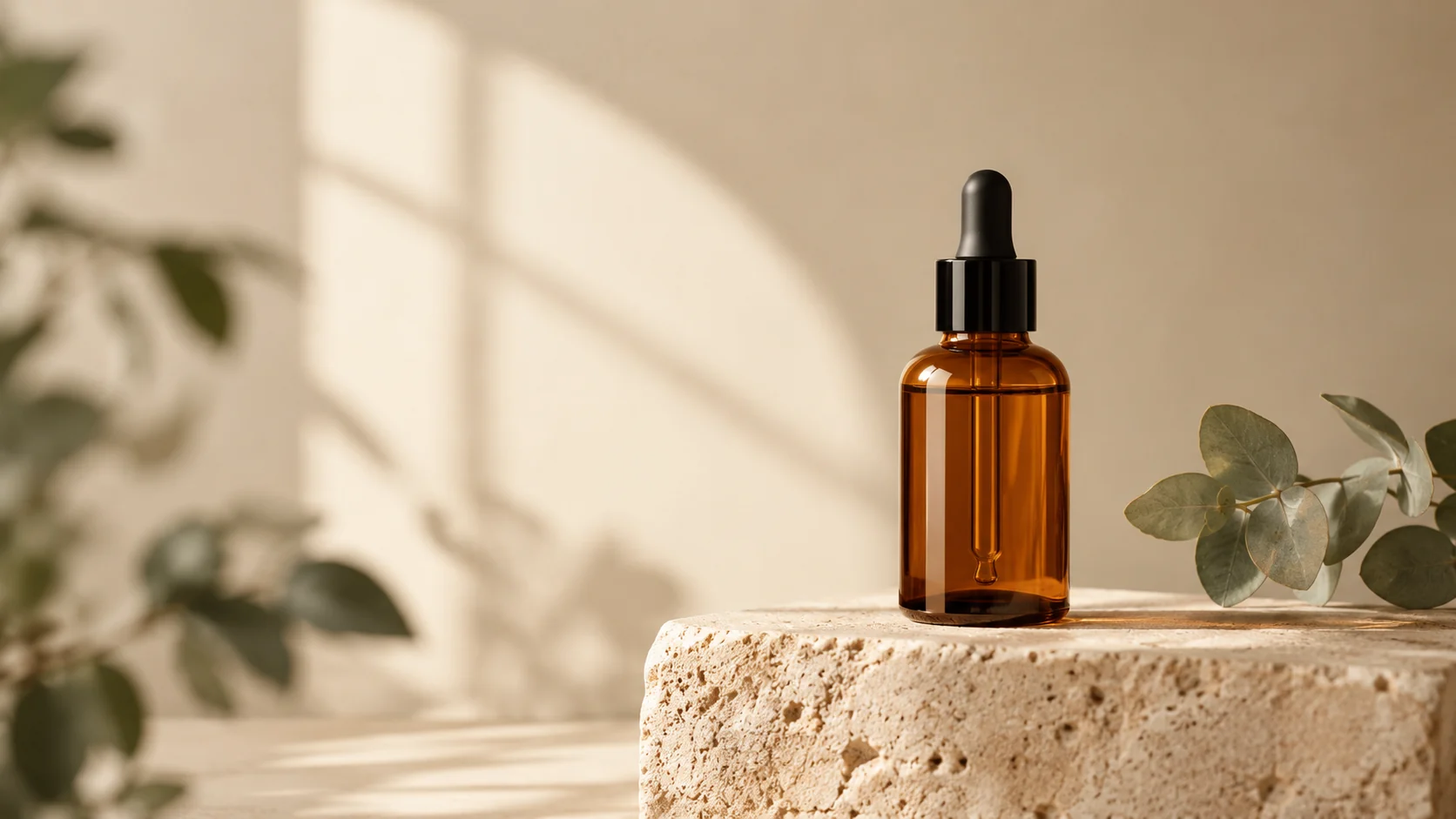
Keep the product unchanged and place it on a simple stone shelf with dried branches, warm amber light, and a deep forest-green background. Use realistic scale and shadows. Do not cover the product, add text, or change the product color.
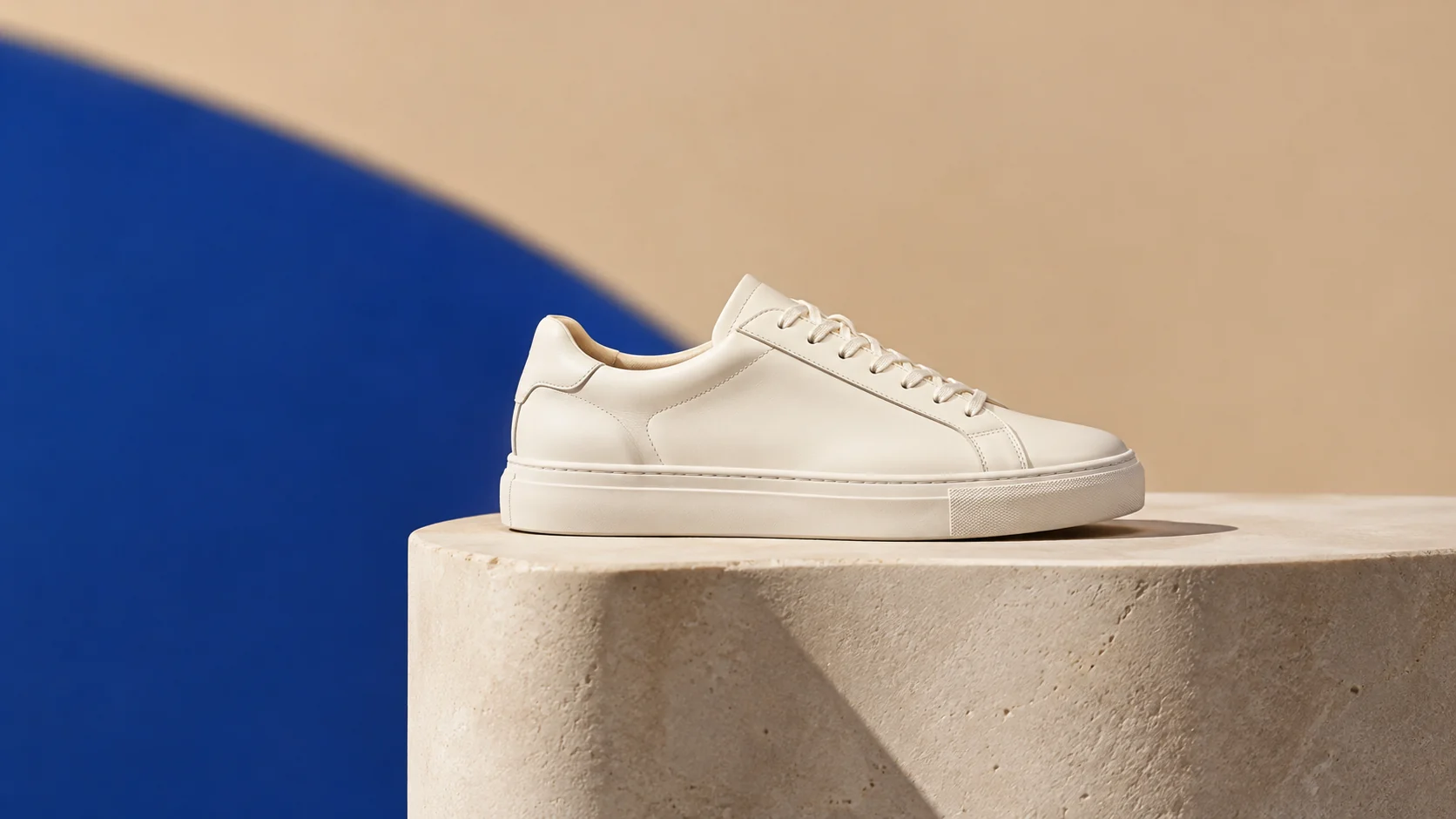
Preserve the item and create a consistent category background with a warm sand surface, a cobalt blue geometric plane, and one crisp shadow. Use a wide catalog composition, small product footprint, and negative space for future layout. No logo, text, people, or extra products.
示例用途
为小型系列提供统一的背景系统,减少修图次数。
测试假日、返校或新品发布系列,无需安排额外的摄影棚时间。
创建干净的初稿图片,然后根据目标市场规则进行检查。
为海报、社交媒体、缩略图和演示文稿准备创意方案,兼顾文案位置与整体构图。
将同一创意快速适配为多种语言、多种比例以及各渠道可用的版本。
工作流程
使用清晰的图像,具有明确的轮廓和足够的边缘细节以供保留。
在添加道具之前,选择表面、背景颜色、光线方向和阴影样式。
根据目标平台,检查裁剪、背景和产品准确性。