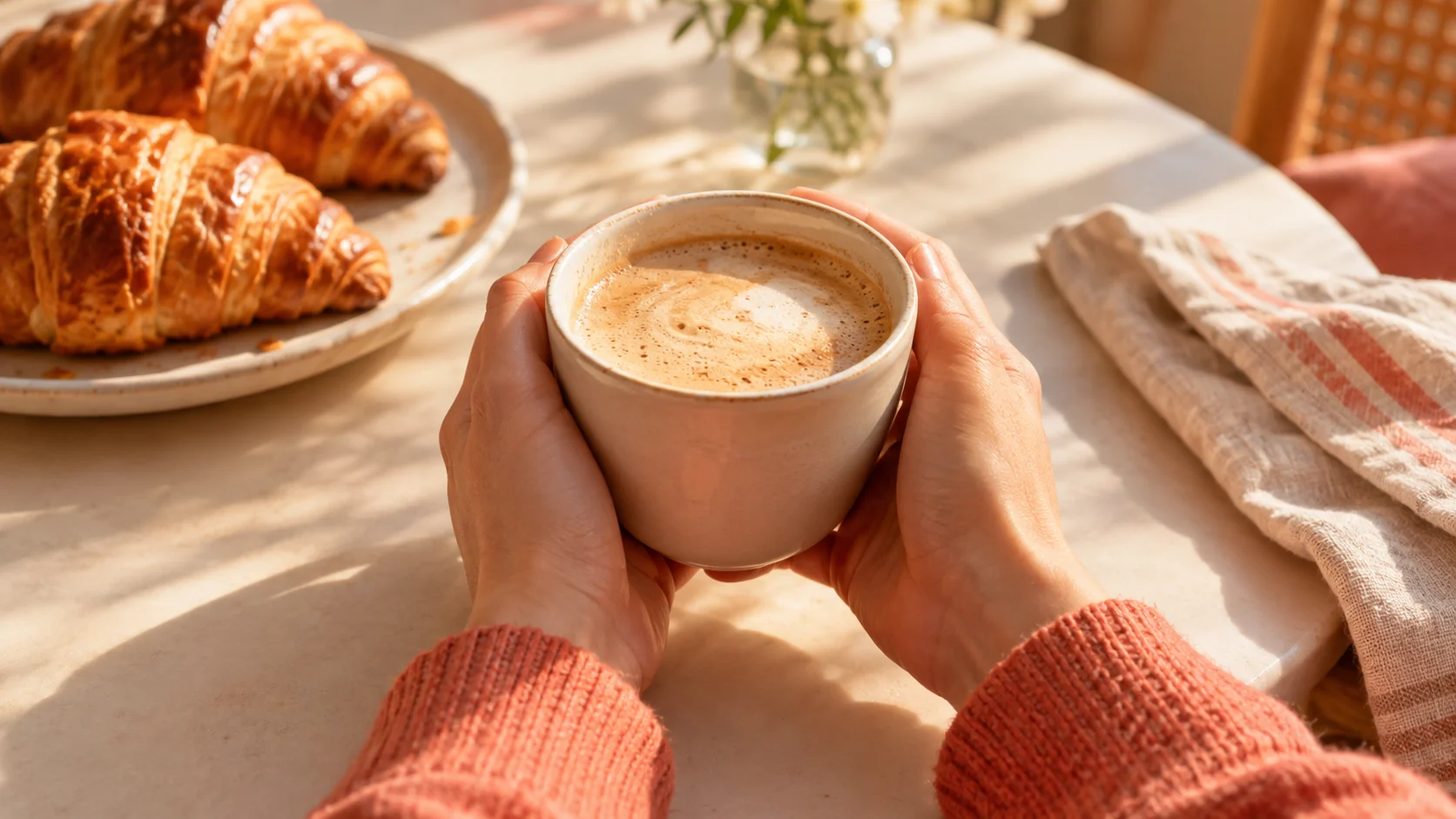
一个清晰的焦点
构建一个在小尺寸下也能清晰可辨的构图,而不是堆砌不相关的细节。
已上传的图片
No images yet
Get started with these simple steps
YouTube 缩略图生成器
缩略图只有几毫秒的时间来传达主题。图片需要一个清晰的焦点、可识别的情绪或动作,以及足够的对比度才能在拥挤的信息流中脱颖而出。
首先生成背景和主体。之后在设计工具中添加标题文本,这样拼写、字体和安全边距都在您的掌控之中。
结果不应歪曲视频内容。使用视觉效果来阐明承诺,而不是制造误导性声明或不相关的戏剧性表情。
缩略图工作流程
使用清晰的肖像或场景,选择一个焦点想法,并为标题和频道处理留出刻意的留白。
构建一个在小尺寸下也能清晰可辨的构图,而不是堆砌不相关的细节。
为稍后添加的标题和频道处理预留干净的区域。
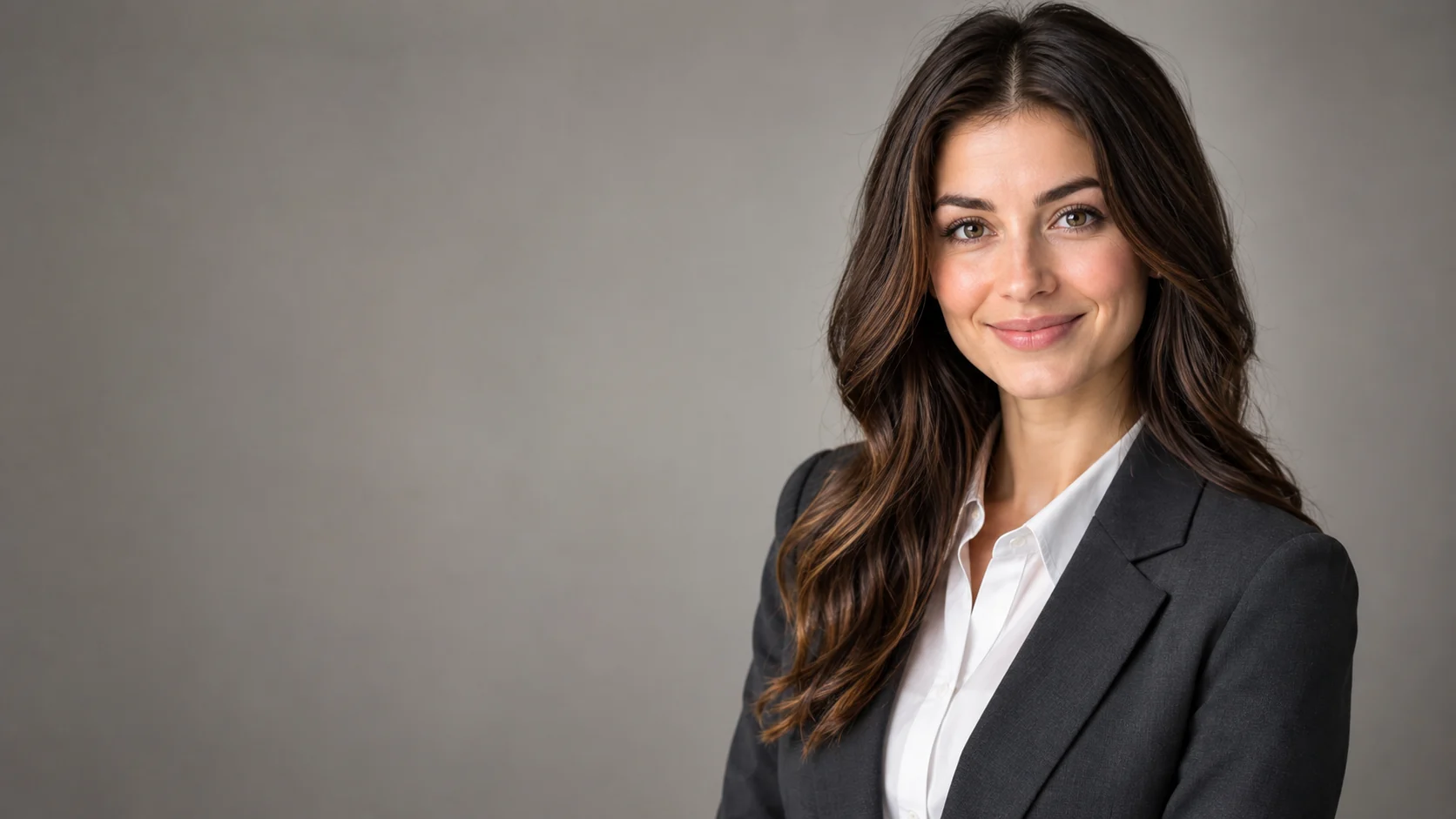
使用肖像参考图,使演示者在不同概念中保持可识别性。
在投入完整的缩略图设计之前,比较几种视觉吸引点。
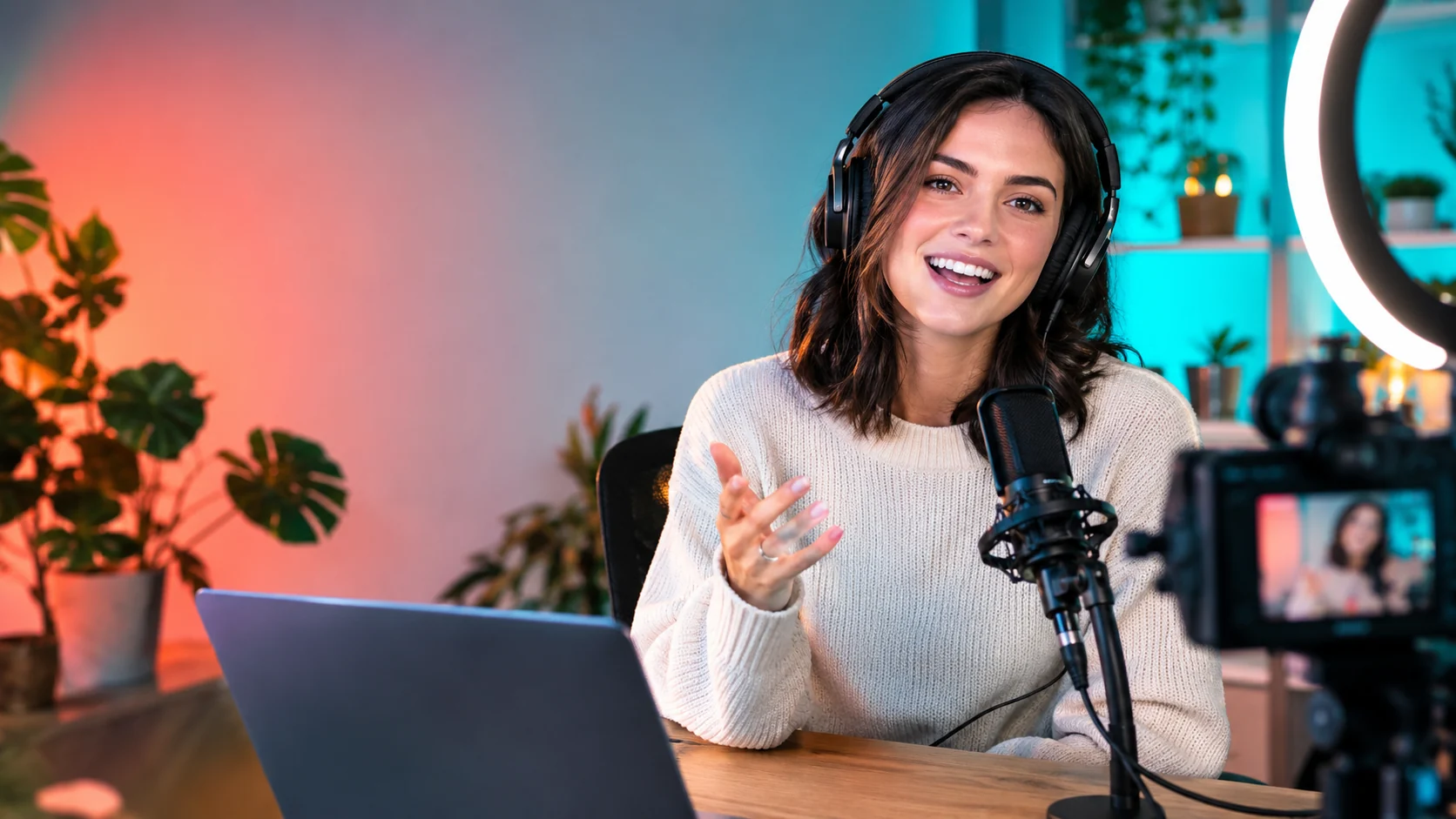
Use the uploaded portrait as the identity reference. Create a bold YouTube thumbnail composition with the creator on the right, an expressive but natural reaction, headphones, and a clean home-studio background. Use coral and teal lighting accents, a strong focal point, and clear negative space on the left for a future headline. No text, logos, or extra people.
Keep the person recognizable and compose a tutorial thumbnail with the subject on the left, a laptop, notebook, and one relevant object on the right. Use bright practical lighting, a simple background, and strong separation between foreground and background. Leave clean space for a title and keep the scene truthful to the topic.
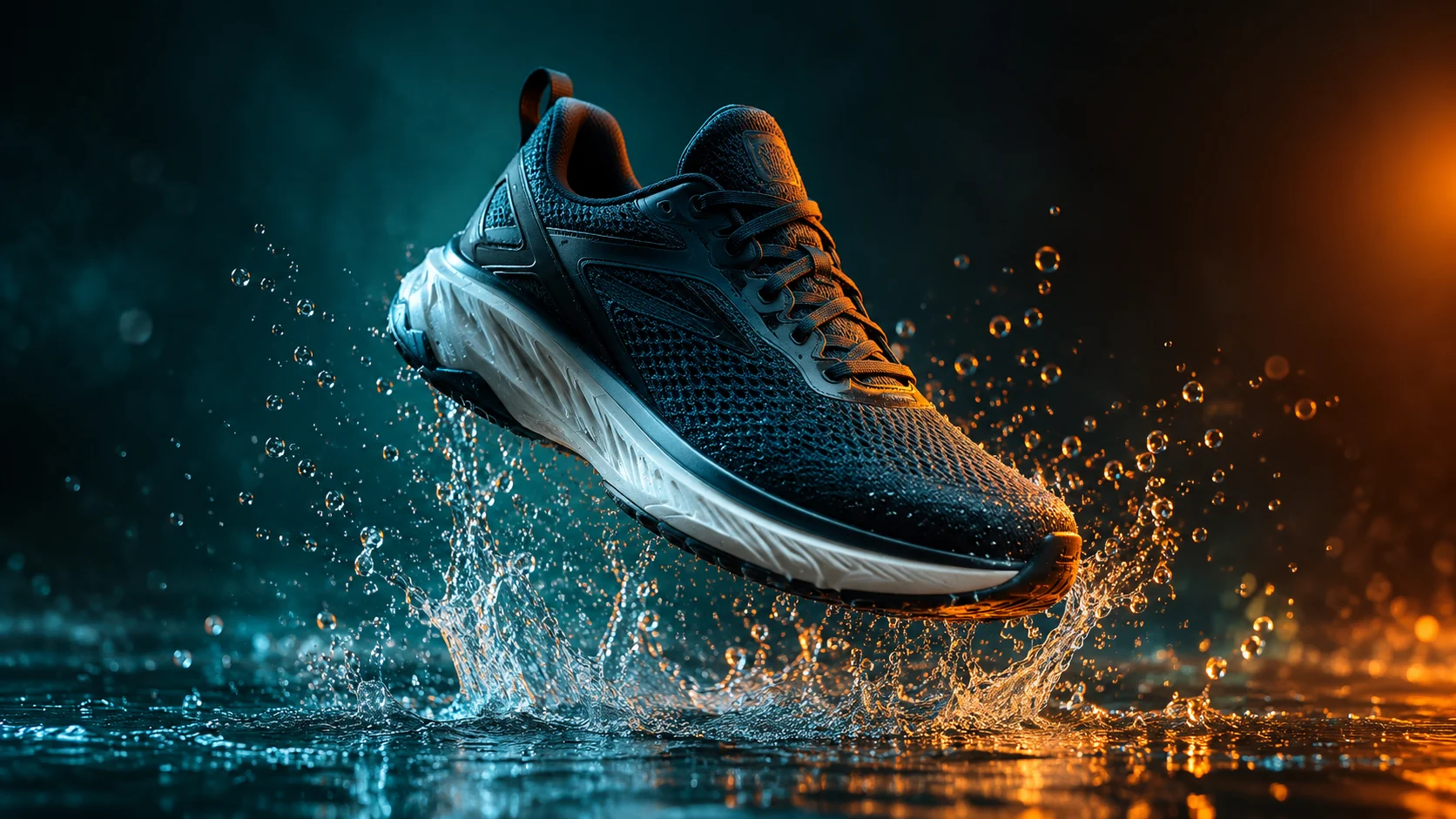
Transform the uploaded portrait into a high-energy gaming thumbnail with a dark studio, controlled blue and amber rim light, a game controller, and a dynamic but readable pose. Preserve the face and keep exactly one person. Do not add fake game titles, logos, text, or unreadable details.
示例用途
在一个简洁的构图中展示人物、问题和一个辅助物品。
创建一个清晰的表情,并为主题标题预留足够的空间。
探索灯光和姿势方向,无需添加虚假标题或品牌标志。
为海报、社交媒体、缩略图和演示文稿准备创意方案,兼顾文案位置与整体构图。
将同一创意快速适配为多种语言、多种比例以及各渠道可用的版本。
工作流程
在编写提示词之前,决定缩略图应该传达的单一想法。
使用清晰的肖像,并描述姿势、道具、灯光和负空间。
手动放置标题,以确保拼写、对比度和移动设备可读性得到控制。