忠于源文件的方向
在相机和背景移动时,保持上传产品的形状和边缘作为视觉锚点。
上传一张图片,输入提示词,然后点击“生成视频”,即可创建你的第一个 AI 视频。
上传一张清晰的产品图片,描述摄像机运动和氛围,然后生成一个用于营销活动或列表测试的短片。
上传一张清晰的产品图片,描述摄像机运动和氛围,然后生成一个用于营销活动或列表测试的短片。
源图像. 使用具有清晰轮廓和足够边缘细节的干净产品照片。
运动提示词. 描述镜头移动、产品运动、光线和背景氛围。
输出设置. 在消耗点数之前,选择合适的时长、分辨率和比例。
在相机和背景移动时,保持上传产品的形状和边缘作为视觉锚点。
在尝试复杂序列之前,选择简单的推、转、光线扫过或氛围移动。
一起检查时长、分辨率和比例,使测试与您设想的放置位置匹配。
检查剪辑中的小标签和边缘,而不仅仅是第一帧或最后一帧。
在完整制作获批之前,探索运动、光线和节奏。
从现有产品图片为商品列表或社交帖子创建短视觉预告片。
在最终拍摄前,向团队展示静态产品场景如何移动。
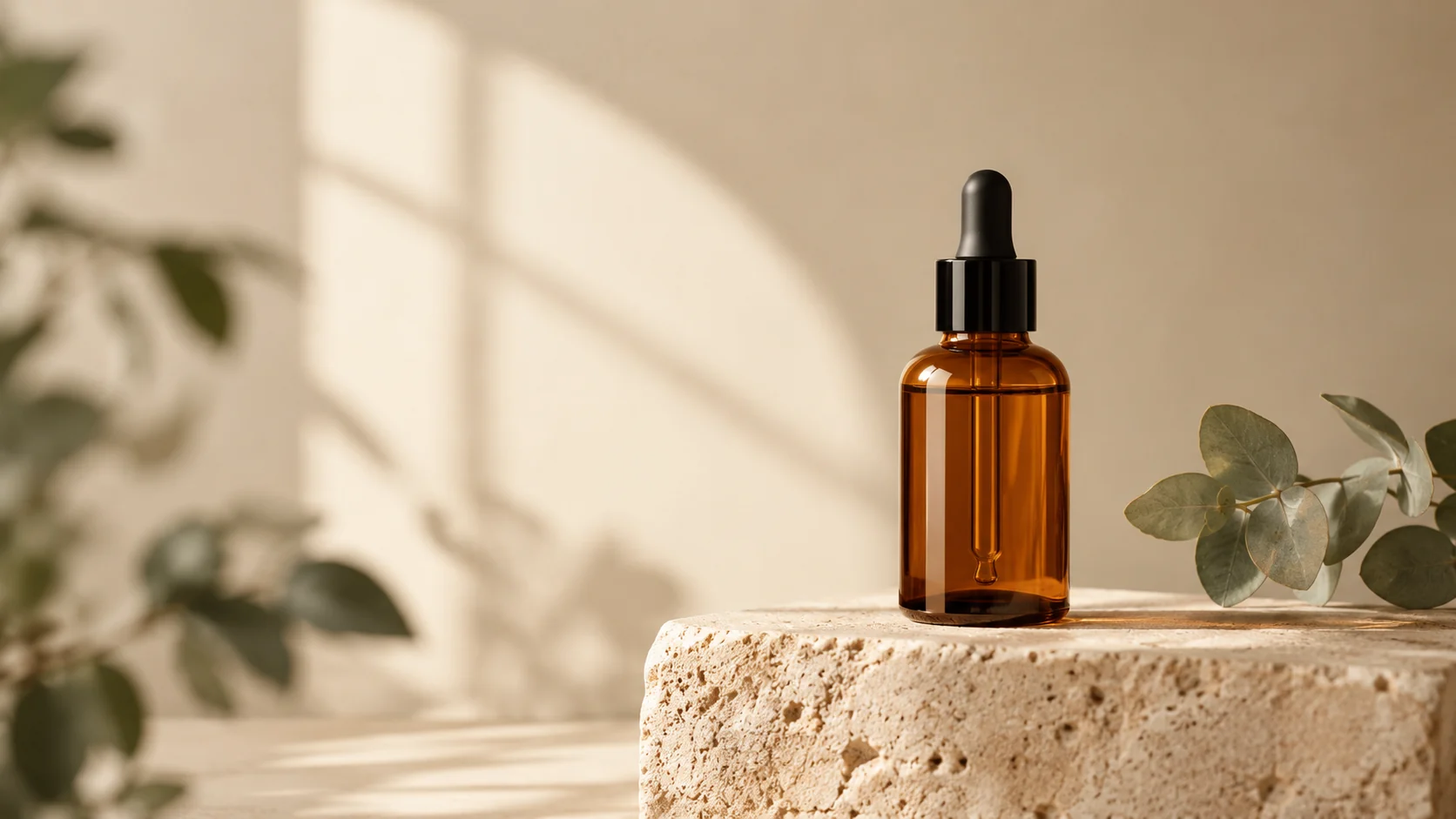
Use the uploaded product image as the exact first frame. Preserve the product shape, label placement, material, and color. Create a slow five-second camera orbit with a subtle studio light sweep, stable product geometry, a seamless cream background, and no scene cuts. Keep the product centered and avoid warping.
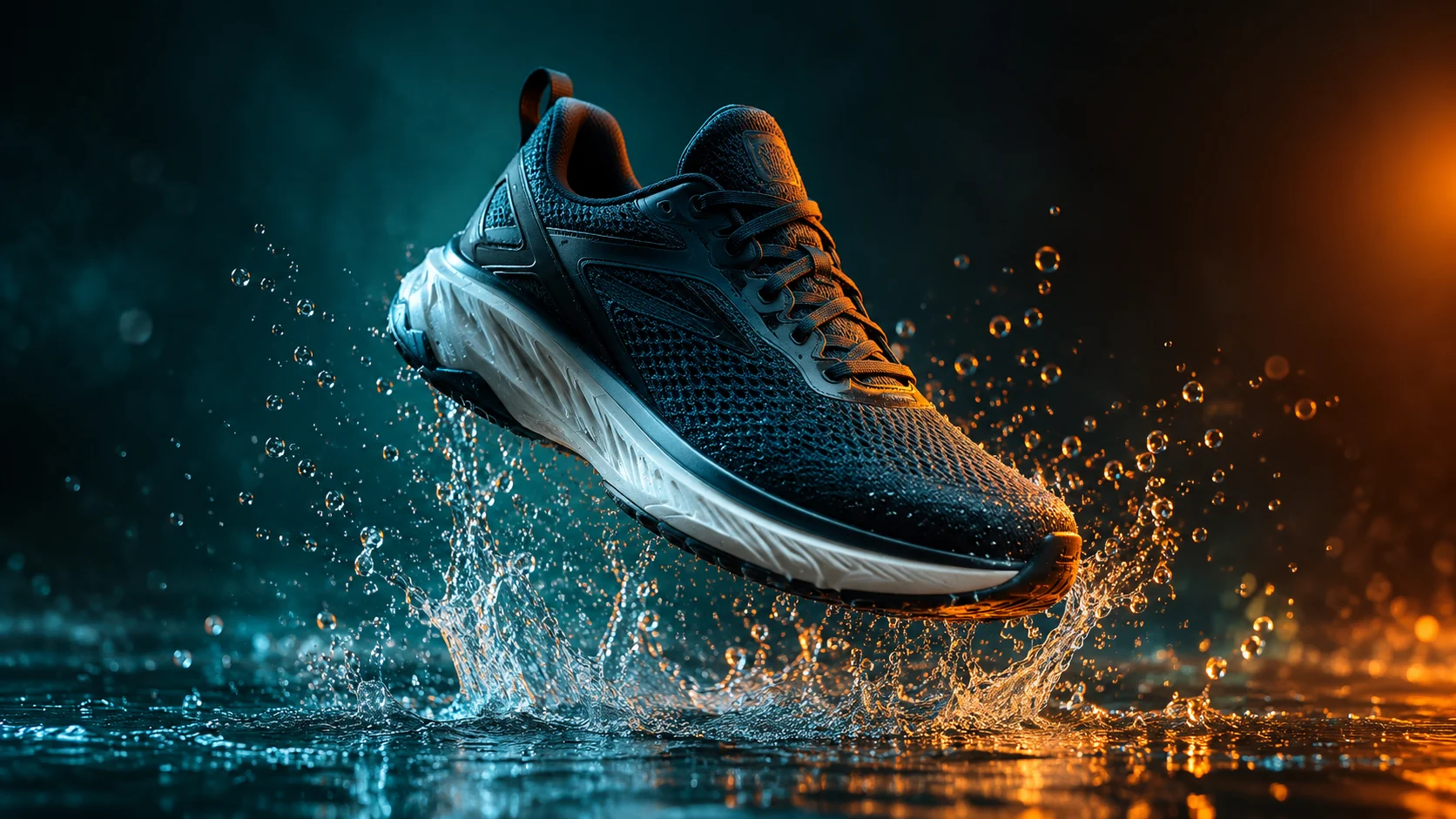
Keep the product identical to the uploaded image and create a short cinematic product clip with a controlled water splash behind it, dark teal background, warm rim light, and a slow push-in camera. Preserve product edges and label details. Use realistic motion, no text, no logos, and no sudden transformations.
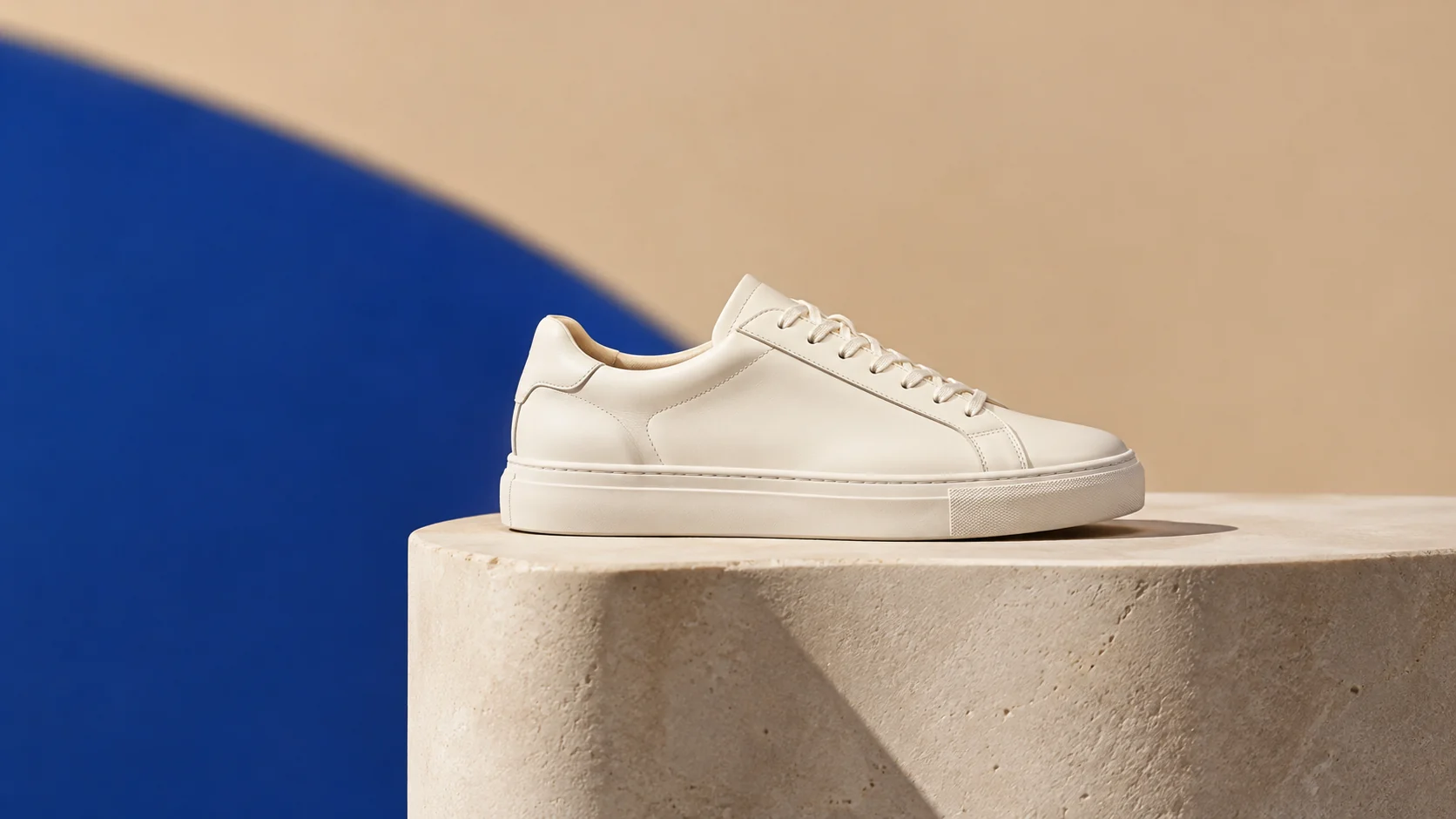
Use the uploaded image as the visual reference. Create a clean three-second product preview with a gentle turn, soft commercial lighting, and a neutral studio background. Keep the product the same color and shape. Use simple motion, stable anatomy, no people, no text, and no camera cuts.