Garment direction
Describe silhouette, fabric, color, and styling before the model renders the look.
Uploaded Images
No images yet
Get started with these simple steps
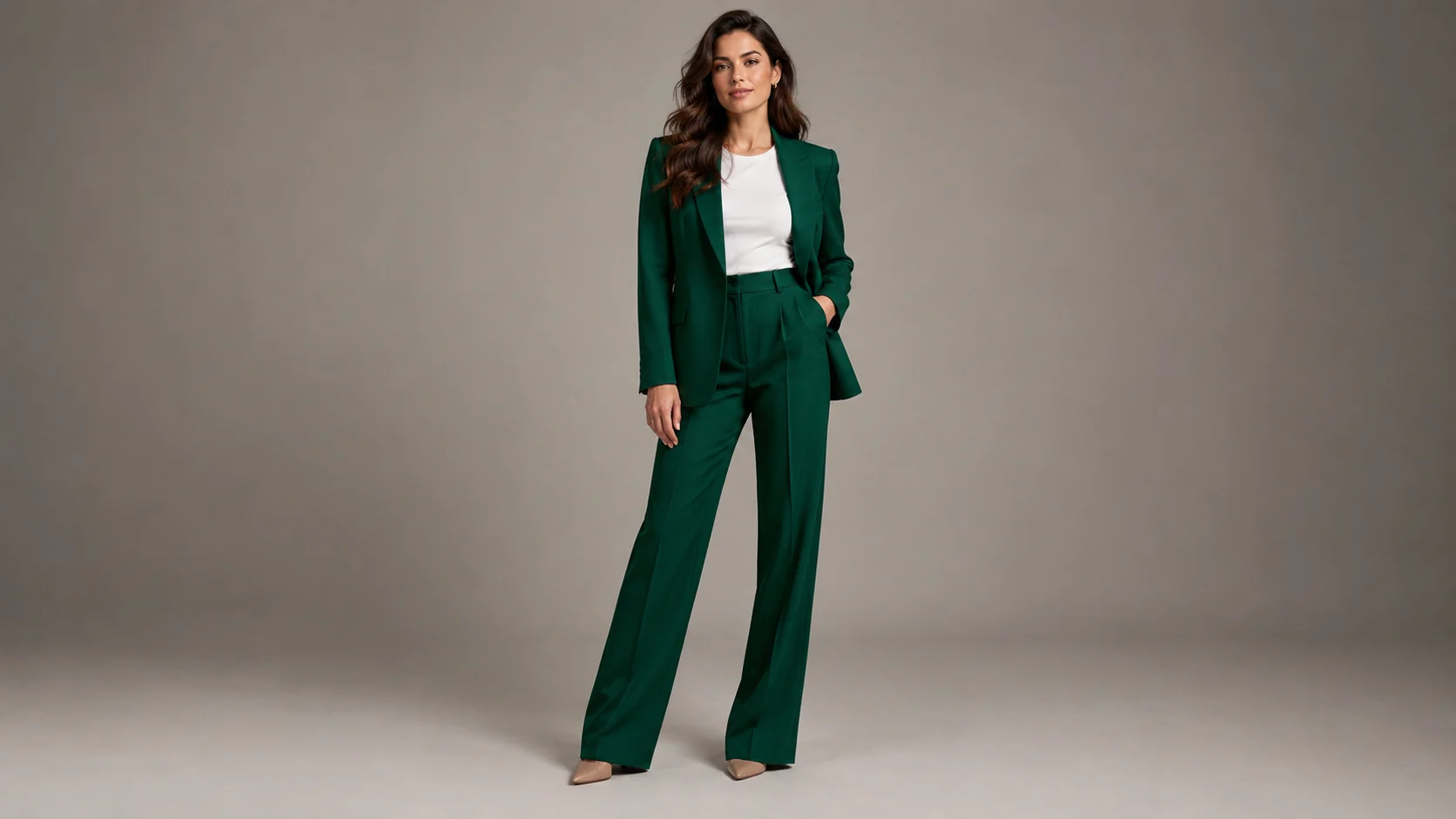
Clothing Try-On
Clothing previews are useful for moodboards, styling tests, character concepts, and early product visuals. They are not a substitute for a size chart or a real fitting.
Start with a full or three-quarter body photo and describe the garment silhouette, color, fabric, and styling. Keep the face and body proportions as stable as the model allows.
Fabric folds, buttons, belts, and printed patterns are common drift points. Inspect the result carefully, especially around hands, shoulders, waist, and hem lines.
Clothing preview workflow
Upload a clear portrait and describe the clothing, fabric, and styling direction. Use the result as a visual reference, not a fit guarantee.
Describe silhouette, fabric, color, and styling before the model renders the look.
Keep the face, hair, and overall body proportions visible and check for drift.
Compare several styling directions without a fitting room or production shoot.
Use the preview to align a model, photographer, and merchandising team before the real asset is produced.
Use the uploaded portrait as the identity and body reference. Preserve the person's face, skin tone, hairstyle, and natural proportions. Replace the outfit with a well-tailored deep emerald suit, a simple white shirt, and minimal silver jewelry. Use realistic fabric drape, clean studio lighting, and a full-body fashion editorial composition. Keep the pose natural and avoid extra people.
Preserve the person and create a streetwear outfit preview with an oversized charcoal jacket, cream knit top, wide-leg dark trousers, and clean sneakers. Keep the clothing fit believable, use natural daylight, and place the subject against a quiet concrete wall. Keep one person, no logos, no text, and realistic hands.
Keep the model recognizable and create an ecommerce clothing preview with the uploaded garment silhouette, accurate color, visible stitching, and a clean warm-gray studio background. Use catalog lighting, a straight-on full-body pose, and natural fabric folds. Do not change the garment into a different product.
Example uses
Explore a collection concept before booking models or buying sample garments.
Test a character or event outfit direction on a familiar portrait.
Align on a catalog styling direction before the final ecommerce shoot.
Prepare poster, social, thumbnail, and presentation concepts where copy placement and composition both matter.
Adapt one creative idea into multiple languages, ratios, and channel-ready variations.
Workflow
Use a clear image with the face, shoulders, torso, and full outfit visible.
Include color, material, fit, closure, and styling details that matter.
Inspect seams, buttons, pattern alignment, and hands before using the preview.
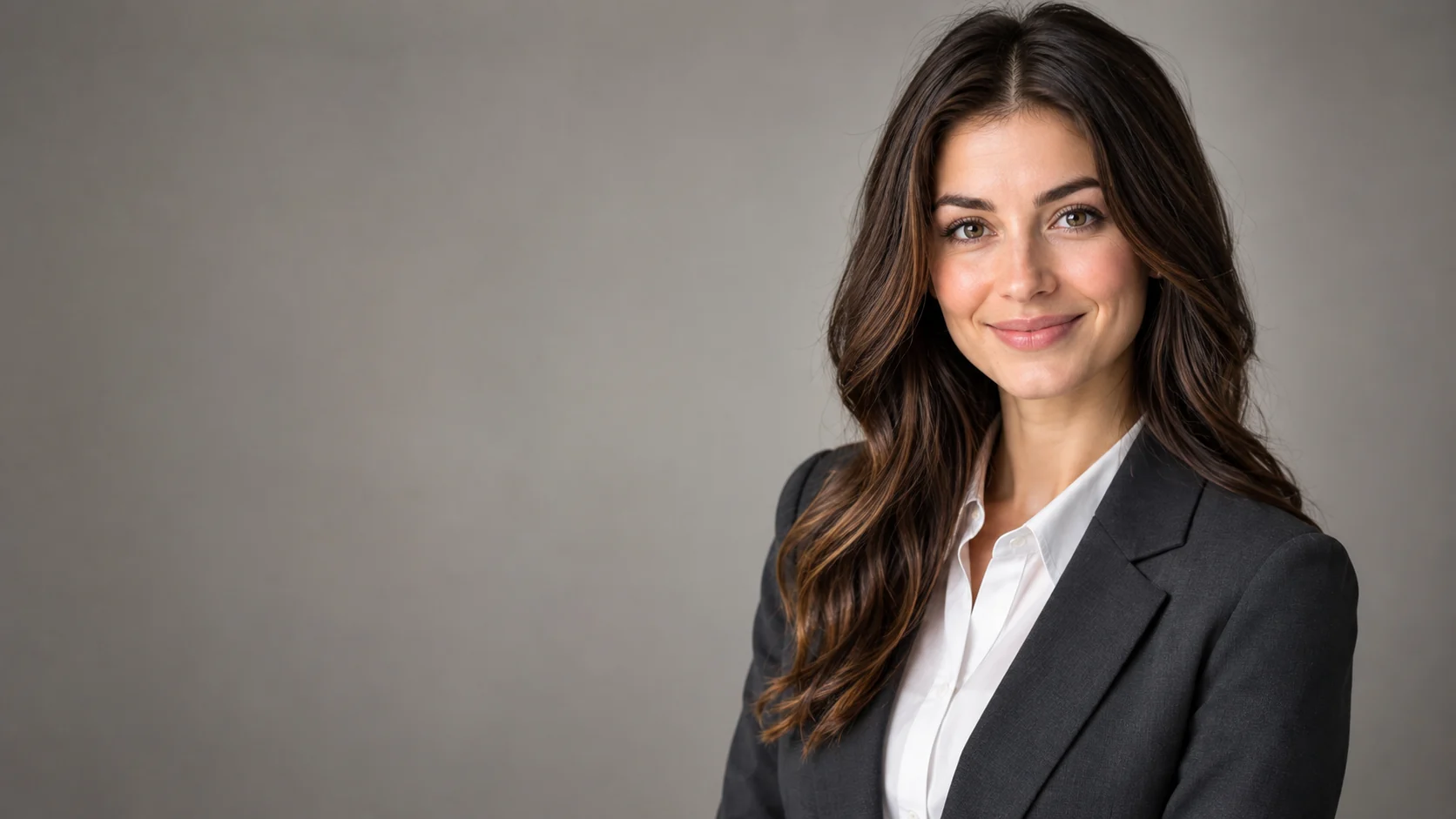 AI Headshot Editor for Natural Professional PortraitsPolish a portrait into a professional headshot with clean lighting, wardrobe direction, and identity-preserving edits.
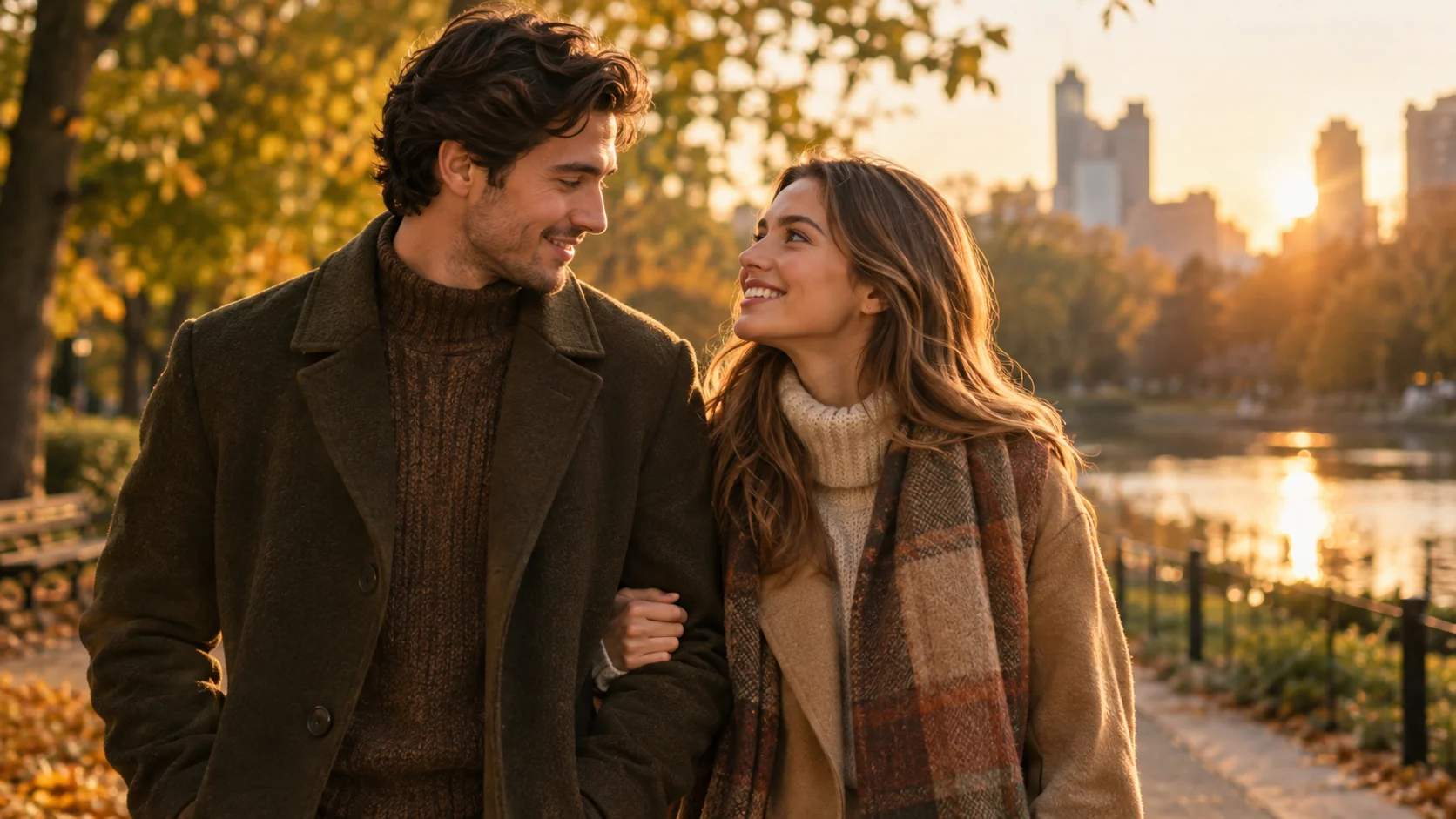 AI Couple Photo Generator for Matching PortraitsCreate a coordinated couple portrait from two photos with consistent lighting, styling, and a shared scene.
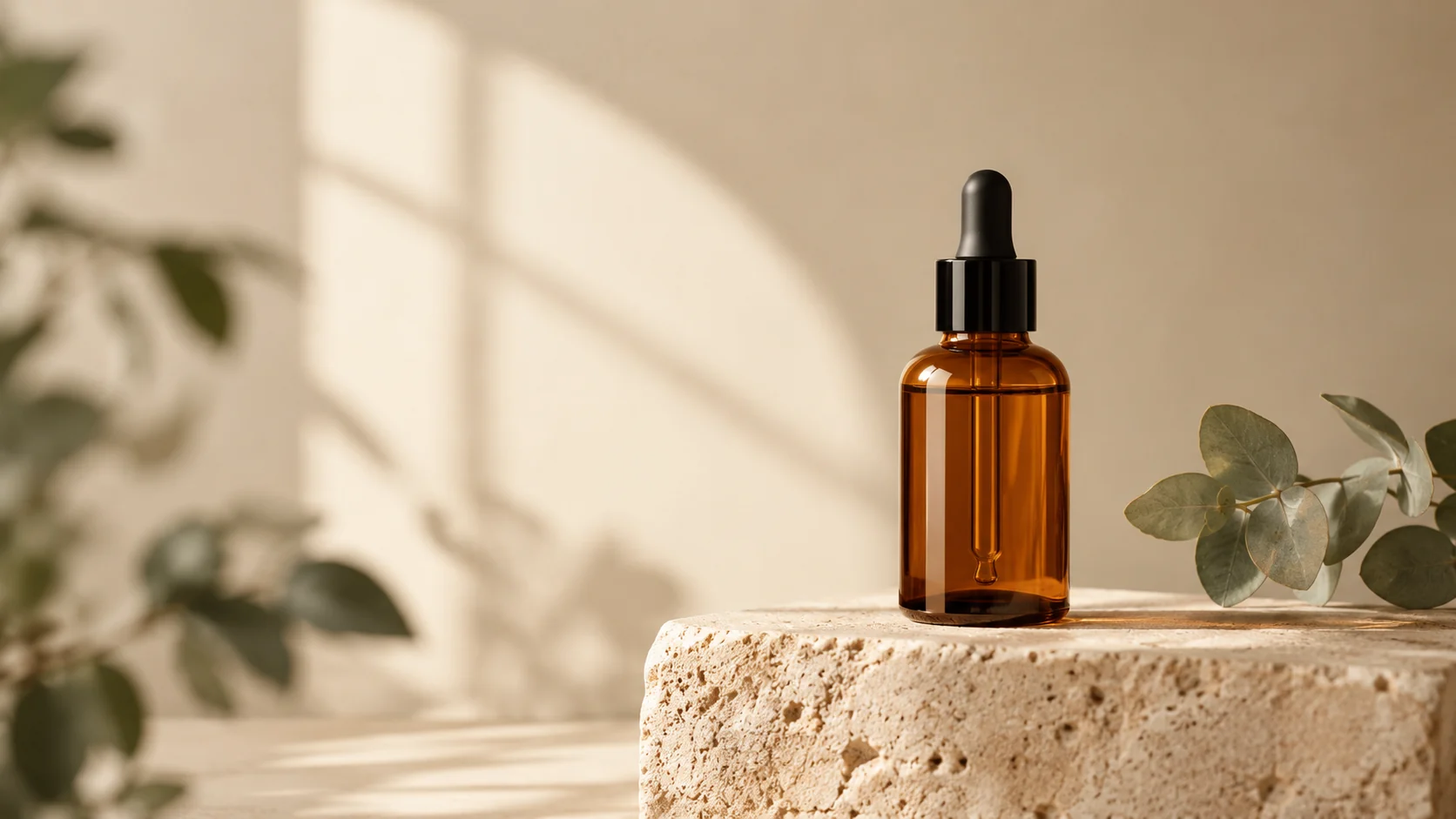 AI Product Photo Editor for Clean Ecommerce ImagesEdit product photos with AI: clean backgrounds, realistic shadows, better lighting, and campaign-ready scenes from one upload.
Ready when the idea is clear
Keep the path short: generate a draft, move promising prompts into the workspace, then upgrade only when a batch needs more credits.