Two-person composition
Describe the frame so both people have a clear place, pose, and scale.
Uploaded Images
No images yet
Get started with these simple steps
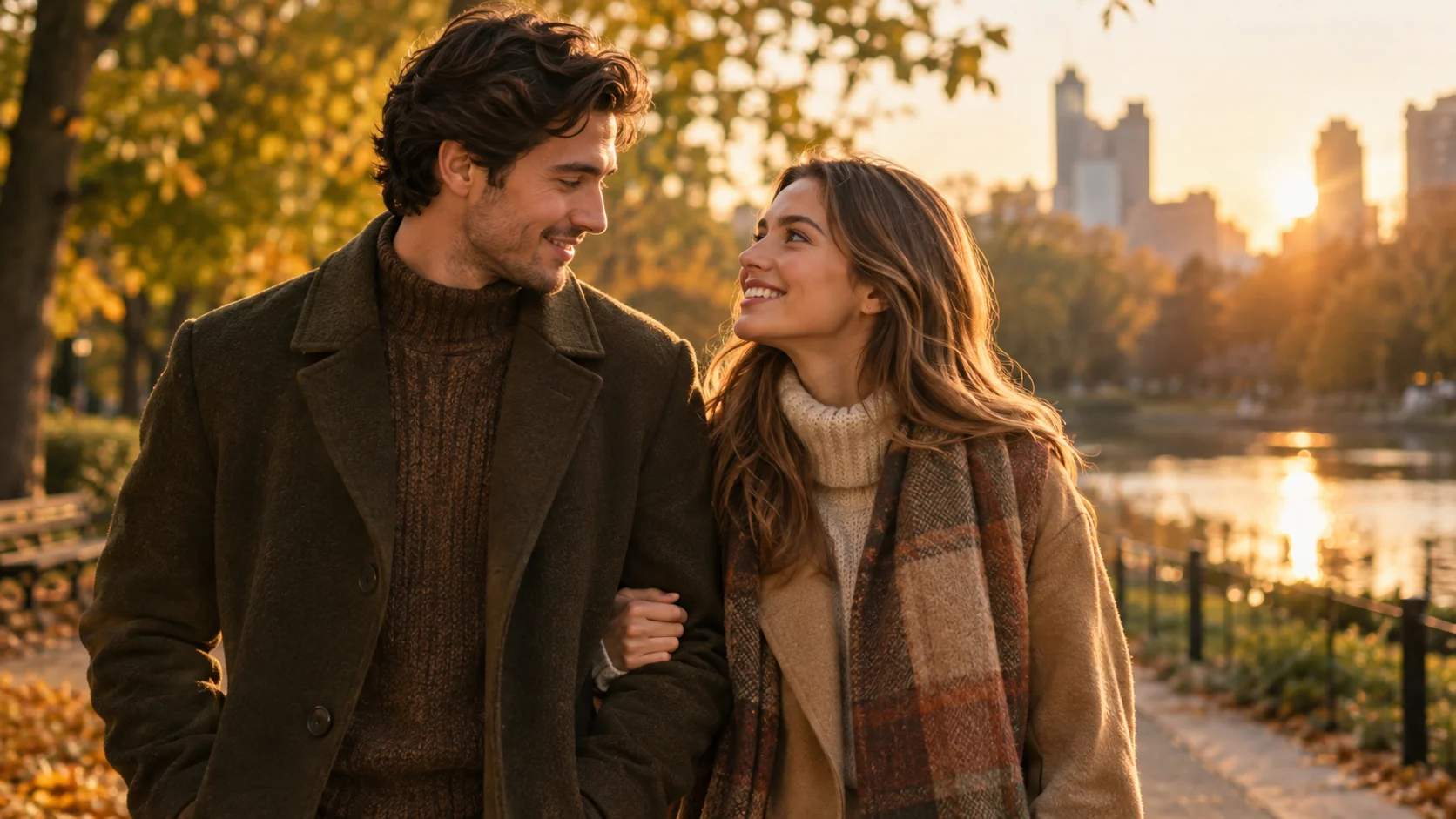
Couple Photo Generator
A couple portrait is a composition problem as much as a style problem. Each person needs a clear role in the frame, and the lighting, clothing, and camera direction need to agree.
The workspace can use more than one reference image where the selected mode supports it. Keep each reference simple, name which person is on the left or right, and ask the model to keep the same number of people.
Generated portraits are not identity verification. Review faces, hands, jewelry, and body proportions before using the image, and only edit photos of people who have given you permission.
Couple portrait workflow
Use clear photos of both people, describe the relationship and composition, and review identity, hands, and background details before sharing.
Describe the frame so both people have a clear place, pose, and scale.
Protect faces, skin tone, hair, and body proportions while changing the setting.
Ask for clothing that belongs in the same scene without making the people look identical.
Check hands, jewelry, face swaps, and the total number of people before publishing.
Use the two uploaded photos as identity references. Preserve each person's recognizable face, skin tone, hairstyle, and body proportions. Create a coordinated golden-hour park portrait with both people standing close together, warm autumn clothing, natural smiles, shallow depth of field, and realistic fabric texture. Keep exactly two people and do not swap faces.
Keep both people recognizable and create a clean editorial studio portrait with a warm gray backdrop, soft side lighting, and coordinated neutral outfits. Preserve the original faces, expressions, and approximate ages. Use a horizontal composition, natural hands, and realistic contact shadows. No extra people, text, or logos.
Use the two references to create a believable travel portrait on a quiet stone street at blue hour. Keep both faces recognizable, preserve their pose relationship, and choose clothing that fits the scene without changing identity. Use cinematic ambient light, realistic perspective, and a relaxed natural mood.
Example uses
Create a thoughtful visual from two favorite portraits when both people have agreed to the edit.
Test a coordinated portrait direction for a save-the-date or personal invitation.
Make a shared portrait concept for a couple account or family announcement.
Prepare poster, social, thumbnail, and presentation concepts where copy placement and composition both matter.
Adapt one creative idea into multiple languages, ratios, and channel-ready variations.
Workflow
Choose references with visible faces and similar lighting where possible.
Name the setting, pose, clothing direction, camera framing, and the number of people.
Compare both faces to the references and inspect fingers, jewelry, and body proportions.
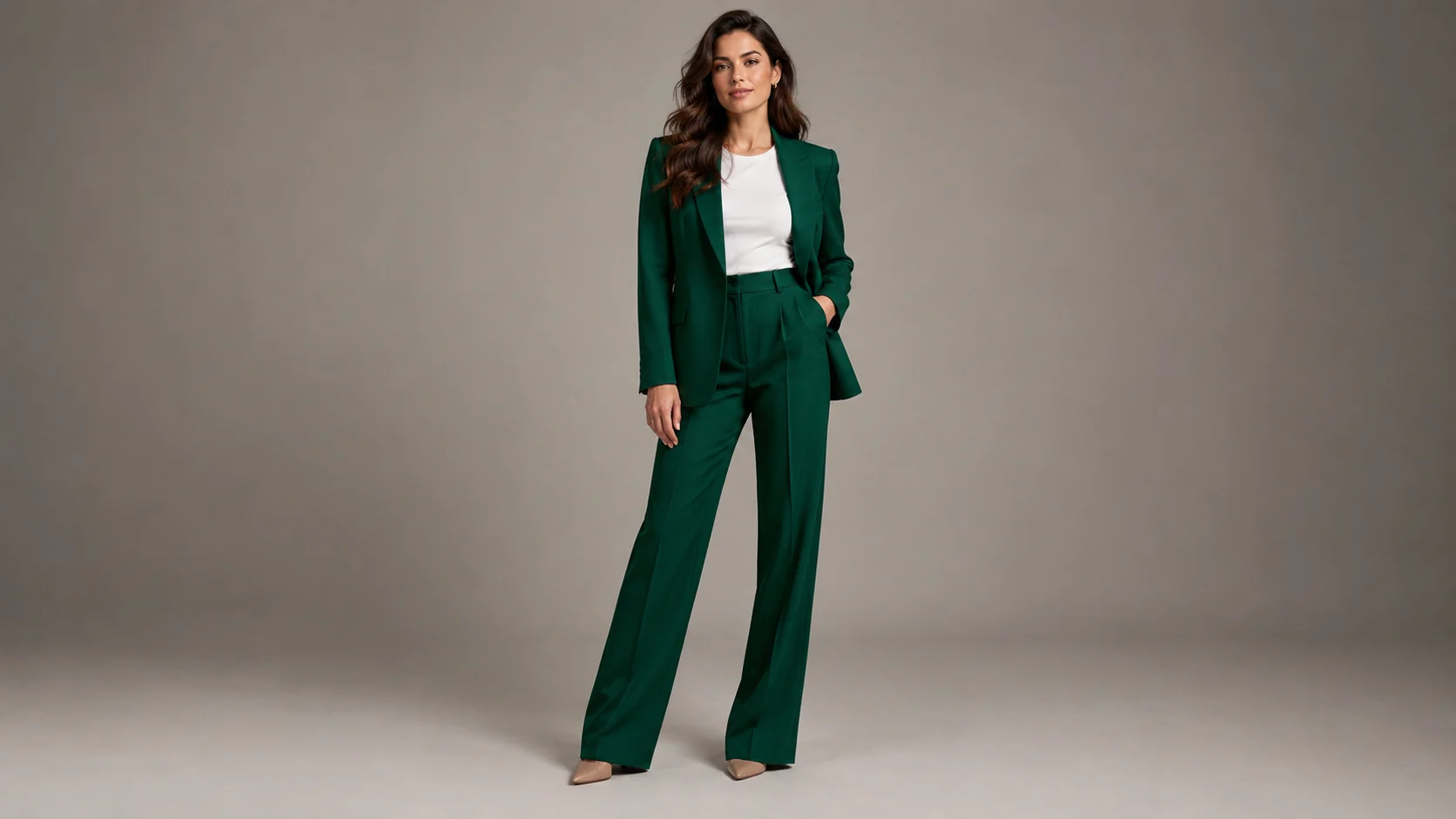 AI Clothing Try-On Generator for Outfit PreviewsPreview a clothing look on your own photo with realistic fabric, lighting, and body-proportion guidance.
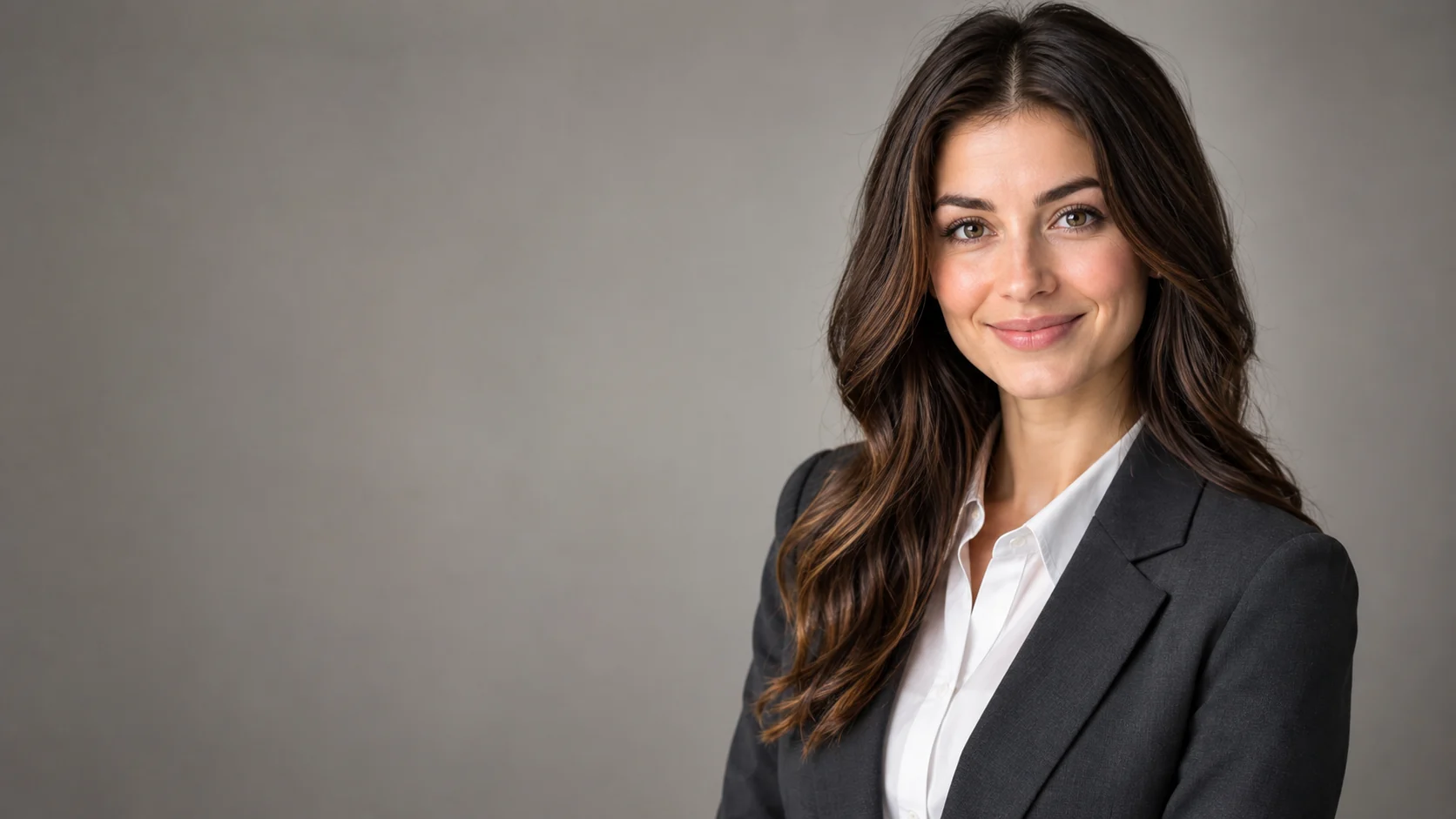 AI Headshot Editor for Natural Professional PortraitsPolish a portrait into a professional headshot with clean lighting, wardrobe direction, and identity-preserving edits.
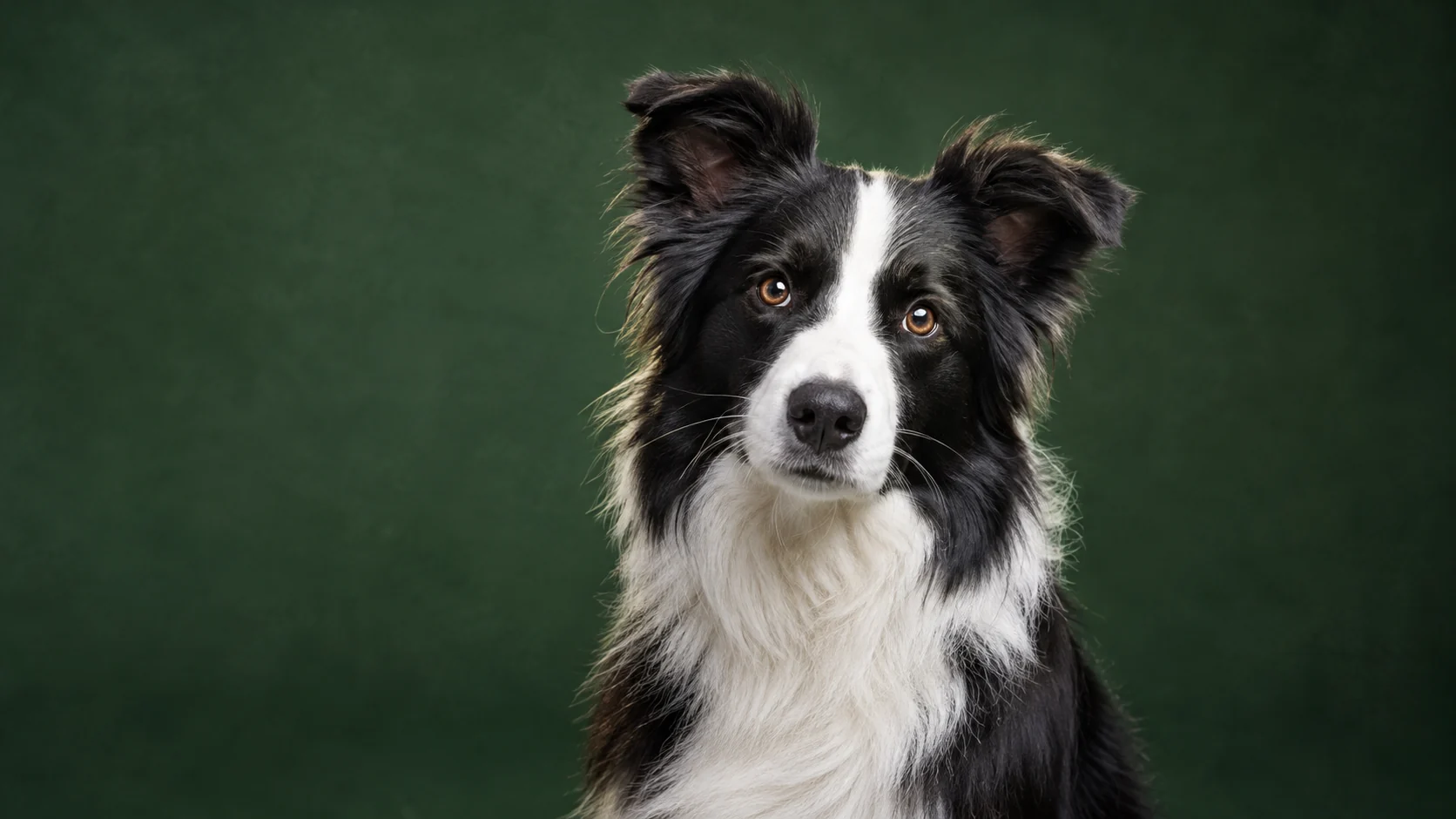 AI Pet Portrait Generator for Studio-Quality PhotosTurn an ordinary pet photo into a polished portrait with studio lighting, clean backgrounds, and natural fur detail.
Ready when the idea is clear
Keep the path short: generate a draft, move promising prompts into the workspace, then upgrade only when a batch needs more credits.