Identity first
Protect facial proportions, skin character, hair, and expression before changing style.
Uploaded Images
No images yet
Get started with these simple steps
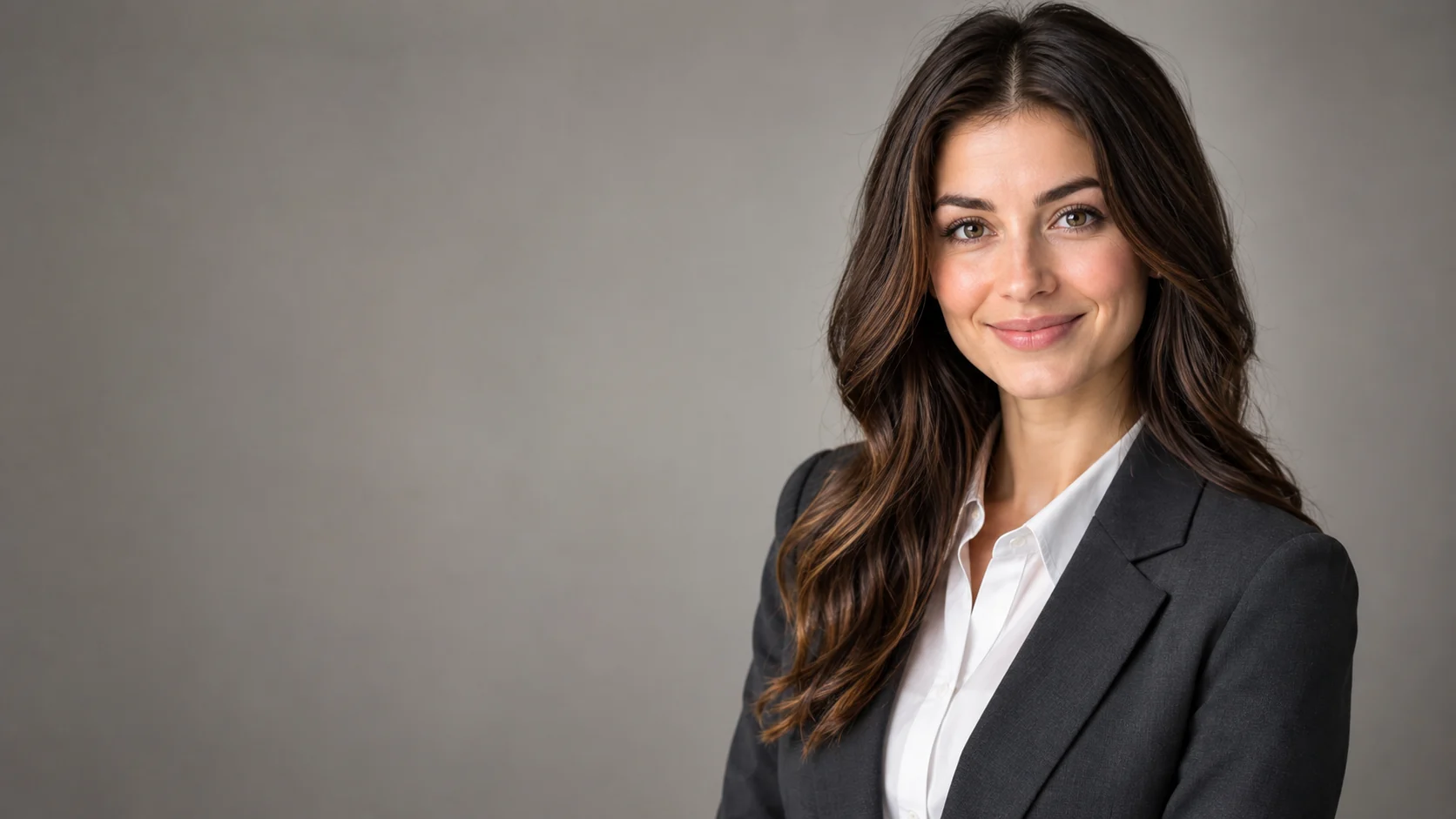
Headshot Editor
A useful headshot feels like the same person on a better day, not a different person in a stock photo. The face, expression, skin character, and approximate age should remain familiar.
This workflow works best when the source already has a clear face and a reasonable pose. Ask for one restrained change at a time, beginning with lighting and background before wardrobe or retouching.
Identity, hair, glasses, and skin detail can drift. Compare the result against the source, and prefer a natural finish over aggressive smoothing or a generic corporate expression.
Professional portrait workflow
Start with a clear portrait, keep the expression and identity stable, and use restrained lighting and wardrobe changes for a professional result.
Protect facial proportions, skin character, hair, and expression before changing style.
Improve light and presentation without turning the face into a smooth synthetic mask.
Use a repeatable backdrop and lighting prompt for a coherent team page.
Compare a professional direction before booking a studio photographer.
Use the uploaded portrait as the identity reference. Preserve the person's face, skin texture, facial proportions, hairstyle, and natural expression. Create a professional LinkedIn headshot with a charcoal blazer, clean warm-gray studio backdrop, soft key light, subtle rim light, and realistic lens compression. Keep the person recognizable and avoid over-smoothing.
Keep the subject recognizable and create a modern editorial studio portrait with a deep blue backdrop, directional light, and a simple black outfit. Preserve the original pose and natural expression. Use realistic fabric texture, gentle shadows, and a clean composition. Do not change facial identity or add props.
Preserve the subject's identity and create a consistent corporate headshot with a soft ivory background, even studio light, and a neutral business outfit. Use a head-and-shoulders crop with a natural smile and realistic skin detail. Do not add a suit that looks unlike the source person or change their apparent age.
Example uses
Make a clearer professional portrait from a good candid photo.
Explore a consistent portrait direction across a small team.
Create a polished portrait draft for an event page with editorial boundaries.
Prepare poster, social, thumbnail, and presentation concepts where copy placement and composition both matter.
Adapt one creative idea into multiple languages, ratios, and channel-ready variations.
Workflow
Use a sharp portrait with even lighting and a natural expression.
Set the backdrop, clothing, and light before asking for detailed retouching.
Check the eyes, hairline, skin texture, glasses, and expression against the source.
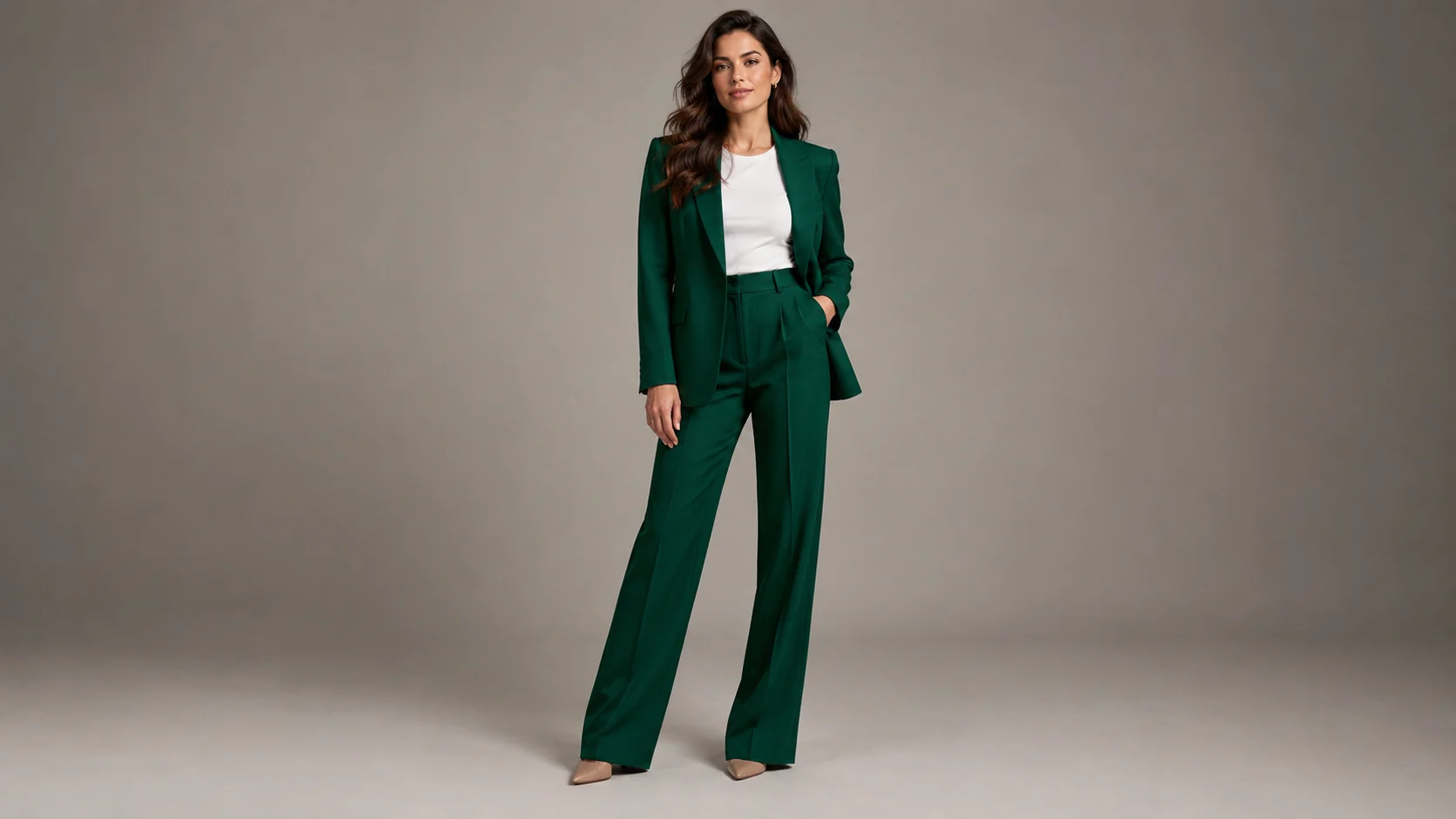 AI Clothing Try-On Generator for Outfit PreviewsPreview a clothing look on your own photo with realistic fabric, lighting, and body-proportion guidance.
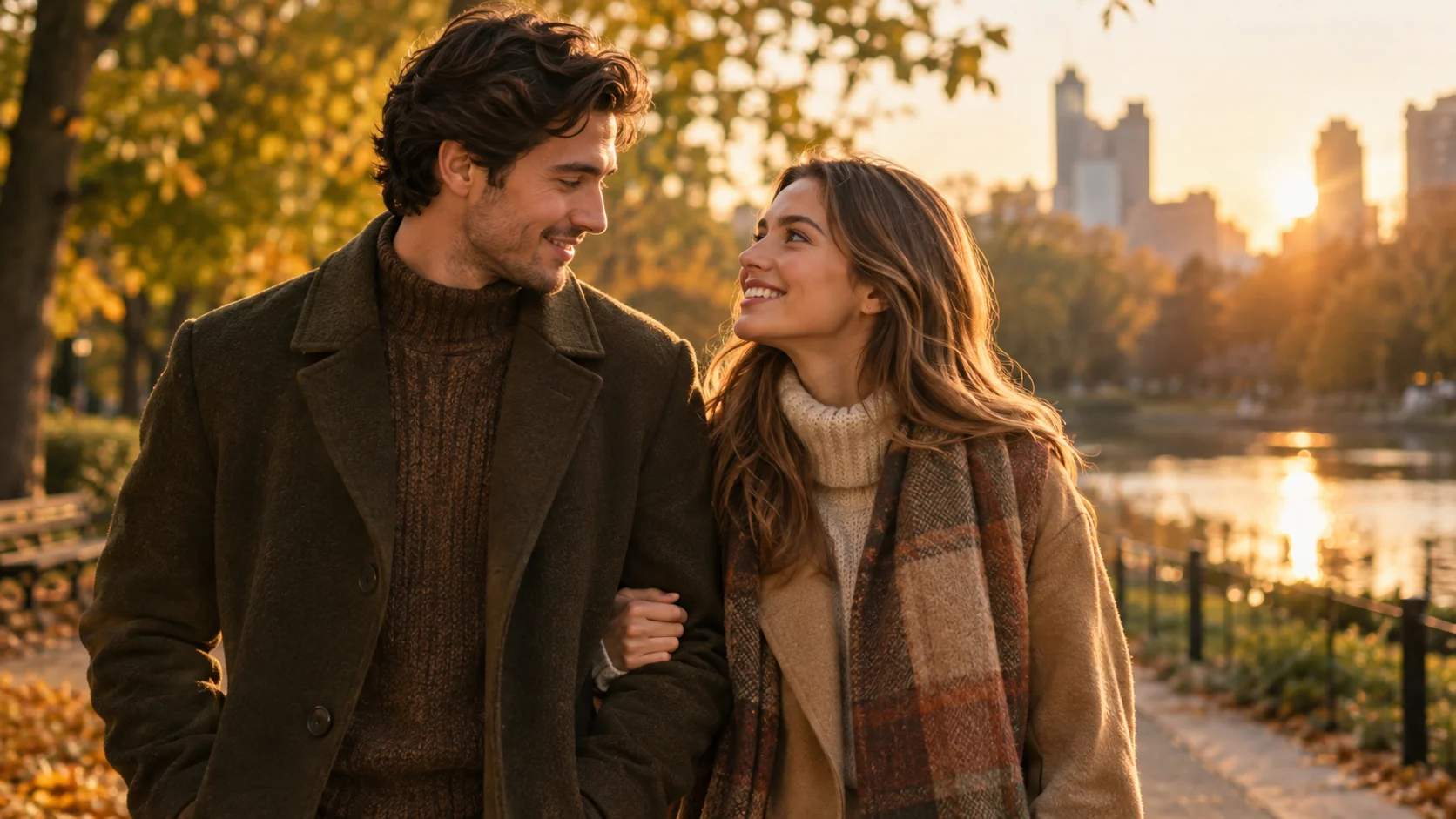 AI Couple Photo Generator for Matching PortraitsCreate a coordinated couple portrait from two photos with consistent lighting, styling, and a shared scene.
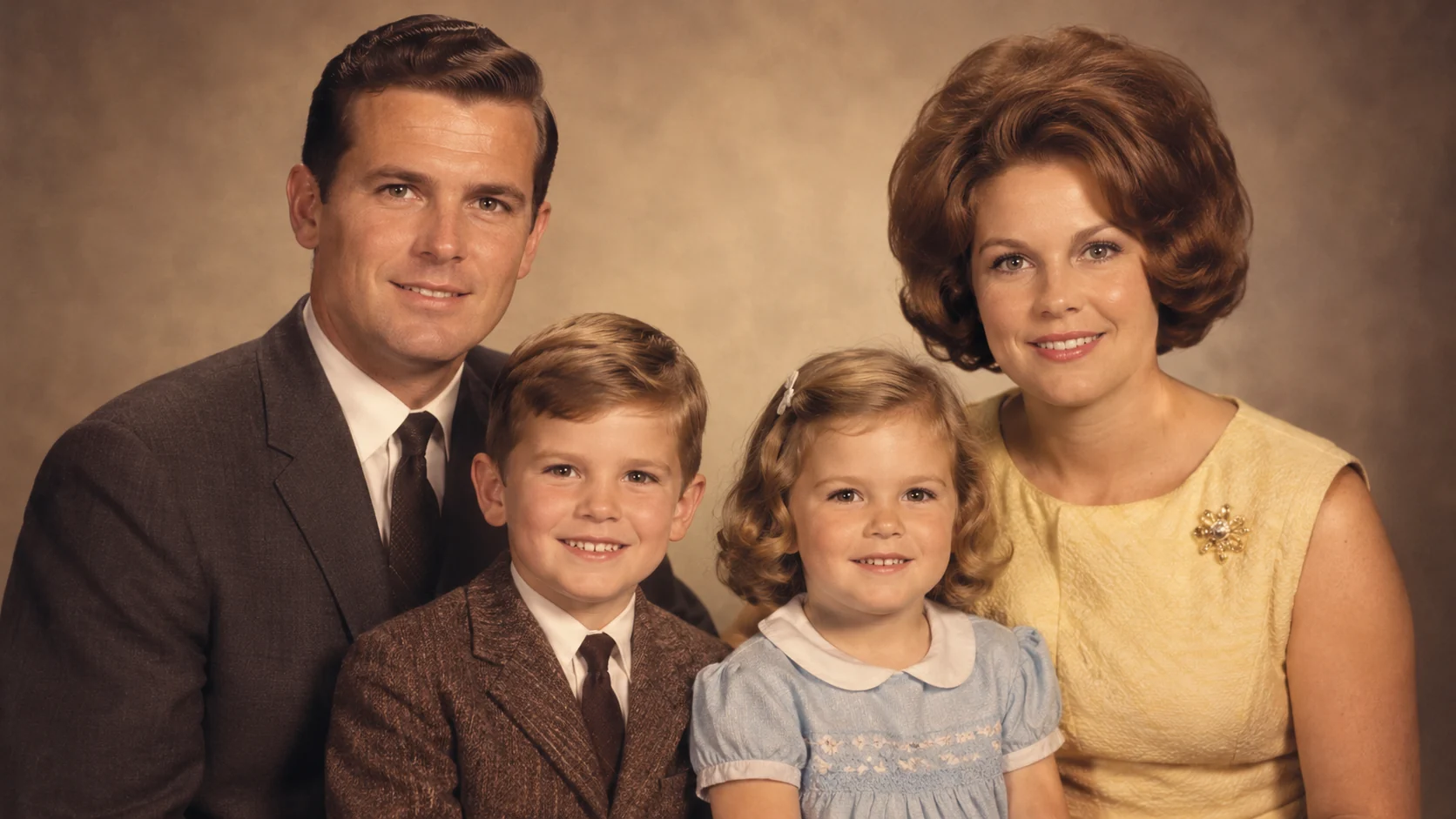 AI Old Photo Restorer for Scratches, Fading, and BlurRestore old family photos with AI: reduce scratches, recover faded color, improve clarity, and preserve a natural archival look.
Ready when the idea is clear
Keep the path short: generate a draft, move promising prompts into the workspace, then upgrade only when a batch needs more credits.