Careful repair
Prompt for scratches, creases, and fading to be reduced without rebuilding the people from scratch.
Uploaded Images
No images yet
Get started with these simple steps
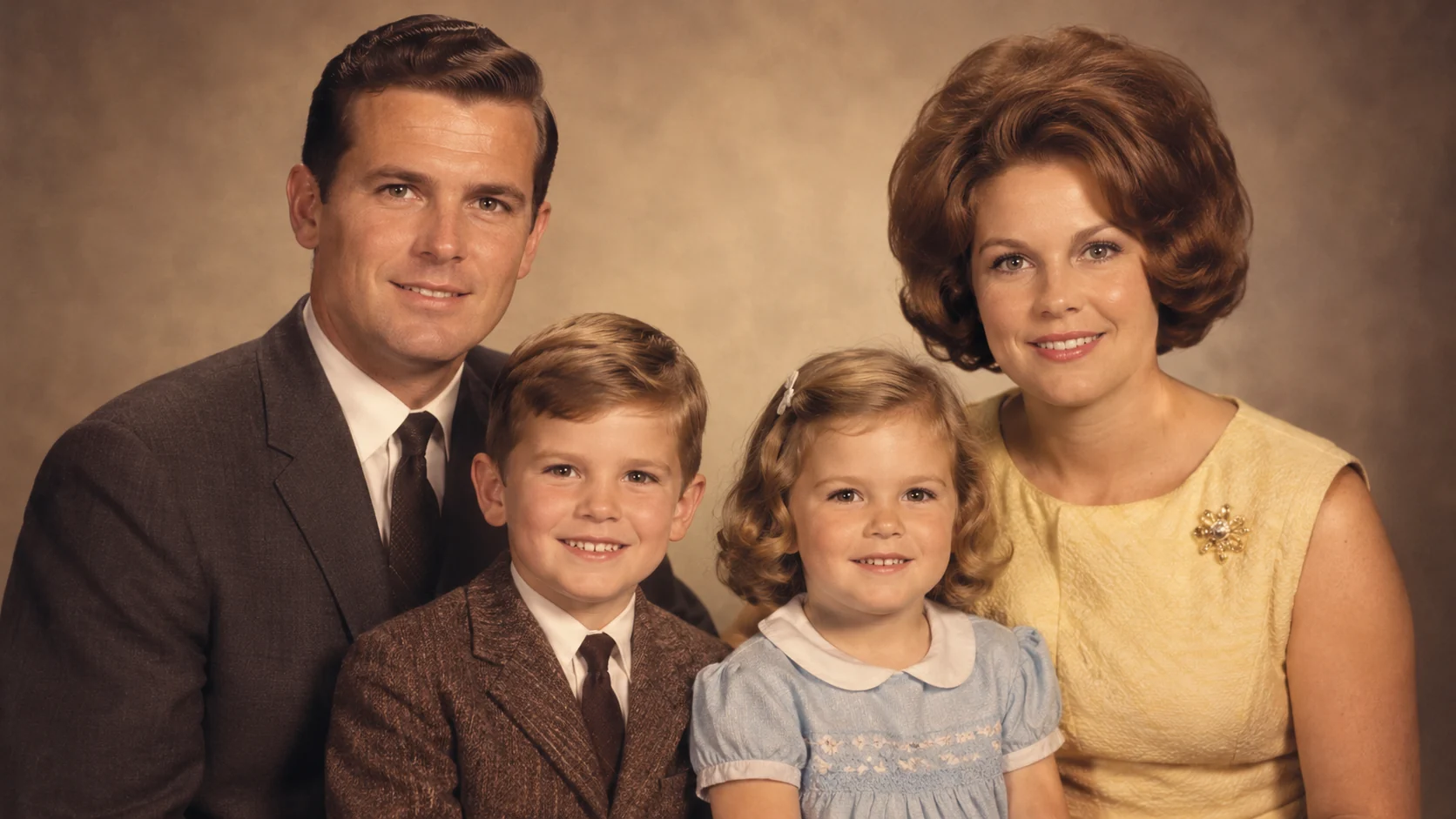
Old Photo Restorer
Old photographs contain both information and history. The best restoration asks the model to repair damage while keeping the original identity, pose, clothing, and photographic character intact.
Start with the highest-resolution scan you can find. A clean source gives the model more to preserve, and a restrained first pass usually looks more believable than a dramatic one.
No restoration tool can recover detail that is missing from the source. Treat a generated result as a careful visual interpretation, keep the original file, and label a colorized or reconstructed version when it matters to the family archive.
Photo restoration workflow
Use a careful prompt to reduce damage, recover readable detail, and keep the expression, clothing, and period look recognizable.
Prompt for scratches, creases, and fading to be reduced without rebuilding the people from scratch.
Name the faces, expressions, clothing, and pose that should remain recognizable.
Request a restrained palette that fits the photograph instead of a modern social filter.
Download the result, compare it with the source, and keep the original untouched.
Use the uploaded scan as the exact reference. Preserve the people, facial features, pose, clothing, and original composition. Reduce visible scratches, dust, creases, and fading, recover readable detail, and keep a natural film photograph texture. Do not add new family members, change expressions, or invent jewelry.
Restore the uploaded black-and-white family photograph with a restrained, period-appropriate color palette. Keep the original faces, hairstyles, clothing shapes, and camera framing unchanged. Use soft archival color, realistic skin tones, and subtle fabric detail. Avoid modern filters and do not add objects that are not in the source.
Preserve the identity and composition of the uploaded portrait while improving clarity in the eyes, hair, clothing, and background. Reduce blur and compression artifacts without making skin look plastic. Keep natural grain, realistic shadows, and the original vintage mood.
Example uses
Create a cleaner viewing copy for relatives while preserving the original scan.
Prepare a clearer portrait for a respectful family or community archive.
Test a more readable version of a damaged image before asking an archivist for a professional restoration.
Prepare poster, social, thumbnail, and presentation concepts where copy placement and composition both matter.
Adapt one creative idea into multiple languages, ratios, and channel-ready variations.
Workflow
Use a high-resolution scan or the largest original file available. Avoid photographing the print at an angle.
List what must stay the same and which damage should be reduced.
Keep the original and label colorized or reconstructed versions when sharing them.
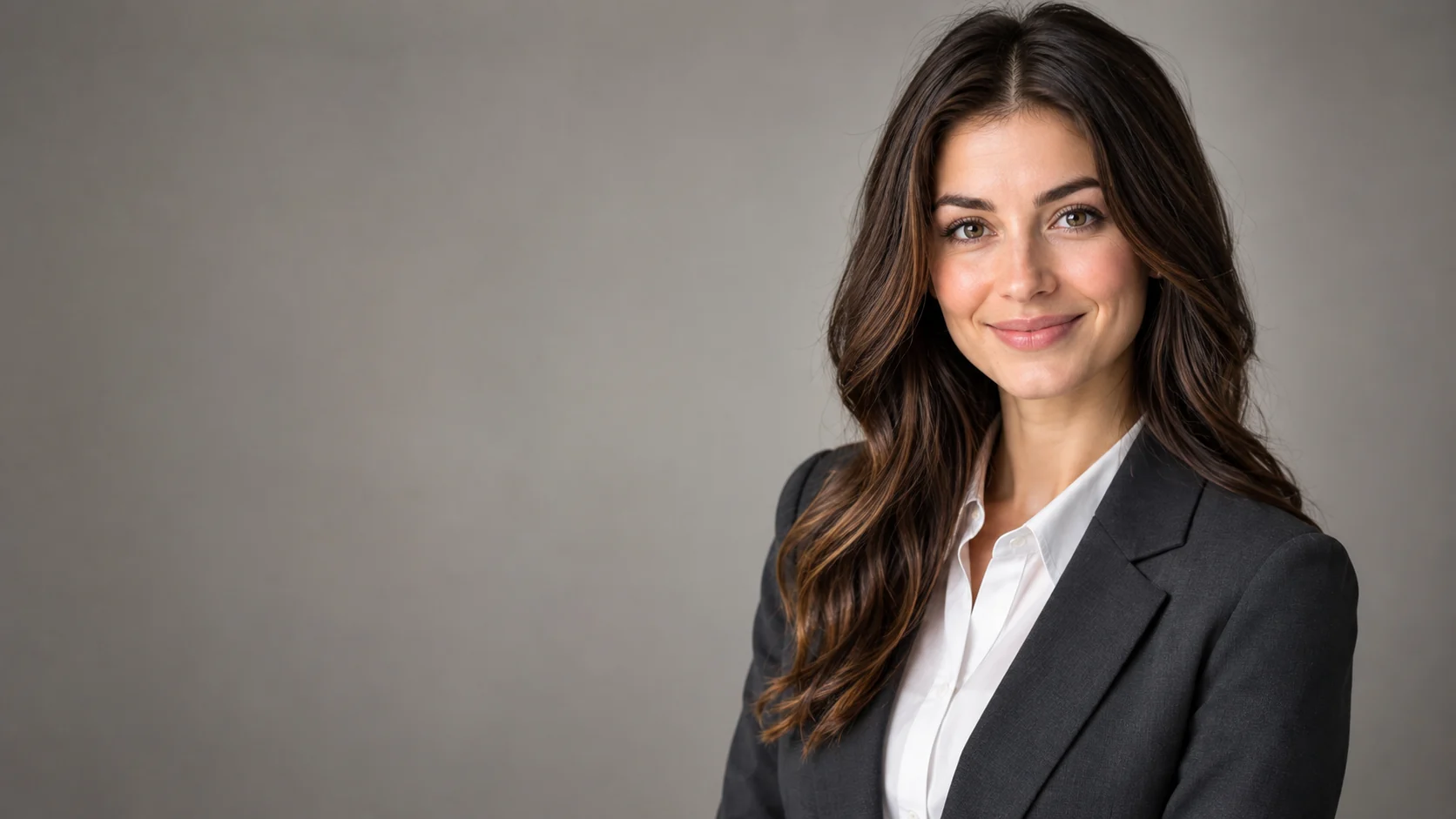 AI Headshot Editor for Natural Professional PortraitsPolish a portrait into a professional headshot with clean lighting, wardrobe direction, and identity-preserving edits.
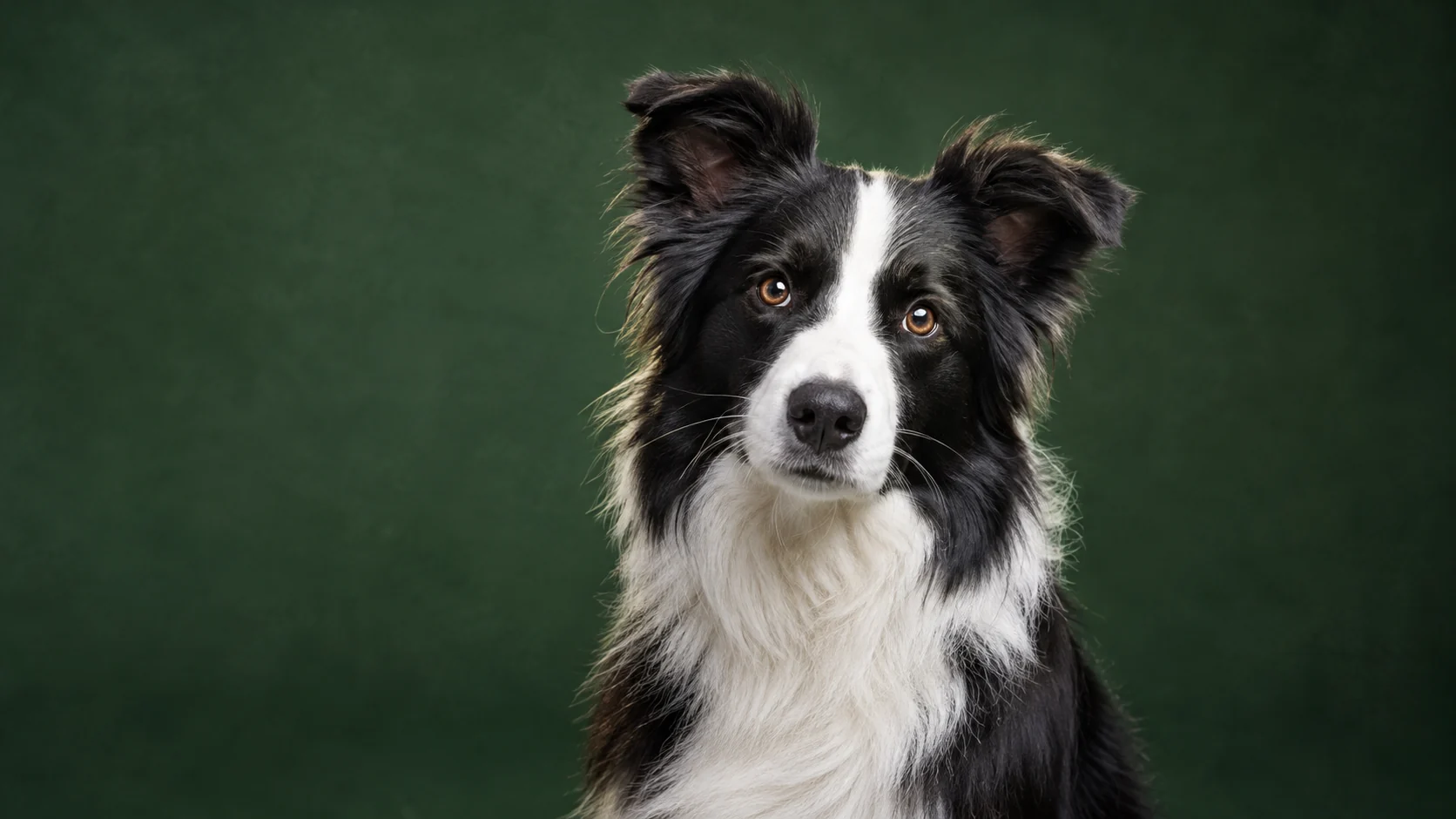 AI Pet Portrait Generator for Studio-Quality PhotosTurn an ordinary pet photo into a polished portrait with studio lighting, clean backgrounds, and natural fur detail.
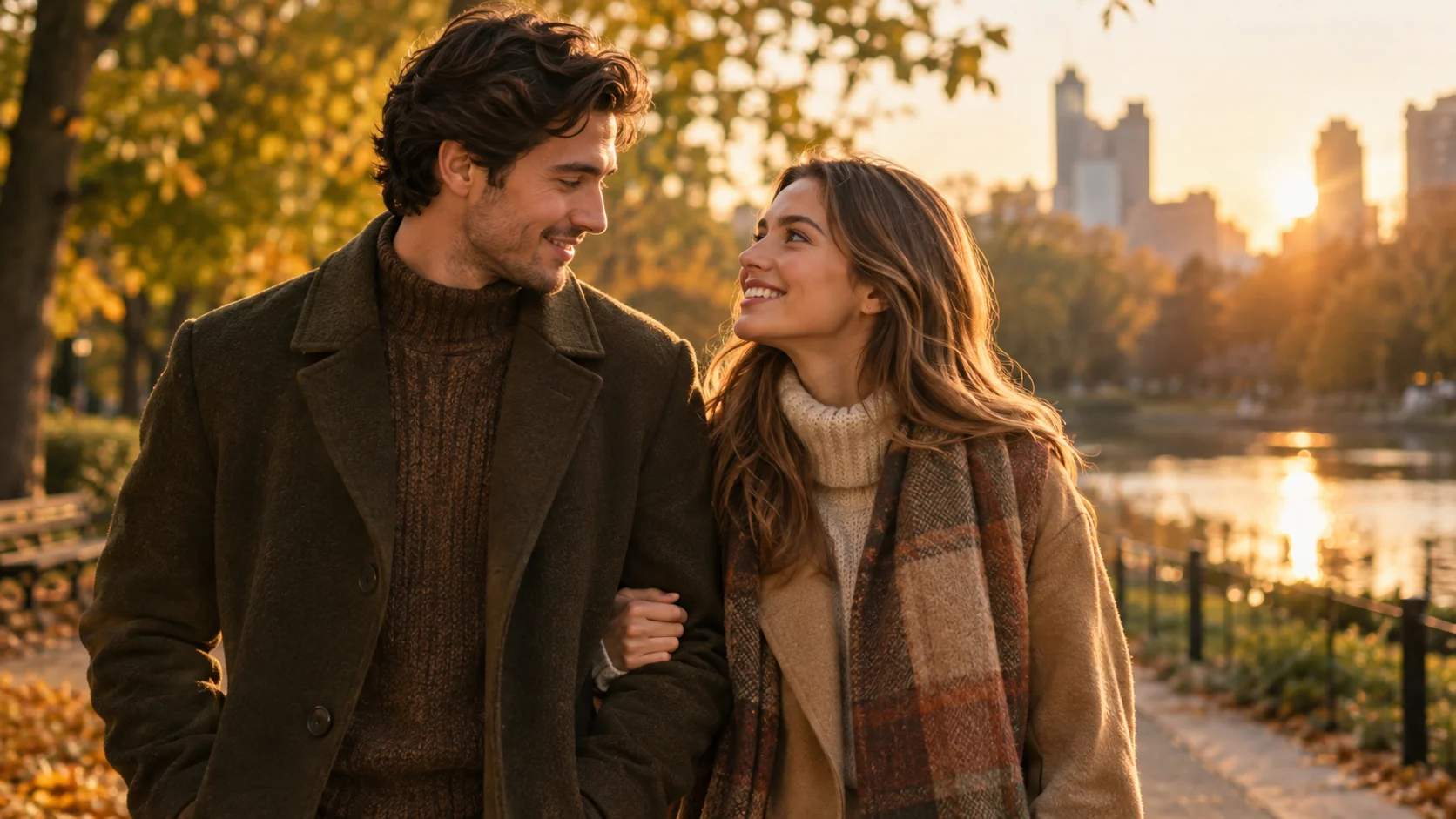 AI Couple Photo Generator for Matching PortraitsCreate a coordinated couple portrait from two photos with consistent lighting, styling, and a shared scene.
Ready when the idea is clear
Keep the path short: generate a draft, move promising prompts into the workspace, then upgrade only when a batch needs more credits.