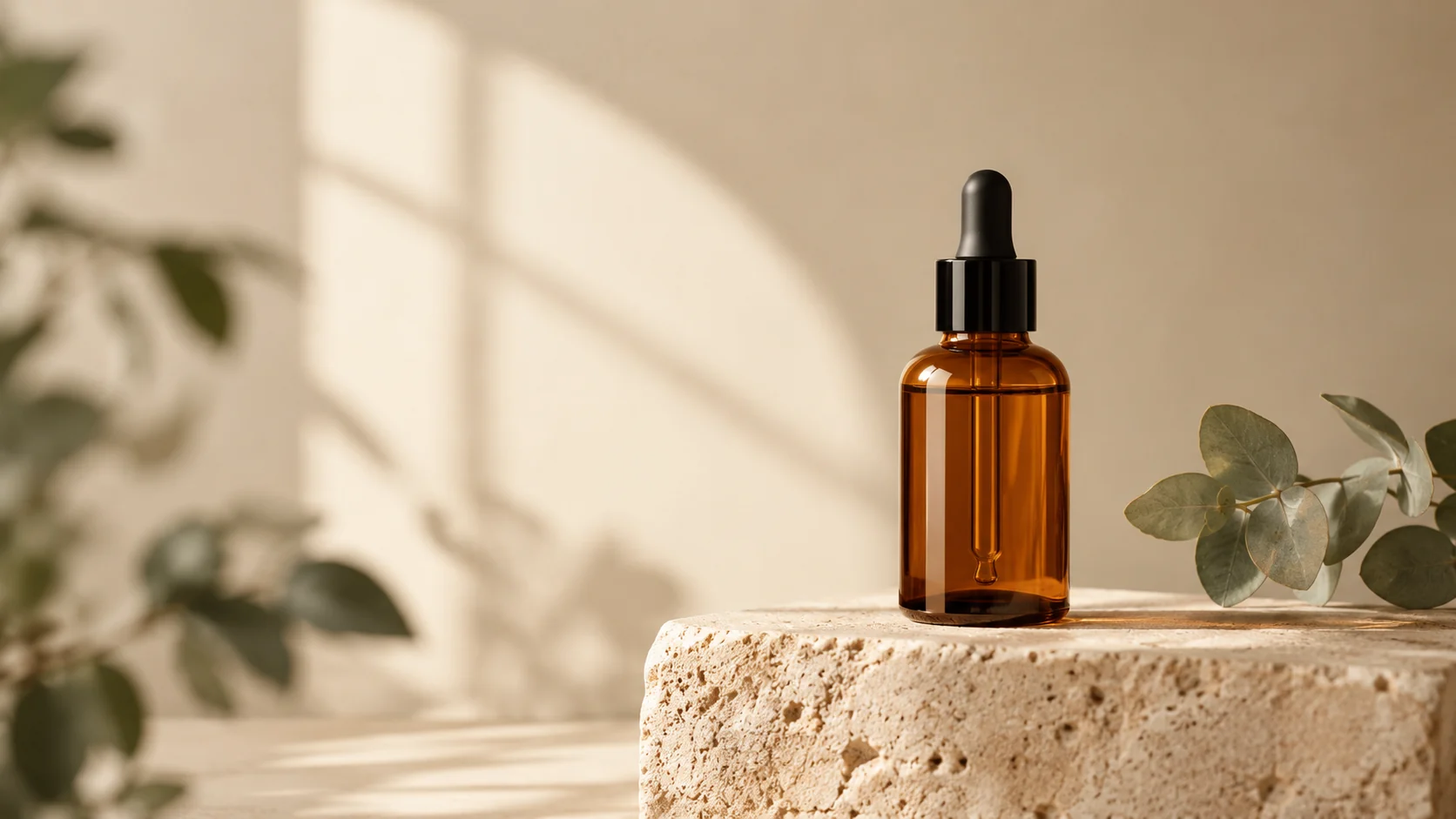
Image workflow
AI Product Photo Editor for Clean Ecommerce Images
Edit product photos with AI: clean backgrounds, realistic shadows, better lighting, and campaign-ready scenes from one upload.
Open workflowChoose a focused AI workflow for product photos, real estate, pets, couples, headshots, thumbnails, social ads, and product video.
Each workflow page combines a clear use case, tested prompt directions, a visible output example, and a generation workspace. Pick the closest job instead of guessing which model page to open.
Image workflow
Edit product photos with AI: clean backgrounds, realistic shadows, better lighting, and campaign-ready scenes from one upload.
Open workflow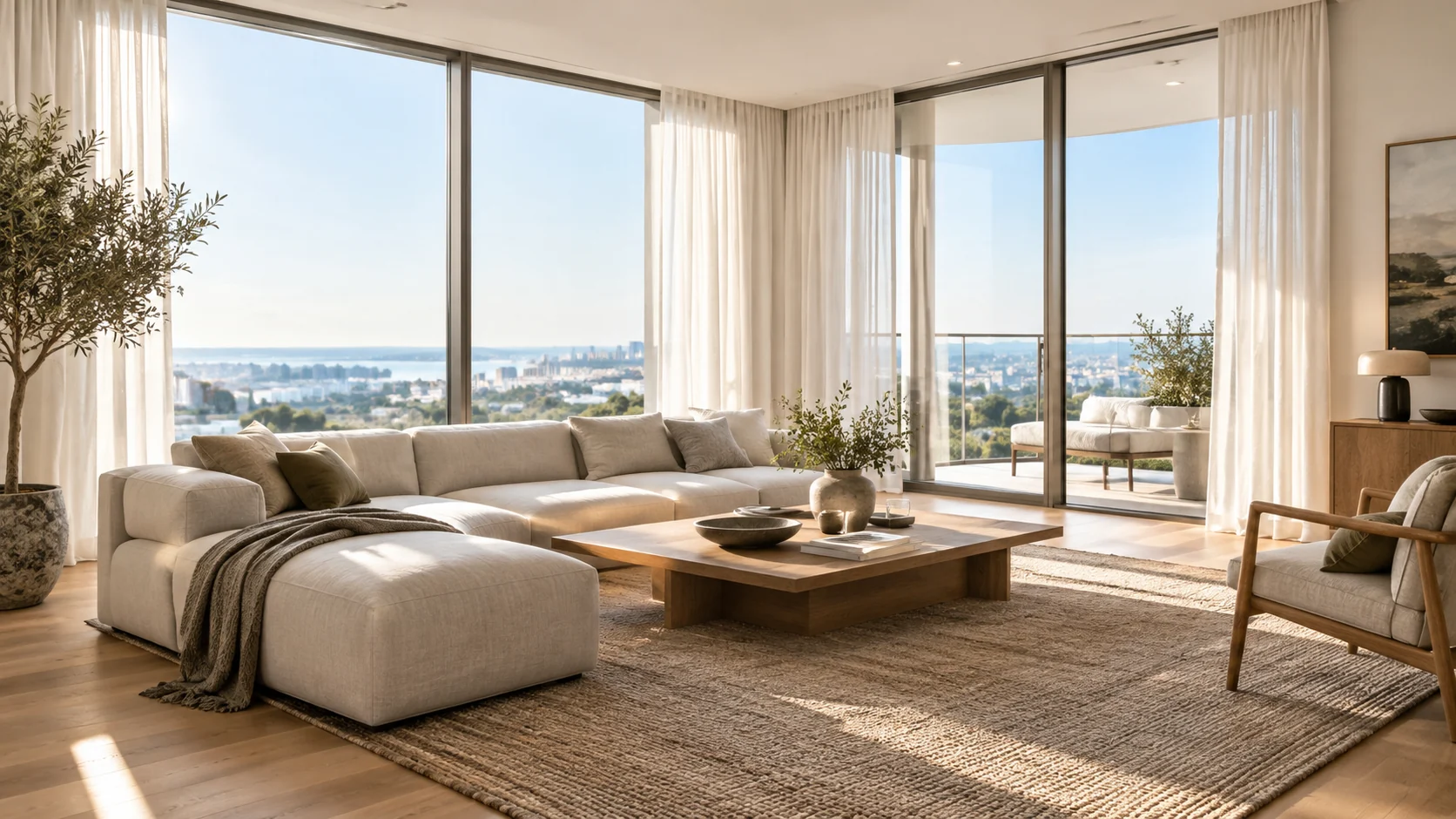
Image workflow
Improve listing photos with AI: brighten rooms, remove distractions, add furnishing previews, and test cleaner interior directions.
Open workflow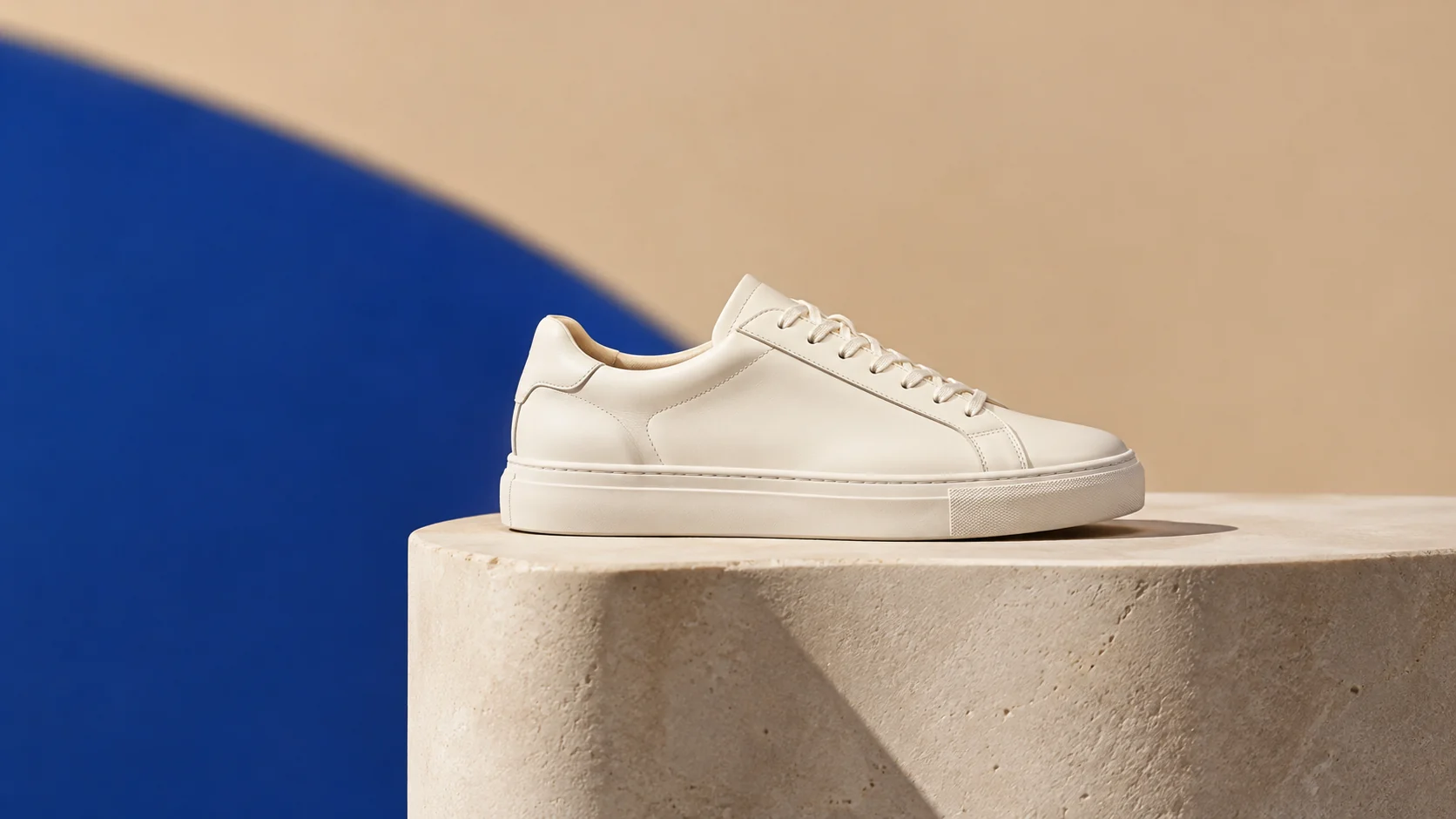
Image workflow
Replace cluttered backgrounds with clean studio scenes, seasonal sets, and platform-ready product visuals.
Open workflow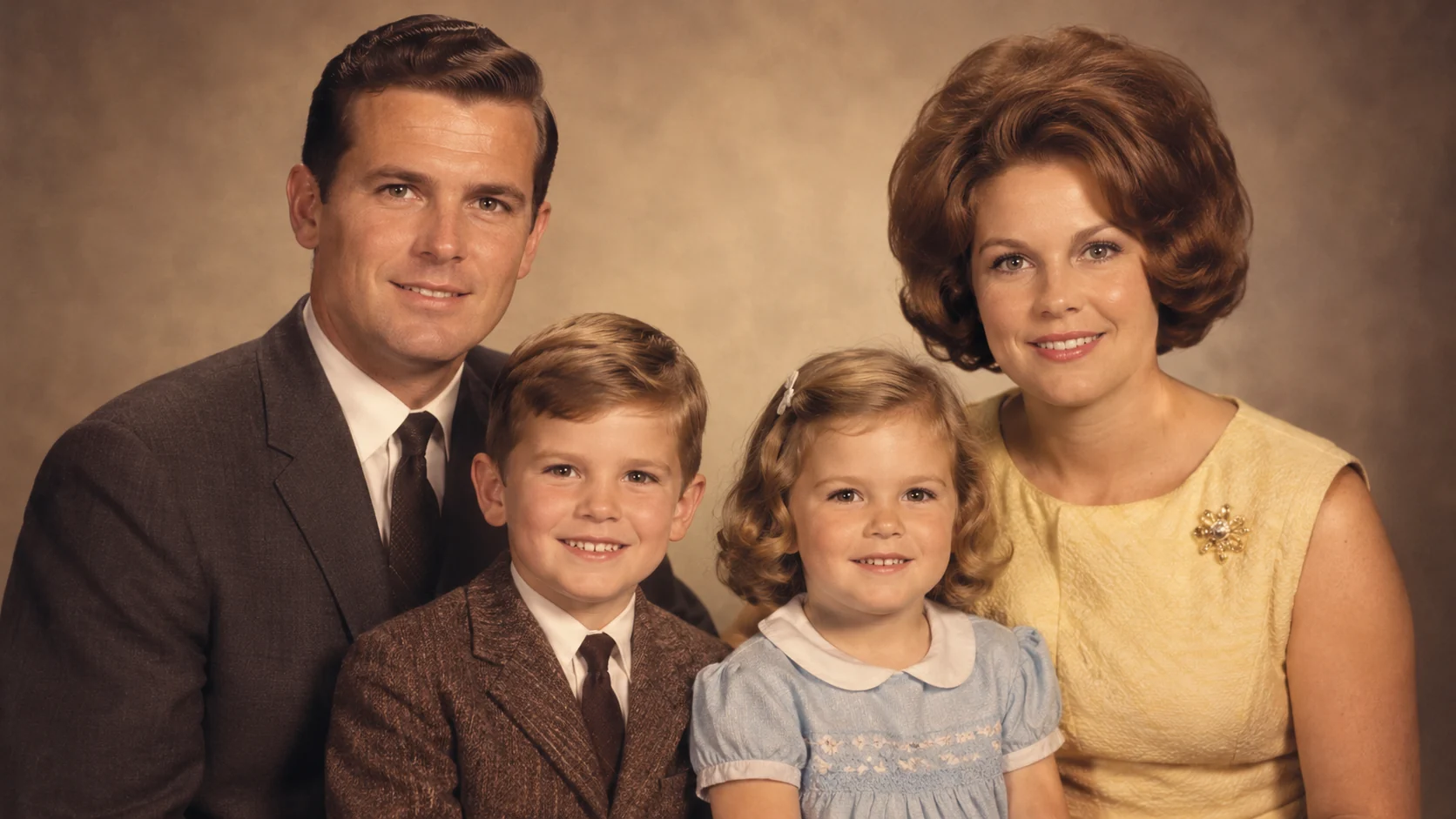
Image workflow
Restore old family photos with AI: reduce scratches, recover faded color, improve clarity, and preserve a natural archival look.
Open workflow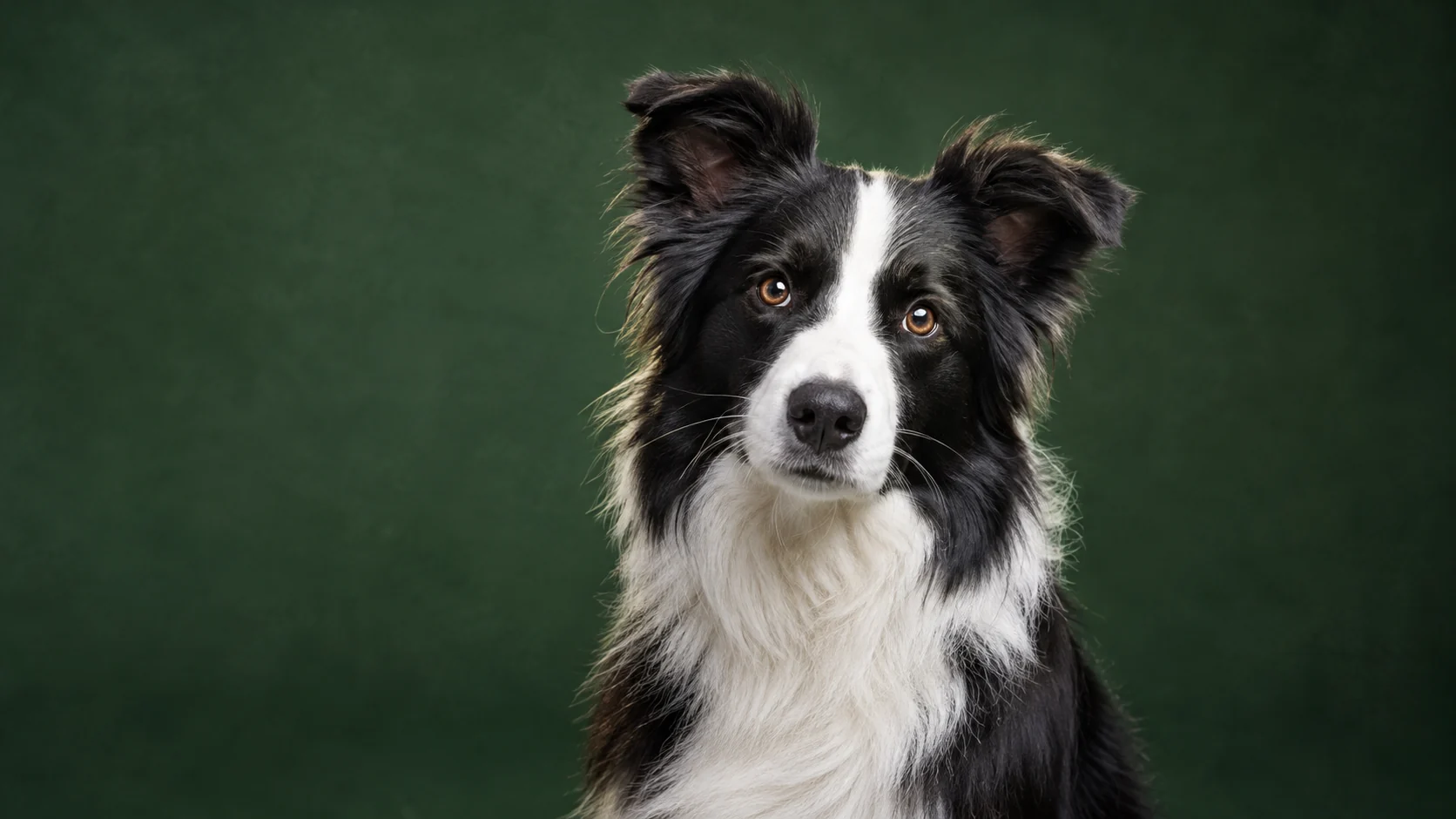
Image workflow
Turn an ordinary pet photo into a polished portrait with studio lighting, clean backgrounds, and natural fur detail.
Open workflow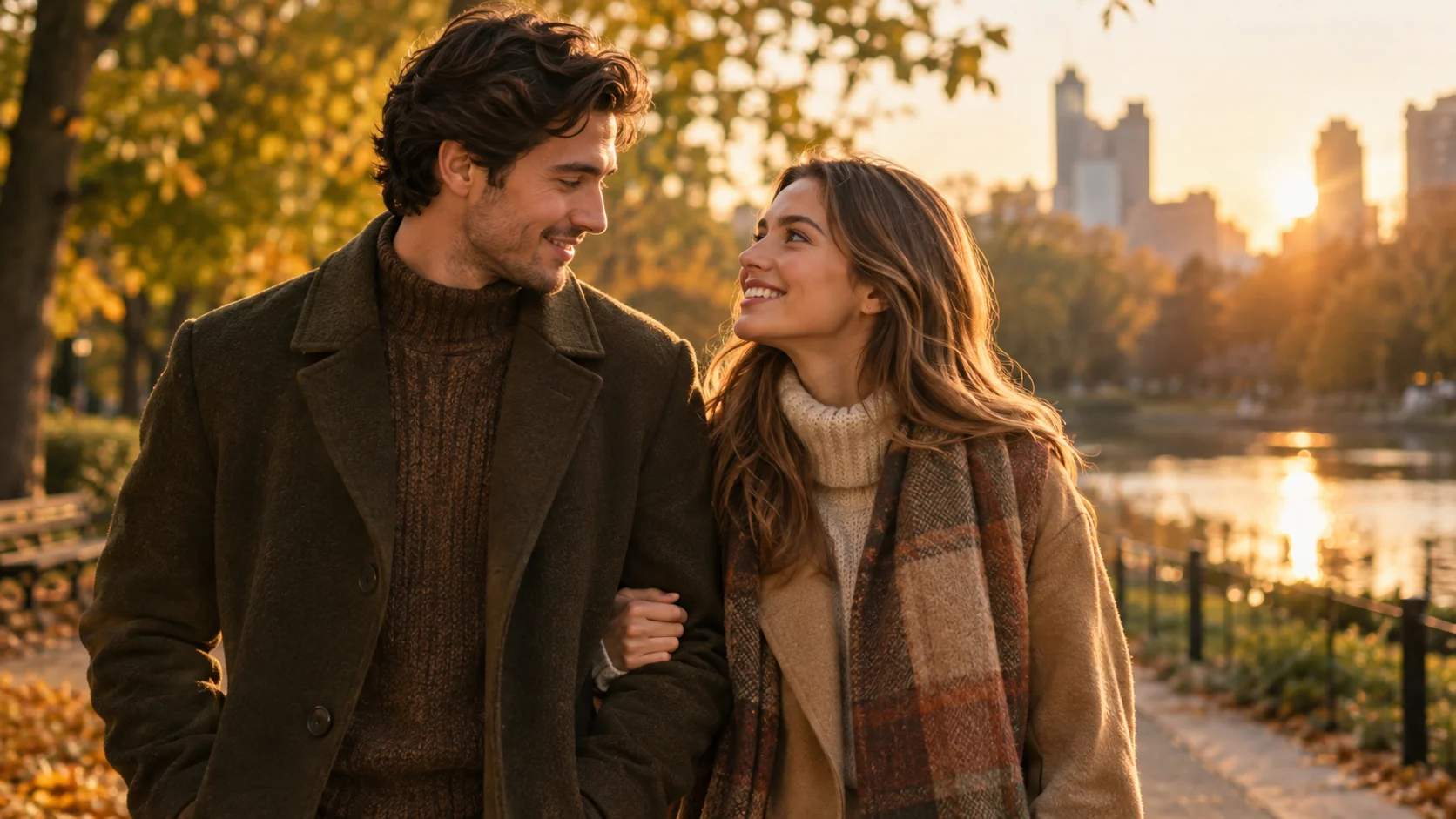
Image workflow
Create a coordinated couple portrait from two photos with consistent lighting, styling, and a shared scene.
Open workflow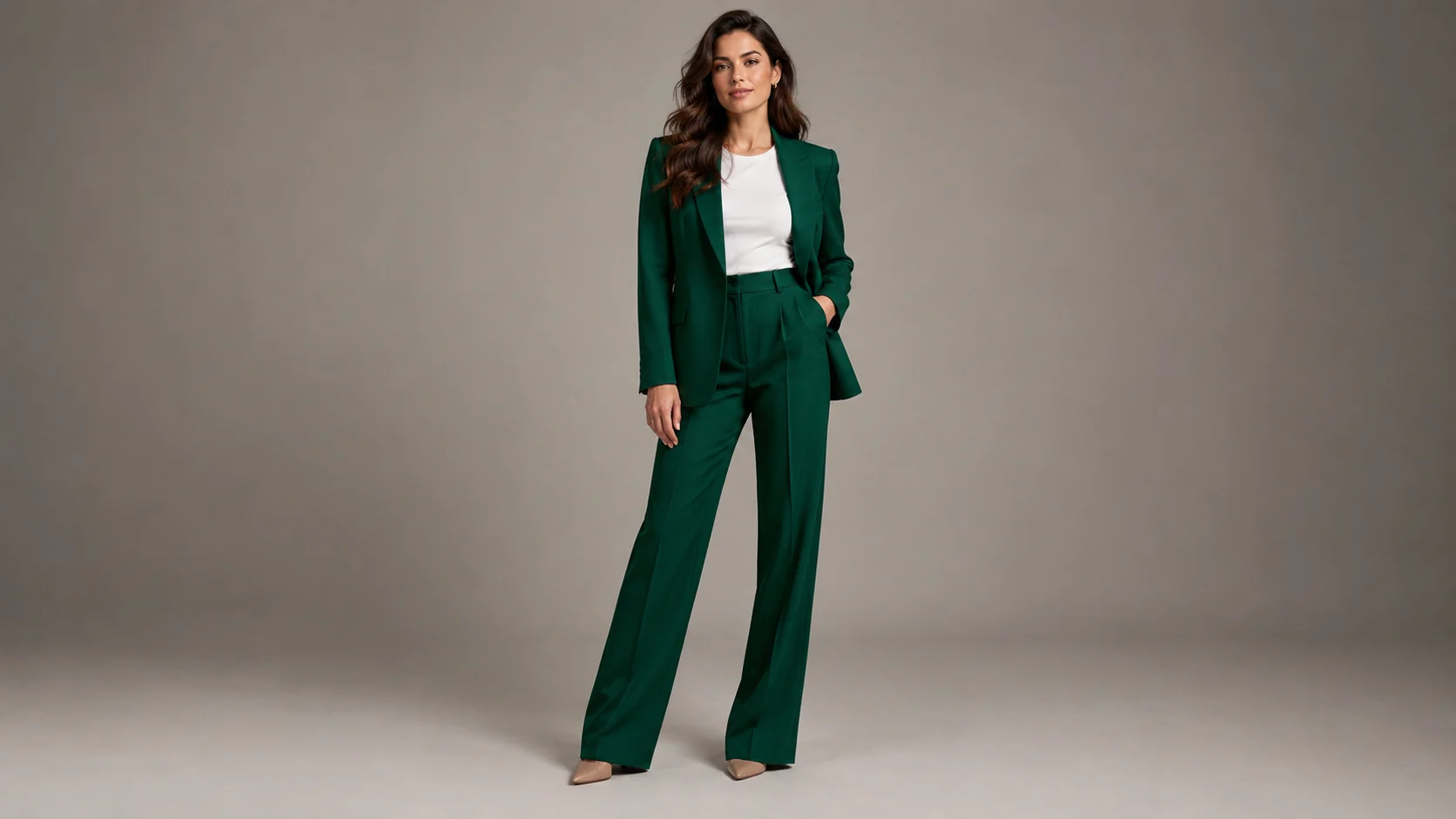
Image workflow
Preview a clothing look on your own photo with realistic fabric, lighting, and body-proportion guidance.
Open workflow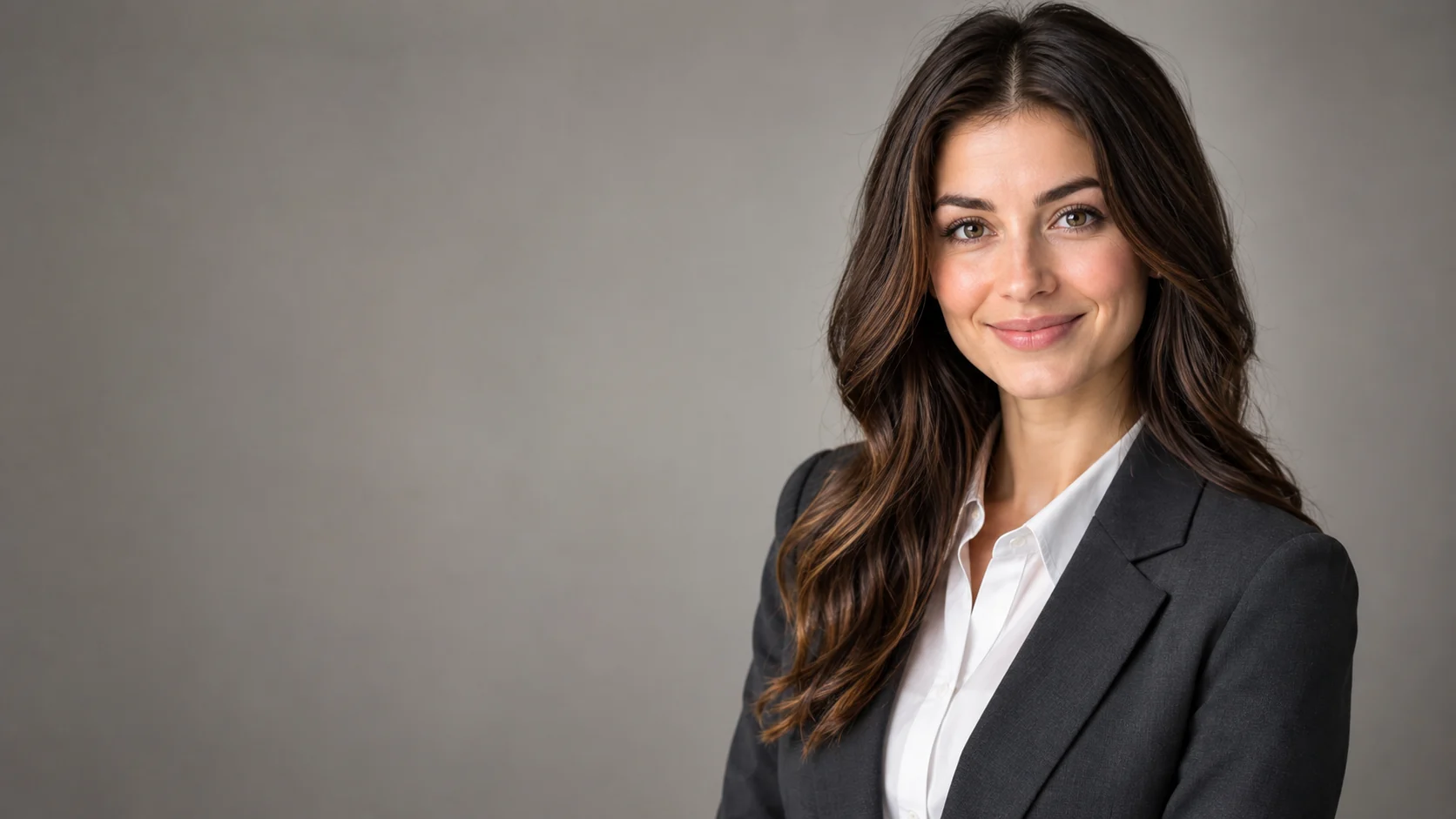
Image workflow
Polish a portrait into a professional headshot with clean lighting, wardrobe direction, and identity-preserving edits.
Open workflow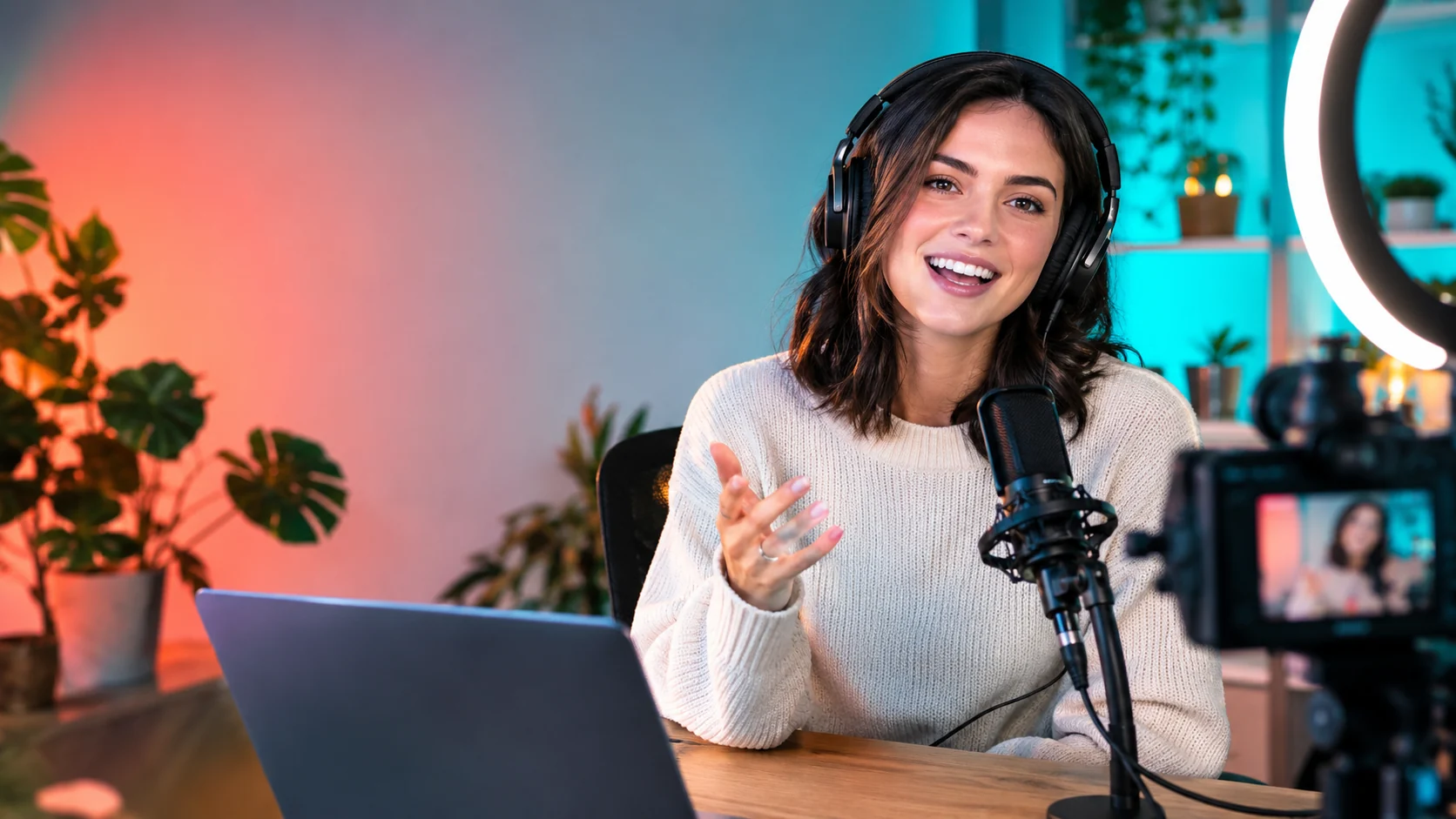
Image workflow
Create expressive thumbnail concepts with strong focal points, clean negative space, and platform-ready crops.
Open workflow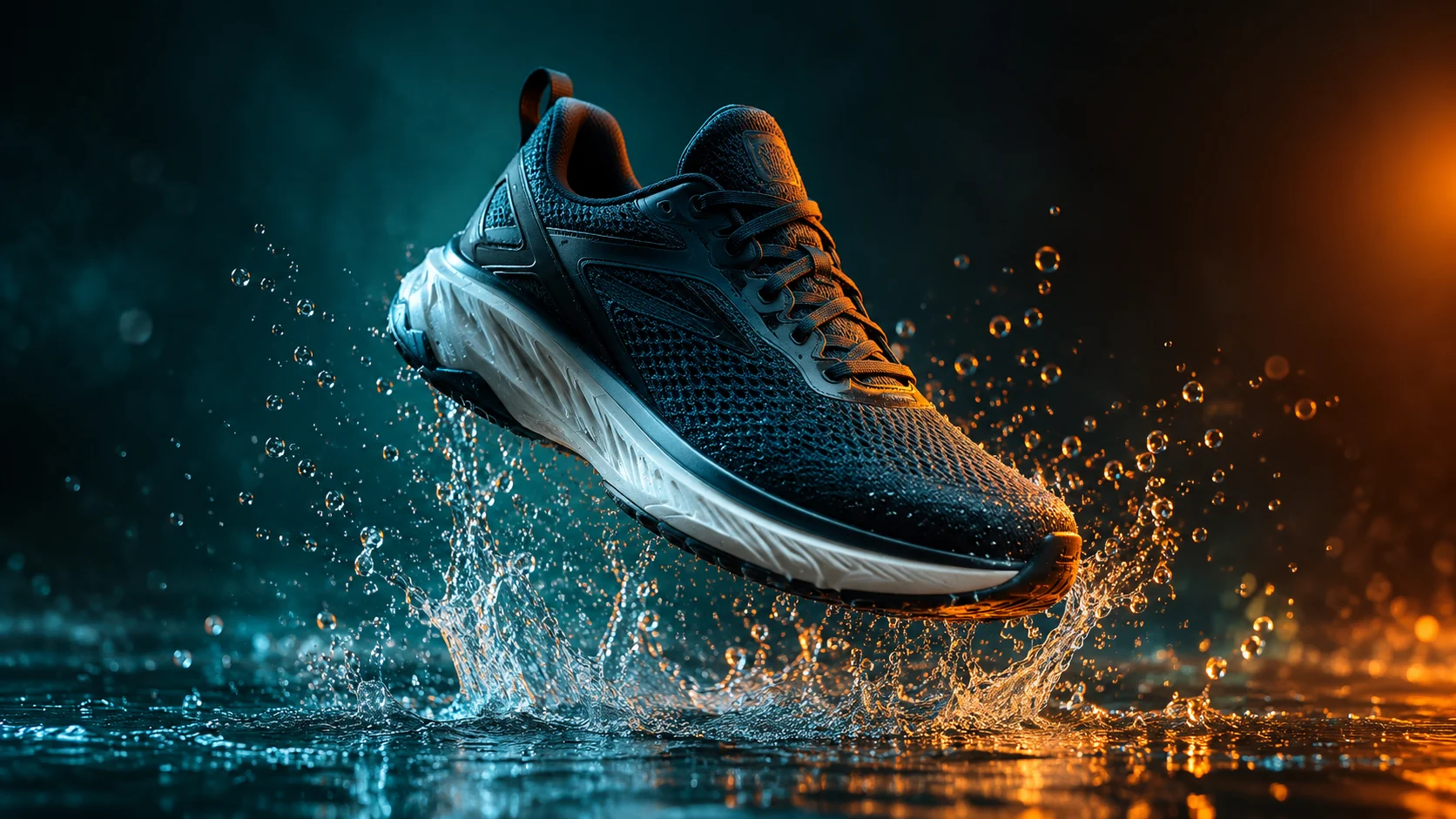
Video workflow
Animate a product photo into a short campaign clip with controlled camera motion, lighting, and duration.
Open workflow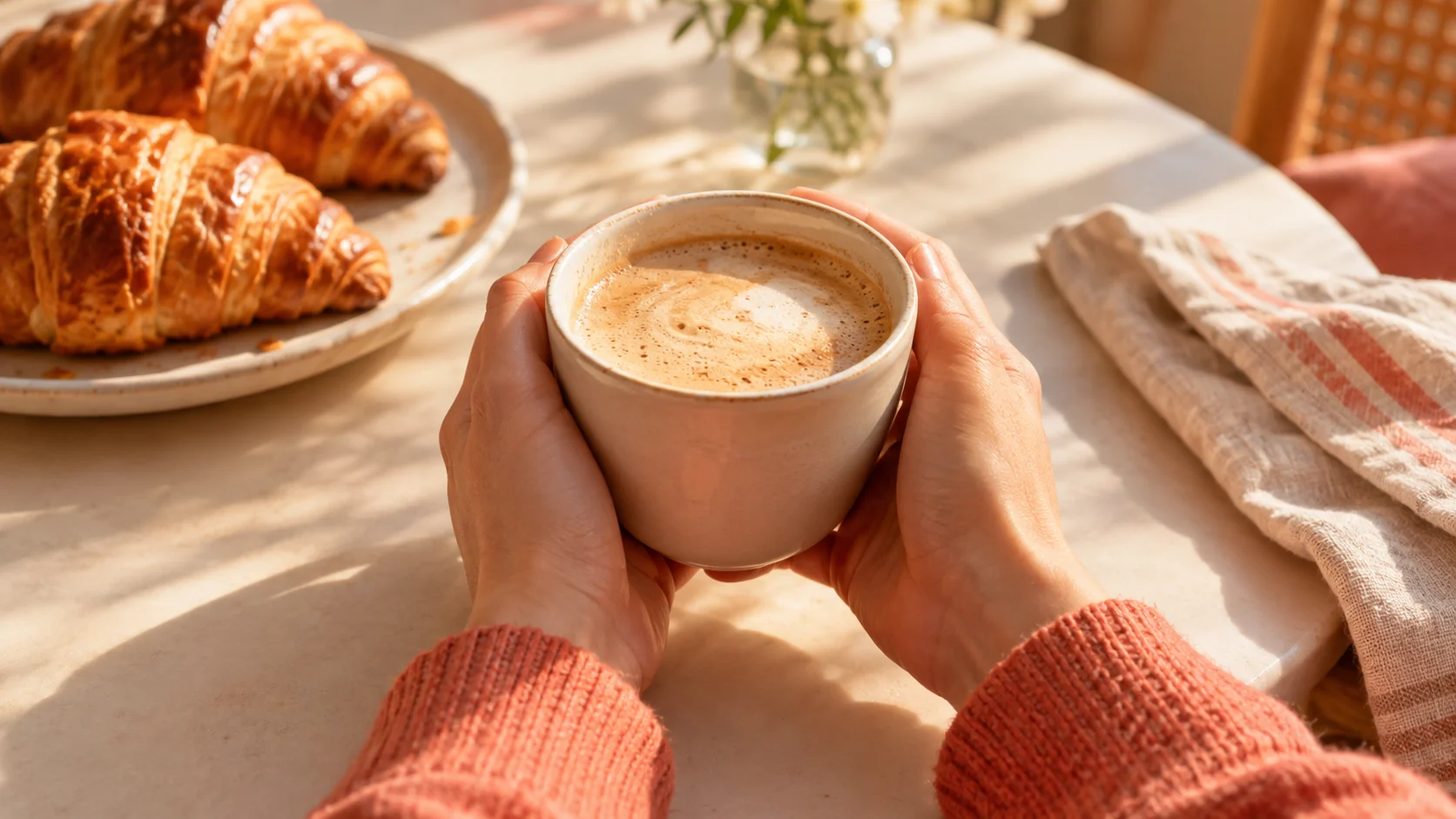
Video workflow
Generate short vertical video concepts from a written prompt, then refine the hook, pacing, and product focus.
Open workflow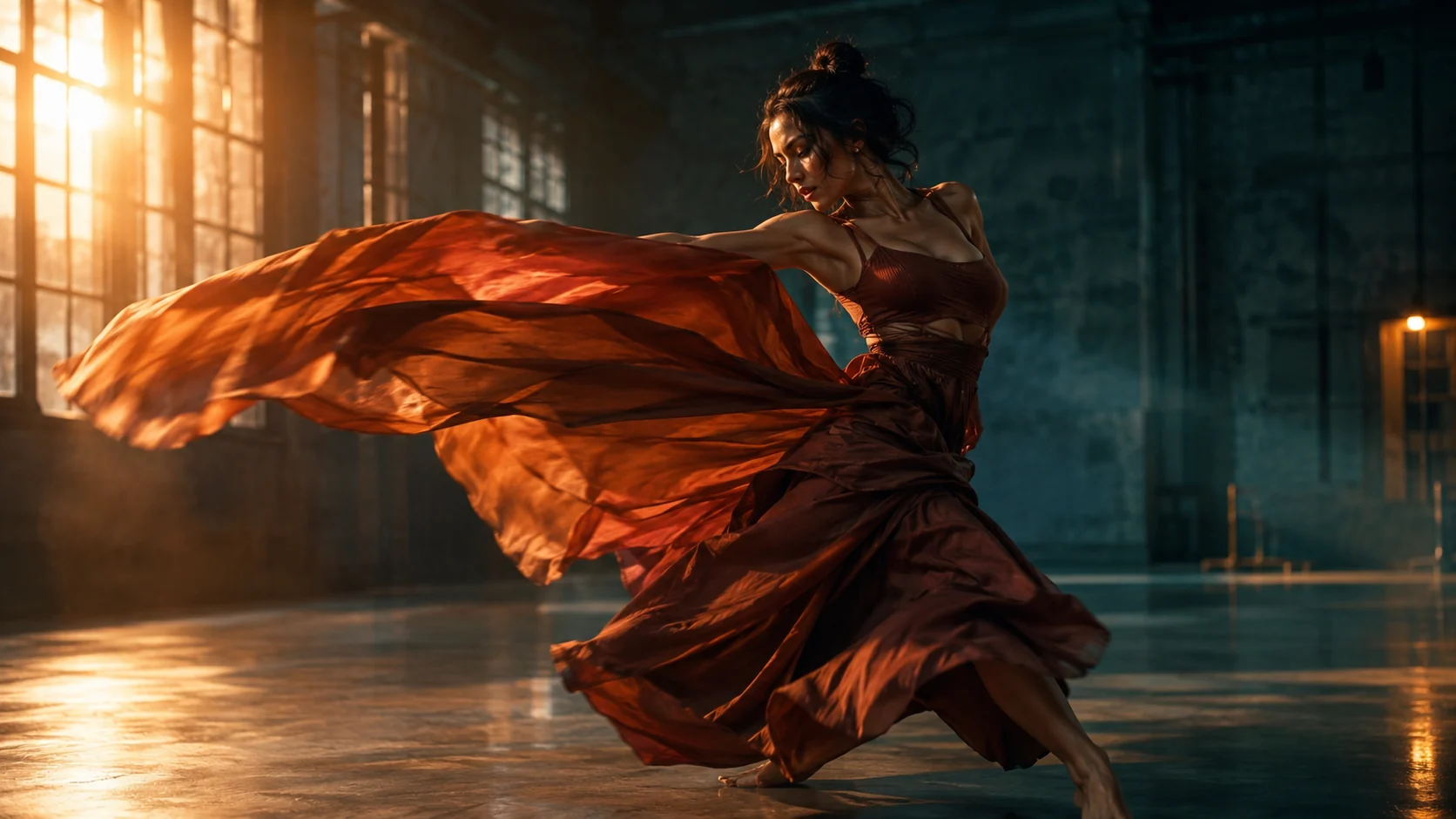
Video workflow
Use uploaded video and image references to guide a new AI shot while keeping motion, mood, and framing clear.
Open workflow