Consistent scene rules
Reuse the same light, color, and shadow language across a product set.
Uploaded Images
No images yet
Get started with these simple steps
Ecommerce Background Generator
Background consistency is part of merchandising. A catalog needs products to remain recognizable while the surrounding color, shadow, and prop language stays coherent across the collection.
Start with a clean source photo and one visual rule, such as warm stone, a single geometric shadow, or a restrained seasonal set. Then change the background without changing the product silhouette.
The result is a visual asset, not a guarantee that a marketplace will accept it. Check image size, crop, background policy, product accuracy, and any required disclosure before uploading it to a storefront.
Ecommerce image workflow
Turn an existing product photo into a set of background directions for a listing, category page, or campaign without losing the item that makes the image yours.
Reuse the same light, color, and shadow language across a product set.
Keep the item silhouette and material details visible while the background changes.
Generate square, portrait, or wide directions for different placements without making a new photo.
Compare backgrounds before a designer starts a full template or campaign build.
Preserve the uploaded product exactly, including shape, color, label area, and visible material details. Replace only the background with a clean white-to-light-gray studio sweep, add a soft contact shadow, and use neutral commercial lighting. Keep the product centered with clear margins and no added objects.
Keep the product unchanged and place it on a simple stone shelf with dried branches, warm amber light, and a deep forest-green background. Use realistic scale and shadows. Do not cover the product, add text, or change the product color.
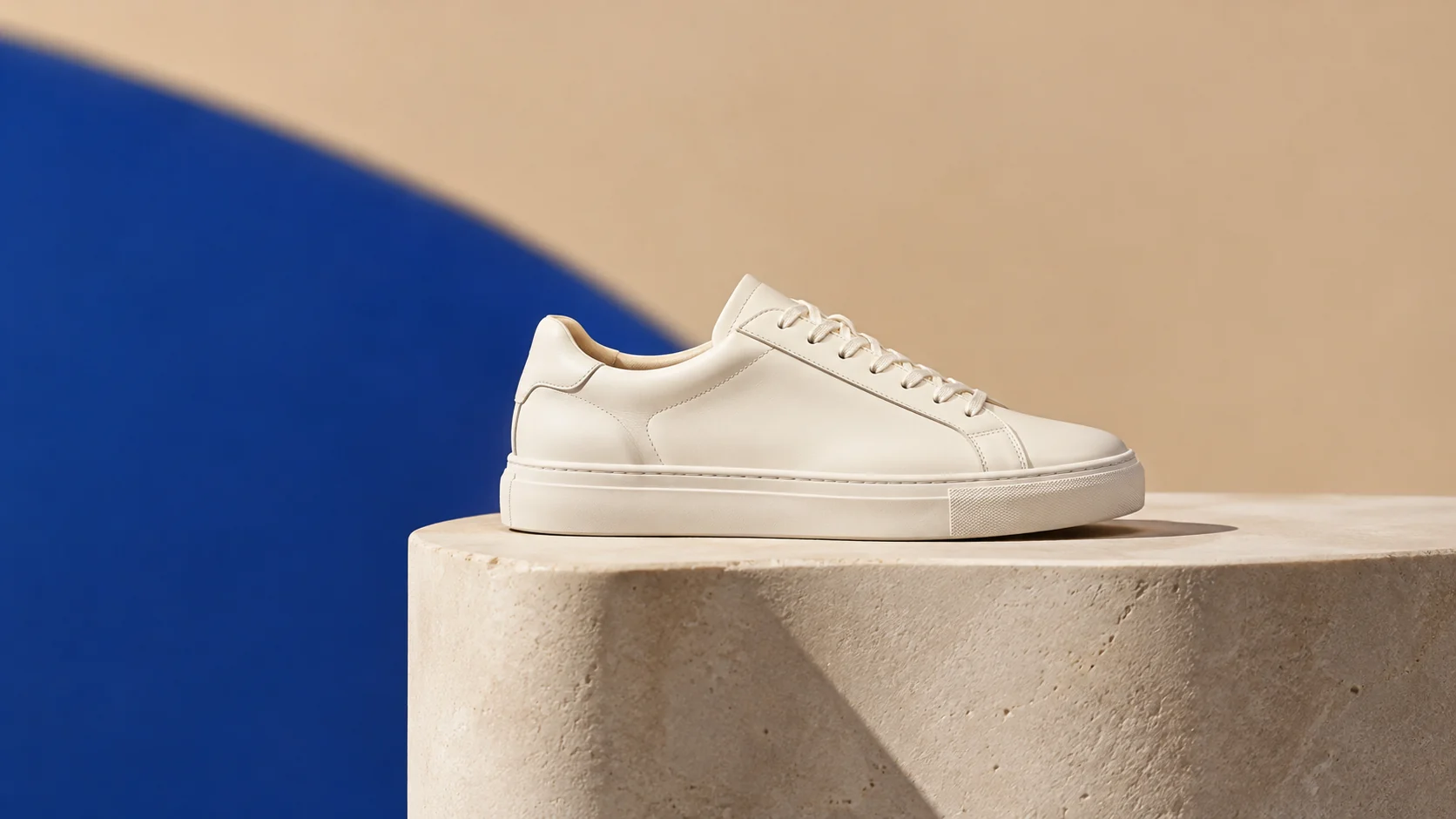
Preserve the item and create a consistent category background with a warm sand surface, a cobalt blue geometric plane, and one crisp shadow. Use a wide catalog composition, small product footprint, and negative space for future layout. No logo, text, people, or extra products.
Example uses
Give a small collection a coherent background system with fewer retouching passes.
Test holiday, back-to-school, or launch sets without scheduling another studio day.
Create a clean first-pass image, then check it against the target marketplace rules.
Prepare poster, social, thumbnail, and presentation concepts where copy placement and composition both matter.
Adapt one creative idea into multiple languages, ratios, and channel-ready variations.
Workflow
Use a sharp image with a clear silhouette and enough edge detail to preserve.
Choose the surface, background color, light direction, and shadow style before adding props.
Review crop, background, and product accuracy against the destination platform.
 AI Product Photo Editor for Clean Ecommerce ImagesEdit product photos with AI: clean backgrounds, realistic shadows, better lighting, and campaign-ready scenes from one upload.
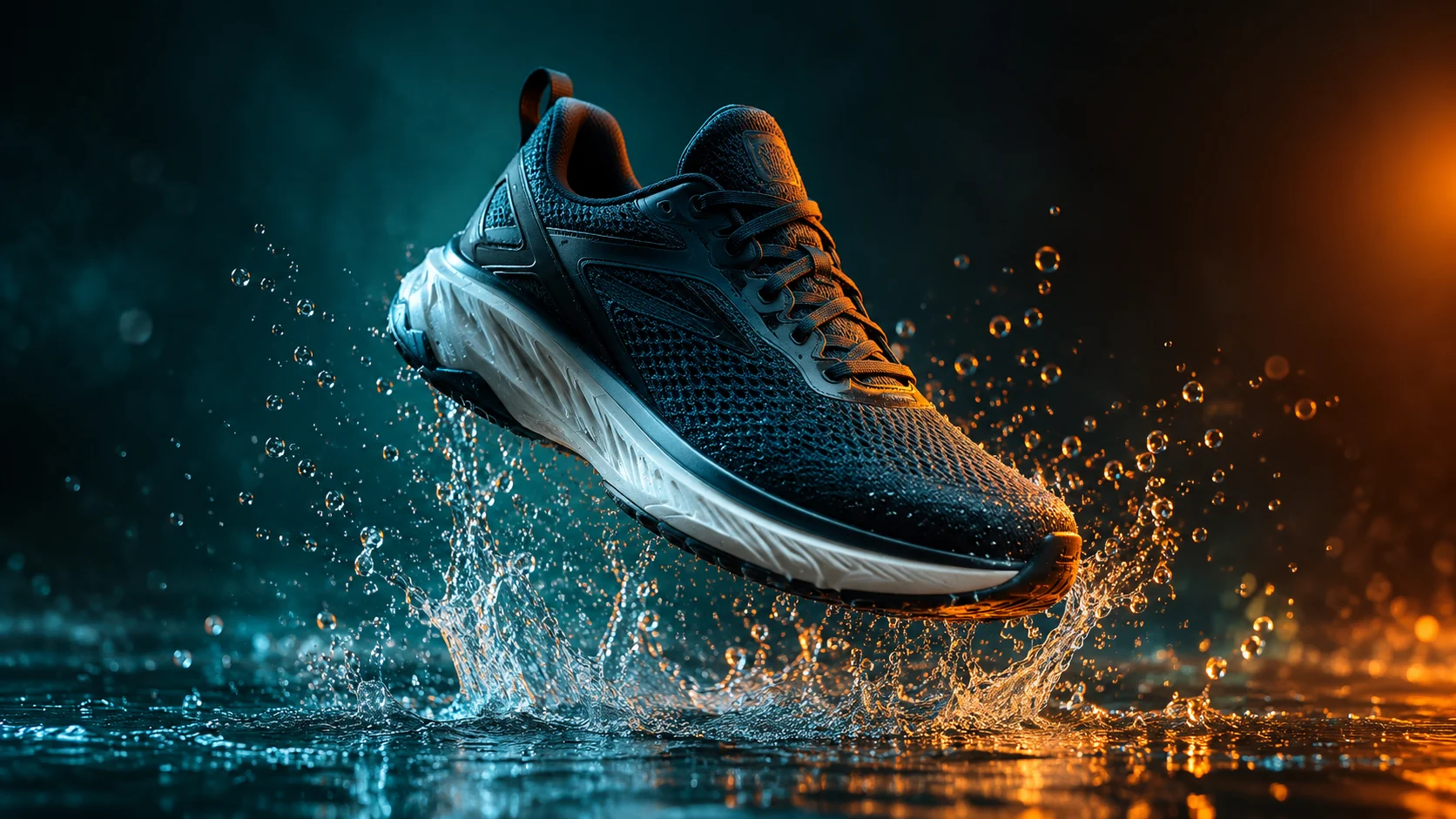 AI Product Video Generator from a Single PhotoAnimate a product photo into a short campaign clip with controlled camera motion, lighting, and duration.
 AI YouTube Thumbnail Generator for Click-Ready VisualsCreate expressive thumbnail concepts with strong focal points, clean negative space, and platform-ready crops.
Ready when the idea is clear
Keep the path short: generate a draft, move promising prompts into the workspace, then upgrade only when a batch needs more credits.