Source-faithful direction
Keep the uploaded product shape and edges as the visual anchor while the camera and background move.
Upload an image, enter a prompt, and click Generate Video to create your first AI-generated video.
Upload a clean product image, describe the camera move and atmosphere, then generate a short clip for a campaign or listing test.
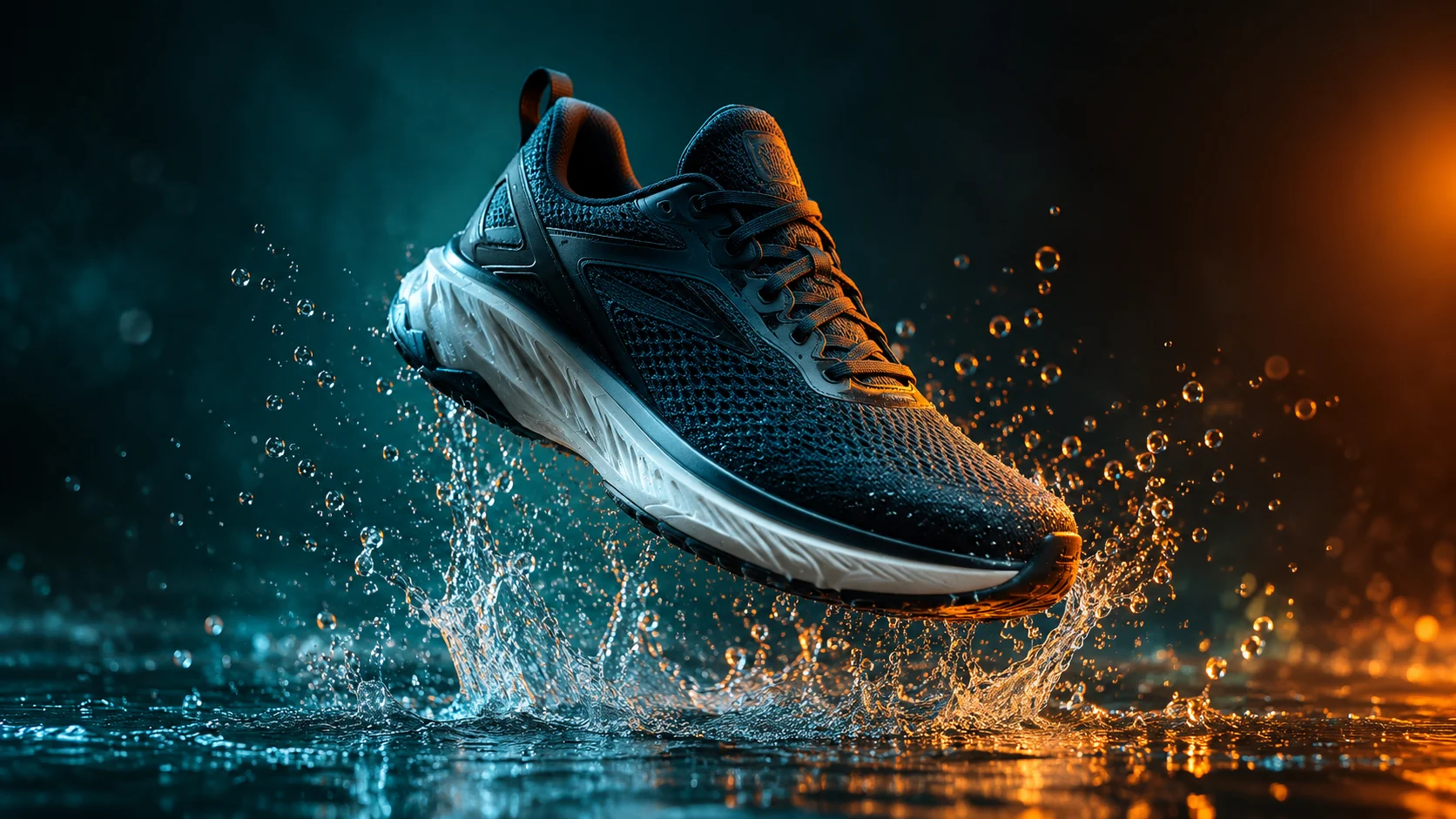
Upload a clean product image, describe the camera move and atmosphere, then generate a short clip for a campaign or listing test.
Source image. Use a clean product photo with a clear silhouette and enough edge detail.
Motion prompt. Describe the camera move, product movement, light, and background atmosphere.
Output settings. Choose a practical duration, resolution, and ratio before spending credits.
Keep the uploaded product shape and edges as the visual anchor while the camera and background move.
Choose a simple push, turn, light sweep, or atmosphere move before trying a complex sequence.
Review duration, resolution, and ratio together so the test matches the placement you have in mind.
Check small labels and edges throughout the clip, not only in the first or final frame.
Explore motion, light, and pace before a full production is approved.
Create a short visual teaser from an existing product image for a listing or social post.
Show a team how a static product scene could move before the final shoot.
Use the uploaded product image as the exact first frame. Preserve the product shape, label placement, material, and color. Create a slow five-second camera orbit with a subtle studio light sweep, stable product geometry, a seamless cream background, and no scene cuts. Keep the product centered and avoid warping.
Keep the product identical to the uploaded image and create a short cinematic product clip with a controlled water splash behind it, dark teal background, warm rim light, and a slow push-in camera. Preserve product edges and label details. Use realistic motion, no text, no logos, and no sudden transformations.
Use the uploaded image as the visual reference. Create a clean three-second product preview with a gentle turn, soft commercial lighting, and a neutral studio background. Keep the product the same color and shape. Use simple motion, stable anatomy, no people, no text, and no camera cuts.
 AI Social Video Ad Generator for Short Campaign ConceptsGenerate short vertical video concepts from a written prompt, then refine the hook, pacing, and product focus.
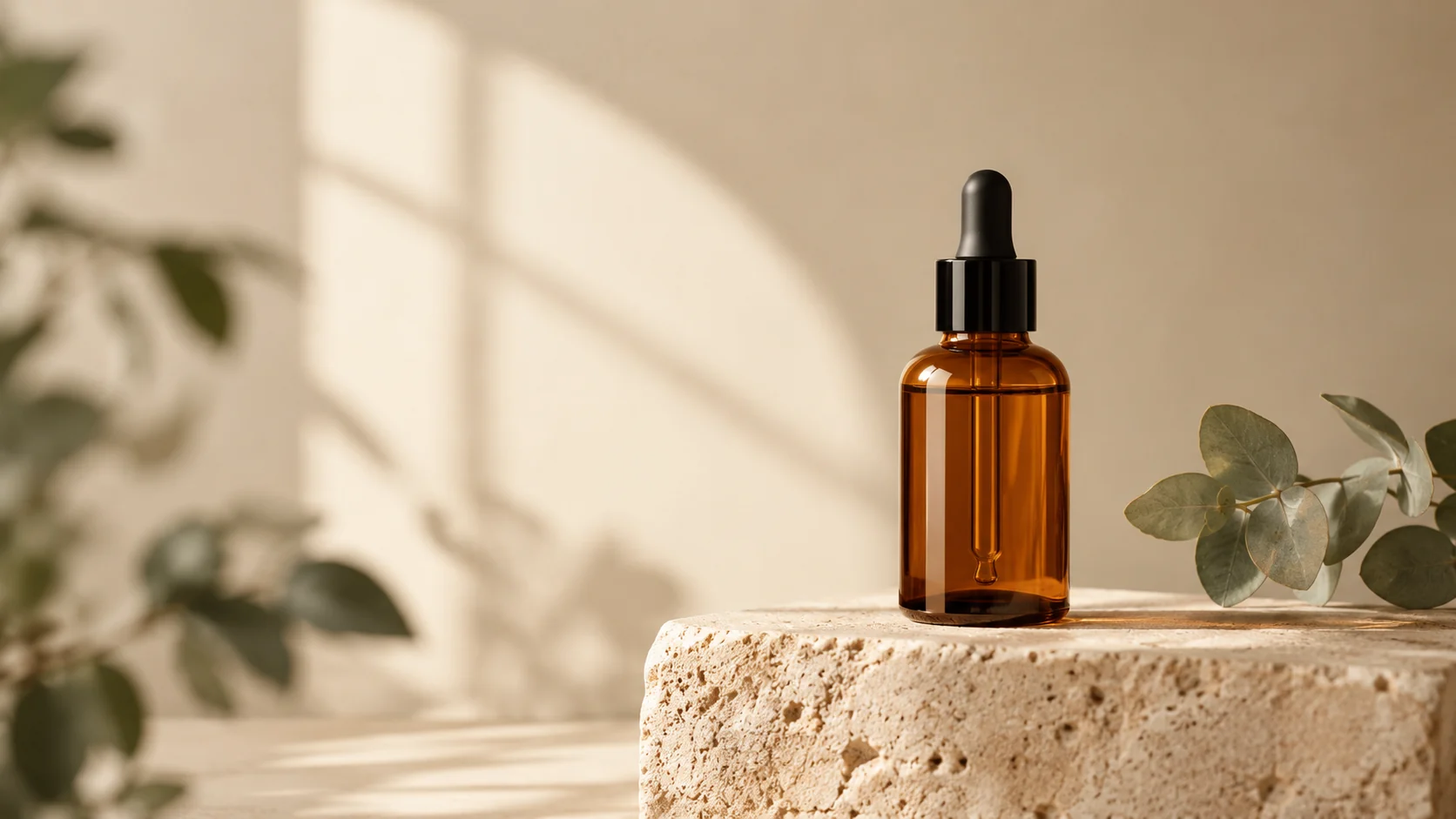 AI Product Photo Editor for Clean Ecommerce ImagesEdit product photos with AI: clean backgrounds, realistic shadows, better lighting, and campaign-ready scenes from one upload.
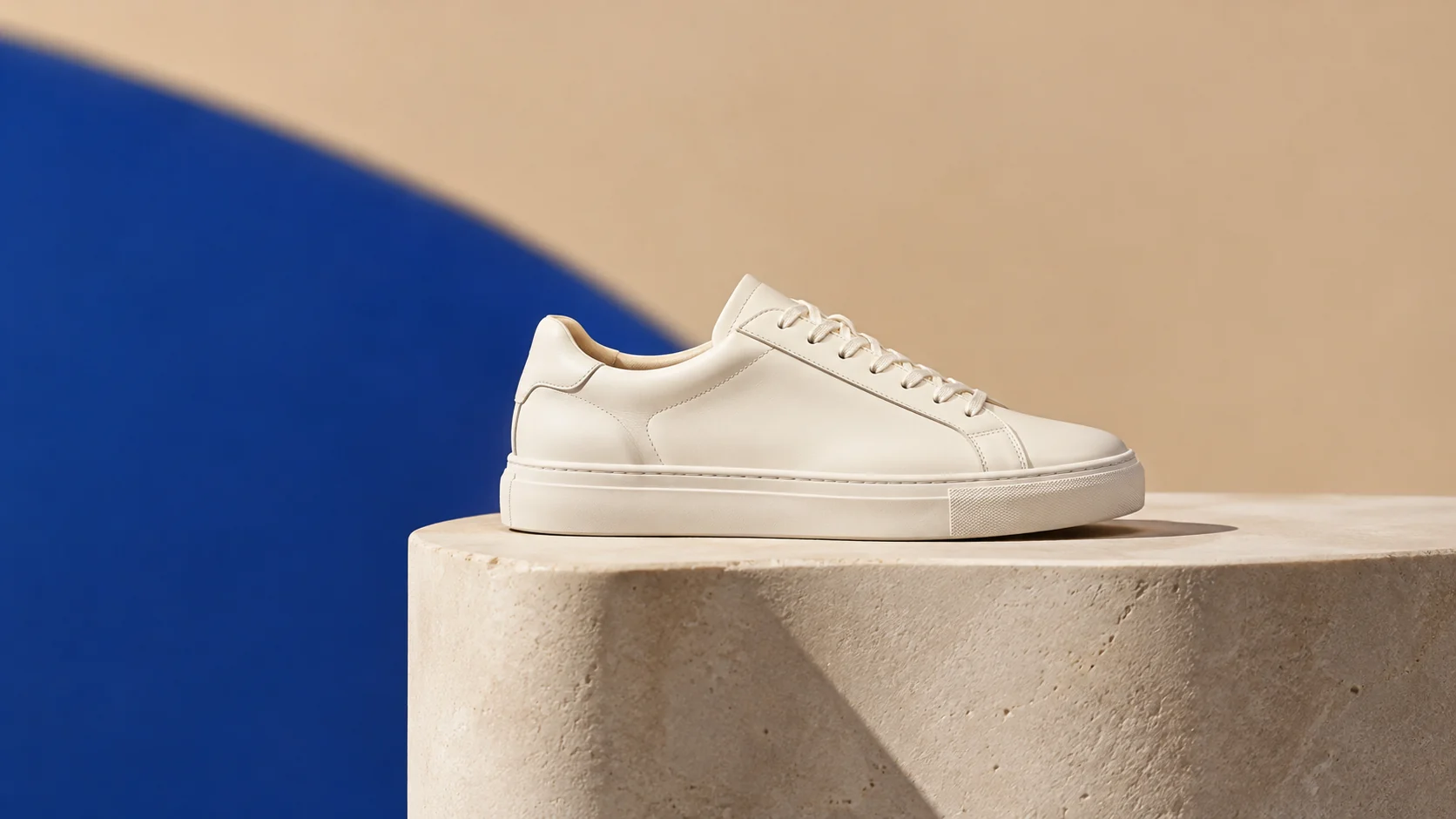 AI Ecommerce Background Generator for Product ListingsReplace cluttered backgrounds with clean studio scenes, seasonal sets, and platform-ready product visuals.
Ready when the idea is clear
Keep the path short: generate a draft, move promising prompts into the workspace, then upgrade only when a batch needs more credits.