Hook-first prompts
Write the opening action before describing the rest of the shot so the first second has a clear job.
Enter a prompt and click Generate Video to create your first AI-generated video.
Describe the opening frame, movement, product role, and mood, then generate a short vertical concept for testing.
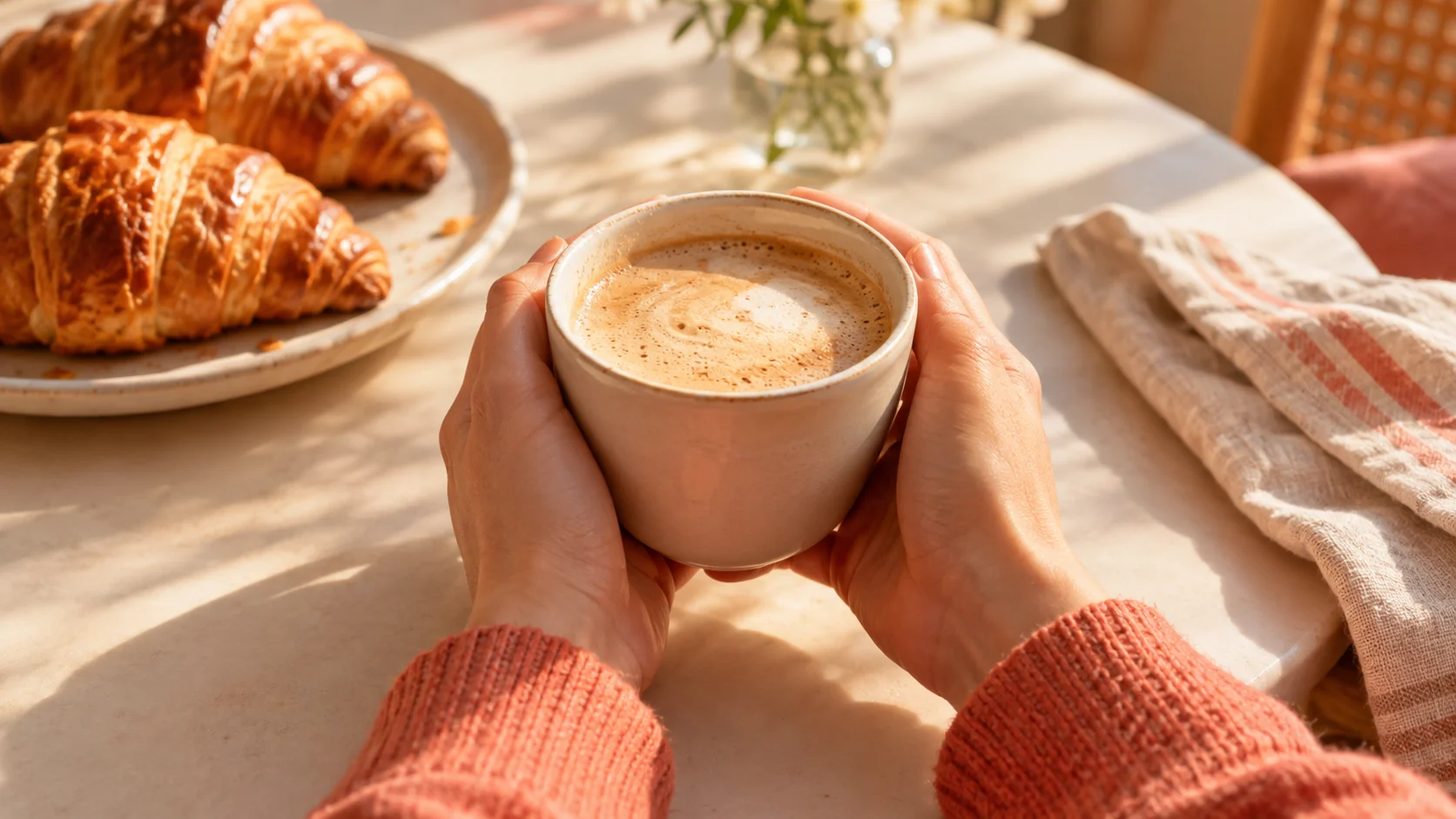
Describe the opening frame, movement, product role, and mood, then generate a short vertical concept for testing.
Prompt. Write the opening shot, subject, product role, camera movement, and mood.
Format. Choose a vertical or square direction that matches the intended feed placement.
Iteration. Keep successful concepts short and change one variable for the next test.
Write the opening action before describing the rest of the shot so the first second has a clear job.
Keep the subject centered and protect the top and bottom areas from important visual details.
Change the setting, action, or lighting one at a time to compare distinct ad directions.
Treat the clip as raw visual material for captions, sound, legal text, and the final call to action.
Test a visual hook before committing to product photography and paid media.
Explore a mood or situation that can support a screen recording or live-action edit.
Draft a repeatable opening visual for a series of short social posts.
Create a short vertical social ad opening: hands holding an unbranded ceramic coffee cup above a cream cafe table, warm golden morning light, linen napkin and croissant softly out of focus. Use a slow push-in, natural motion, a calm premium mood, and one clear product focal point. No text, logos, cutaways, or extra people.
Create a short vertical video concept for an unbranded fitness accessory on a dark charcoal studio floor. Use a low camera angle, a crisp light sweep, a small product turn, and an energetic but controlled motion beat. Keep one product, realistic reflections, no person, no text, and no scene change.
Create a close-up vertical social ad frame with a glass skincare bottle on a pale stone ledge, soft morning light, water droplets, and a clean blush background. Use a gentle camera drift, shallow depth of field, and realistic glass reflections. Keep one product, no hands, no text, no logos, and no rapid cuts.
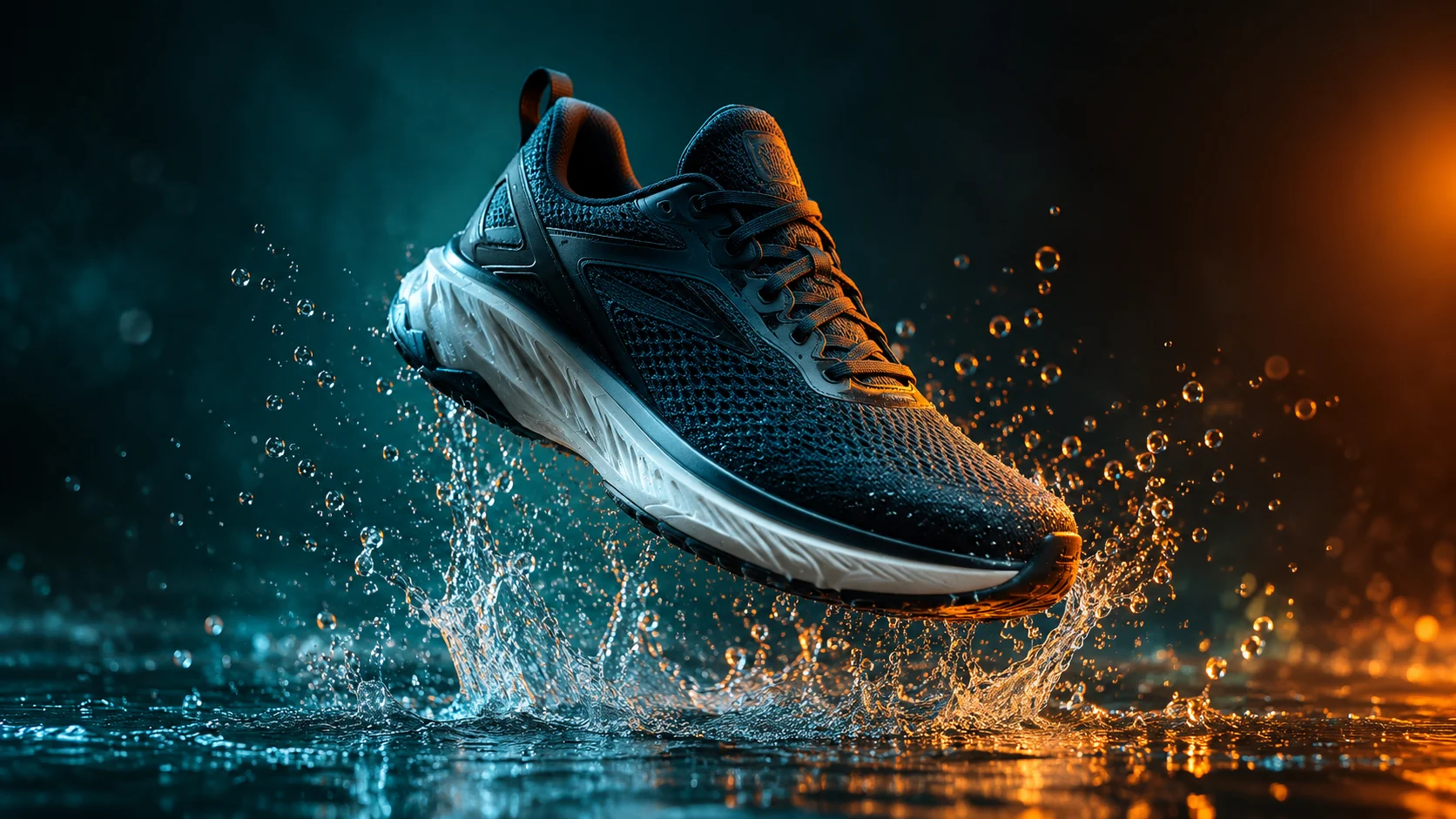 AI Product Video Generator from a Single PhotoAnimate a product photo into a short campaign clip with controlled camera motion, lighting, and duration.
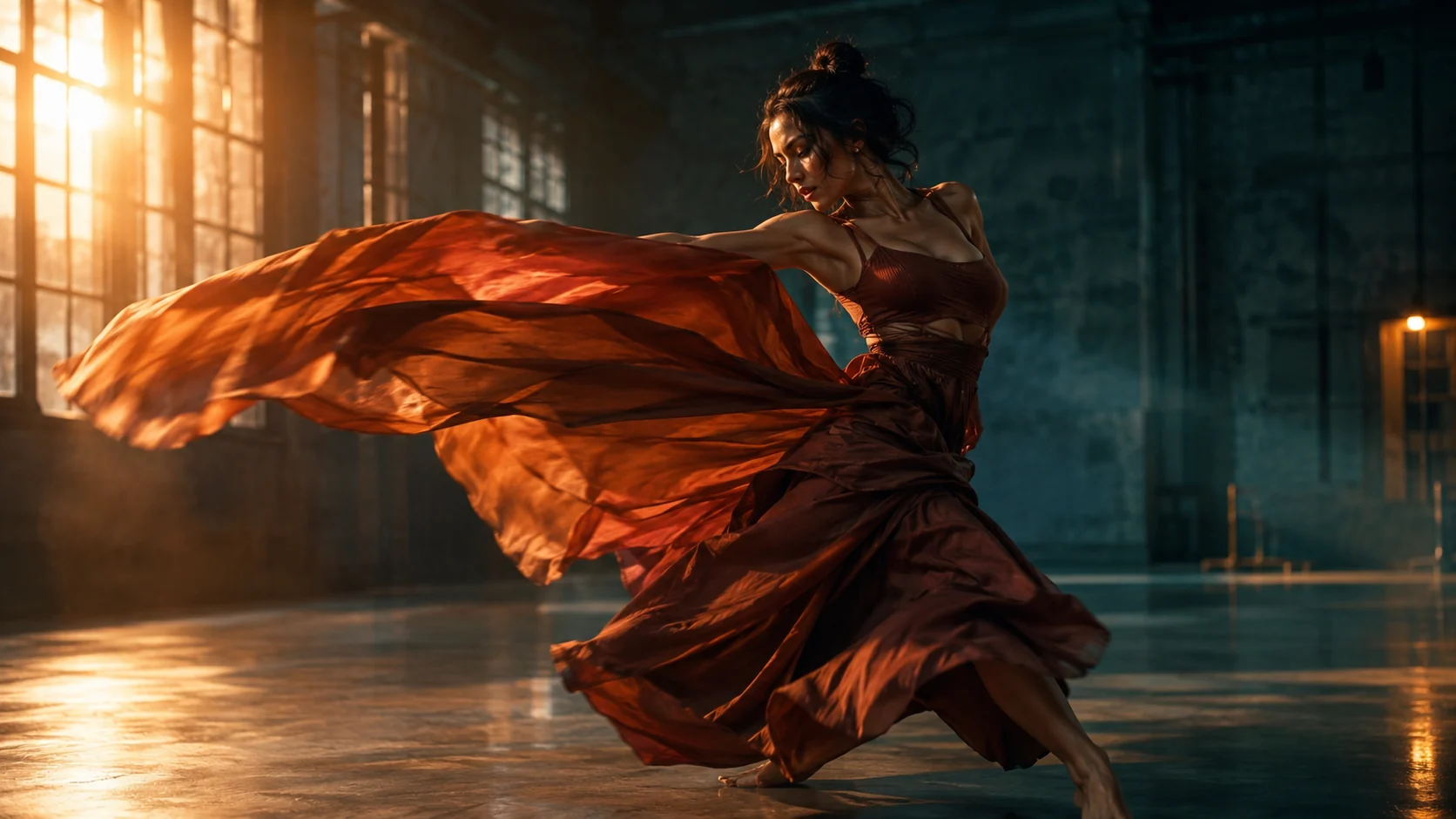 AI Video Reference Generator for Motion and Scene ControlUse uploaded video and image references to guide a new AI shot while keeping motion, mood, and framing clear.
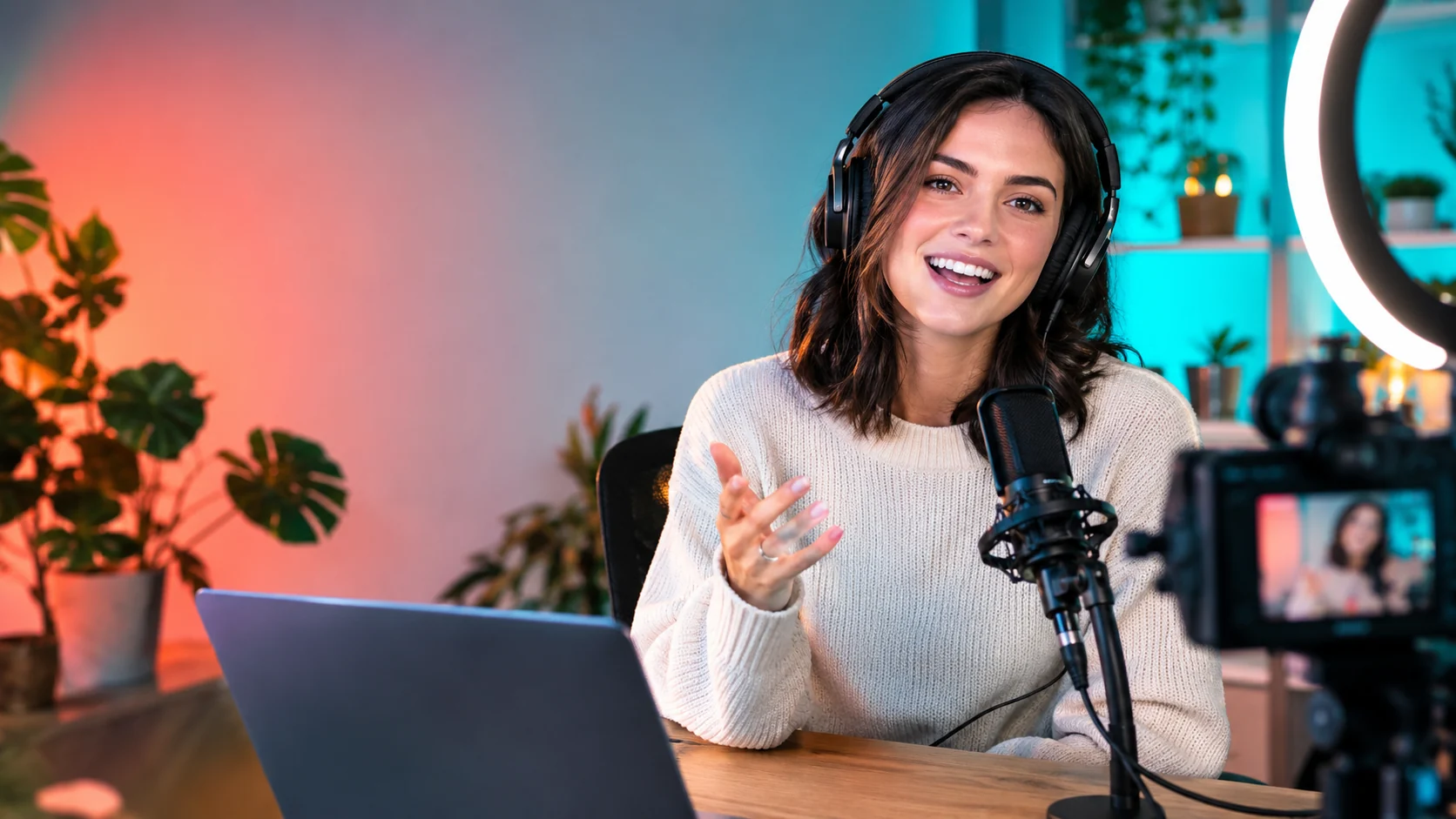 AI YouTube Thumbnail Generator for Click-Ready VisualsCreate expressive thumbnail concepts with strong focal points, clean negative space, and platform-ready crops.
Ready when the idea is clear
Keep the path short: generate a draft, move promising prompts into the workspace, then upgrade only when a batch needs more credits.