Reference roles
Explain whether the input should guide motion, subject, framing, or atmosphere.
Enter a prompt and click Generate Video to create your first AI-generated video.
Add reference media where supported, describe which motion or mood should carry into the new shot, and review the result as a new generation.
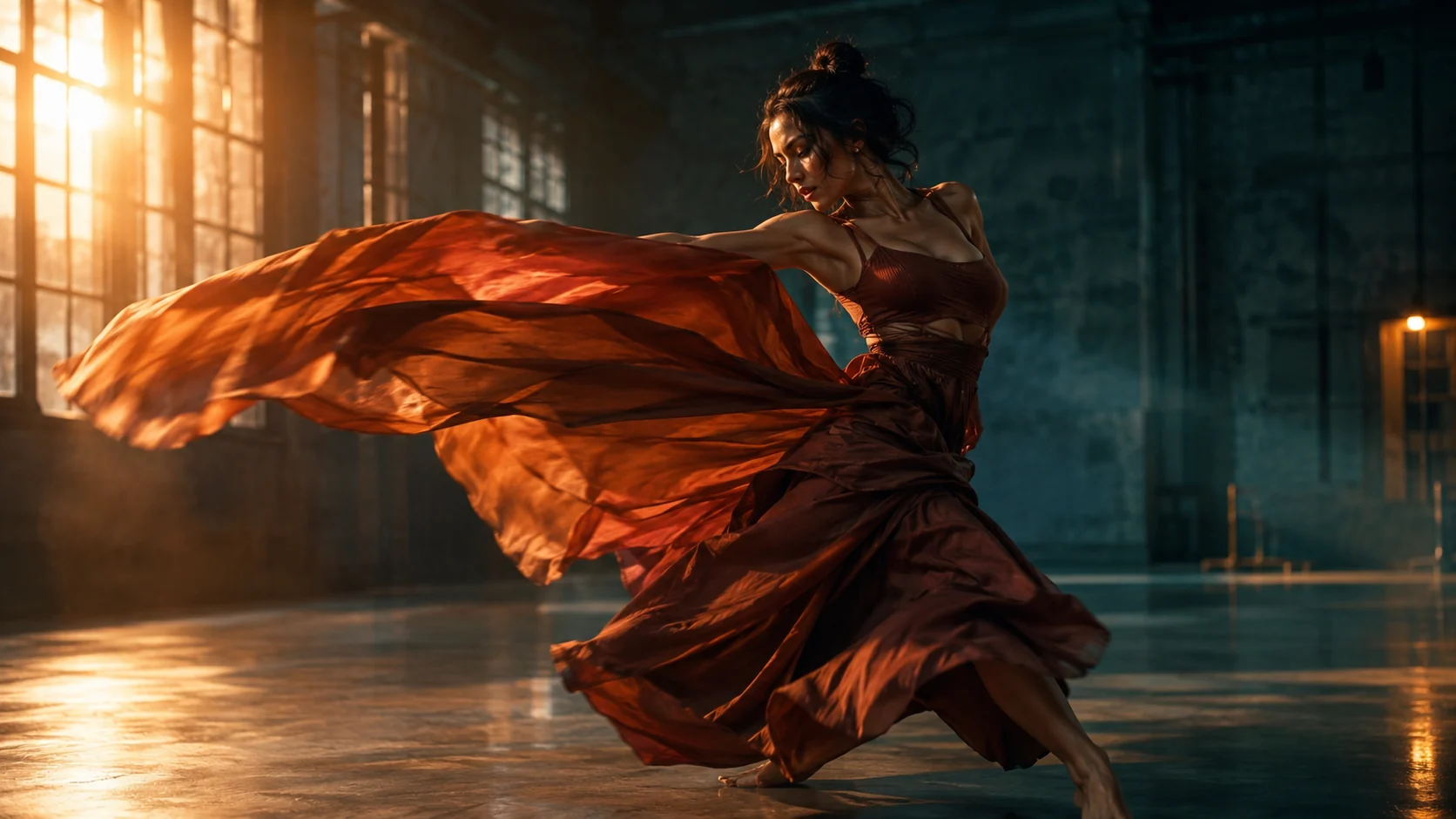
Add reference media where supported, describe which motion or mood should carry into the new shot, and review the result as a new generation.
Reference media. Add an image or short video that explains the desired motion, subject, or mood where the route supports it.
Role instructions. Say what should carry over and what should be newly generated.
Review continuity. Check camera motion, subject identity, lighting, and scene changes before sharing.
Explain whether the input should guide motion, subject, framing, or atmosphere.
Use a concise reference clip with one readable movement instead of a crowded montage.
Treat every result as a separate generation that borrows guidance rather than a timed video remix.
Review identity, camera direction, lighting, and scene continuity before using the result.
Show the intended camera rhythm for a scene that is still being planned.
Explore a dance, walk, or object motion before a live-action production.
Describe a camera move or light sweep around an object with an existing reference clip.
Use the uploaded video as motion guidance only. Create a new cinematic shot of one dancer in flowing rust-colored clothing inside an industrial studio, preserving the reference camera rhythm and energy without copying the person's identity. Use warm side light, teal shadows, realistic fabric motion, and stable anatomy. No text, logos, or extra performers.
Use the reference clip to guide a slow lateral camera move through a minimal interior. Generate a new scene with stone walls, linen curtains, and a single sculptural chair. Keep the camera pace smooth, preserve realistic perspective, and avoid sudden cuts. No people, text, logos, or flickering surfaces.
Use the reference video for camera pace and light movement. Create a new shot of one unbranded glass perfume bottle on a reflective plinth, with a controlled light sweep and a small product turn. Preserve realistic glass, stable geometry, and restrained motion. No text, logos, people, watermarks, or scene changes.
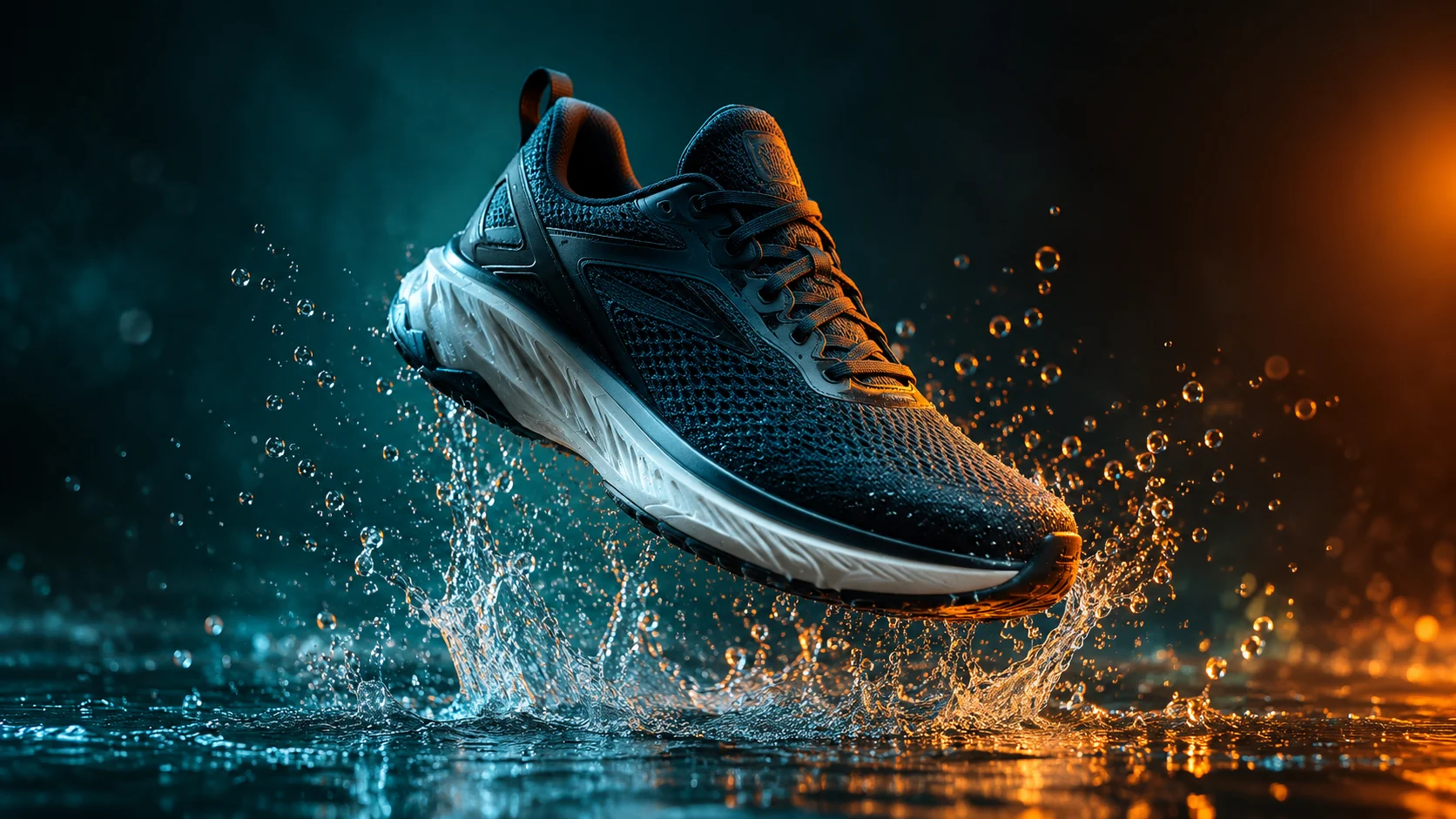 AI Product Video Generator from a Single PhotoAnimate a product photo into a short campaign clip with controlled camera motion, lighting, and duration.
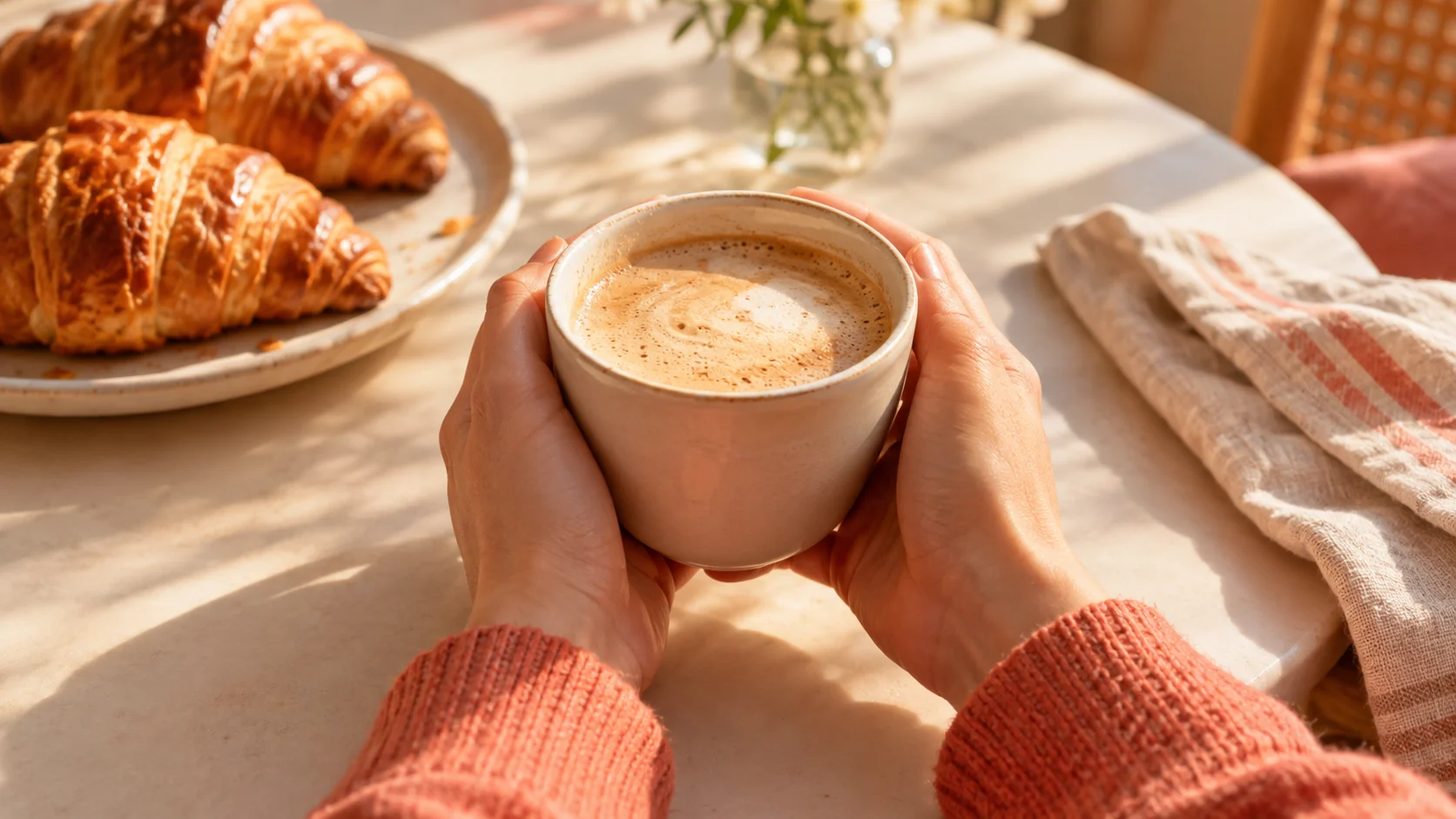 AI Social Video Ad Generator for Short Campaign ConceptsGenerate short vertical video concepts from a written prompt, then refine the hook, pacing, and product focus.
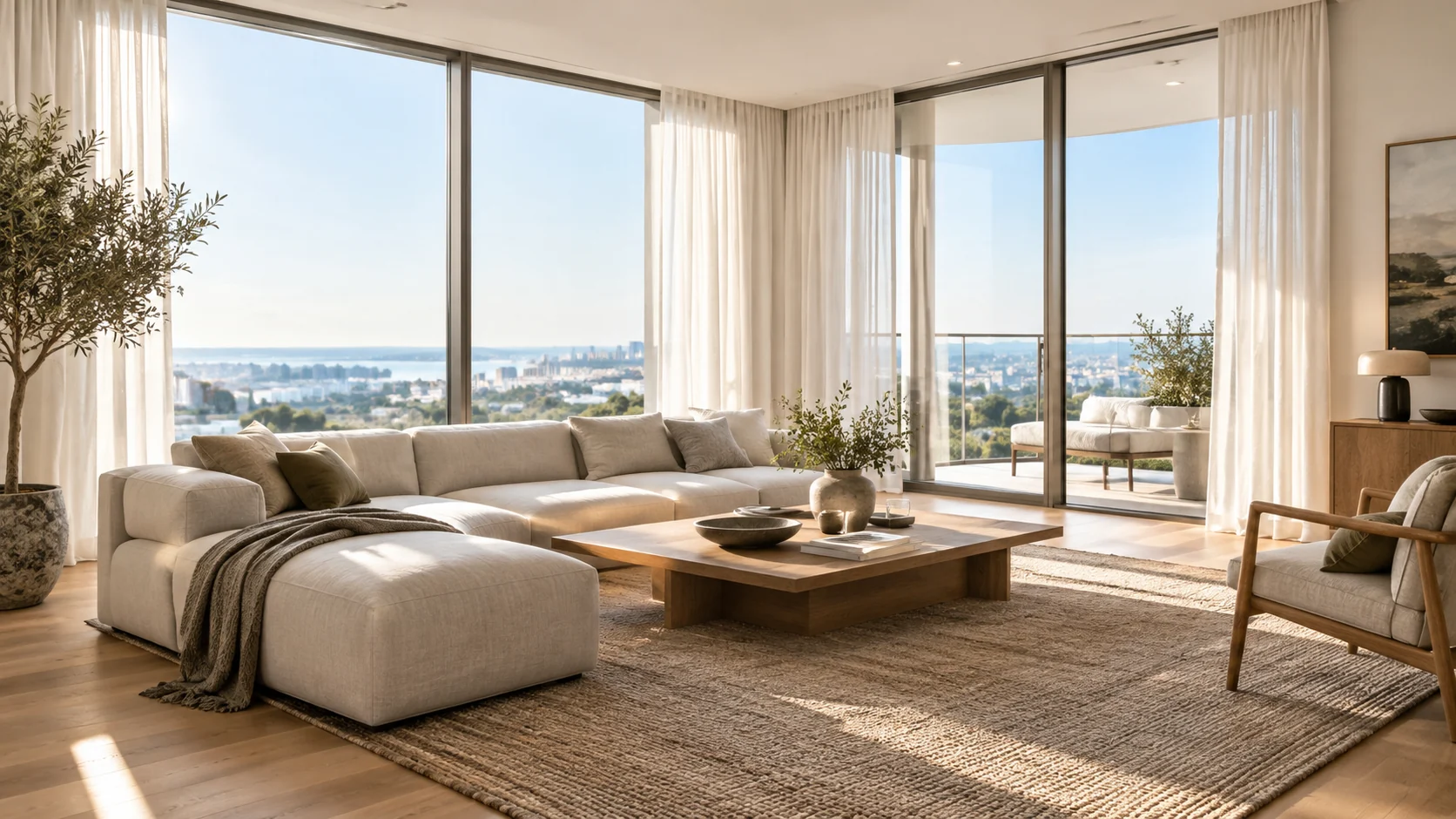 AI Real Estate Photo Editor for Listing-Ready InteriorsImprove listing photos with AI: brighten rooms, remove distractions, add furnishing previews, and test cleaner interior directions.
Ready when the idea is clear
Keep the path short: generate a draft, move promising prompts into the workspace, then upgrade only when a batch needs more credits.