One clear focal point
Build a composition that reads at small size instead of packing in unrelated details.
Uploaded Images
No images yet
Get started with these simple steps
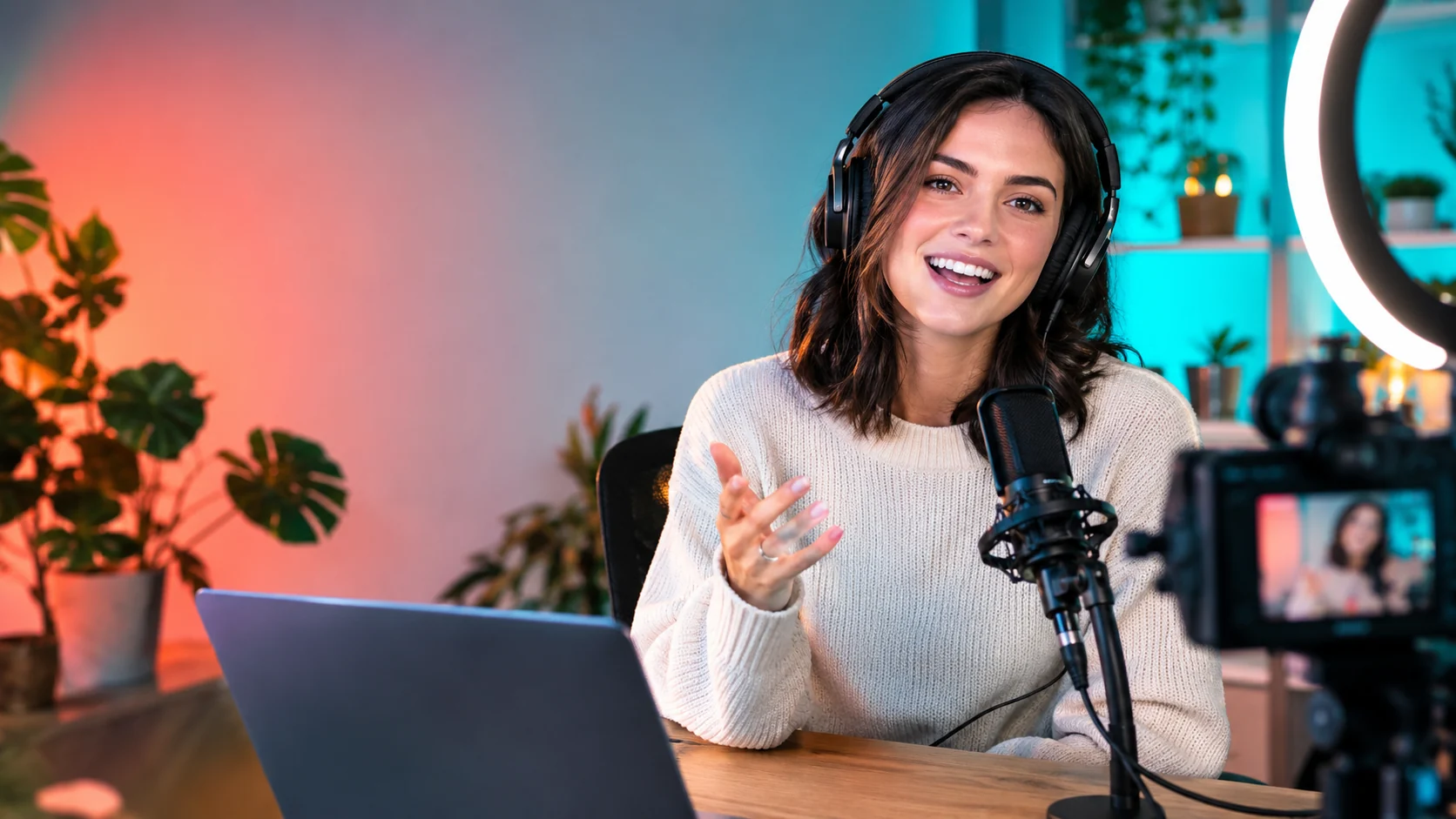
YouTube Thumbnail Generator
A thumbnail has milliseconds to communicate a topic. The image needs one clear focal point, recognizable emotion or action, and enough contrast to survive a crowded feed.
Generate the background and subject first. Add headline text in a design tool afterward so spelling, font, and safe margins stay under your control.
The result should not misrepresent the video. Use the visual to clarify the promise, not to create a misleading claim or an unrelated dramatic face.
Thumbnail workflow
Use a clear portrait or scene, choose one focal idea, and leave deliberate negative space for the headline and channel treatment.
Build a composition that reads at small size instead of packing in unrelated details.
Reserve clean areas for the title and channel treatment you will add later.
Use a portrait reference to keep the presenter recognizable across concepts.
Compare a few visual hooks before investing in a full thumbnail design.
Use the uploaded portrait as the identity reference. Create a bold YouTube thumbnail composition with the creator on the right, an expressive but natural reaction, headphones, and a clean home-studio background. Use coral and teal lighting accents, a strong focal point, and clear negative space on the left for a future headline. No text, logos, or extra people.
Keep the person recognizable and compose a tutorial thumbnail with the subject on the left, a laptop, notebook, and one relevant object on the right. Use bright practical lighting, a simple background, and strong separation between foreground and background. Leave clean space for a title and keep the scene truthful to the topic.
Transform the uploaded portrait into a high-energy gaming thumbnail with a dark studio, controlled blue and amber rim light, a game controller, and a dynamic but readable pose. Preserve the face and keep exactly one person. Do not add fake game titles, logos, text, or unreadable details.
Example uses
Show the person, the problem, and one supporting object in a clean composition.
Create a readable expression with deliberate space for the topic headline.
Explore lighting and pose directions without adding fake titles or brand marks.
Prepare poster, social, thumbnail, and presentation concepts where copy placement and composition both matter.
Adapt one creative idea into multiple languages, ratios, and channel-ready variations.
Workflow
Decide what single idea the thumbnail should communicate before writing the prompt.
Use a clear portrait and describe the pose, props, lighting, and negative space.
Place the headline manually so spelling, contrast, and mobile readability stay controlled.
 AI Social Video Ad Generator for Short Campaign ConceptsGenerate short vertical video concepts from a written prompt, then refine the hook, pacing, and product focus.
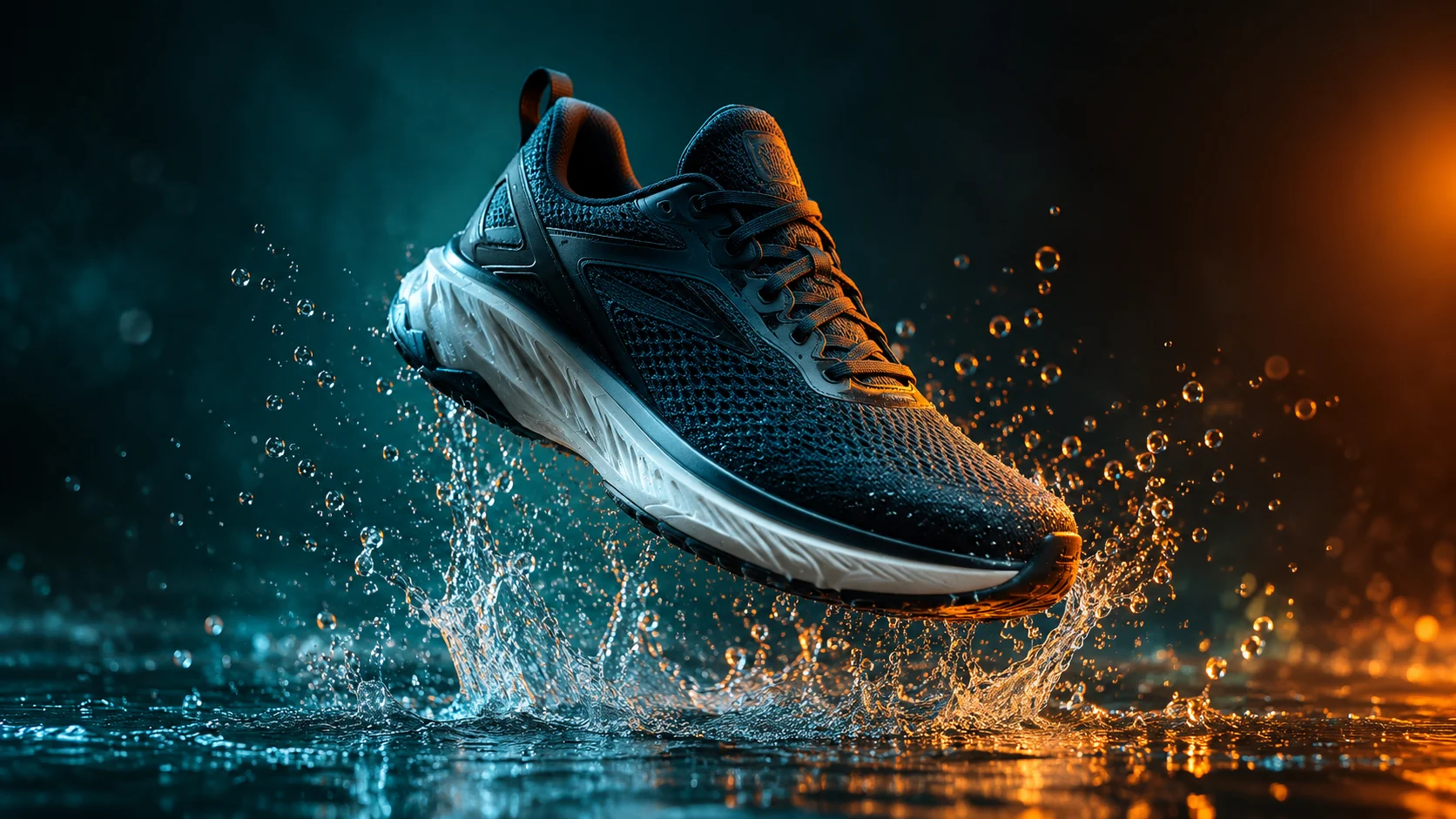 AI Product Video Generator from a Single PhotoAnimate a product photo into a short campaign clip with controlled camera motion, lighting, and duration.
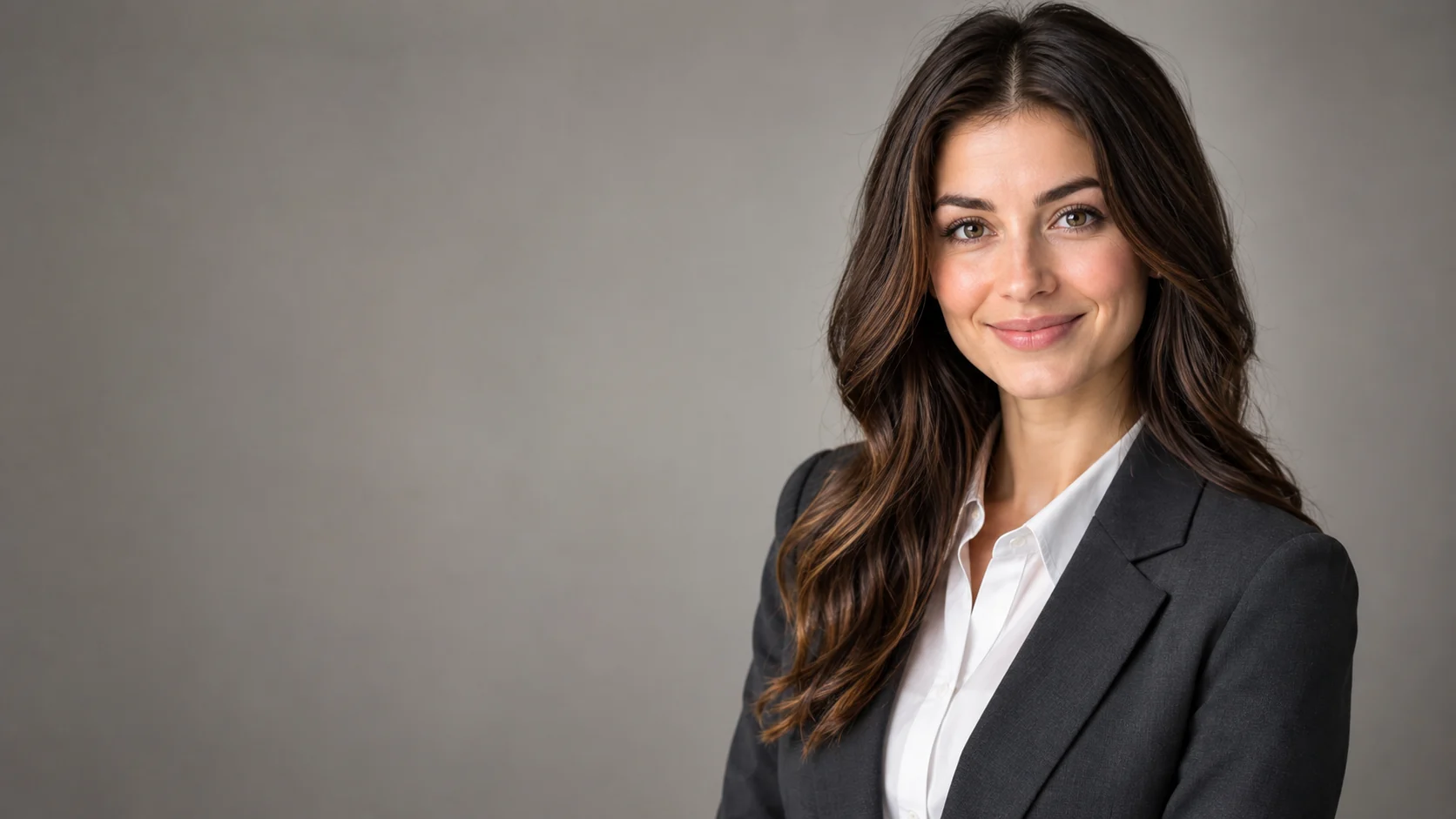 AI Headshot Editor for Natural Professional PortraitsPolish a portrait into a professional headshot with clean lighting, wardrobe direction, and identity-preserving edits.
Ready when the idea is clear
Keep the path short: generate a draft, move promising prompts into the workspace, then upgrade only when a batch needs more credits.