Preserve the item
Write the product shape, label, color, and material as protected details so the edit starts from the item you actually sell.
Uploaded Images
No images yet
Get started with these simple steps
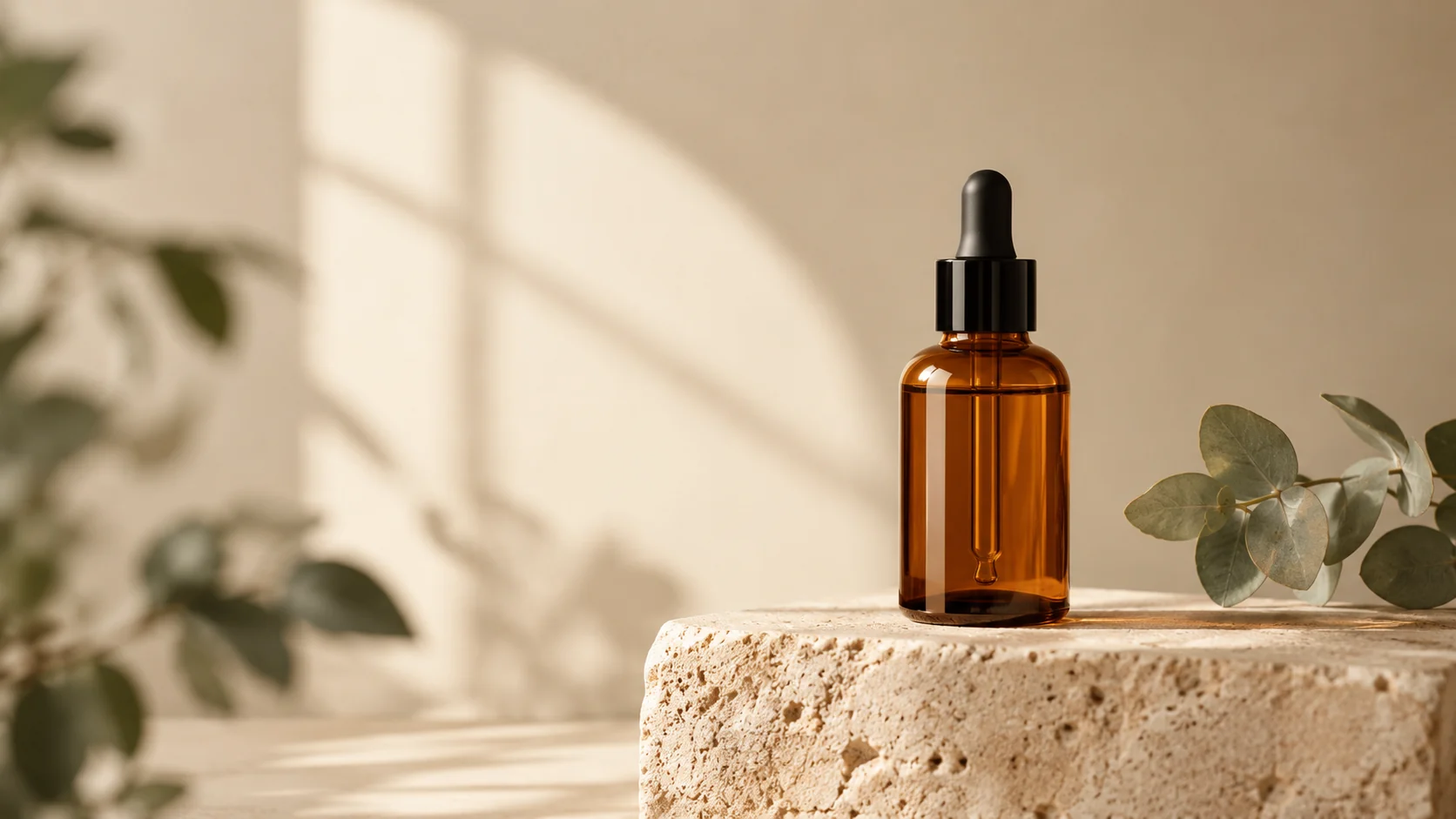
Product Photo Editor
This product photo editor is for sellers who already have a usable photograph but need a cleaner commercial result. It can rebuild the background, improve the light, and place the item in a deliberate scene while asking the model to preserve the product shape and visible details.
Use it for marketplace listings, brand pages, paid social, email, and campaign tests. The fastest workflow is to solve one problem at a time: first keep the product accurate, then improve the scene, and only then push the art direction further.
A generated product image is still a visual draft. Check labels, text, reflections, edges, and accessory details before publishing, especially when the image will be used for a regulated product or a marketplace with strict image rules.
Product photo workflow
Upload a clear product photo, describe the setting and the details that must stay fixed, and create a cleaner image for a listing, ad, or storefront.
Write the product shape, label, color, and material as protected details so the edit starts from the item you actually sell.
Ask for softer shadows, cleaner highlights, or a specific studio mood without rebuilding the whole photograph.
Move from a cluttered tabletop to a seamless listing background, a seasonal set, or a designed lifestyle scene.
Keep the prompt and source image available so one variable can be changed at a time.
Use the uploaded product photo as the exact reference. Preserve the product shape, label placement, color, material, and visible details. Replace the background with a warm off-white seamless studio, add a soft grounded shadow, and use natural commercial product lighting. Keep the same camera angle and crop.
Keep the uploaded product unchanged and place it in a believable morning kitchen scene with pale stone, linen, and a small green plant out of focus. Preserve every label and product edge. Use soft window light, realistic reflections, a shallow depth of field, and a premium editorial composition.
Preserve the product exactly while creating a bold campaign set with a deep blue backdrop, a sculptural plinth, and one clean geometric shadow. Use controlled studio lighting, crisp material detail, and a wide composition with room for headline copy. Do not add text, logos, people, or extra products.
Example uses
Create a cleaner primary image and consistent supporting scenes for a product catalog.
Compare studio, lifestyle, and bold color directions before committing to a full campaign shoot.
Prepare useful first-pass assets when there is a photo to start from but no studio day available.
Prepare poster, social, thumbnail, and presentation concepts where copy placement and composition both matter.
Adapt one creative idea into multiple languages, ratios, and channel-ready variations.
Workflow
Use a sharp image with the whole product visible and enough space around its edges.
Describe what must remain exact before introducing a new background, light, or mood.
Check the label, silhouette, shadows, and reflections, then change one prompt detail at a time.
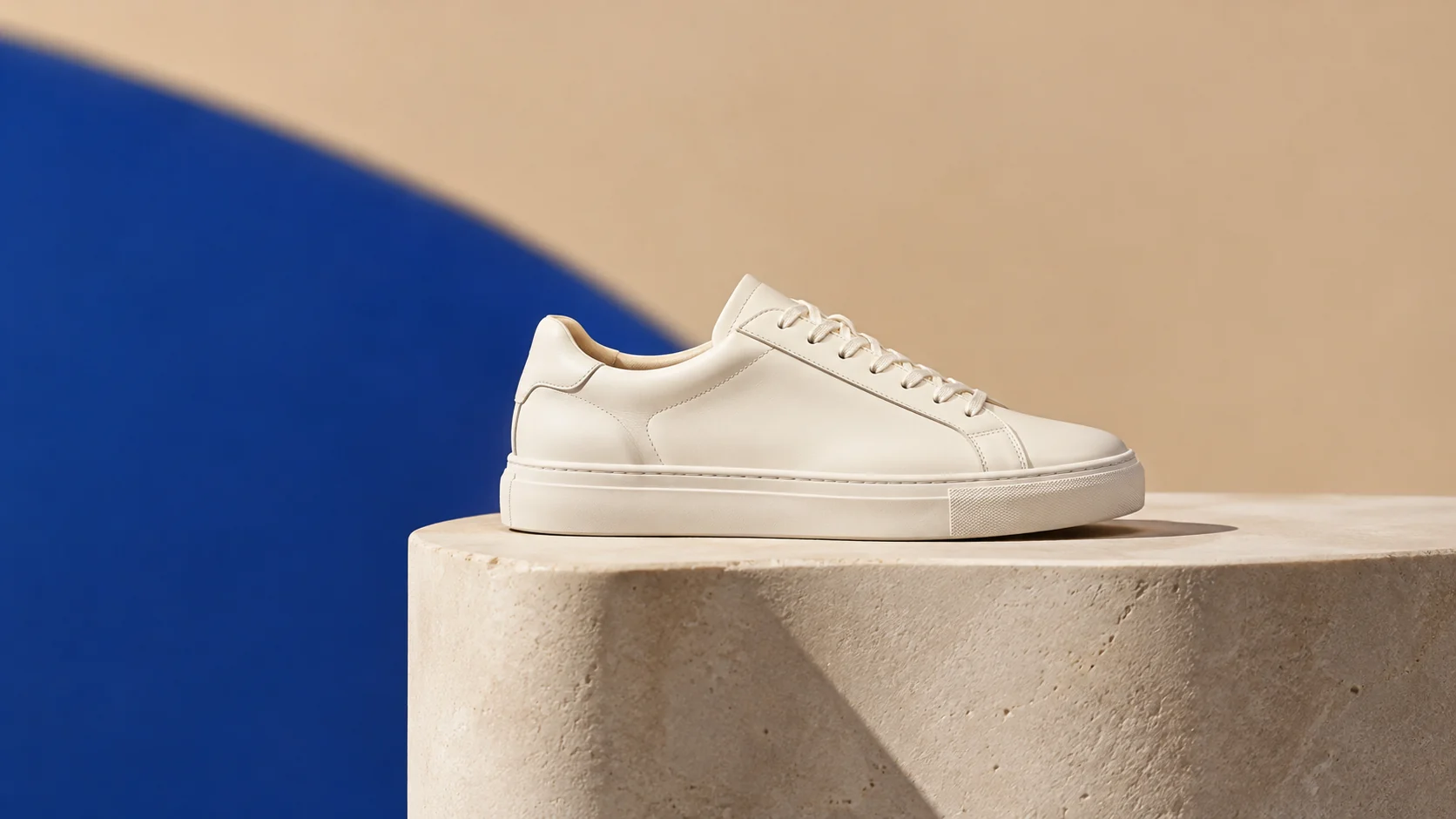 AI Ecommerce Background Generator for Product ListingsReplace cluttered backgrounds with clean studio scenes, seasonal sets, and platform-ready product visuals.
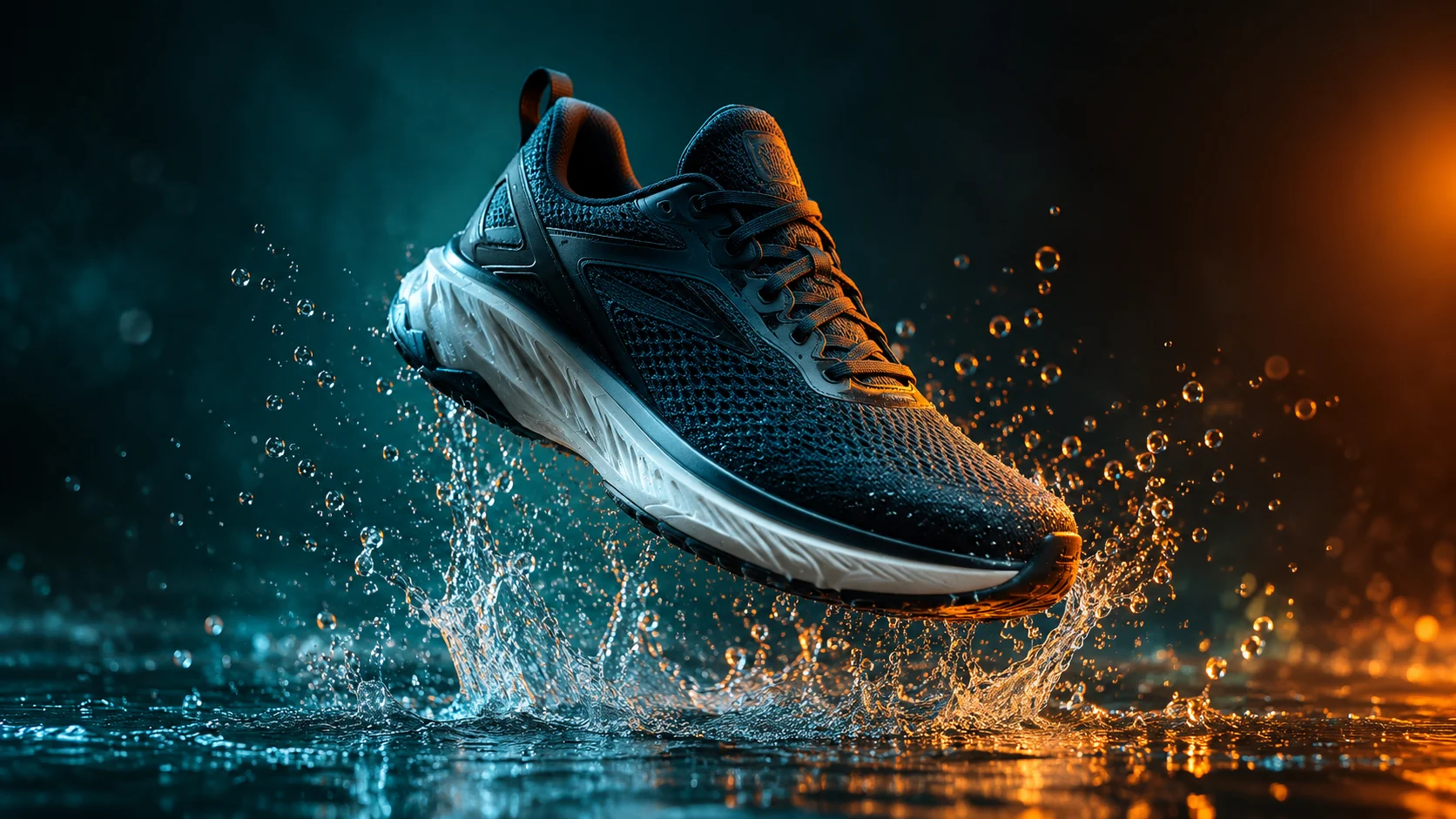 AI Product Video Generator from a Single PhotoAnimate a product photo into a short campaign clip with controlled camera motion, lighting, and duration.
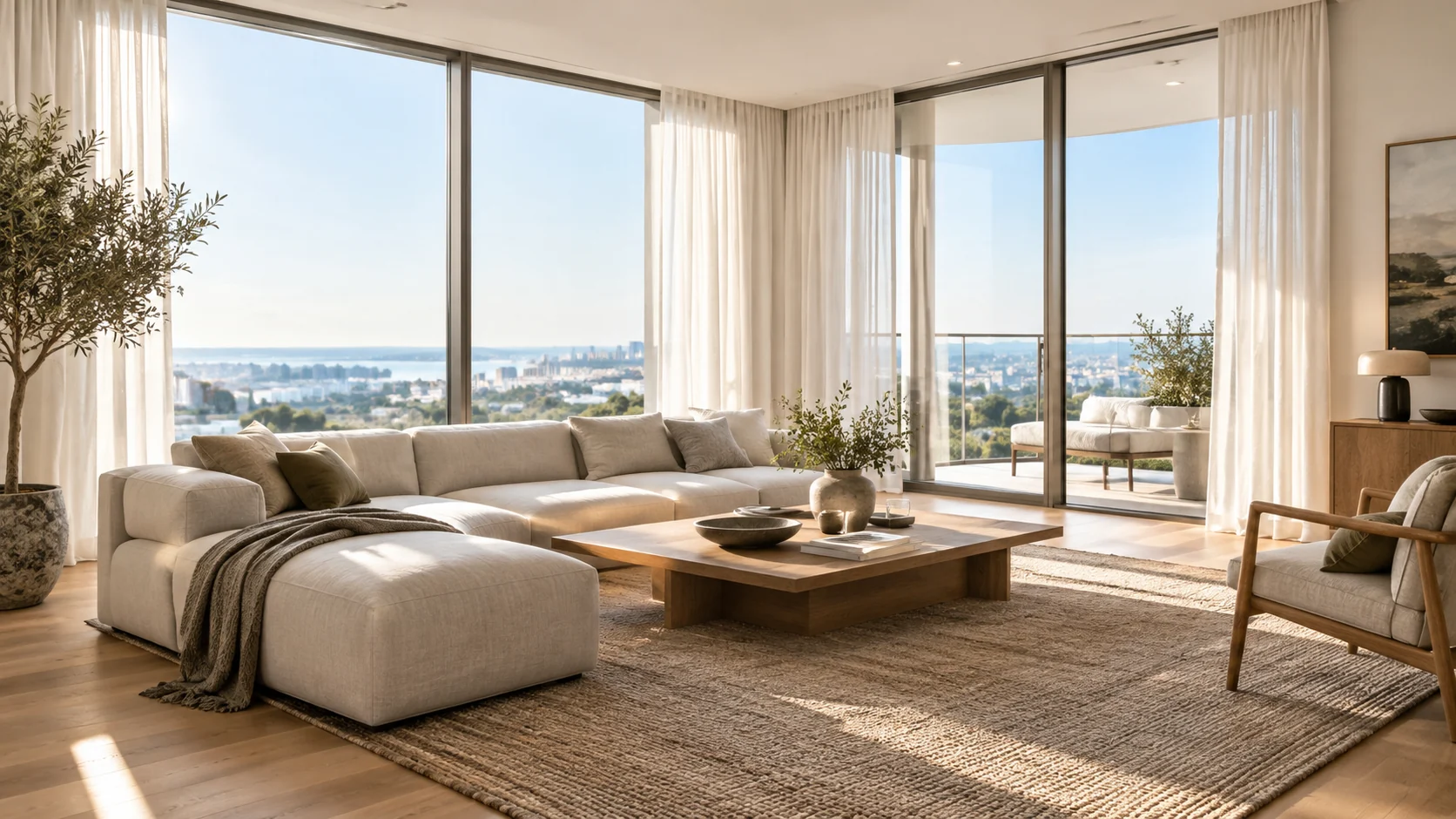 AI Real Estate Photo Editor for Listing-Ready InteriorsImprove listing photos with AI: brighten rooms, remove distractions, add furnishing previews, and test cleaner interior directions.
Ready when the idea is clear
Keep the path short: generate a draft, move promising prompts into the workspace, then upgrade only when a batch needs more credits.