Keep the pet recognizable
Protect fur markings, eye color, face shape, and the details that make the animal yours.
Uploaded Images
No images yet
Get started with these simple steps
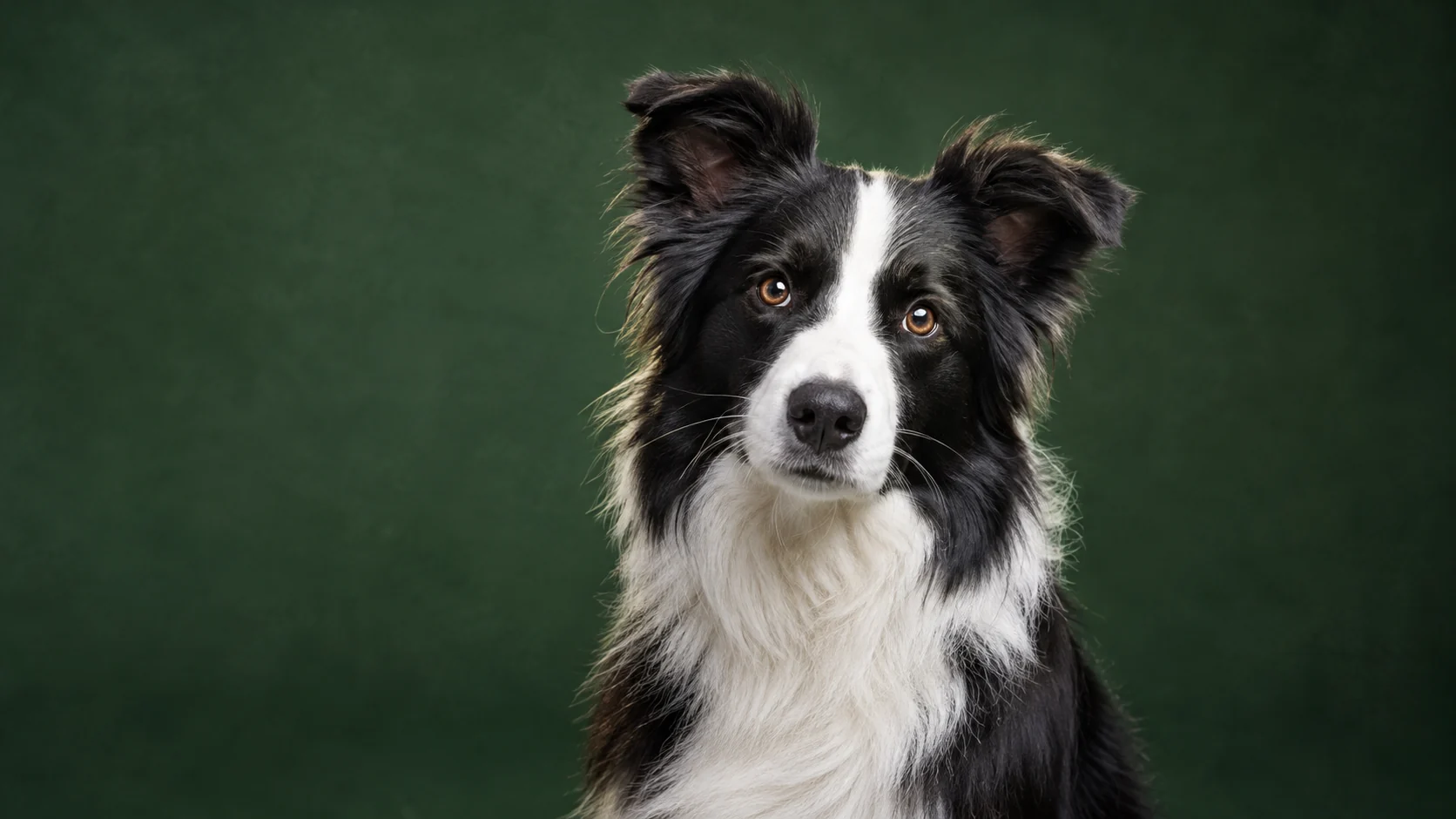
Pet Portrait Generator
Pets are difficult studio subjects because their expression changes quickly. A familiar phone photo can still be a strong starting point when the face, markings, and fur color are clear.
The model should keep the animal species, face, markings, and anatomy while changing the lighting and setting. Ask for one clean portrait direction before trying costumes or elaborate scenes.
Inspect eyes, paws, ears, collar details, and the number of animals in the output. If the result changes the pet too much, return to the source and simplify the prompt.
Pet portrait workflow
Keep your pet recognizable while changing the backlight, background, and studio mood around them.
Protect fur markings, eye color, face shape, and the details that make the animal yours.
Create a cleaner portrait mood without requiring a real studio session.
Move from a couch photo to a solid color backdrop, an autumn set, or a bright editorial scene.
Prompt against extra limbs, duplicated paws, and unnecessary props, then inspect the result.
Use the uploaded pet photo as the primary reference. Preserve the breed, fur color and markings, eye color, facial shape, and natural anatomy. Create a professional studio portrait with a deep green seamless backdrop, soft key light, subtle rim light, and realistic fur texture. Keep one pet only and keep the eyes and paws natural.
Keep the pet recognizable and place it in a quiet autumn editorial scene with warm amber leaves, soft late-afternoon light, and a shallow depth of field. Preserve the original expression and markings. Add no people, extra animals, text, or costume elements that cover the face.
Preserve the animal and create a clean product-style pet portrait on a warm cream set with a low stone pedestal and one soft shadow. Use bright commercial lighting, realistic fur detail, and a composed horizontal frame. Do not change the species, add a second pet, or make the pose physically impossible.
Example uses
Make a polished portrait for a rescue listing, social profile, or family wall print.
Create a thoughtful visual gift from a favorite photo of a pet.
Build a more controlled pet photo direction for a pet-care or lifestyle brand when you have image rights.
Prepare poster, social, thumbnail, and presentation concepts where copy placement and composition both matter.
Adapt one creative idea into multiple languages, ratios, and channel-ready variations.
Workflow
Choose an image where the eyes, markings, and body shape are visible and not heavily blurred.
Include breed, fur colors, markings, eye color, and the exact pose that should remain.
Check paws, eyes, ears, and the number of animals before using the portrait.
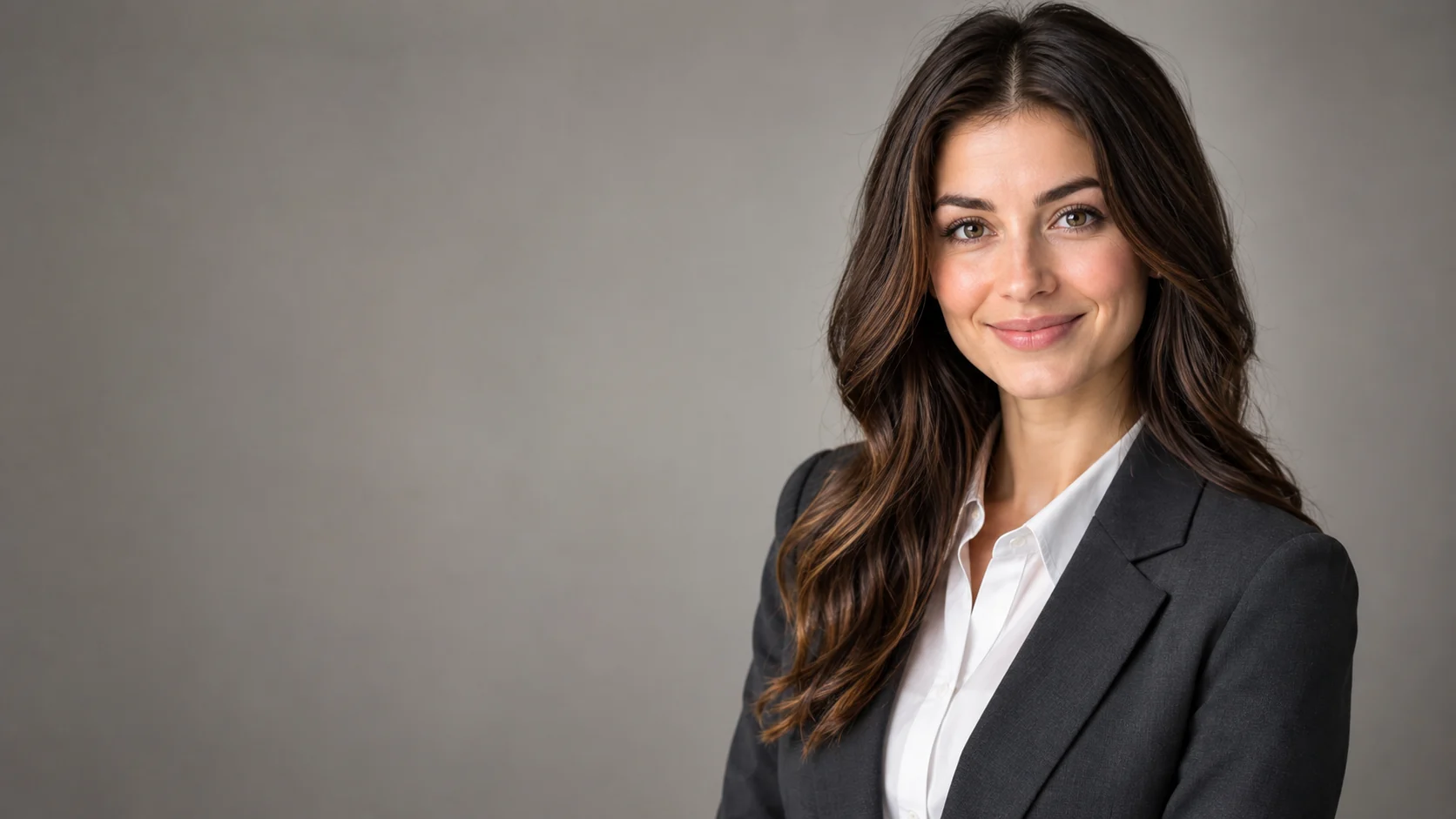 AI Headshot Editor for Natural Professional PortraitsPolish a portrait into a professional headshot with clean lighting, wardrobe direction, and identity-preserving edits.
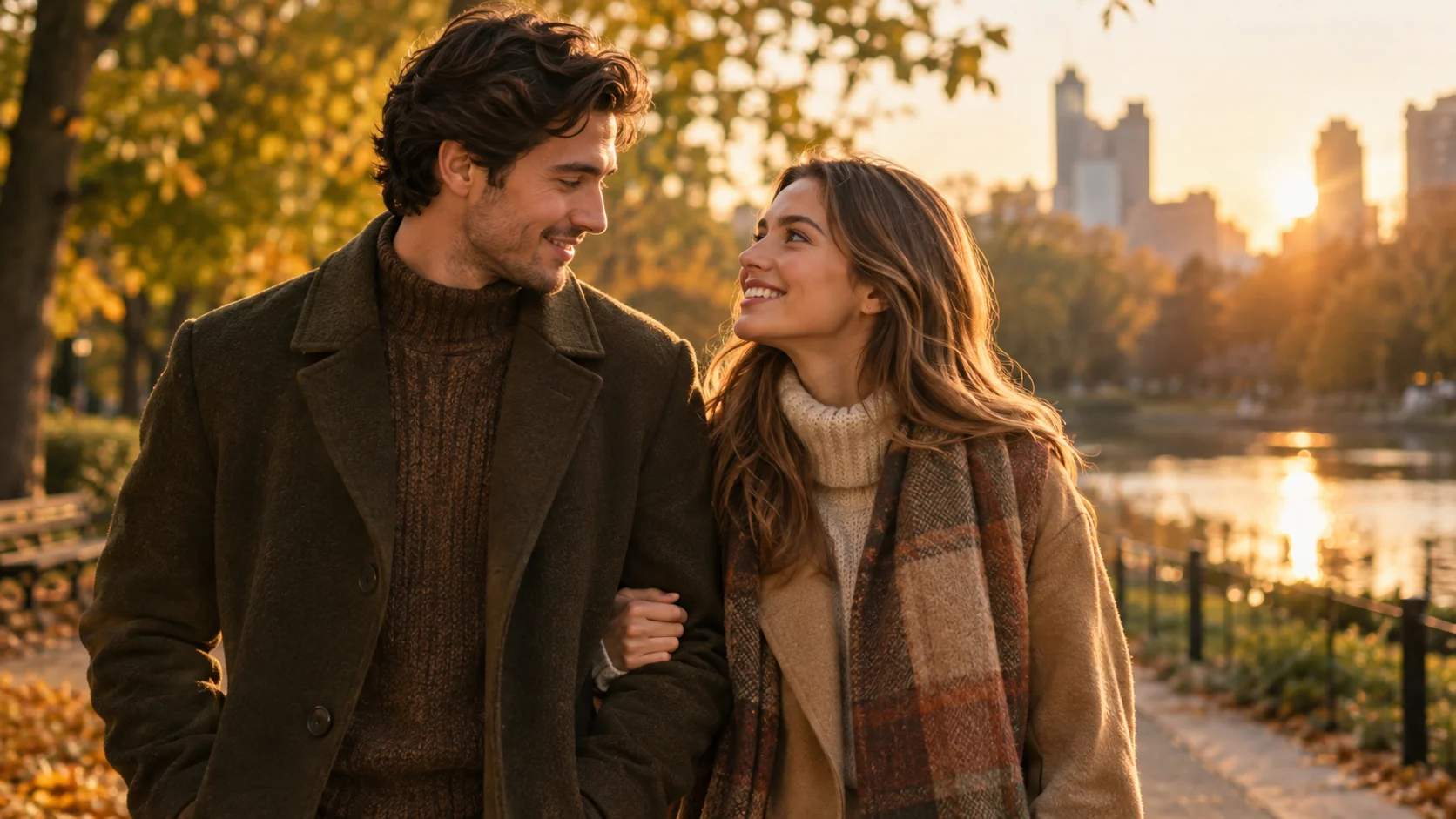 AI Couple Photo Generator for Matching PortraitsCreate a coordinated couple portrait from two photos with consistent lighting, styling, and a shared scene.
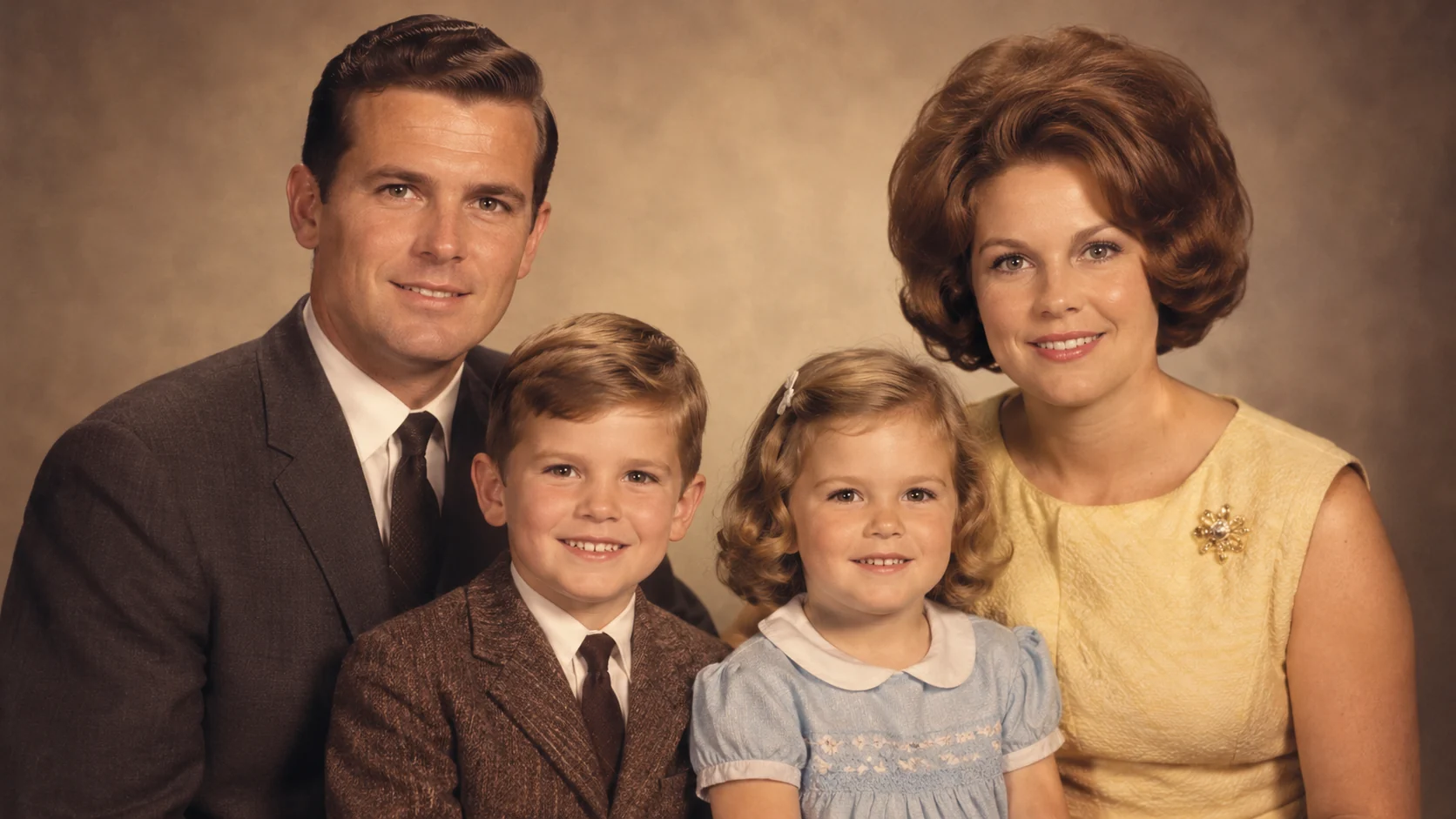 AI Old Photo Restorer for Scratches, Fading, and BlurRestore old family photos with AI: reduce scratches, recover faded color, improve clarity, and preserve a natural archival look.
Ready when the idea is clear
Keep the path short: generate a draft, move promising prompts into the workspace, then upgrade only when a batch needs more credits.